Ⅰ. 插件描述
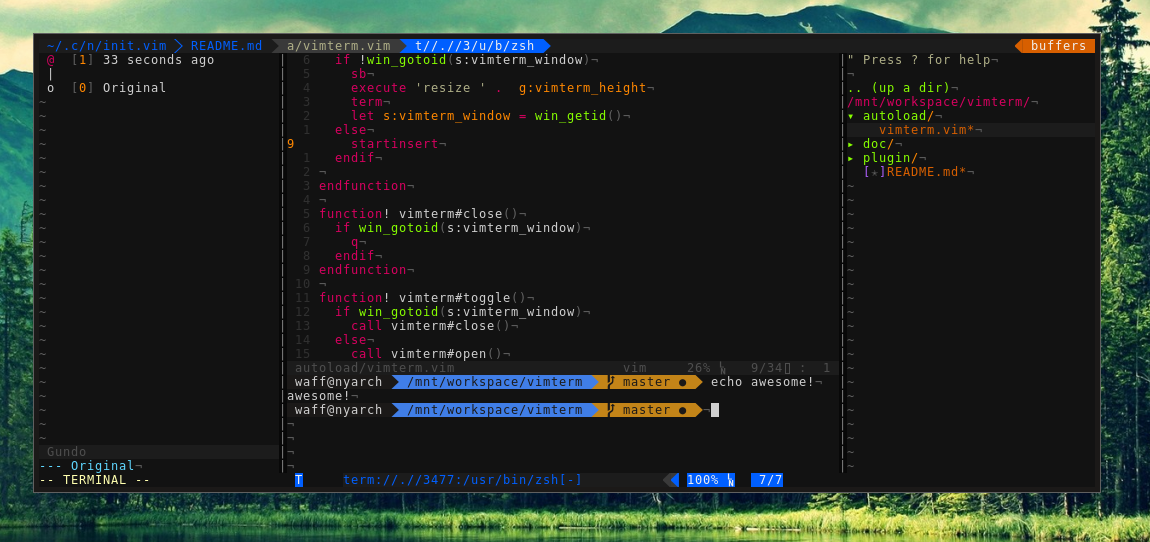
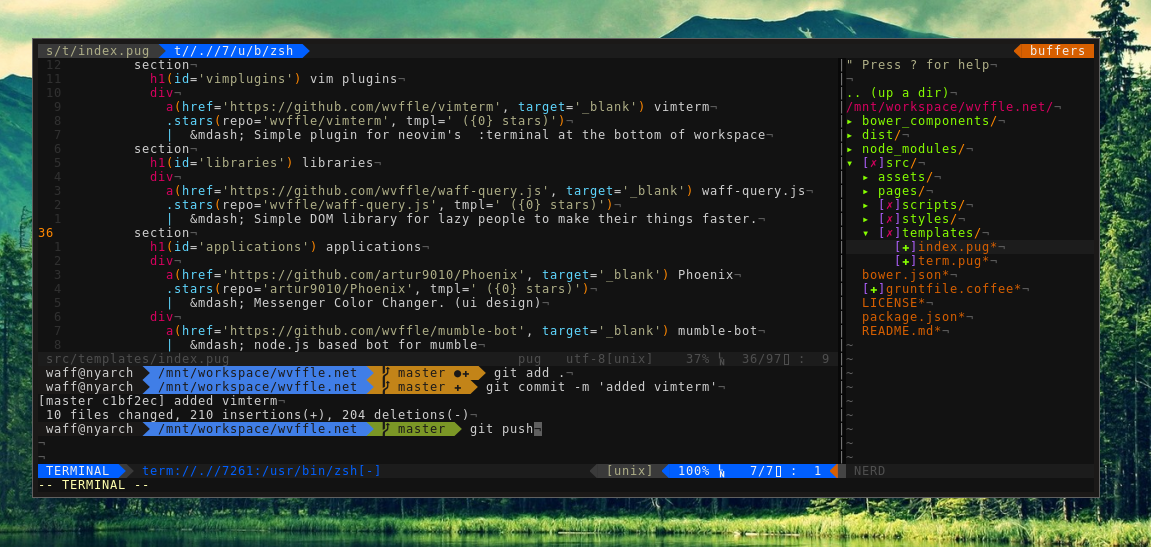
Simple :terminal at the bottom of workspace for neovimⅡ. 基本信息
|
Ⅲ. 安装方法
使用Vundle管理器安装
在你的.vimrc下添加:Plugin 'wvffle/vimterm':source %
:PluginInstall对于Vundle版本 < 0.10.2,请用上面的Bundle替换Plugin。
使用NeoBundle管理器安装
在你的.vimrc下添加:NeoBundle 'wvffle/vimterm':source %
:NeoBundleInstall使用VimPlug管理器安装
在你的.vimrc下添加:Plug 'wvffle/vimterm':source %
:PlugInstall使用Pathogen管理器安装
在终端中运行以下命令:cd ~/.vim/bundle
git clone https://github.com/wvffle/vimtermⅣ. 文档说明
# vimterm
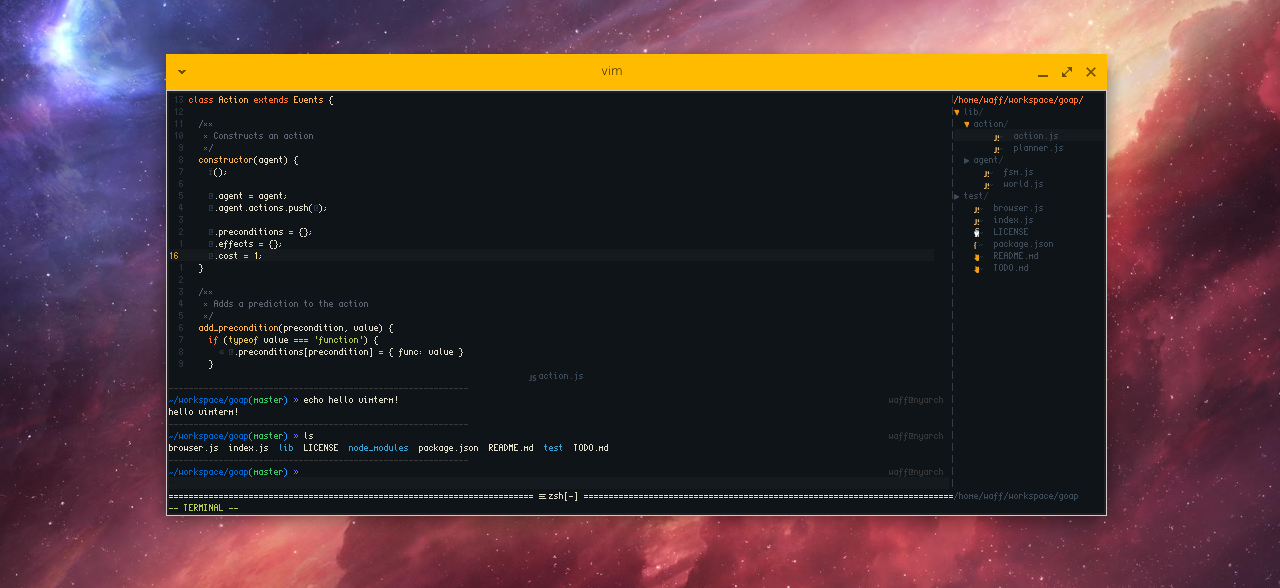
vimterm provides simple window with neovim's :terminal at the bottom of the screen.
But why? That's a good question. vimterm lets you operate with your files and have a single terminal window attached to the bottom of your workspace.
For example, you can create a mapping to compile c++ programs with g++ without leaving your best editor.
Example mappings could look like this:
nnoremap <silent> <F4> :call vimterm#run('g++  -o /tmp/out' . expand('%')) <CR>
nnoremap <silent> <F5> :call vimterm#exec('/tmp/out') <CR>

nnoremap <F7> :call vimterm#toggle() <CR>
tnoremap <F7> <C-\><C-n>:call vimterm#toggle() <CR>
installation
Basically it's the same as every other plugin, so you can use dein for that:
call dein#add('wvffle/vimterm')screenshots