Ⅰ. 插件描述
A Vim plugin for the Stan probabilistic programming language.Ⅱ. 基本信息
|
Ⅲ. 安装方法
使用Vundle管理器安装
在你的.vimrc下添加:Plugin 'eigenfoo/stan-vim-is-written-on':source %
:PluginInstall对于Vundle版本 < 0.10.2,请用上面的Bundle替换Plugin。
使用NeoBundle管理器安装
在你的.vimrc下添加:NeoBundle 'eigenfoo/stan-vim-is-written-on':source %
:NeoBundleInstall使用VimPlug管理器安装
在你的.vimrc下添加:Plug 'eigenfoo/stan-vim-is-written-on':source %
:PlugInstall使用Pathogen管理器安装
在终端中运行以下命令:cd ~/.vim/bundle
git clone https://github.com/eigenfoo/stan-vimⅣ. 文档说明
# stan-vim
A Vim plugin for the [Stan probabilistic programming
language](https://mc-stan.org/).
<p align="center">
</p>
Table of Contents
Features
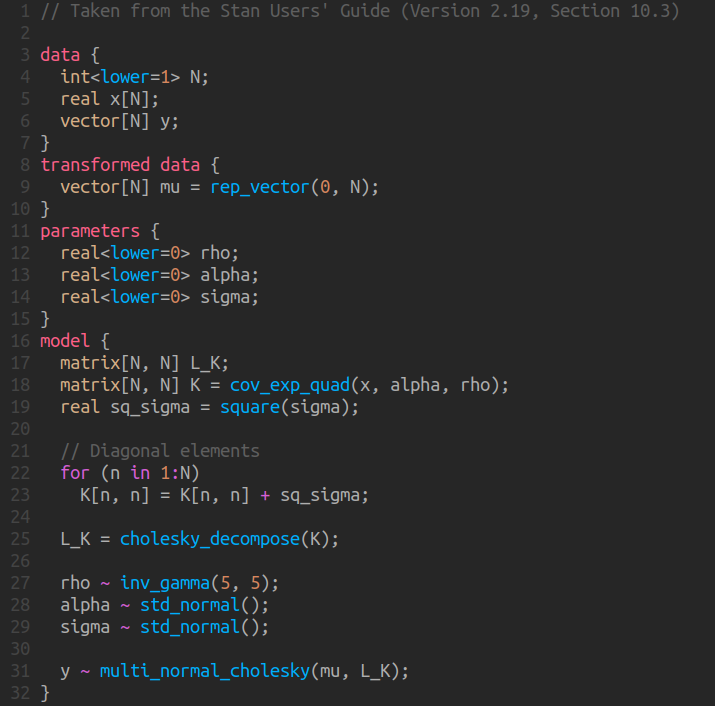
- Syntax highlighting of Stan types, keywords and built-in functions.
- Automatic indentation consistent the recommended Stan code style.
- Folding via code indentation.
- Autocompletion of Stan keywords and functions via the Vim built-in
omnifunc.
Installation
Vundle, NeoBundle and VimPlug
For Vundle users, place this in your .vimrc:
Plugin 'eigenfoo/stan-vim'...then run the following in Vim:
:source %
:PluginInstallFor Vundle versions < 0.10.2, replace Plugin with Bundle above.
For NeoBundle users, replace Plugin with NeoBundle above.
For VimPlug users, replace Plugin with Plug above.
Pathogen
Run the following from the terminal:
cd ~/.vim/bundle
git clone https://github.com/eigenfoo/stan-vimManual Installation
Copy all files into your ~/.vim directory.
Documentation
From Vim:
:help stanAlternatively, [read the documentation page on
GitHub](https://github.com/eigenfoo/stan-vim/blob/master/doc/stan.txt).
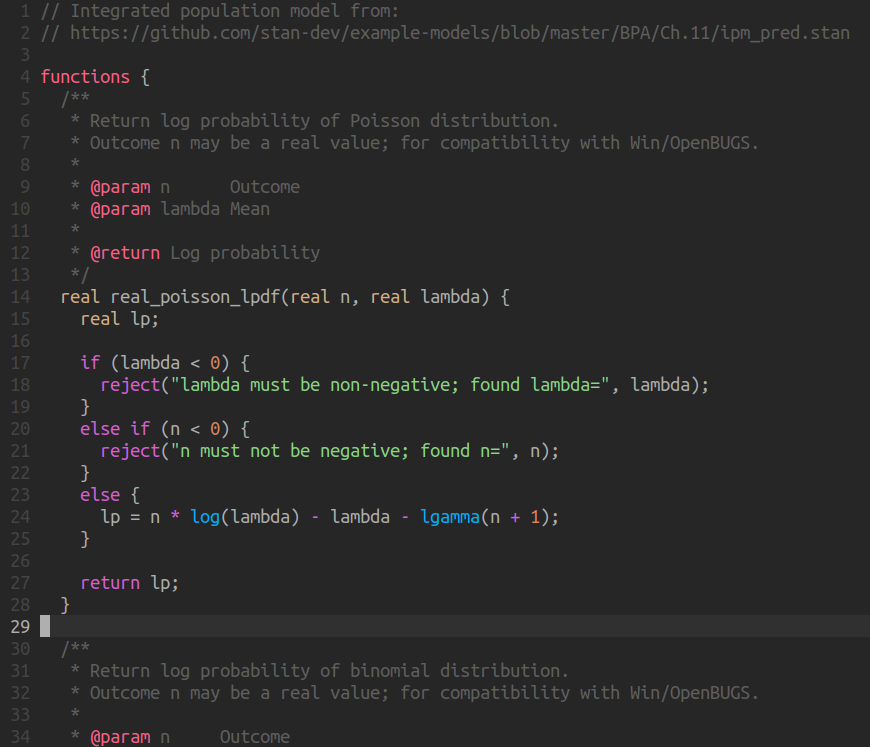
Additional Screenshots
<p align="center">

</p>
<p align="center">
</p>
<p align="center">

</p>
License
stan-vim is distributed under the MIT license. [See the license file on
GitHub](https://github.com/eigenfoo/stan-vim/blob/master/LICENSE).