Ⅰ. 插件描述
Vim Less syntax highlightingⅡ. 基本信息
|
Ⅲ. 安装方法
使用Vundle管理器安装
在你的.vimrc下添加:Plugin 'genoma/vim-less-come-back-be-here':source %
:PluginInstall对于Vundle版本 < 0.10.2,请用上面的Bundle替换Plugin。
使用NeoBundle管理器安装
在你的.vimrc下添加:NeoBundle 'genoma/vim-less-come-back-be-here':source %
:NeoBundleInstall使用VimPlug管理器安装
在你的.vimrc下添加:Plug 'genoma/vim-less-come-back-be-here':source %
:PlugInstall使用Pathogen管理器安装
在终端中运行以下命令:cd ~/.vim/bundle
git clone https://github.com/genoma/vim-lessⅣ. 文档说明
vim-less
Now included in Vim 7.4.567 or later
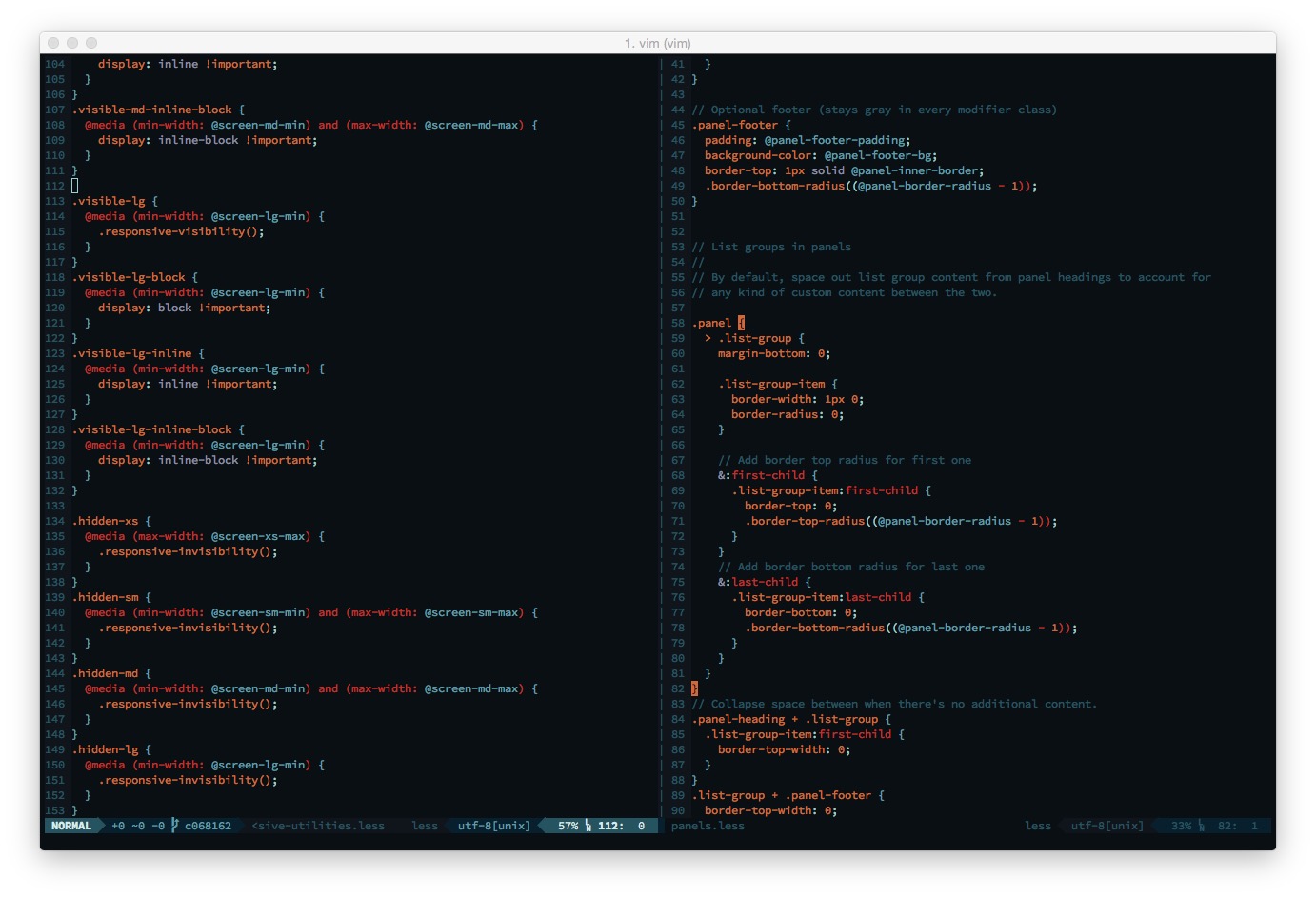
Tim Pope vim-haml fork to highlight Less syntax correctly.
Installing
Using Vundle, add this to your .vimrc file:
Bundle 'genoma/vim-less'
Using Pathogen clone this repository in '~/.vim/bundle':
$ cd ~/.vim/bundle$ git clone https://github.com/genoma/vim-less.git
:warning: Mandatory Dependencies :warning:
For the syntax files to work correctly you need to install the latest CSS runtime files from Jules Wang repository
Contributing
If you find yourself having some free time on your hands and want to contribute, I strongly encourage you to do so.
License
This package is distributed under the Vim license.
See LICENSE.md for more details.