Ⅰ. 插件描述
Vim8 plugin to manage a queue of background commandsⅡ. 基本信息
|
Ⅲ. 安装方法
使用Vundle管理器安装
在你的.vimrc下添加:Plugin 'drblallo/asyncqueue':source %
:PluginInstall对于Vundle版本 < 0.10.2,请用上面的Bundle替换Plugin。
使用NeoBundle管理器安装
在你的.vimrc下添加:NeoBundle 'drblallo/asyncqueue':source %
:NeoBundleInstall使用VimPlug管理器安装
在你的.vimrc下添加:Plug 'drblallo/asyncqueue':source %
:PlugInstall使用Pathogen管理器安装
在终端中运行以下命令:cd ~/.vim/bundle
git clone https://github.com/drblallo/asyncqueueⅣ. 文档说明
# Async Queue
Collection of utilities used to simplify Vim external operations.
This is written in pure vimscript, so it should work on windows as well, but no tests were conducted.
Requires Vim 8 compiled with jobs.

Example
It often happens that you end up having a sequence of operations that must be performed one after the other only if each of the previous has succeded, and if any of those fails a buffer with the error must be open.
As an example you may need to compile a file in the current directory, and then, if it the compilation was compleated, run the output. If the compilation failed you wish to see the produced error, otherwise you only want to see the output of the second execution.
A solution would be to write an external script and then manually open the output, but this is annoying. Another one is to write a script in pure vimscript but this prevents Vim to operate until make has compleated his task, and it could take a while.
With Async Queue you can solve the problem in just a few lines. Define a function as follow
function! CompileAndRun()
    "run make in the background
    let l:index = AQAppend("!g++ main.cpp -o output")

    "open error file if the previous command has failed, abort otherwise
    call AQAppendOpenError(0, l:index)

    "run tests if the first command has succeded, abort otherwise
    let l:index = AQAppendCond("!./build/bin/test", 1, l:index)

    "open output if previous operation was not aborted
    call AQAppendOpen(1, l:index)
endfunction
Here is a video of the example.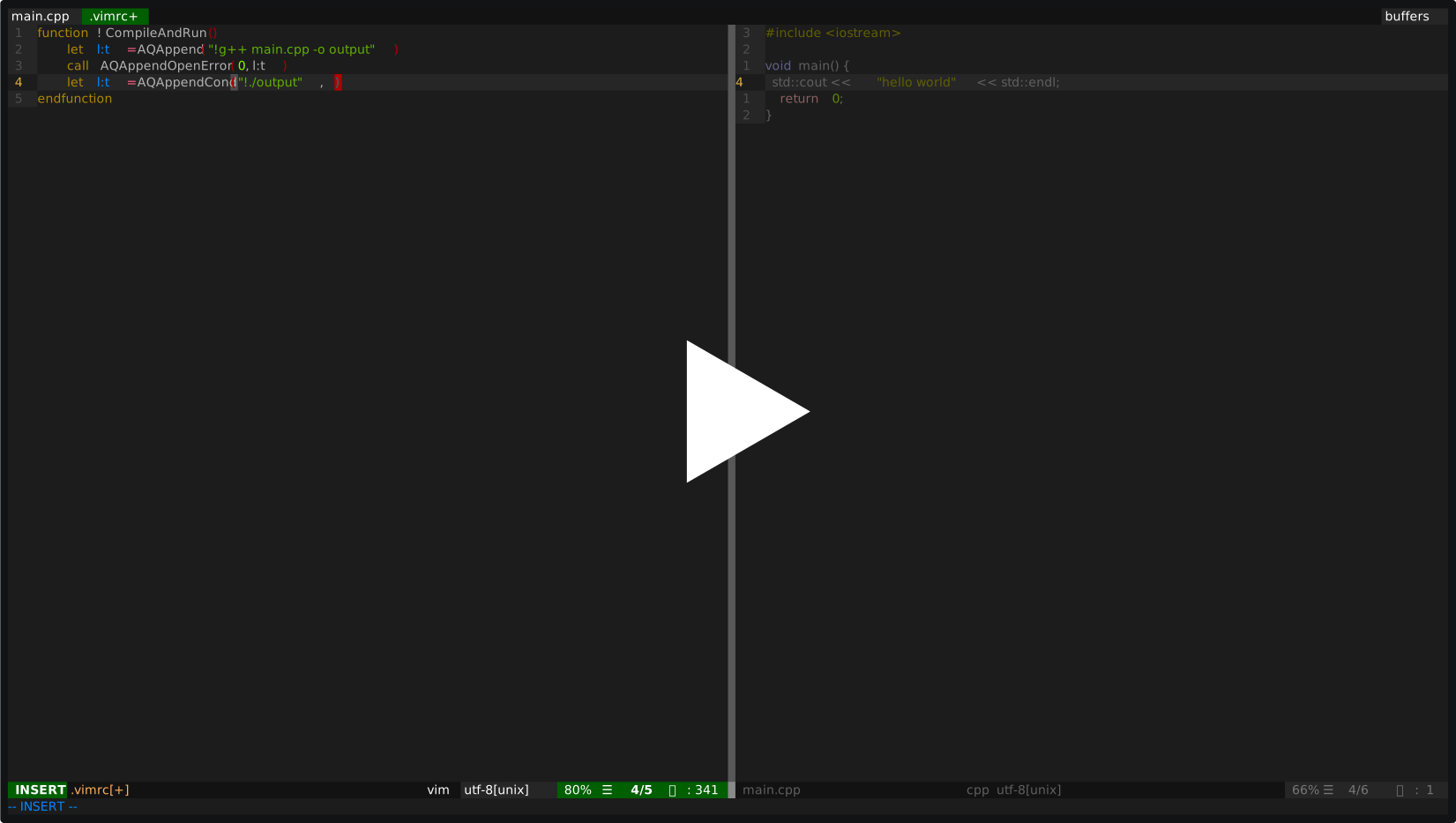
Now you just use "call MakeAndTest()", or you can assign a command, or a short cut to that function to launch the operations in the background.
Usefull Commands
All commands description can be visited by invoking :help AQCommands
AQHistory Shows you the history of background tasks.
AQKill Kills the current pending background task.
AQClean Clears the history
AQOpen Opens the stdout of the compleated background task under the cursor
AQOpenErrorOpen the stderr of the compleated background task under the cursor
AQRunAgainRun the command under the cursor again, you must be in the history page
AQRunInTermRun the command under the cursor again, you must be in the history page.
The output is sent to a new window. Vim must be compiled with the terminal flag.
Usefull Functions
All commands description can be visited by invoking :help AQFunctions
AQAppend(<command>)Executes the provided command, if it starts with "!" then it will be executed as a terminal command. Otherwise it will be executed internally after all the other ones have been compleated.
AQAppendOpen([<cond>], [<target>])If target was not provided then the command before this will be used as target. If no cond was provided then this will open the stdout file if target was not aborted. If cond was 1 then the file will be open only if target was succesfull. If cond was 0 then the file will be open only if the target was not succesfull and not aborted.
AQAppendOpenError([<cond>], [<target>])if target was not provided then the command before this will be used as target. If no cond was provided then this will open the stderr file if target was not aborted. If cond was 1 then the file will be open only if target was succesfull. If cond was 0 then the file will be open only if the target was not succesfull and not aborted.
AQAppendCond(<command>, [<cond>], [<target>])if target was not provided then the command before this will be used as target. If no cond was provided then this will executed commadn if target was not aborted. If cond was 1 then the command will be executed only if target was succesfull. If cond was 0 then the command will be executed only if the target was not succesfull and not aborted.
AQAppendAbort(<command>,<target>)Executes the command if target was aborted.
Installation
Vim-Plug
- Add
Plug 'drblallo/AsyncQueueto your vimrc file. - Reload your vimrc or restart
- Run
:PlugInstall
Vundle or similar
- Add
Plugin 'drblallo/AsyncQueue'to your vimrc file. - Reload your vimrc or restart
- Run
:BundleInstall
NeoBundle
- Add
NeoBundle 'drblallo/AsyncQueue'to your vimrc file. - Reload your vimrc or restart
- Run
:NeoUpdate
Pathogen
cd ~/.vim/bundle
git clone https://github.com/drblallo/AsyncQueue.git