Ⅰ. 插件描述
VIM mode indicator for bspwmⅡ. 基本信息
|
Ⅲ. 安装方法
使用Vundle管理器安装
在你的.vimrc下添加:Plugin 'kody-quintana/bspwm-border-color':source %
:PluginInstall对于Vundle版本 < 0.10.2,请用上面的Bundle替换Plugin。
使用NeoBundle管理器安装
在你的.vimrc下添加:NeoBundle 'kody-quintana/bspwm-border-color':source %
:NeoBundleInstall使用VimPlug管理器安装
在你的.vimrc下添加:Plug 'kody-quintana/bspwm-border-color':source %
:PlugInstall使用Pathogen管理器安装
在终端中运行以下命令:cd ~/.vim/bundle
git clone https://github.com/kody-quintana/bspwm_border_colorⅣ. 文档说明
# bspwm vim mode indicator
Vim plugin to show what mode vim is in by changing bspwm's active border color.
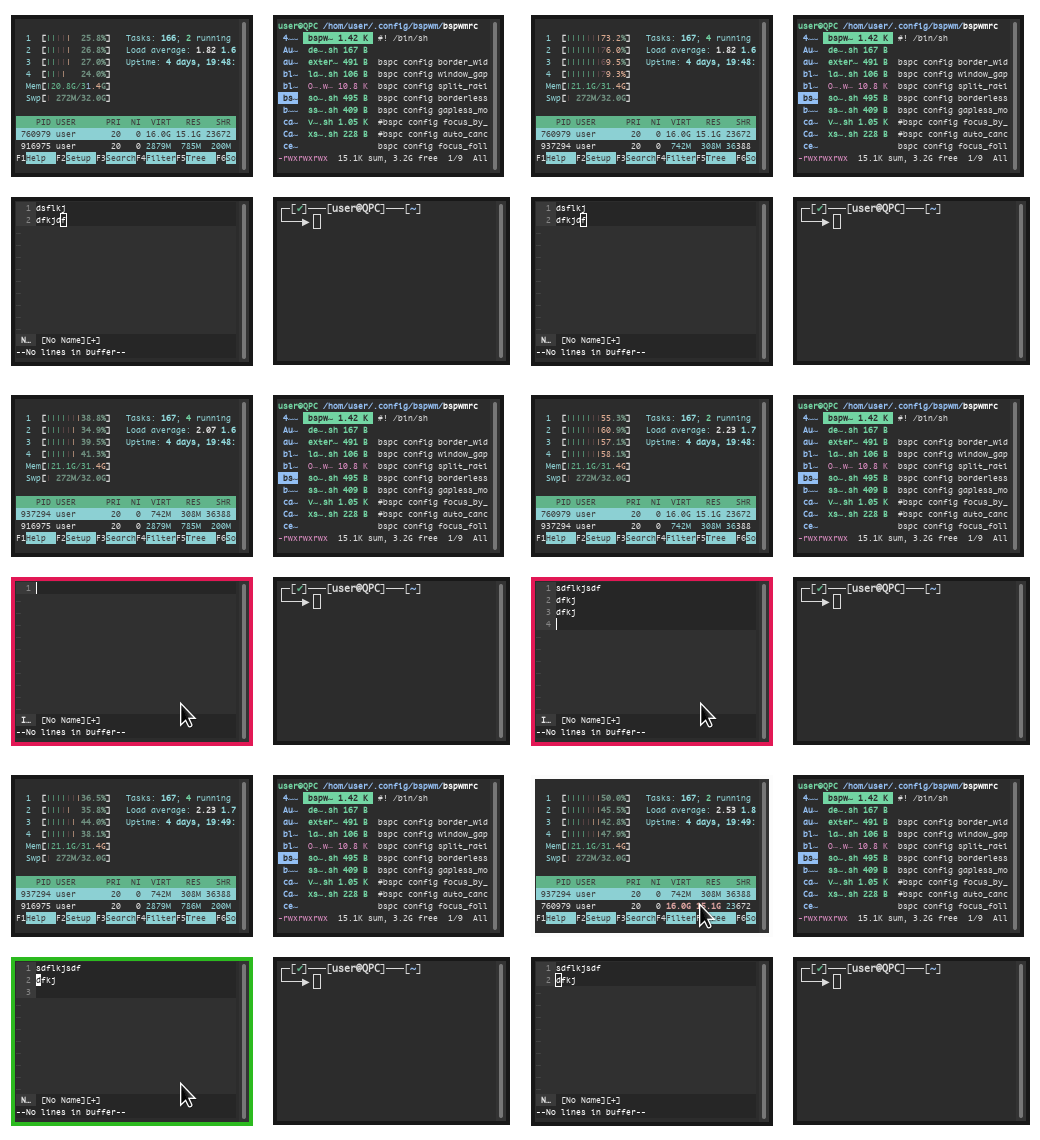
Installation
Add Plugin 'Kody-Quintana/bspwm_border_color' to ~/.vimrc
and run :PluginInstall or appropriate equivalent for your plugin manager.
Enabling FocusGained event
Regular vim in a terminal doesn't support the FocusGained event by default.
To enable it you will need a plugin.
I personally use amerlyq/vim-focus-autocmd.
Defining custom colors
Custom colors are defined with environment variables instead of vim variables.
To define a custom color export the appropriate variable in your .bashrc
with the hex color you want.
By default red is used for insert, and green for normal.
Note that the # symbol doesn't need to be escaped here.
export BSPWM_VIM_INSERT=#ffffff
export BSPWM_VIM_NORMAL=#ffffff
Compatibility with other bspwm custom colors
The listener script assumes that you are not using any other custom border colors for any other programs.
It resets the active border to the default for any other window that isn't vim.
If you are already managing custom colors of other programs you should disable this plugin's listener
script by adding the following to ~/.vimrc
let g:bspwm_listener = 0Alternatively if you already have a heavily customized setup, consider using the Minimal branch
which only includes the minimum boilerplate to change vim's border color (and is not a plugin).
Other Requirements
- xtitle