Ⅰ. 插件描述
Cobalt Color Scheme for VimⅡ. 基本信息
|
Ⅲ. 安装方法
使用Vundle管理器安装
在你的.vimrc下添加:Plugin 'gkjgh/cobalt-the-heights':source %
:PluginInstall对于Vundle版本 < 0.10.2,请用上面的Bundle替换Plugin。
使用NeoBundle管理器安装
在你的.vimrc下添加:NeoBundle 'gkjgh/cobalt-the-heights':source %
:NeoBundleInstall使用VimPlug管理器安装
在你的.vimrc下添加:Plug 'gkjgh/cobalt-the-heights':source %
:PlugInstall使用Pathogen管理器安装
在终端中运行以下命令:cd ~/.vim/bundle
git clone https://github.com/gkjgh/cobaltⅣ. 文档说明
## Cobalt Color Scheme for Vim
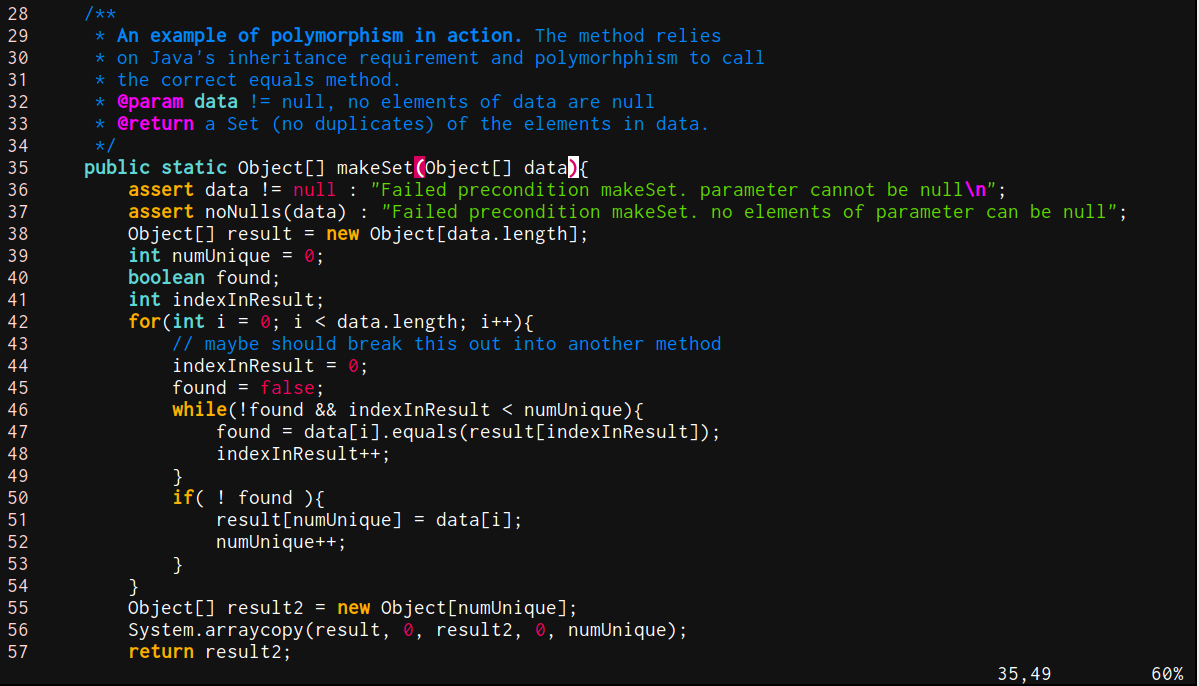
This color scheme is based on Arch Linux Mousepad cobalt color scheme, and is more colorful than the original. It is not only for programming, but also for system administration. Try vimdiff command or view some /etc/configFile with this theme.
The code is generated automaticly by Vivify.
Installation
1) Copy ".vim" file to ~/.vim/colors folder.
2) Use the command ":colorscheme cobalt" for temporarily changing.
Screenshot
GUI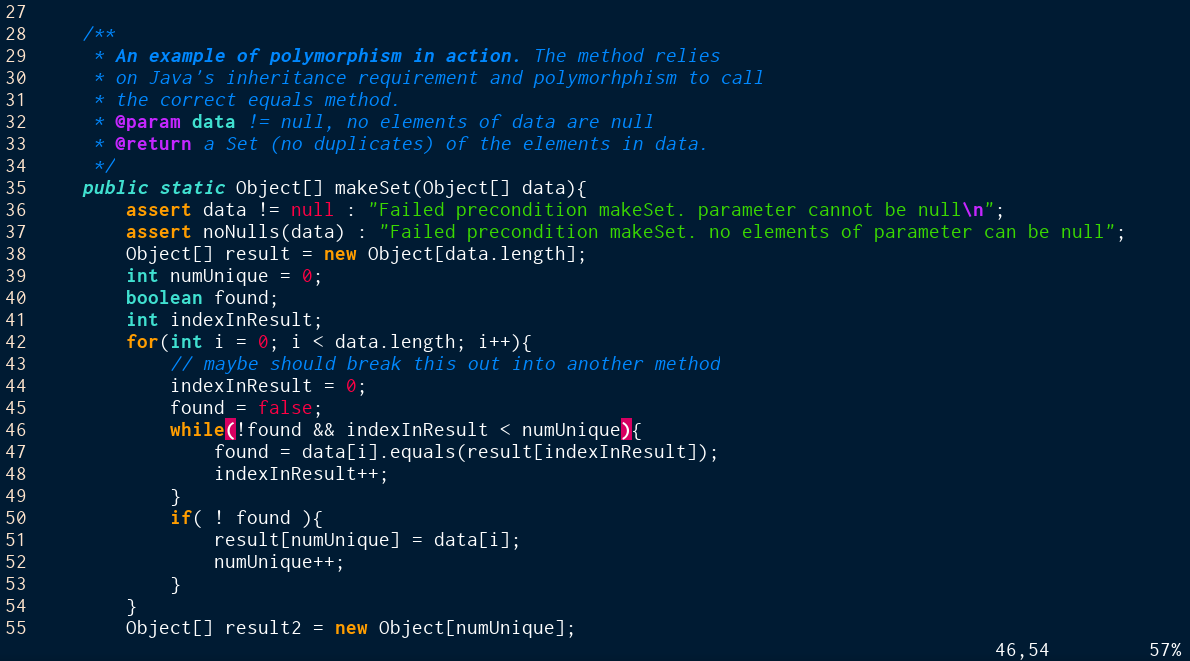
XTerm