Ⅰ. 插件描述
Ⅱ. 基本信息
|
Ⅲ. 安装方法
使用Vundle管理器安装
在你的.vimrc下添加:Plugin 'changyuheng/color-scheme-holokai-of-vim':source %
:PluginInstall对于Vundle版本 < 0.10.2,请用上面的Bundle替换Plugin。
使用NeoBundle管理器安装
在你的.vimrc下添加:NeoBundle 'changyuheng/color-scheme-holokai-of-vim':source %
:NeoBundleInstall使用VimPlug管理器安装
在你的.vimrc下添加:Plug 'changyuheng/color-scheme-holokai-of-vim':source %
:PlugInstall使用Pathogen管理器安装
在终端中运行以下命令:cd ~/.vim/bundle
git clone https://github.com/changyuheng/color-scheme-holokai-for-vimⅣ. 文档说明
# Color Scheme Holokai for Vim
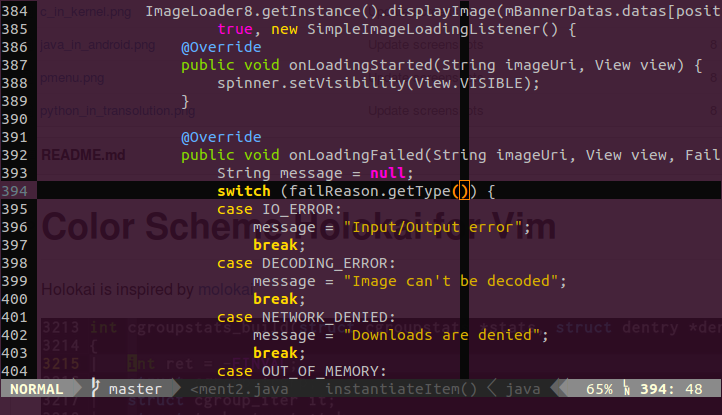
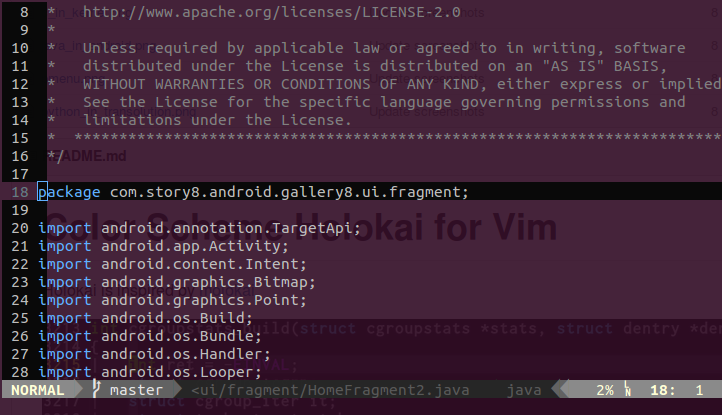
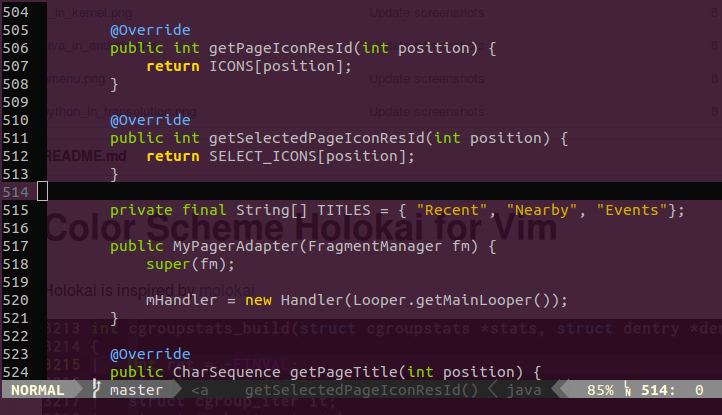
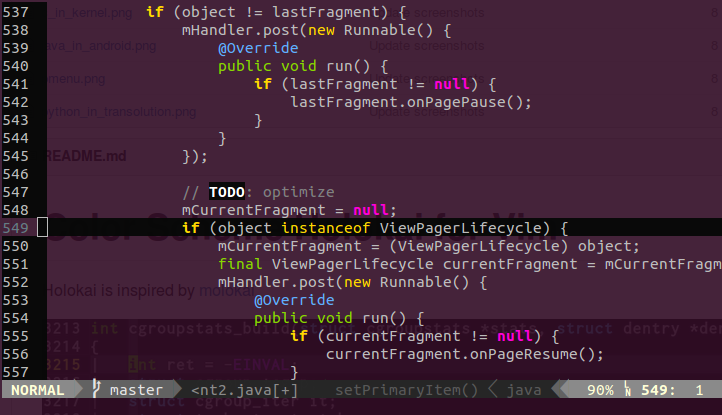
Holokai is inspired by molokai
Since I feel the contrast of molokai is too strong for eyes, I tweaked
some colors of it to become the first version of this.
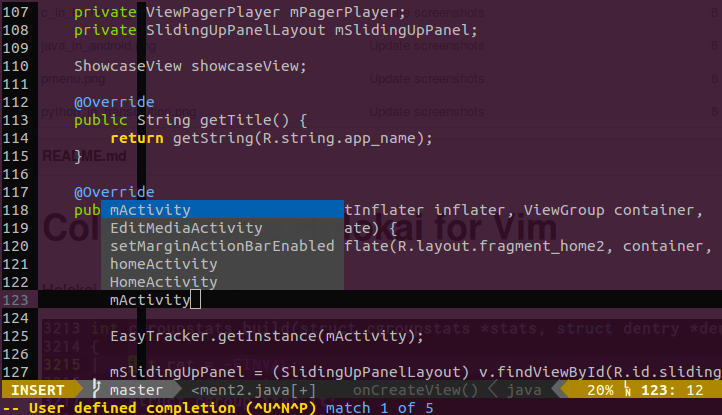
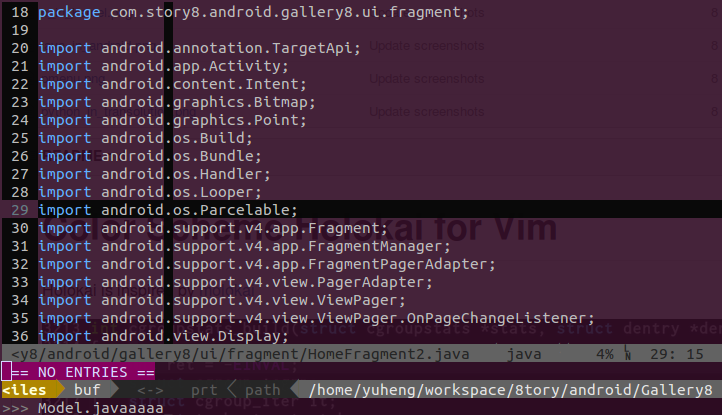
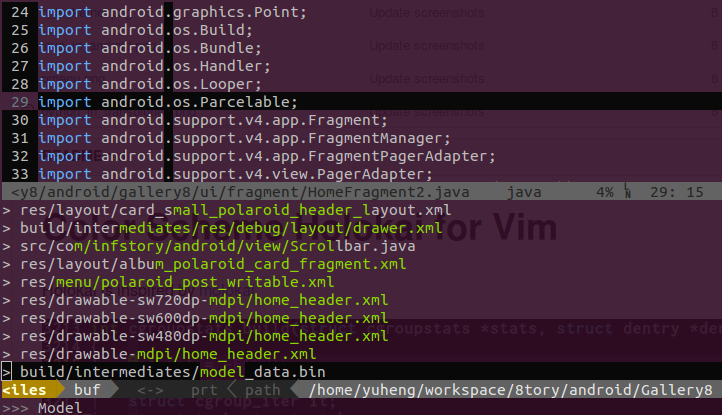
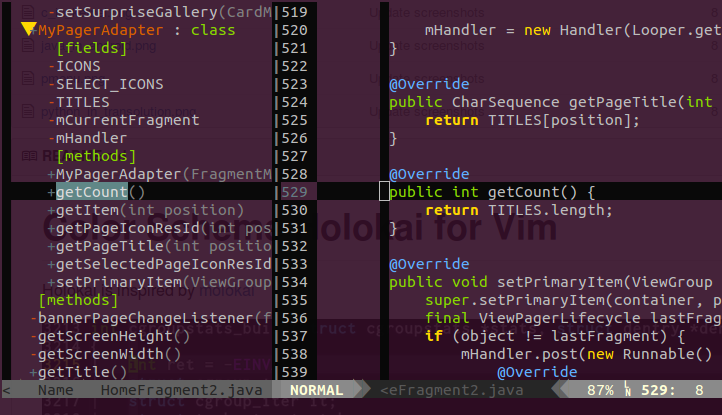
I think Holokai is the best dark theme for VIM on Ubuntu GNOME terminal, which
has a Ubuntu purple color background. Set it to a bit transparent would be
more comfortable.



Installation
Just copy the files to your .vim folder or use Vundle-like plug-in manager to
do so.
Note
To use this color scheme under x-terminal, you should enable 256 color support
in both x-terminal and vim and also screen/tmux if you have one.