Ⅰ. 插件描述
A full set of 1-, 8-, 16-, 88-, 256-, and GUI-color-compatible Vim colors.Ⅱ. 基本信息
|
Ⅲ. 安装方法
使用Vundle管理器安装
在你的.vimrc下添加:Plugin 'jsit/disco-vim':source %
:PluginInstall对于Vundle版本 < 0.10.2,请用上面的Bundle替换Plugin。
使用NeoBundle管理器安装
在你的.vimrc下添加:NeoBundle 'jsit/disco-vim':source %
:NeoBundleInstall使用VimPlug管理器安装
在你的.vimrc下添加:Plug 'jsit/disco-vim':source %
:PlugInstall使用Pathogen管理器安装
在终端中运行以下命令:cd ~/.vim/bundle
git clone https://github.com/jsit/disco.vimⅣ. 文档说明
# disco.vim
A full set of 1-, 8-, 16-, 88-, 256-, and GUI-color-compatible Vim colors. Aims to be bulletproof and obey terminal palette options and background setting if present.
Codebase derived from jsit/vim-tomorrow-theme (which was derived from chriskempson/vim-tomorrow-theme)
Options
g:disco_nobright: If set to1, don't use bright colors. Default0.g:disco_red_error_only: If set to1, only use the red color for
errors -- useful for terminal themes that intend to reserve this color for
that purpose, like Rainglow. Default 0.
Screenshots
These screenshots were made using iTerm2 with the specified
Color Presets, t_Co=256, and no Vim plugins
Monokai
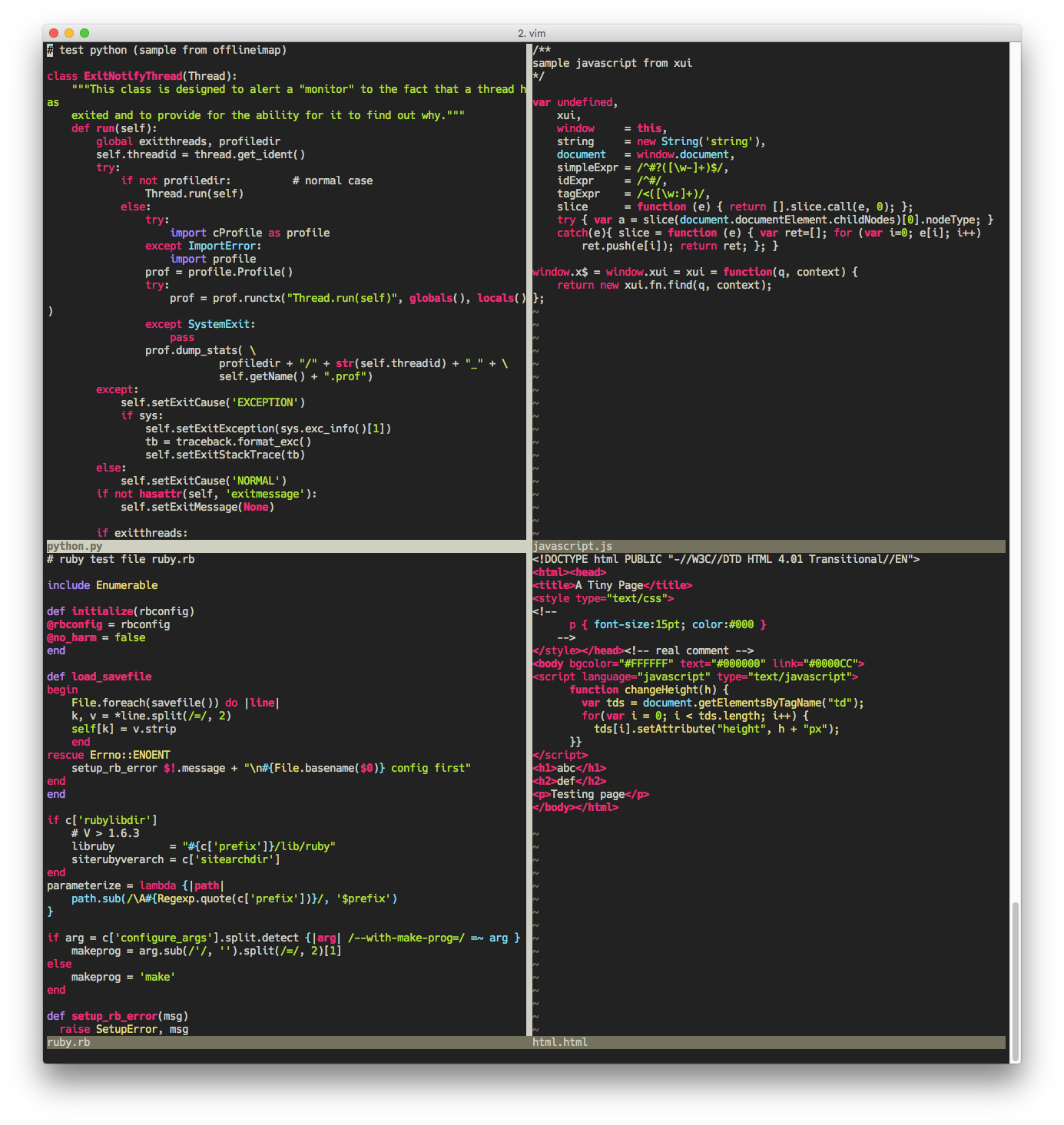
Base16 Railscasts Light
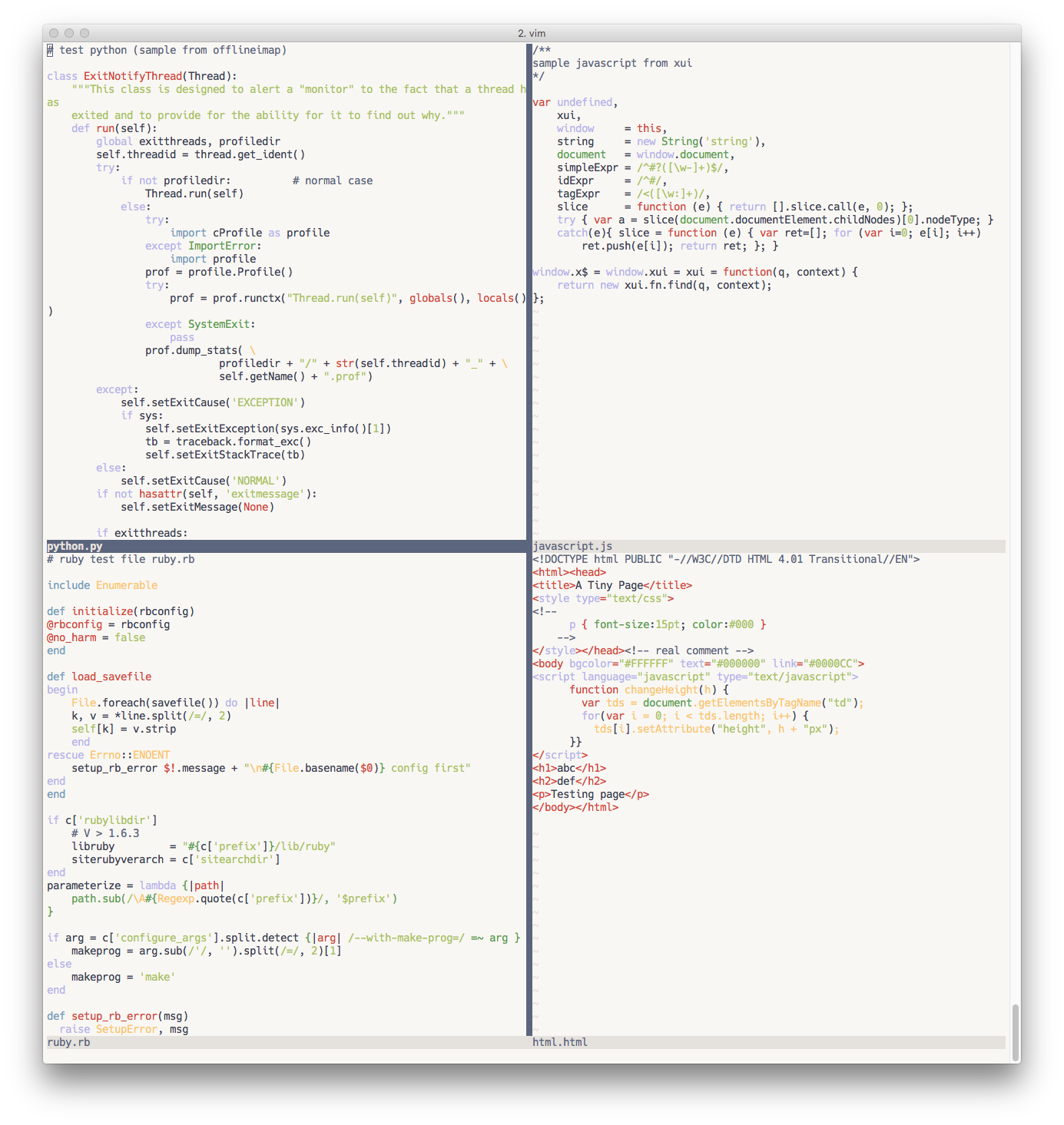
Base16 Railscasts Dark
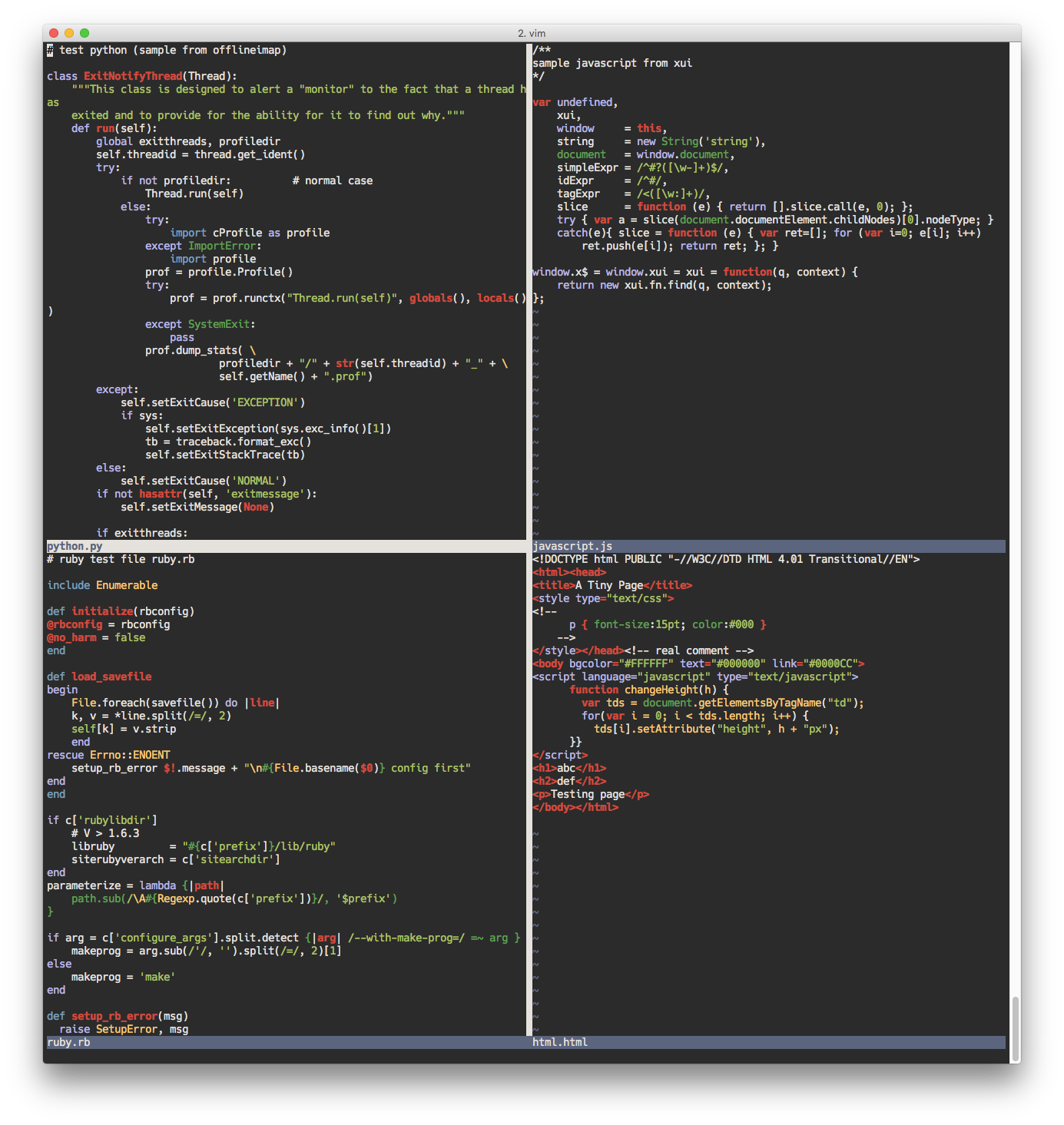
Base16 Tomorrow
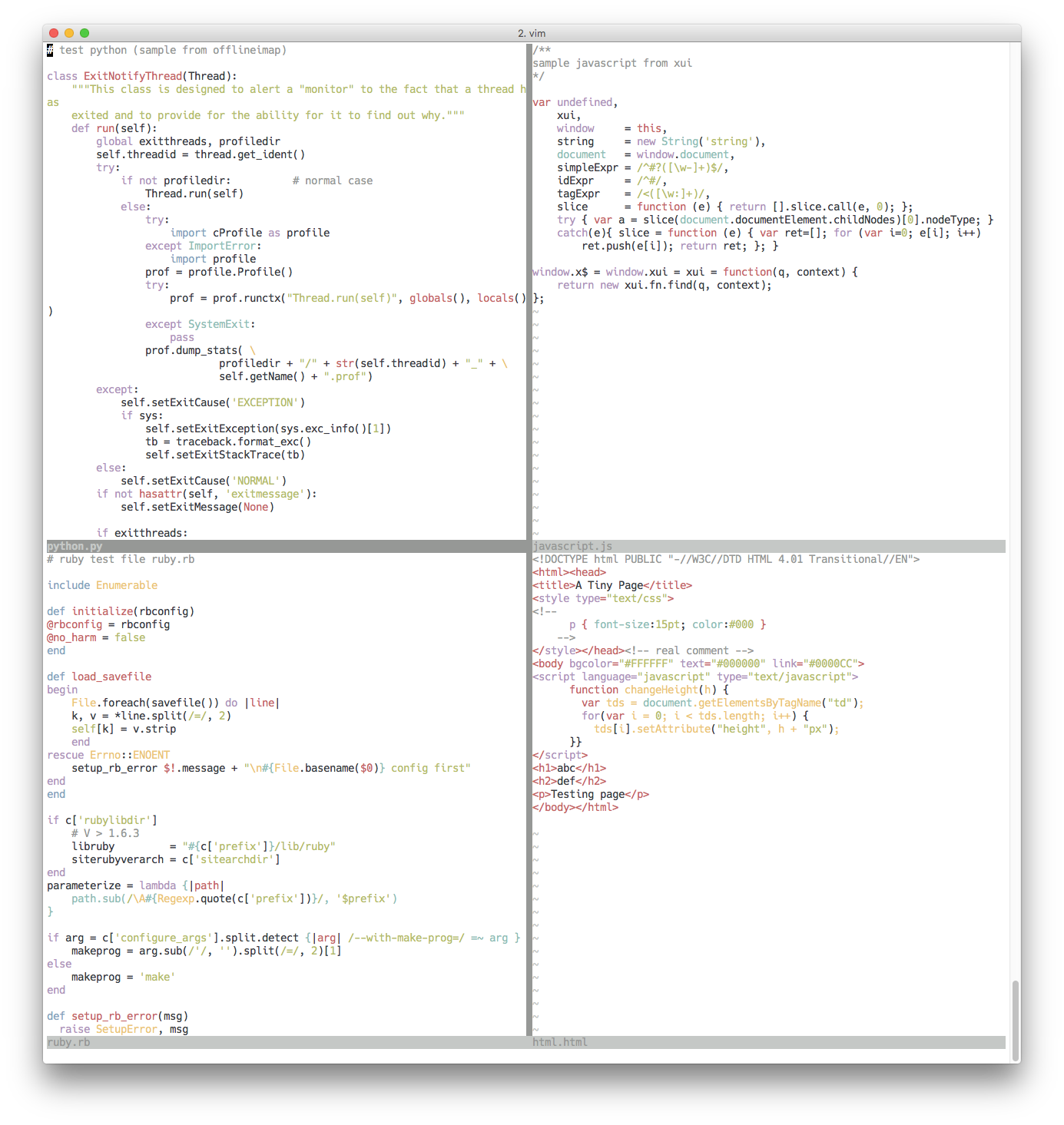
Solarized
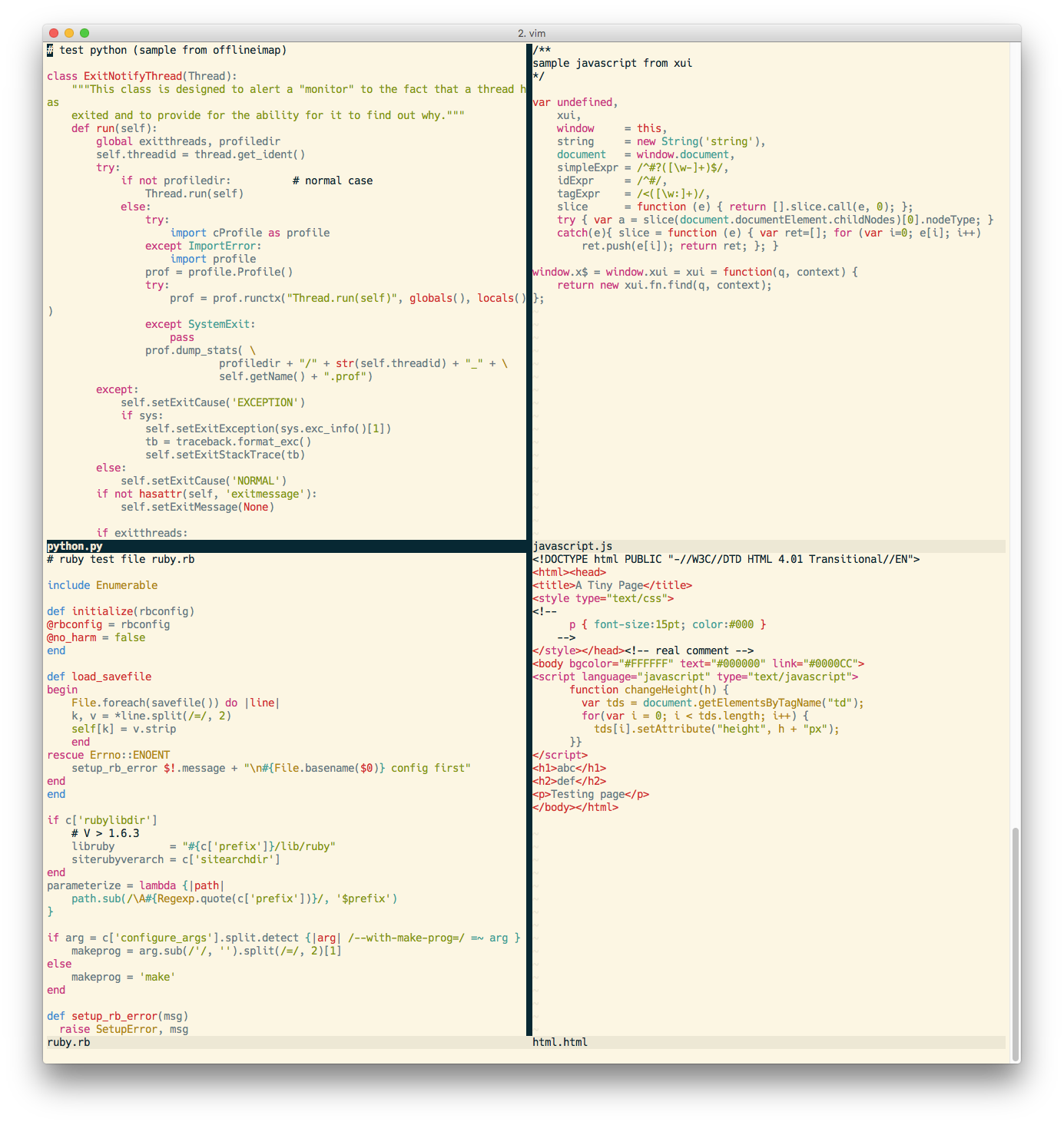
Jellybeans
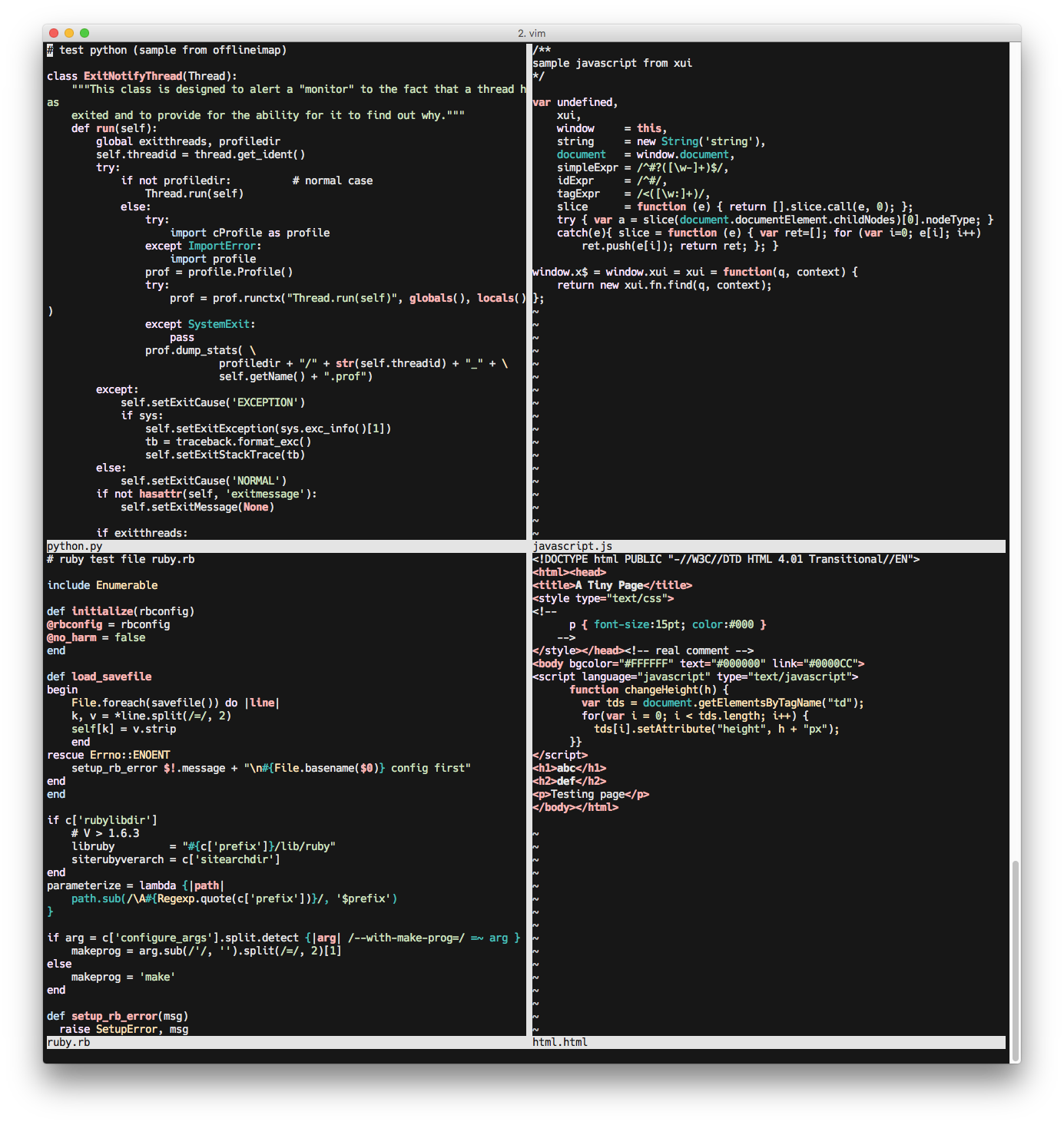
Tango Light
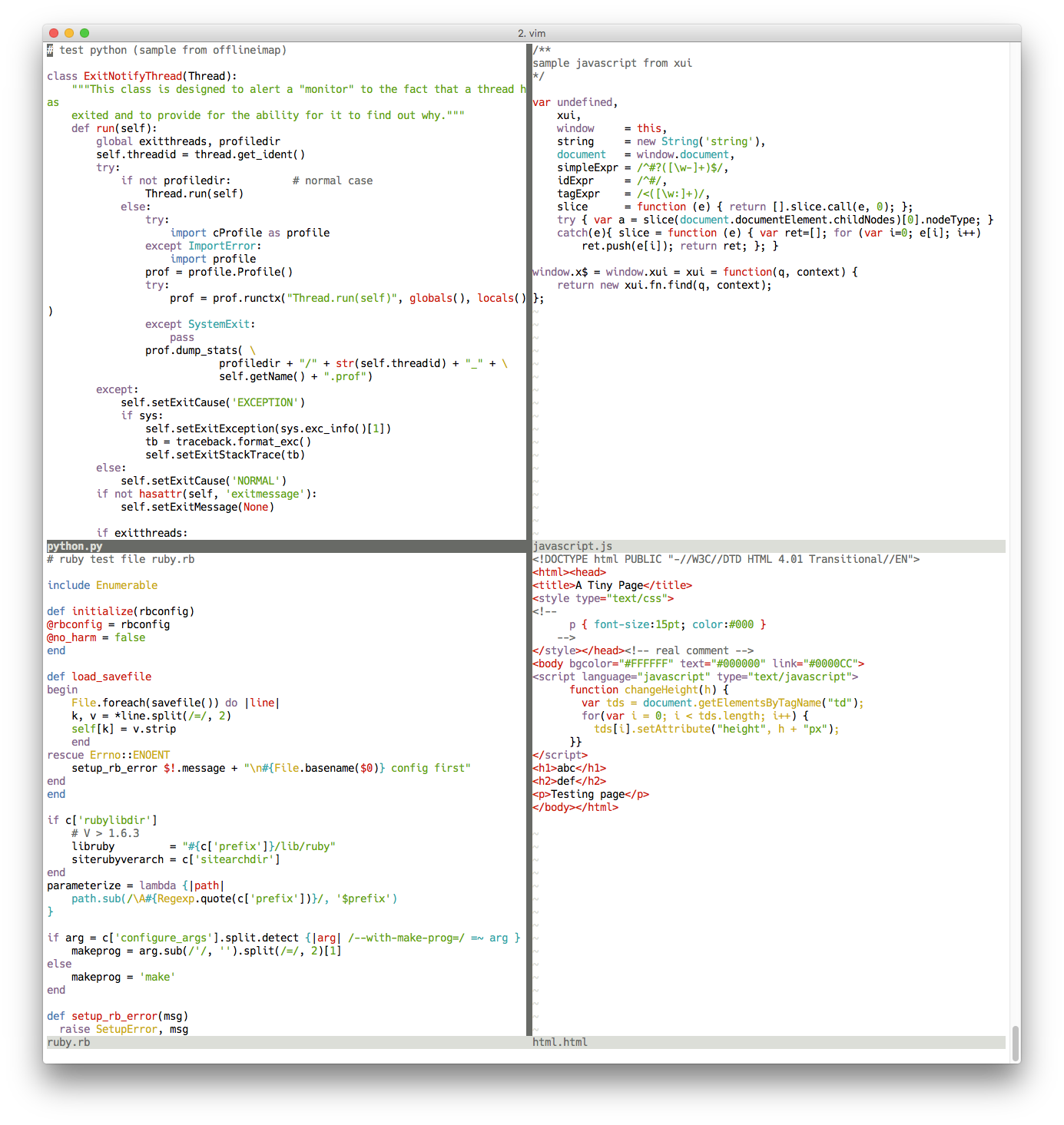
Tango Dark
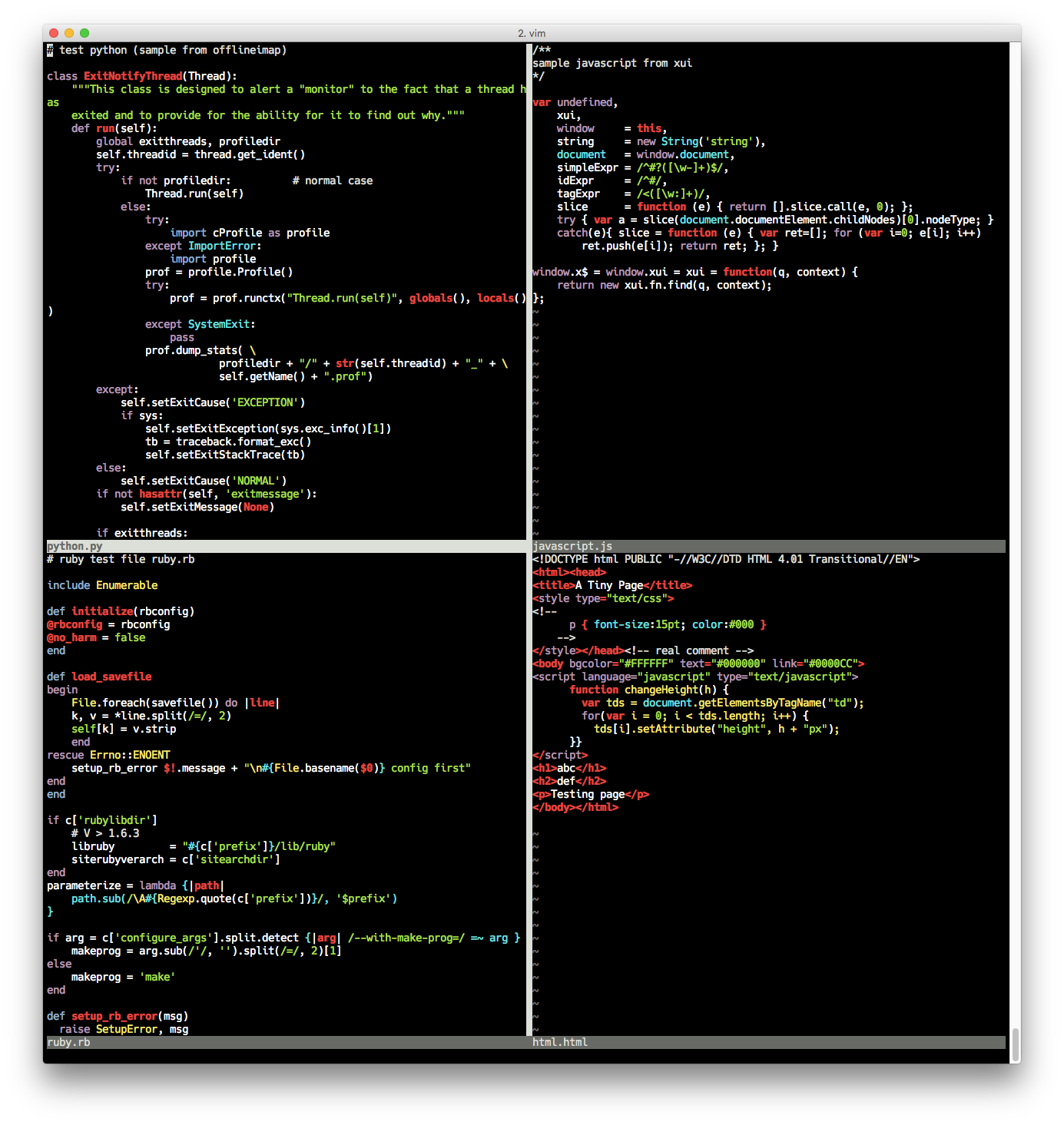
License
Copyright (c) Jay Sitter. Distributed under the same terms as Vim itself. See :help license.