Ⅰ. 插件描述
Fluentd syntax for vimⅡ. 基本信息
|
Ⅲ. 安装方法
使用Vundle管理器安装
在你的.vimrc下添加:Plugin 'itkq/fluentd-vim-the-thing-itself':source %
:PluginInstall对于Vundle版本 < 0.10.2,请用上面的Bundle替换Plugin。
使用NeoBundle管理器安装
在你的.vimrc下添加:NeoBundle 'itkq/fluentd-vim-the-thing-itself':source %
:NeoBundleInstall使用VimPlug管理器安装
在你的.vimrc下添加:Plug 'itkq/fluentd-vim-the-thing-itself':source %
:PlugInstall使用Pathogen管理器安装
在终端中运行以下命令:cd ~/.vim/bundle
git clone https://github.com/itkq/fluentd-vimⅣ. 文档说明
# Fluentd sytax for vim
example
v0.12
- source
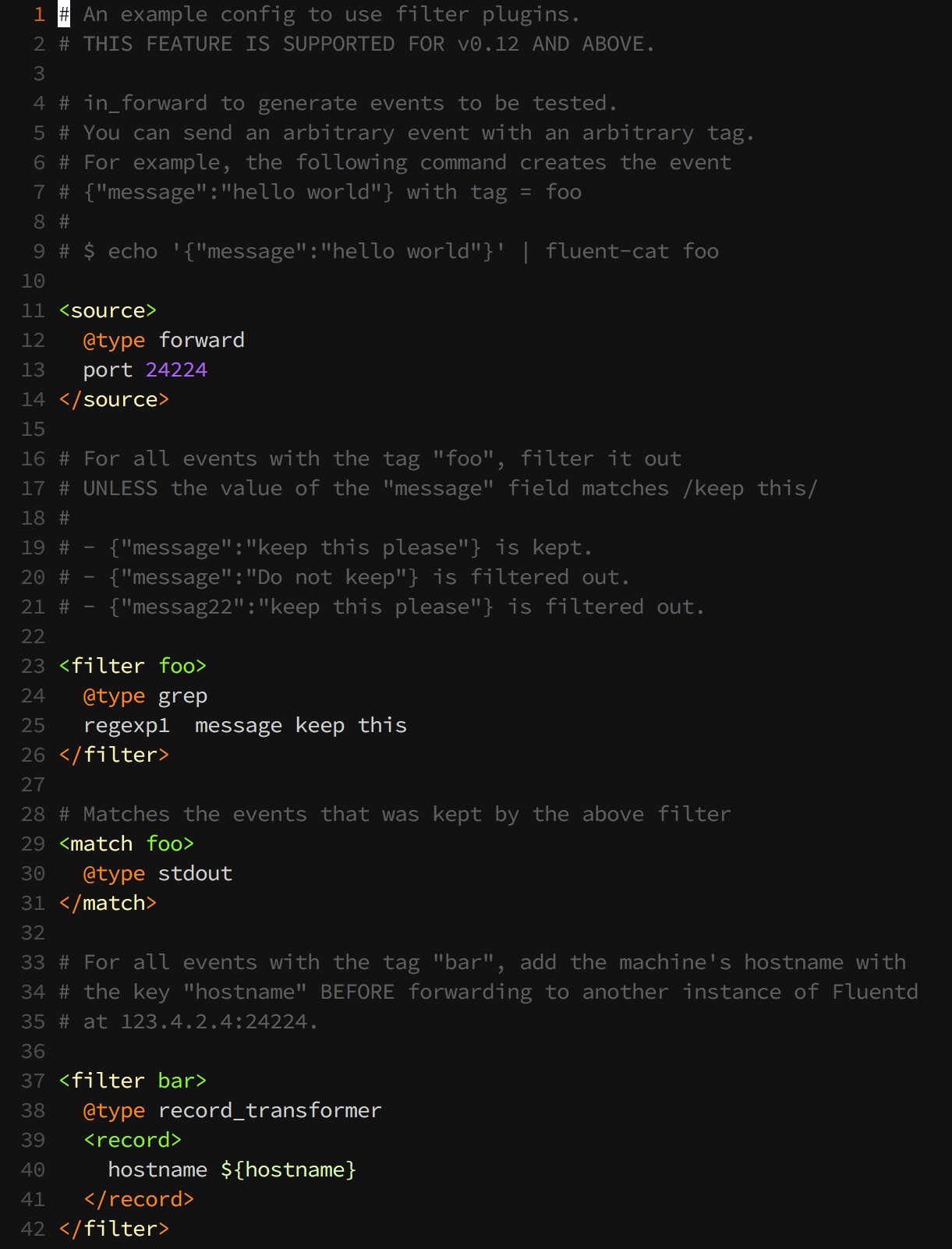
# https://github.com/fluent/fluentd/blob/master/example/v0_12_filter.conf

# An example config to use filter plugins.
# THIS FEATURE IS SUPPORTED FOR v0.12 AND ABOVE.

# in_forward to generate events to be tested.
# You can send an arbitrary event with an arbitrary tag.
# For example, the following command creates the event
# {"message":"hello world"} with tag = foo
#
# $ echo '{"message":"hello world"}' | fluent-cat foo

<source>
  @type forward
  port 24224
</source>

# For all events with the tag "foo", filter it out
# UNLESS the value of the "message" field matches /keep this/
#
# - {"message":"keep this please"} is kept.
# - {"message":"Do not keep"} is filtered out.
# - {"messag22":"keep this please"} is filtered out.

<filter foo>
  @type grep
  regexp1  message keep this
</filter>

# Matches the events that was kept by the above filter
<match foo>
  @type stdout
</match>

# For all events with the tag "bar", add the machine's hostname with
# the key "hostname" BEFORE forwarding to another instance of Fluentd
# at 123.4.2.4:24224.

<filter bar>
  @type record_transformer
  <record>
    hostname ${hostname}
  </record>
</filter>- syntax highlighting