Ⅰ. 插件描述
Asynchronously fly grep in vimⅡ. 基本信息
|
Ⅲ. 安装方法
使用Vundle管理器安装
在你的.vimrc下添加:Plugin 'wsdjeg/flygrep-vim':source %
:PluginInstall对于Vundle版本 < 0.10.2,请用上面的Bundle替换Plugin。
使用NeoBundle管理器安装
在你的.vimrc下添加:NeoBundle 'wsdjeg/flygrep-vim':source %
:NeoBundleInstall使用VimPlug管理器安装
在你的.vimrc下添加:Plug 'wsdjeg/flygrep-vim':source %
:PlugInstall使用Pathogen管理器安装
在终端中运行以下命令:cd ~/.vim/bundle
git clone https://github.com/wsdjeg/flygrep.vimⅣ. 文档说明
# FlyGrep.vim
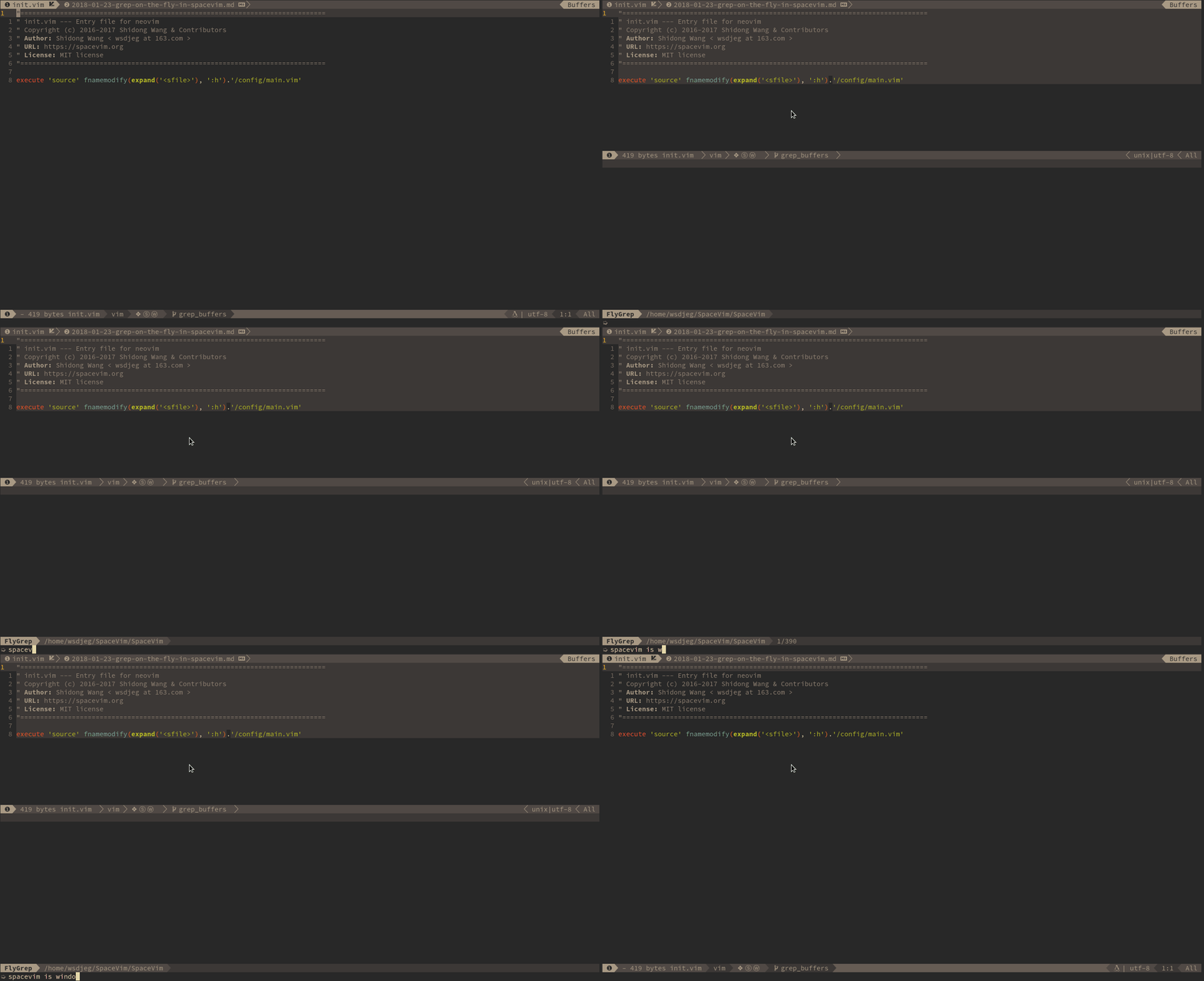
Asynchronously fly grep in vim
This plugin is automatically detach from SpaceVim. you can use it without SpaceVim.
Install
for dein.vim
call dein#add('wsdjeg/FlyGrep.vim')for vim-plug
Plug 'wsdjeg/FlyGrep.vim'usage
:FlyGrepyou also can define custom mapping, for example:
nnoremap <Space>s/ :FlyGrep<cr>| Key Binding | Description |
|---|---|
SPC s / | Searching in project on the fly with default tools |
key binding in FlyGrep buffer:
| Key Binding | Description |
|---|---|
<Esc> | close FlyGrep buffer |
<C-c> | close FlyGrep buffer |
<Enter> | open file at the cursor line |
<Tab> | move cursor line down |
<C-j> | move cursor line down |
<S-Tab> | move cursor line up |
<C-k> | move cursor line up |
<Bs> | remove last character |
<C-w> | remove the Word before the cursor |
<C-u> | remove the Line before the cursor |
<C-k> | remove the Line after the cursor |
<C-a>/<Home> | Go to the beginning of the line |
<C-e>/<End> | Go to the end of the line |