Ⅰ. 插件描述
Generate a link to the exact commit, file and line.Ⅱ. 基本信息
|
Ⅲ. 安装方法
使用Vundle管理器安装
在你的.vimrc下添加:Plugin 'mazubieta/gitlink-vim':source %
:PluginInstall对于Vundle版本 < 0.10.2,请用上面的Bundle替换Plugin。
使用NeoBundle管理器安装
在你的.vimrc下添加:NeoBundle 'mazubieta/gitlink-vim':source %
:NeoBundleInstall使用VimPlug管理器安装
在你的.vimrc下添加:Plug 'mazubieta/gitlink-vim':source %
:PlugInstall使用Pathogen管理器安装
在终端中运行以下命令:cd ~/.vim/bundle
git clone https://github.com/mazubieta/gitlink-vimⅣ. 文档说明
gitlink-vim
Generate a link to the exact commit, file and line.
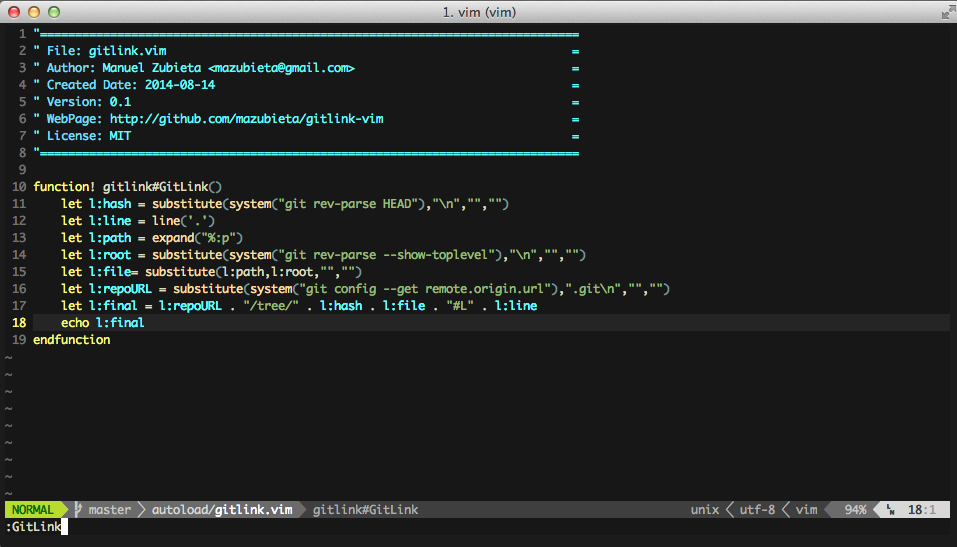
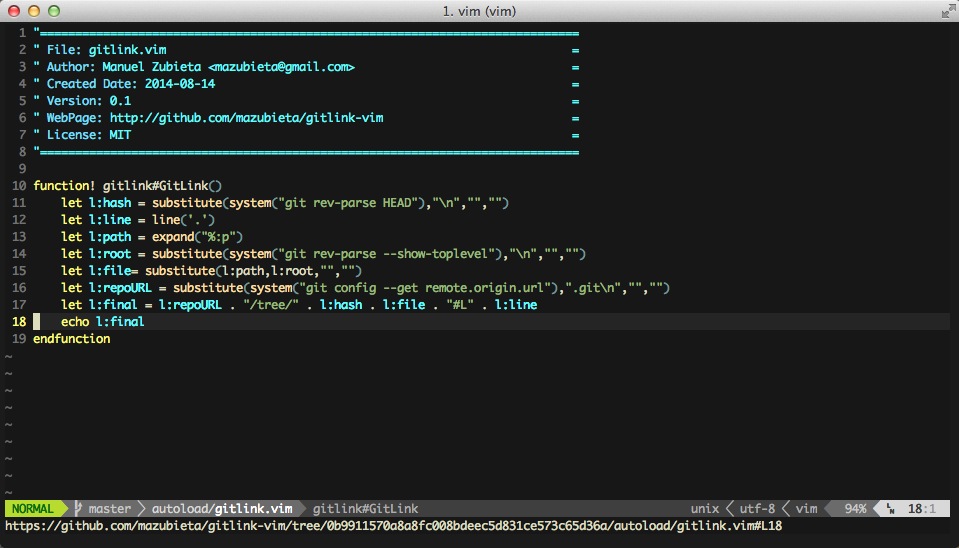
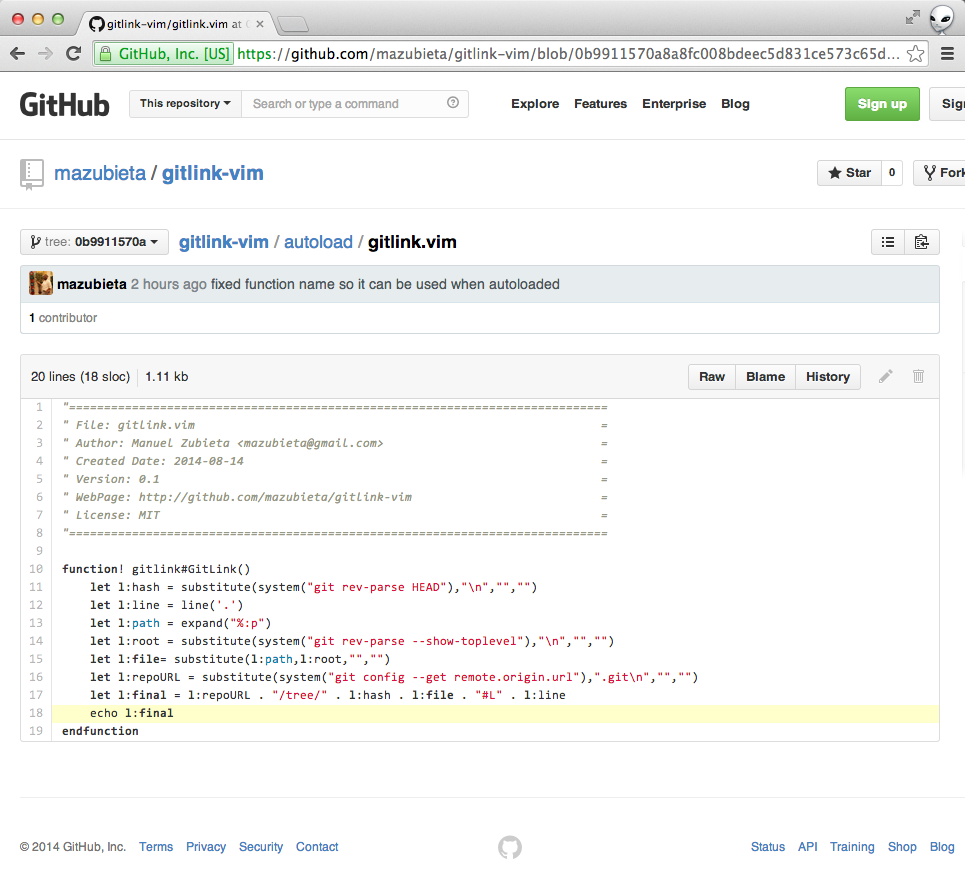
When collaborating with your team, you may often want to reference a line of code. Copy-and-pasting the line just doesn't work when context matters, plus you know the formating isn't going to be right, anyways!
Example
Known Issues
As written, it only works for Github and Gitlab. Bitbucket is not supported.
Installation
Using Vundle
Add the following line to your .vimrc file.
Bundle 'https://github.com/mazubieta/gitlink-vim.git'Optional
You can add the following lines to your .vimrc file.
If you want to execute via command:
command GitLink :echo gitlink#GitLink()If you want to execute via leader command:
nmap <leader>gl :echo gitlink#GitLink()<CR>
vmap <leader>gl :echo gitlink#GitLink(1)<CR>
If you want to copy to the clipboard automatically:
function! CopyGitLink(...) range
  redir @+
  silent echo gitlink#GitLink(get(a:, 1, 0))
  redir END
endfunction
nmap <leader>gl :call CopyGitLink()<CR>
vmap <leader>gl :call CopyGitLink(1)<CR>
Usage
If you just autoload the script
:echo gitlink#GitLink()If you added the optional .vimrc lines
:GitLink
Or...
\gl