Ⅰ. 插件描述
Vim light color scheme designed to be very readable, clean and professional.Ⅱ. 基本信息
|
Ⅲ. 安装方法
使用Vundle管理器安装
在你的.vimrc下添加:Plugin 'gregsexton/gravity':source %
:PluginInstall对于Vundle版本 < 0.10.2,请用上面的Bundle替换Plugin。
使用NeoBundle管理器安装
在你的.vimrc下添加:NeoBundle 'gregsexton/gravity':source %
:NeoBundleInstall使用VimPlug管理器安装
在你的.vimrc下添加:Plug 'gregsexton/gravity':source %
:PlugInstall使用Pathogen管理器安装
在终端中运行以下命令:cd ~/.vim/bundle
git clone https://github.com/gregsexton/gravityⅣ. 文档说明
- Description
Gravity is a theme that was designed to be very readable, clean and
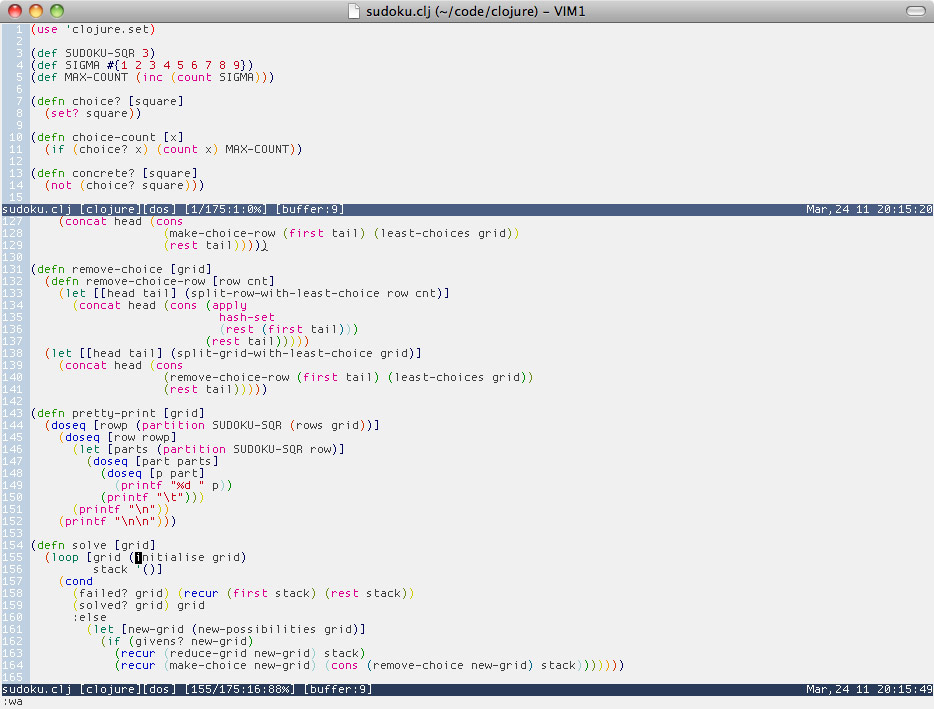
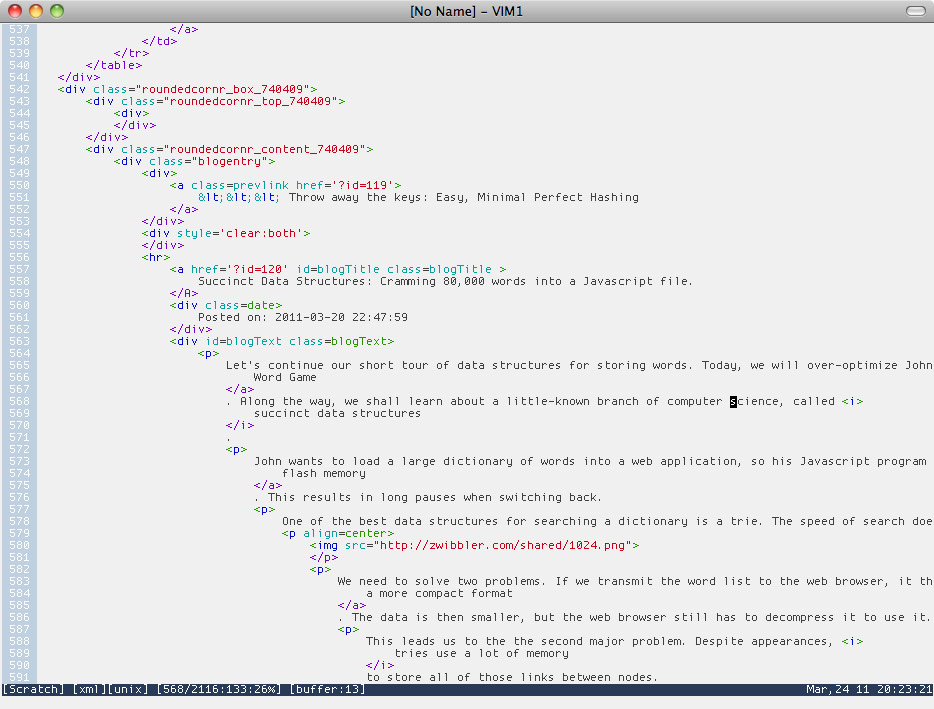
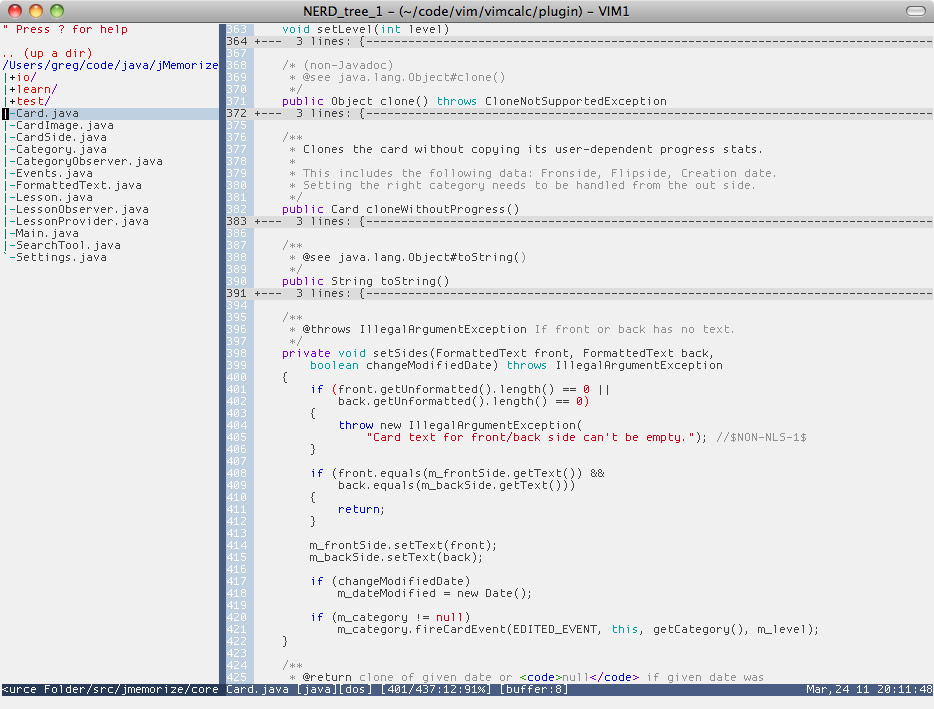
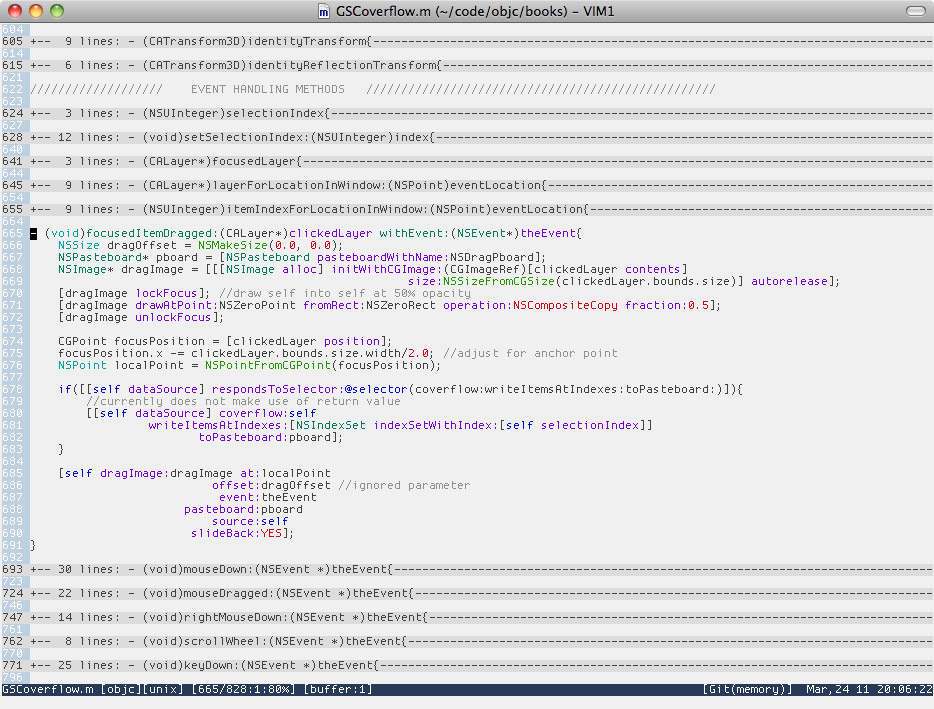
- It is a light color scheme that is very slightly
off-white to be easier on the eyes. Syntax elements are easy to read
and distinguish, in particular constant values (strings and numbers)
stand out in red.
Italics are not used in this theme.
Currently Gravity is GVim only. I tend to use the default colours when
in a terminal. If you have a strong desire for added terminal support
leave me a comment, drop me an email or even better: send me a patch!
- Install details
Just drop gravity.vim in to your ~/.vim/colors directory or
~/vimfiles/colors if on Windows.
- Screenshots
** Clojure
[[http://www.gregsexton.org/images/gravity/clojure.jpg]]
** Haskell
[[http://www.gregsexton.org/images/gravity/haskell.jpg]]

** Html
[[http://www.gregsexton.org/images/gravity/html.jpg]]
** Java
[[http://www.gregsexton.org/images/gravity/java.jpg]]
** Objc
[[http://www.gregsexton.org/images/gravity/objc.jpg]]
** Python
[[http://www.gregsexton.org/images/gravity/python.jpg]]
