Ⅰ. 插件描述
Vim Plugin enabling eclipse like call hierarchy and jump to definition.Ⅱ. 基本信息
|
Ⅲ. 安装方法
使用Vundle管理器安装
在你的.vimrc下添加:Plugin 'cskeeters/jcall-vim':source %
:PluginInstall对于Vundle版本 < 0.10.2,请用上面的Bundle替换Plugin。
使用NeoBundle管理器安装
在你的.vimrc下添加:NeoBundle 'cskeeters/jcall-vim':source %
:NeoBundleInstall使用VimPlug管理器安装
在你的.vimrc下添加:Plug 'cskeeters/jcall-vim':source %
:PlugInstall使用Pathogen管理器安装
在终端中运行以下命令:cd ~/.vim/bundle
git clone https://github.com/cskeeters/jcall.vimⅣ. 文档说明
# JCall
JCall is a plugin for vim. It allows a user to navigate java code in two ways (inspired by eclipse).
- See from where a method might be called. (Call Hierarchy)
- Jump to a method's definition. Like ctags, but smarter and a little bit slower.
Installation
This plugin requires python 2.4+ and support in vim. You can test your vim by seeing if the following command returns a 1.
:echo has('python')
This plugin also requires find, sed, make, and the JDK (for javap).
See Vundle or Pathogen
Usage
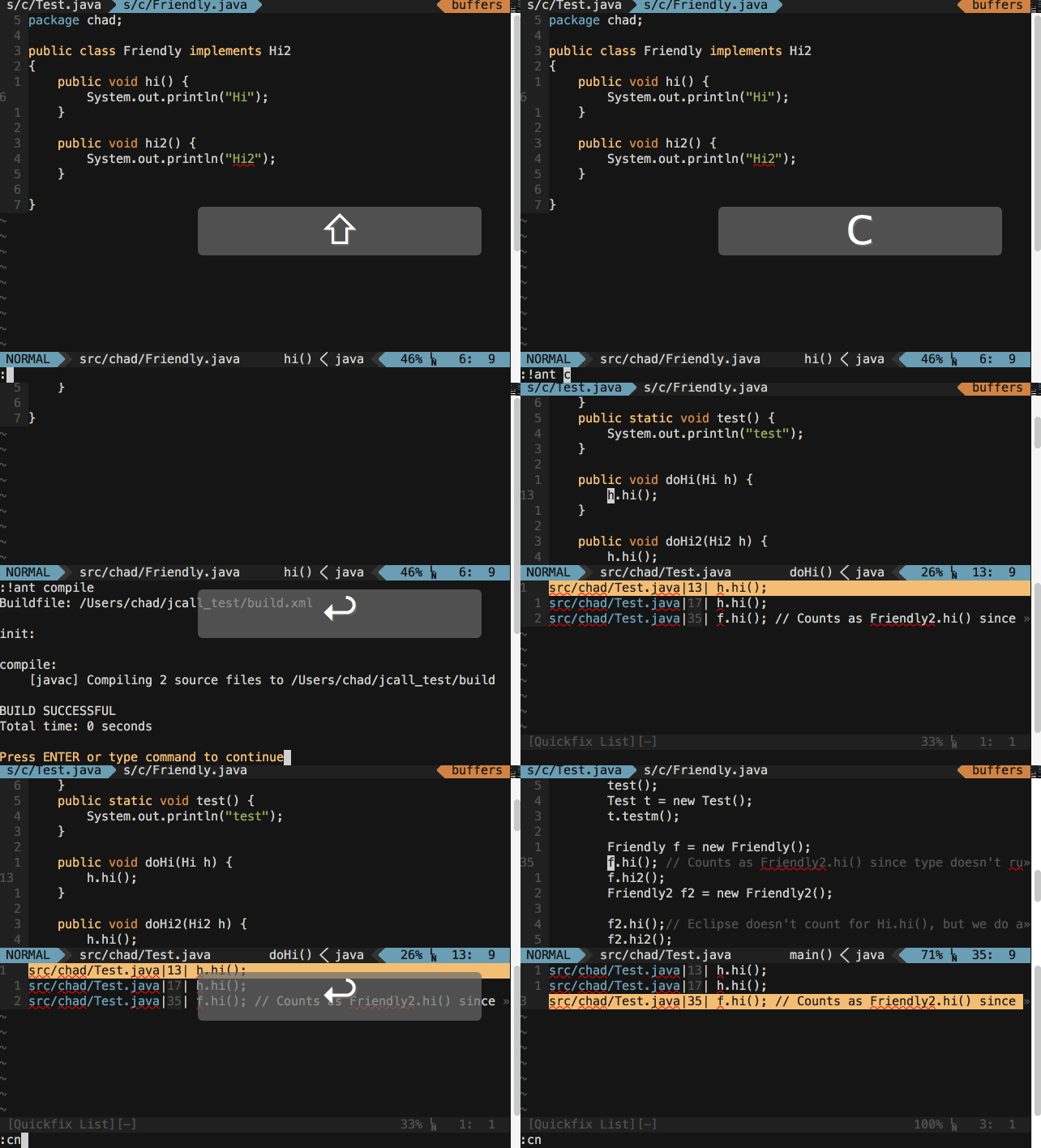
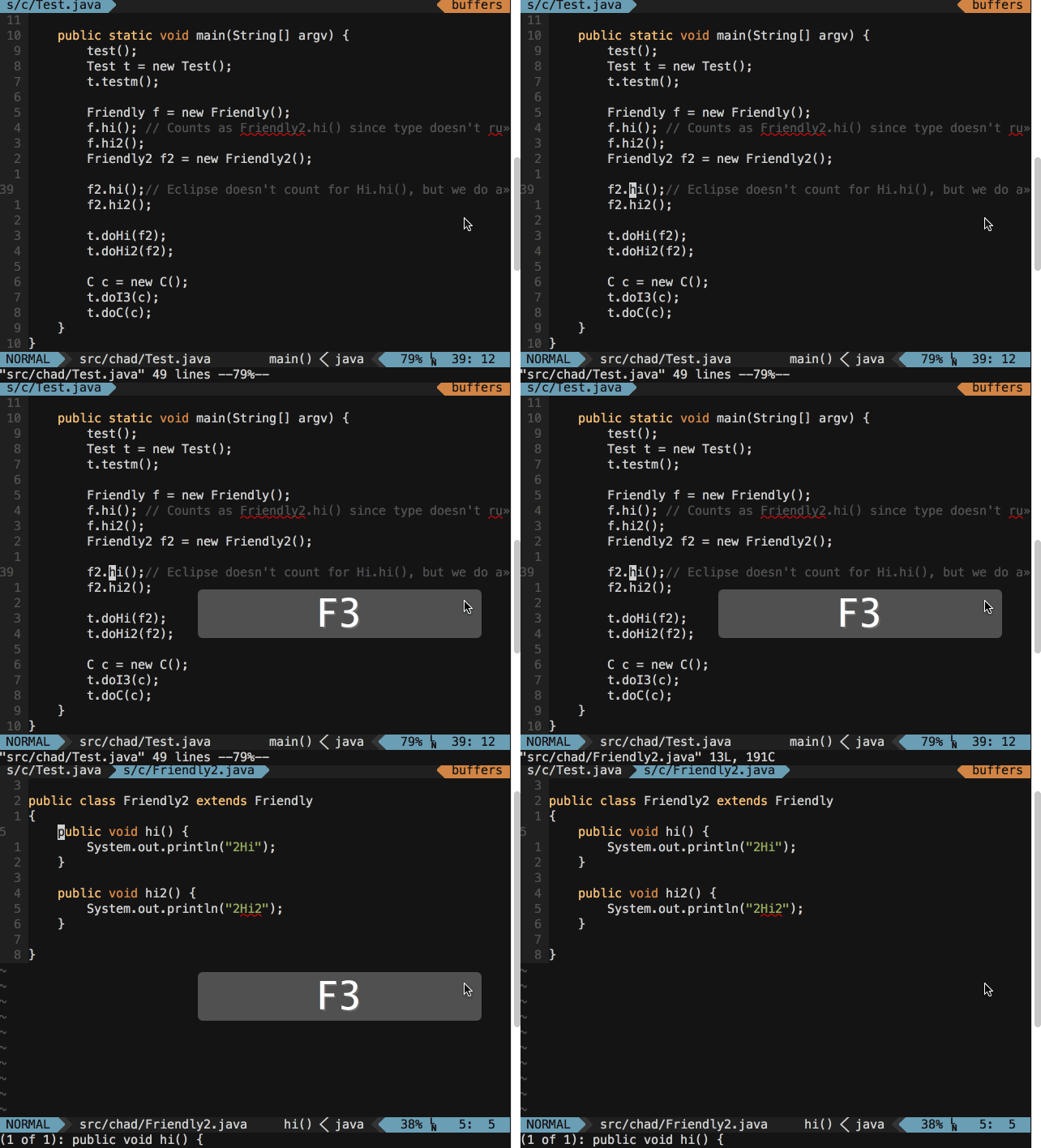
See the vim help
Developer Info
This plugin is beta quality at the moment. It works by calling javap for each compiled class file and parsing the results. This is easier because the output of javap will have fully quantified method and class names and line breaks in consistent places. It's possible that the regular expressions will need to be updated for future versions of javap.
Testing
To checkout that the plugin is working, the jcall_test repository has some basic java code that can help verify correct functionality.