Ⅰ. 插件描述
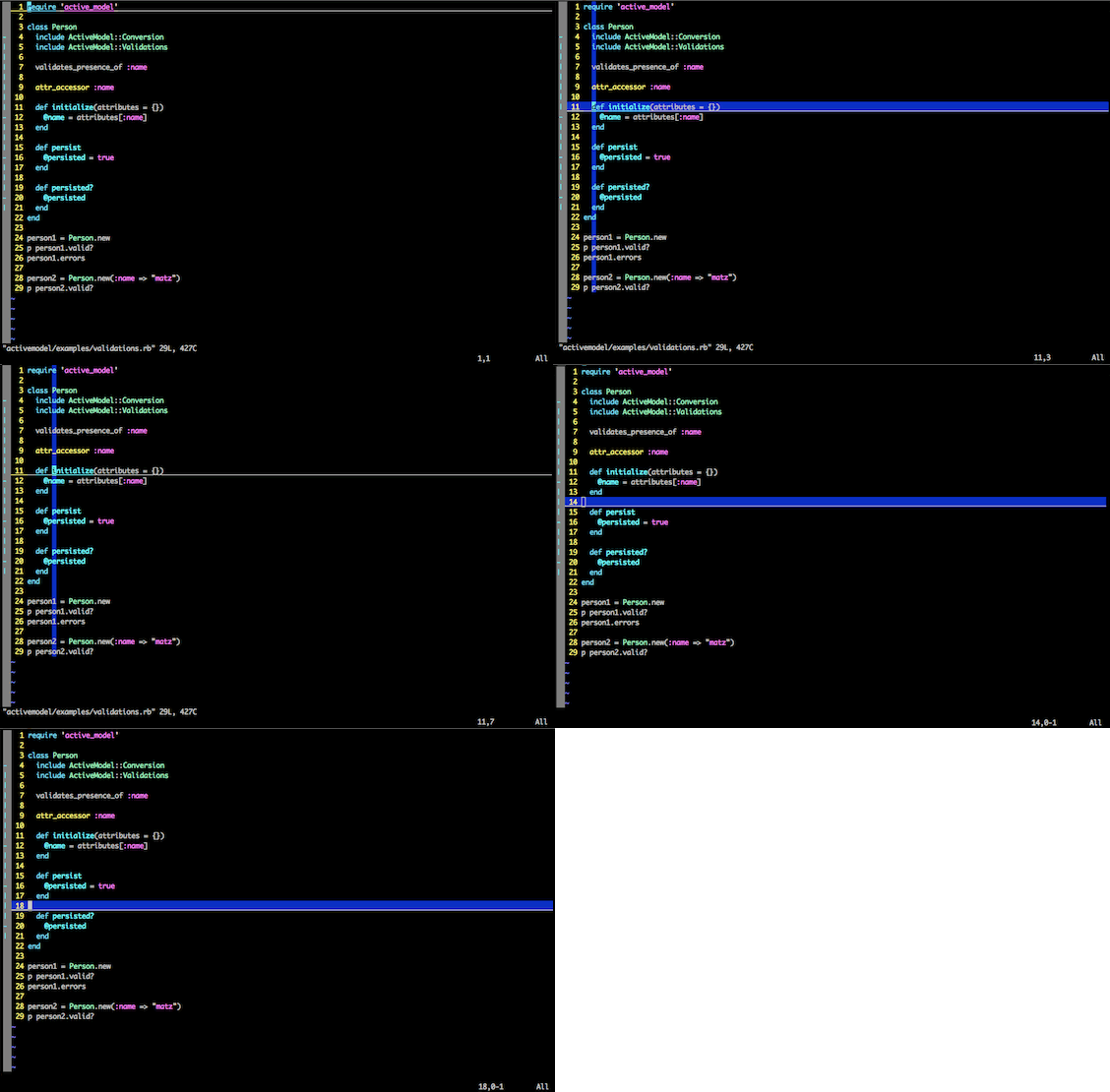
Vim plugin that tracks your cursor when it 'jumps'Ⅱ. 基本信息
|
Ⅲ. 安装方法
使用Vundle管理器安装
在你的.vimrc下添加:Plugin 'iurimatias/jump-tracker':source %
:PluginInstall对于Vundle版本 < 0.10.2,请用上面的Bundle替换Plugin。
使用NeoBundle管理器安装
在你的.vimrc下添加:NeoBundle 'iurimatias/jump-tracker':source %
:NeoBundleInstall使用VimPlug管理器安装
在你的.vimrc下添加:Plug 'iurimatias/jump-tracker':source %
:PlugInstall使用Pathogen管理器安装
在终端中运行以下命令:cd ~/.vim/bundle
git clone https://github.com/iurimatias/jump-trackerⅣ. 文档说明
VIM Jump Tracker
Introduction
Jump Tracker highlights the cursor line and cursor column whenever you jump the cursor. the highlight is automatically removed when you move the cursor to the previous/next line and/or character.
The cursor line is also highlighted when using insert mode.
Installation
pathogen.vim is the recommended way to install jump tracker.
cd ~/.vim/bundle
git clone https://github.com/iurimatias/jump-tracker.git
Configuration
configure line & column color (default is 4F2F4F)
let g:jump_line_color = "3F2A22"
configure insert mode line color (default is 236)
let g:jump_insert_mode_color = 101
to disable changing line color when going into insert mode
let g:jump_insert_mode_line = 0
Animated Demonstration