Ⅰ. 插件描述
Keysender is Vim plugin to send an application key events.Ⅱ. 基本信息
|
Ⅲ. 安装方法
使用Vundle管理器安装
在你的.vimrc下添加:Plugin 'shikato/keysender-vim':source %
:PluginInstall对于Vundle版本 < 0.10.2,请用上面的Bundle替换Plugin。
使用NeoBundle管理器安装
在你的.vimrc下添加:NeoBundle 'shikato/keysender-vim':source %
:NeoBundleInstall使用VimPlug管理器安装
在你的.vimrc下添加:Plug 'shikato/keysender-vim':source %
:PlugInstall使用Pathogen管理器安装
在终端中运行以下命令:cd ~/.vim/bundle
git clone https://github.com/shikato/keysender.vimⅣ. 文档说明
# keysender.vim
Keysender is Vim plugin to send an application key events.
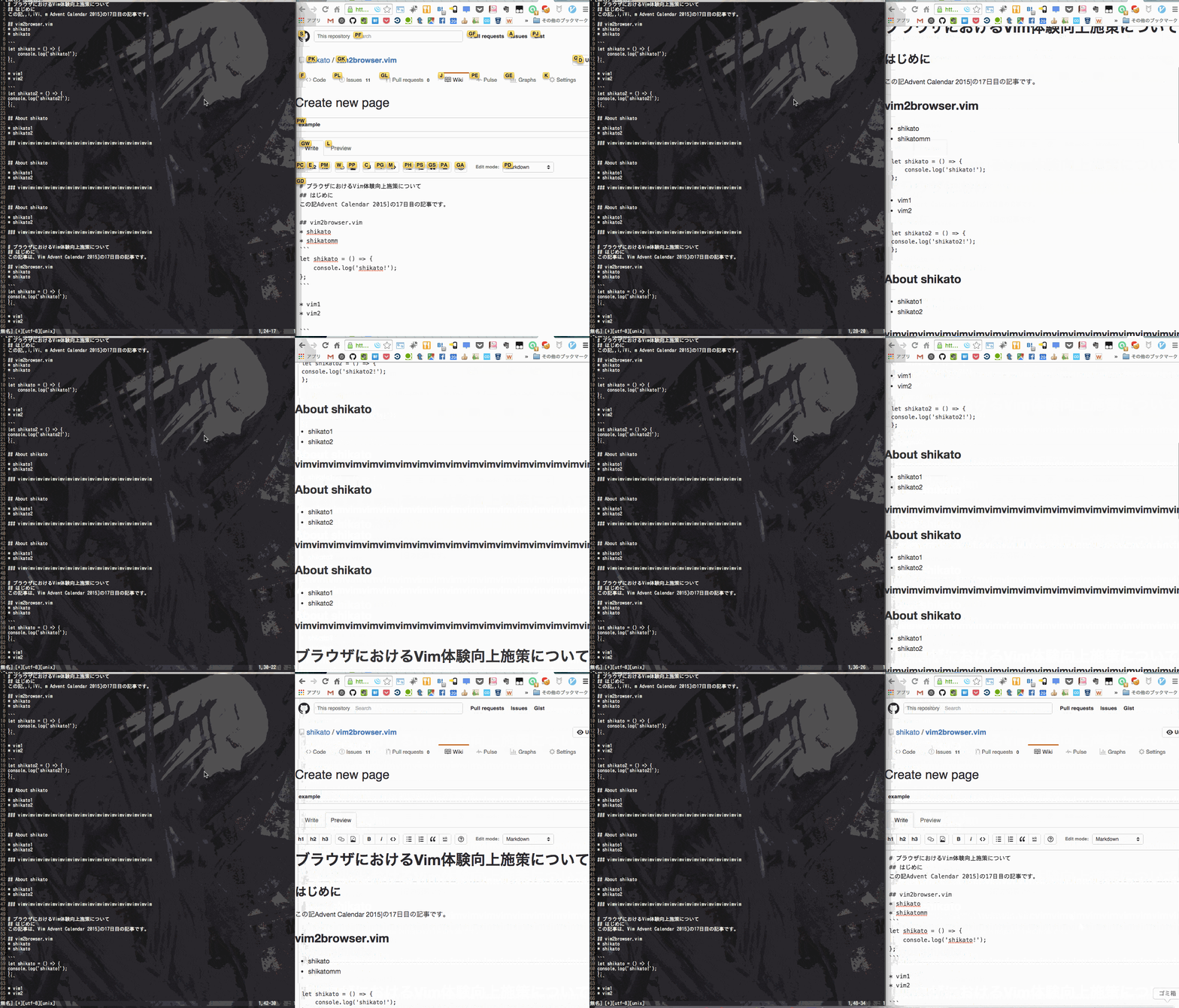
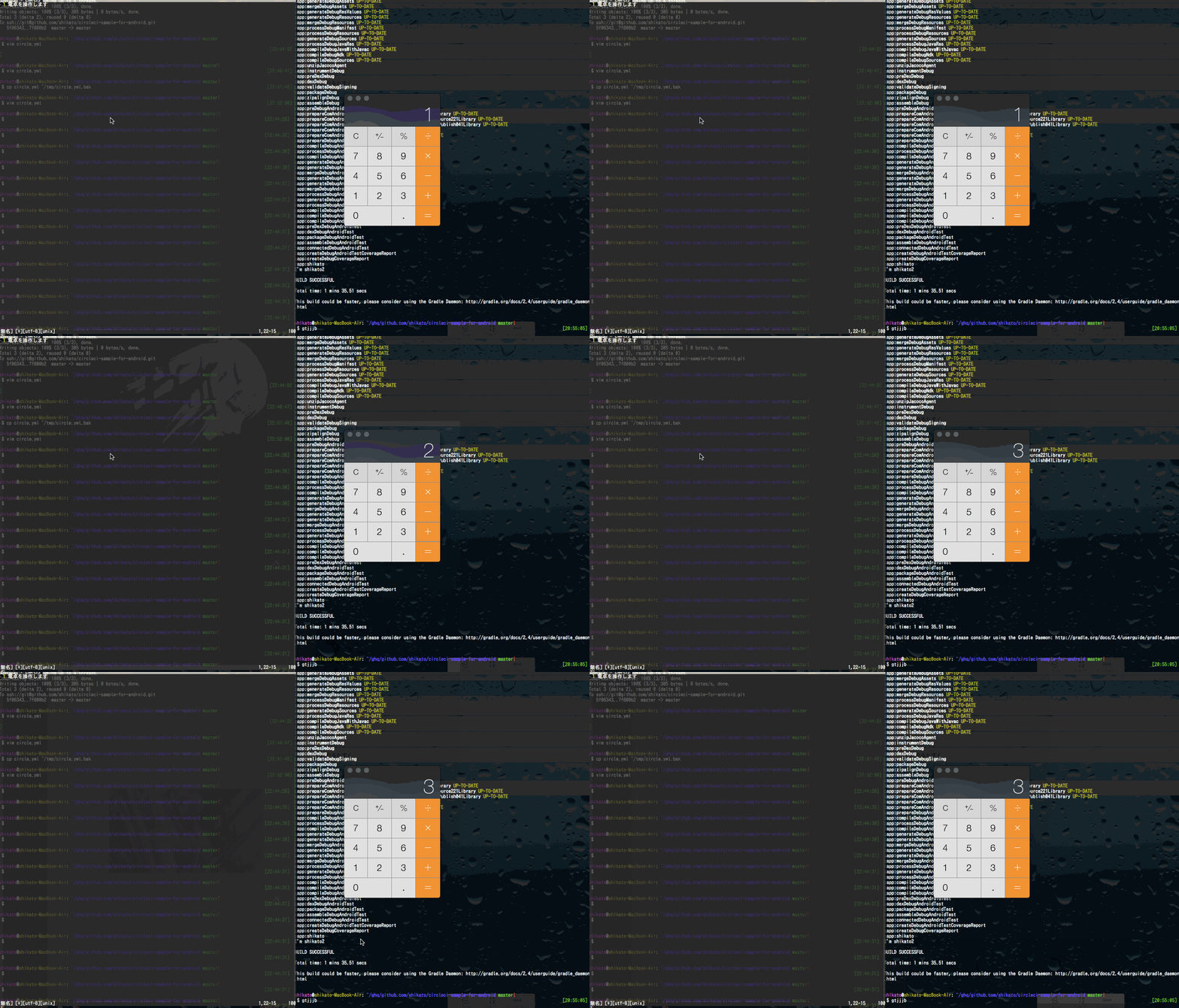
You can use this software only in Mac.
Because this software uses JXA.
Download
ex. NeoBundle
.vimrc
NeoBundle 'shikato/keysender.vim'Usage
| Command | Action |
|---|---|
| :KeysenderKeystroke ...something | The command sends an application keystroke. |
| :KeysenderKeyCode ...something | The command sends an application key code. |
| :KeysenderSetTargetAppName something | The command sets target application name. (Default: Chrome) |
| :KeysenderSetVimAppName something | The command sets Vim application name. (Default: MacVim) |
Example
Basic
If you want to send Chrome [a]
:KeysenderKeystroke aPlural & Change target application
If you want to send Safari [abc], [d], [ef]
:KeysenderSetTargetAppName Safari
:KeysenderKeystroke abc d ef
Attribute Key
If you want to send Chrome [a + ctrl], [bc + command + option], [e + shift]
:KeysenderKeystroke a,c bc,d,a e,s| Key | Description |
|---|---|
| c | ctrl |
| d | command |
| a | option |
| s | shift |
Key code
Keysender can send key code of Mac.
:KeysenderTypeKeyCode 2,c,aYou can know the key code by this command.
grep 'kVK_.*=' /System/Library/Frameworks/Carbon.framework/Frameworks/HIToolbox.framework/Headers/Events.hOther documents
License
MIT