Ⅰ. 插件描述
A light black and white vim colorscheme with sparse use of colorⅡ. 基本信息
|
Ⅲ. 安装方法
使用Vundle管理器安装
在你的.vimrc下添加:Plugin 'alexanderjeurissen/lumiere-vim':source %
:PluginInstall对于Vundle版本 < 0.10.2,请用上面的Bundle替换Plugin。
使用NeoBundle管理器安装
在你的.vimrc下添加:NeoBundle 'alexanderjeurissen/lumiere-vim':source %
:NeoBundleInstall使用VimPlug管理器安装
在你的.vimrc下添加:Plug 'alexanderjeurissen/lumiere-vim':source %
:PlugInstall使用Pathogen管理器安装
在终端中运行以下命令:cd ~/.vim/bundle
git clone https://github.com/alexanderjeurissen/lumiere.vimⅣ. 文档说明

Do not go gentle into that good night,
Old age should burn and rave at close of day;
Rage, rage against the dying of the light.Though wise men at their end know dark is right,
Because their words had forked no lightning they
Do not go gentle into that good night.~ (Poem by Dylan Thomas)
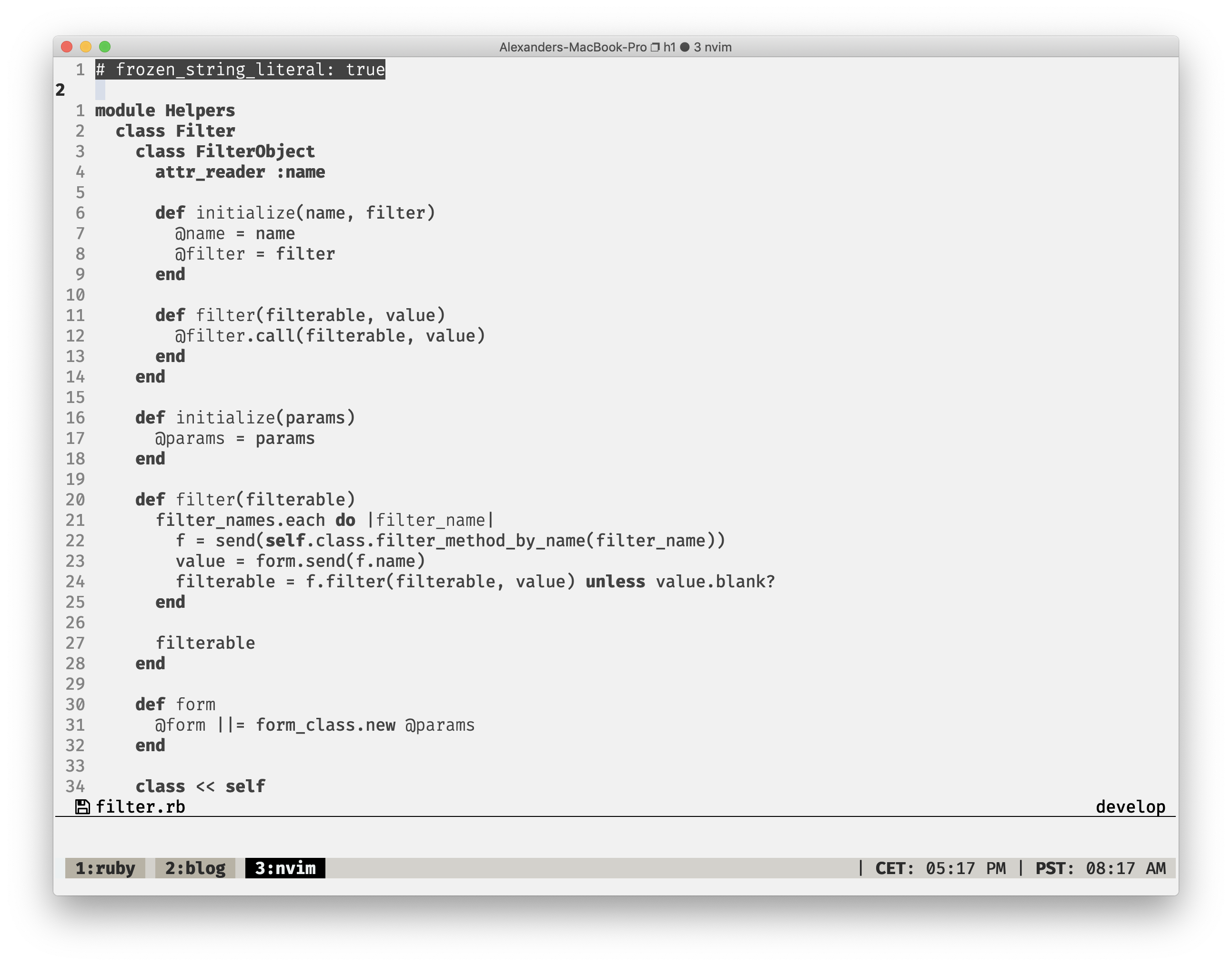
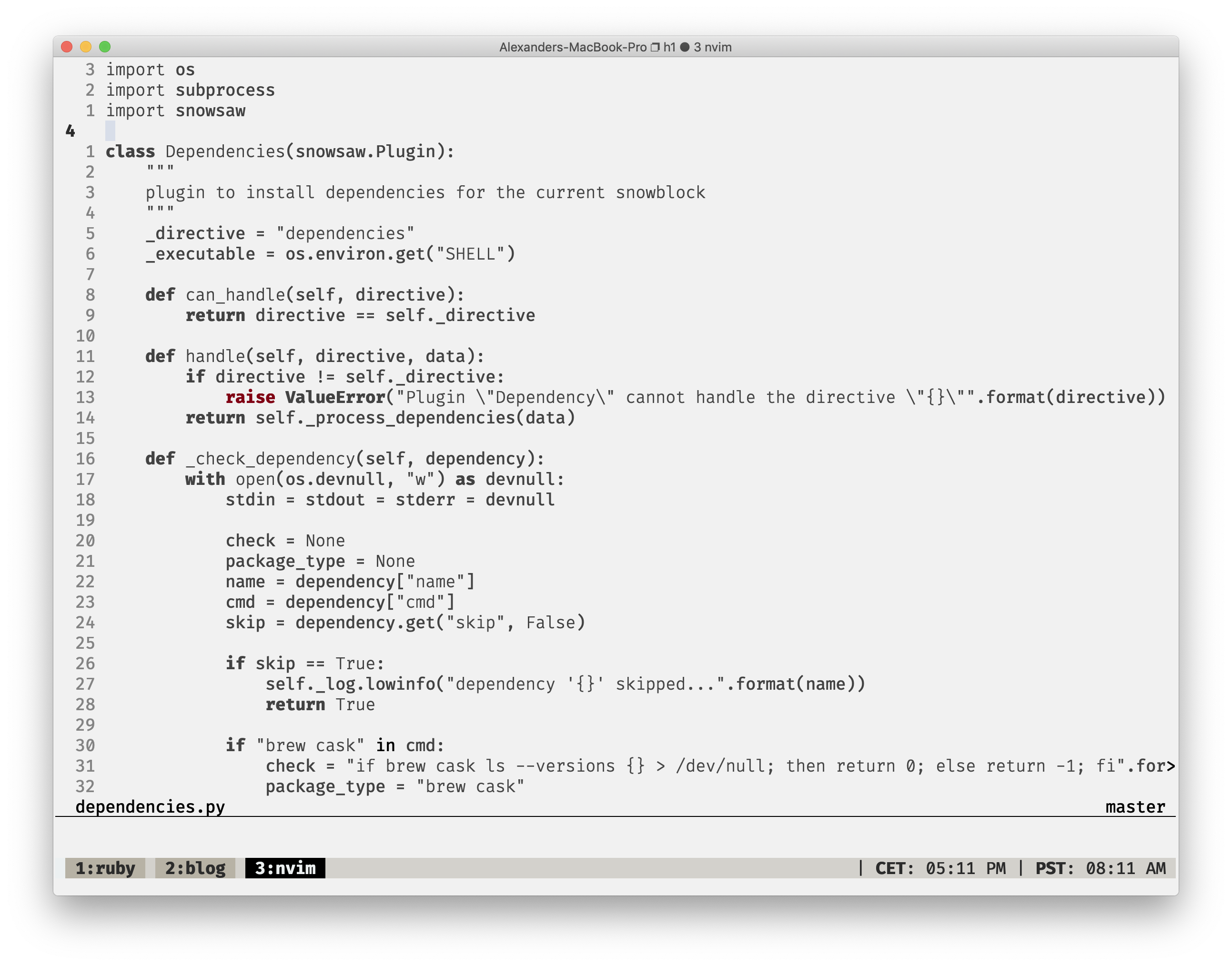
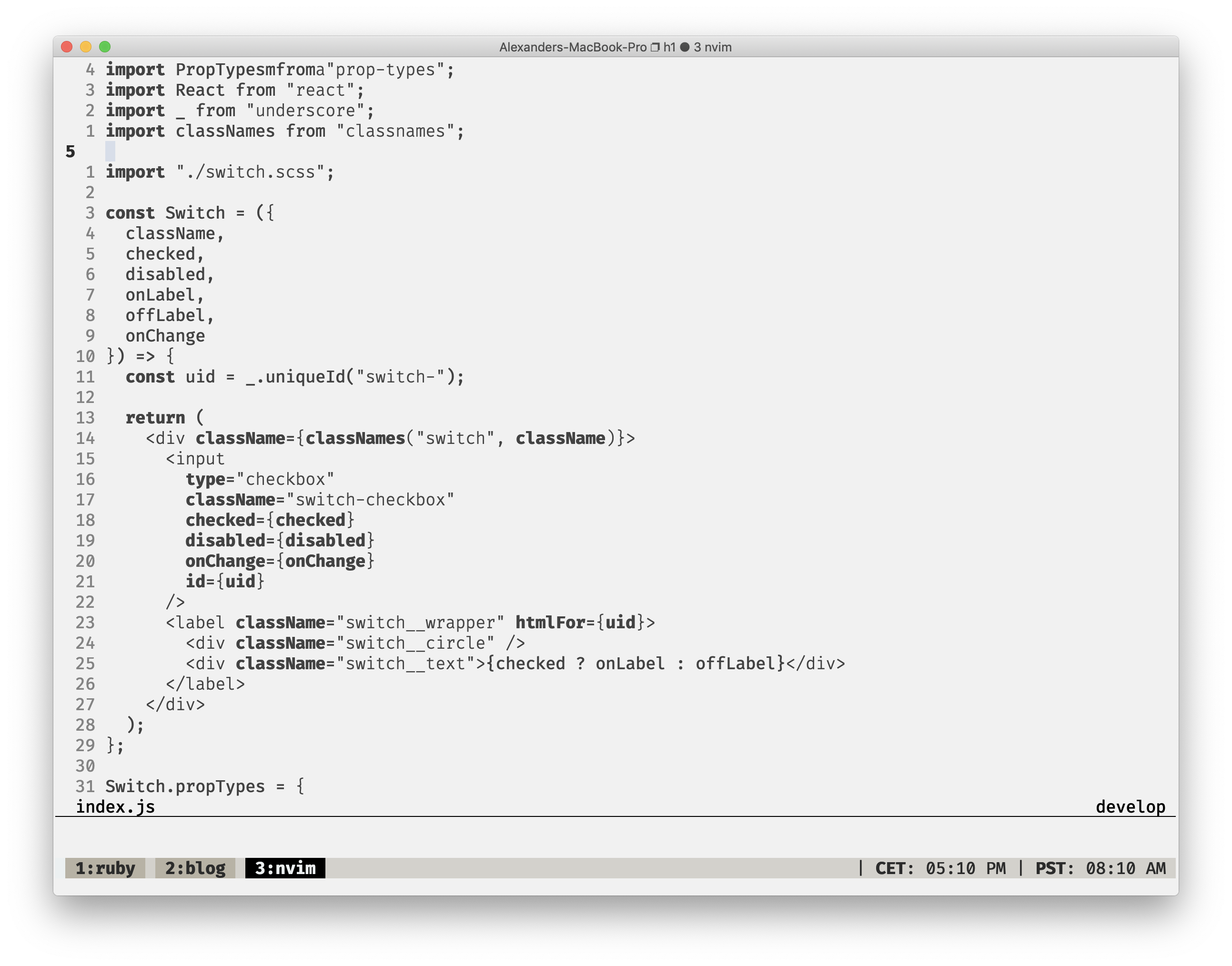
A light black and white Vim 8 / Neovim colorscheme with sparse use of color to denote important syntax elements.
Looks even more awesome when combined with Sombre.tmux
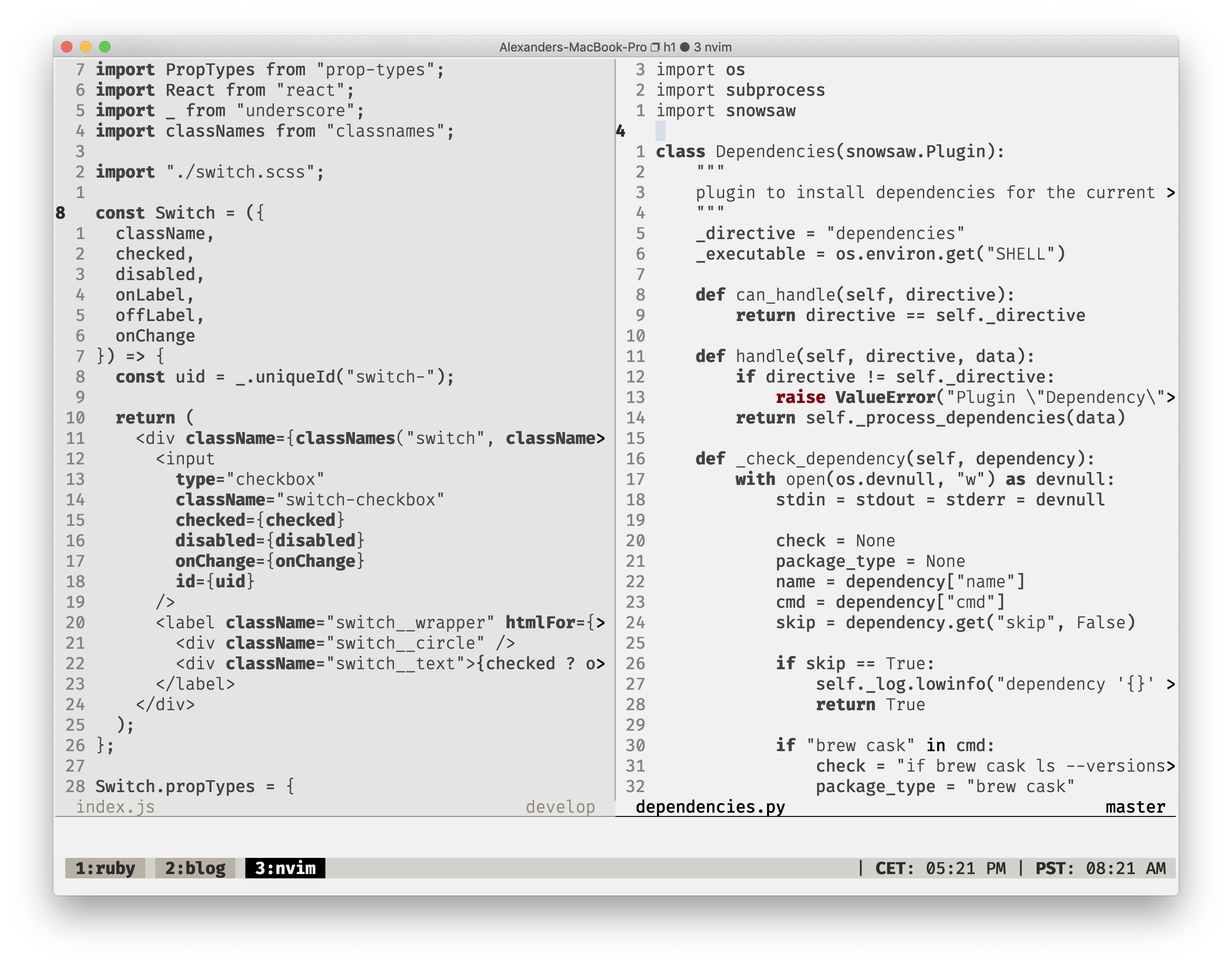
Screenshots
Ruby
Python
Javascript
Vimscript
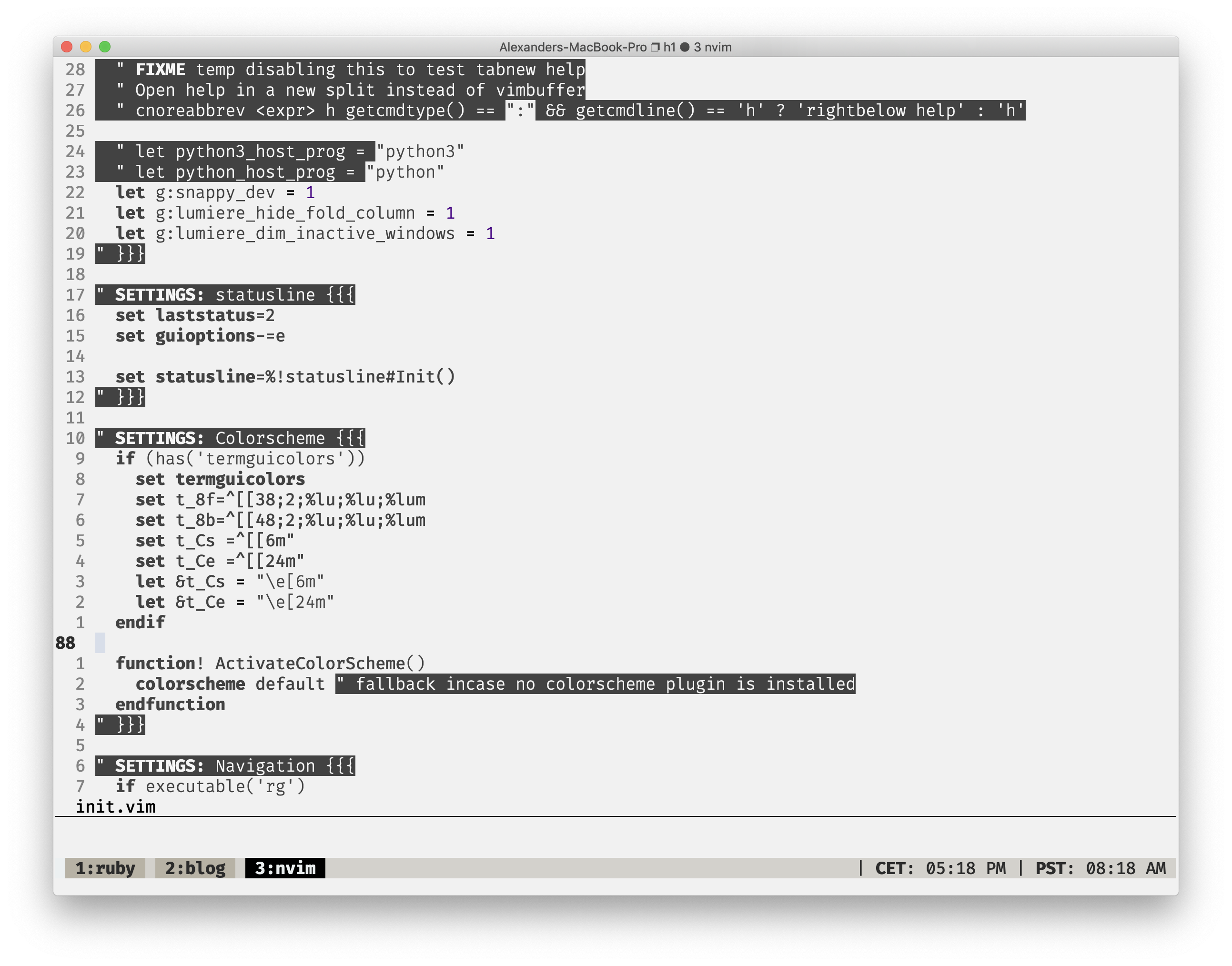
Notable Features
Dim inactive windows (neovim only)
Lumiere offers a configuration option, to reduce the opacity of inactive windows. This helps more clearly
distinguish the pane that is currently being focussed. This currently depends on the hl-NormalNC highlight group which
is only available in NeoVim. There is an open issue to add Vim8 support.
This setting is opt in and can be enabled by setting let g:lumiere_dim_inactive_windows = 1 in your vimrc
and restarting Vim.
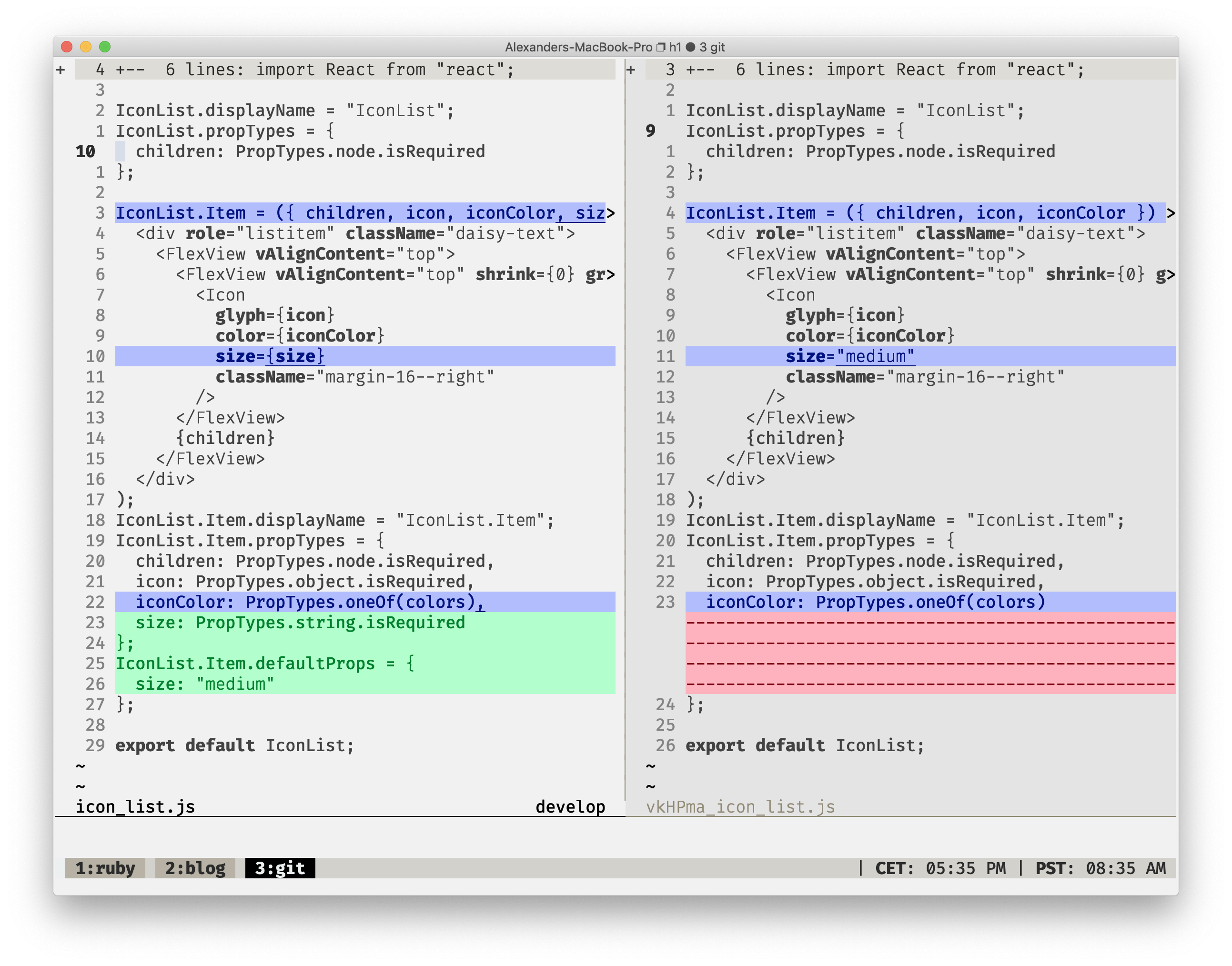
Git Diff
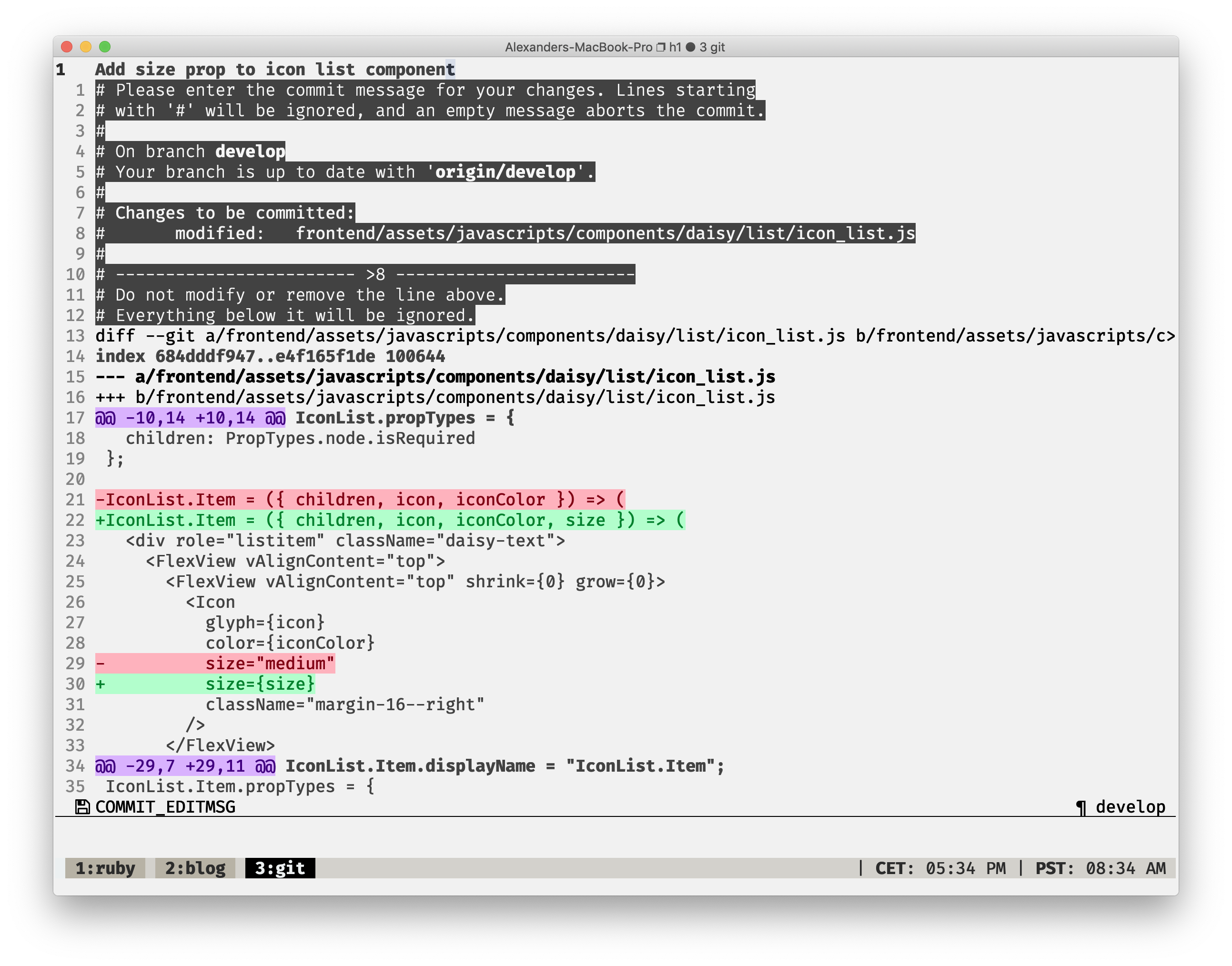
Vim diff (using Neovim as git difftool)
Installation
Lumiere can be installed using the native Vim packages feature, as well as your plugin manager of choice:
- Pathogen
git clone https://github.com/alexanderjeurissen/lumiere.vim.git ~/.vim/bundle/lumiere - Vundle
AddPlugin 'alexanderjeurissen/lumiere.vim'to your .vimrc and run:PluginInstall - NeoBundle
AddNeoBundle 'alexanderjeurissen/lumiere.vim'to your .vimrc and run:NeoBundleInstall - vim-plug
AddPlug 'alexanderjeurissen/lumiere.vim'to your .vimrc and run:PlugInstall
Then add the line colorscheme lumiere to your .vimrc file, and restart Vim.
Configuration options
There are a couple of options that can be configured:
| option_name | default | effect |
|---|---|---|
| g:lumiere_bold | 1 | when set to 0, disables the usage of bold font |
| g:lumiere_italic | 1 | when set to 0, disables the usage of italic font |
| g:lumiere_inverse | 1 | when set to 0, disables the usage of inversing fg / bg of color groups |
| g:lumiere_invert_selection | 1 | when set to 0, disables the usage of inverting the color in visual cursor and HlSearch |
| g:lumiere_dim_inactive_windows | 0 | When set to 1, reduces the background color opacity of inactive windows |