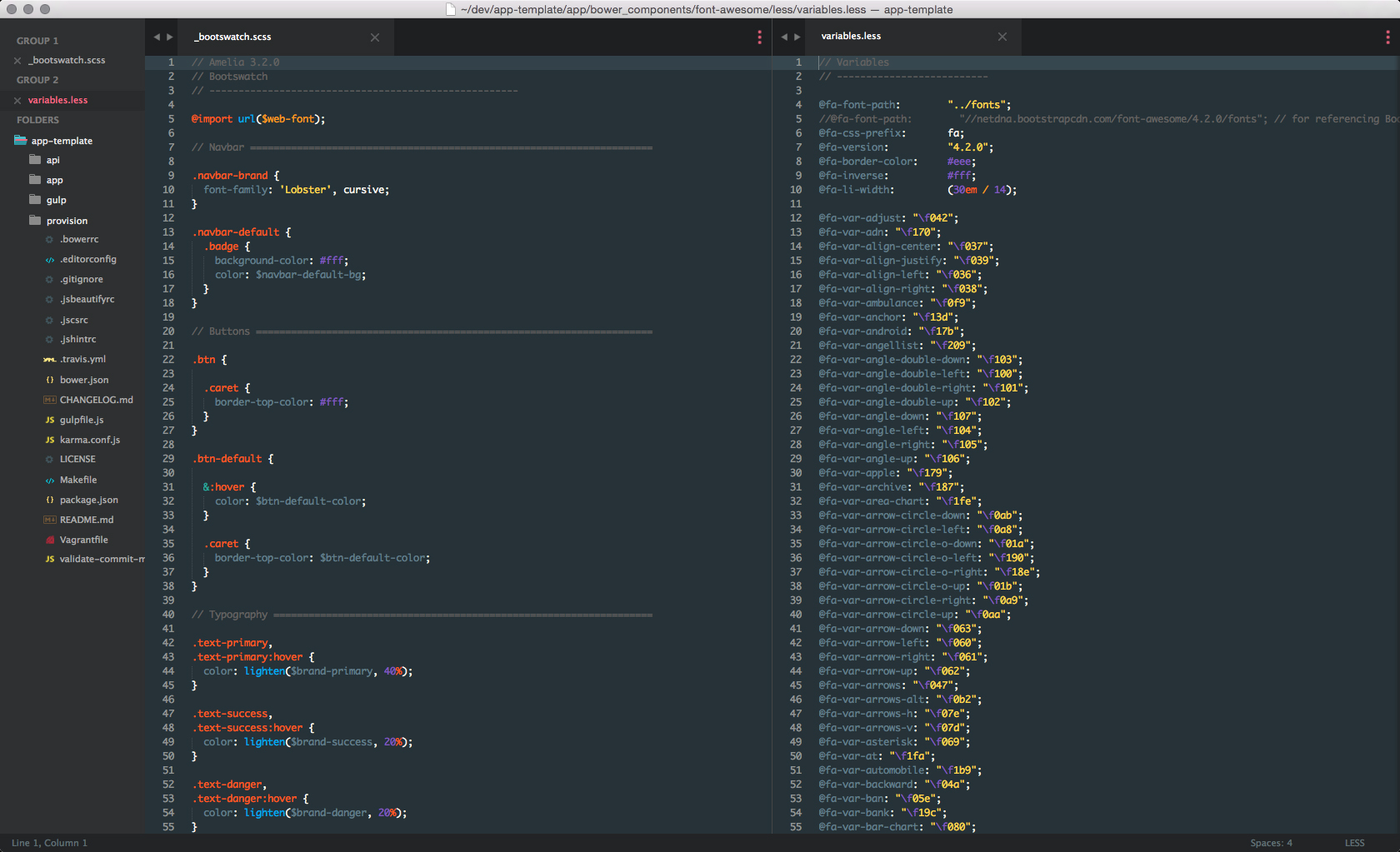
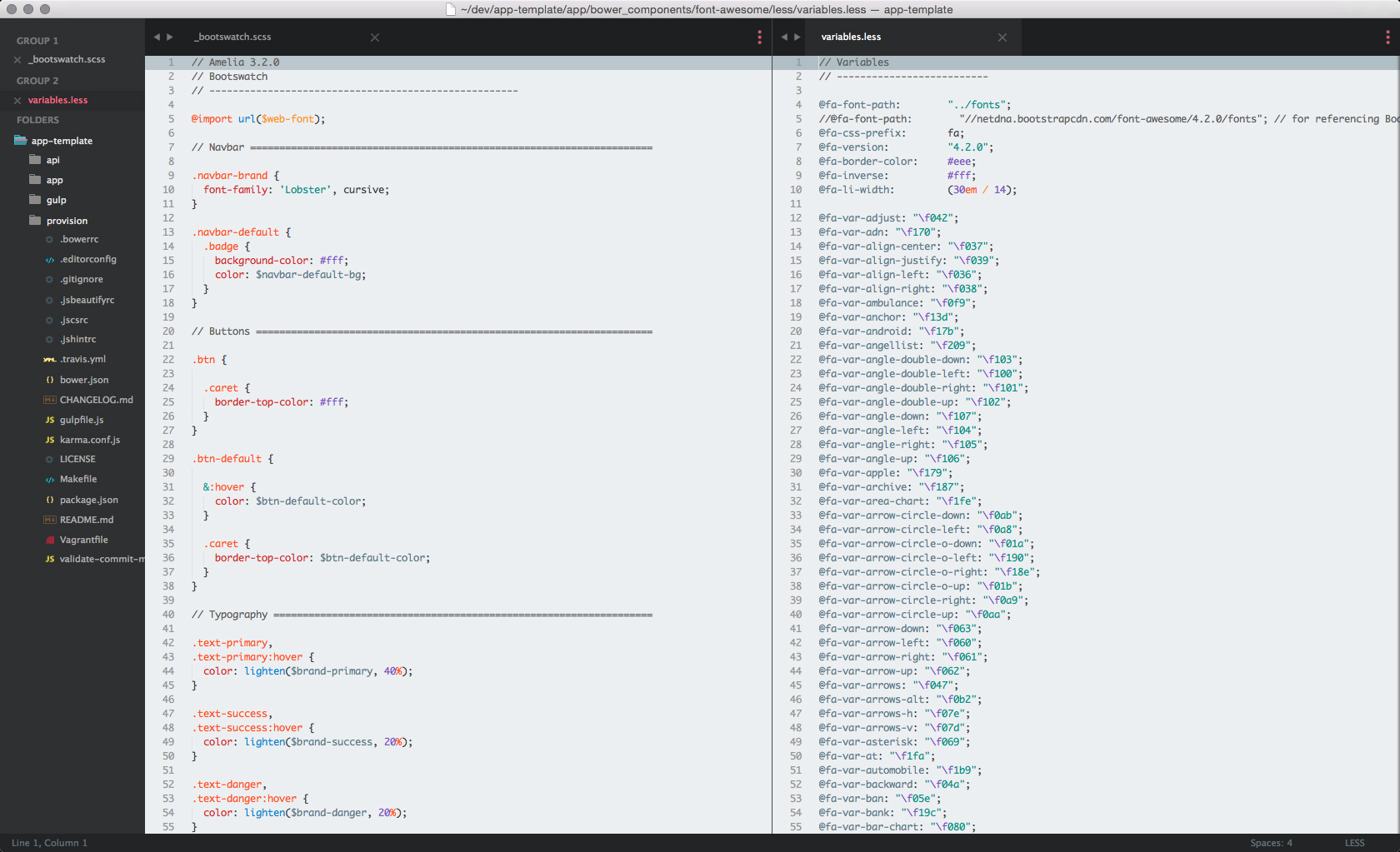
Ⅰ. 插件描述
Sublime Text syntax theme based off the Material Design color paletteⅡ. 基本信息
|
Ⅲ. 安装方法
使用Vundle管理器安装
在你的.vimrc下添加:Plugin 'paradox41/material-color-scheme':source %
:PluginInstall对于Vundle版本 < 0.10.2,请用上面的Bundle替换Plugin。
使用NeoBundle管理器安装
在你的.vimrc下添加:NeoBundle 'paradox41/material-color-scheme':source %
:NeoBundleInstall使用VimPlug管理器安装
在你的.vimrc下添加:Plug 'paradox41/material-color-scheme':source %
:PlugInstall使用Pathogen管理器安装
在终端中运行以下命令:cd ~/.vim/bundle
git clone https://github.com/paradox41/material-color-schemeⅣ. 文档说明
# Material Color Scheme


Syntax theme based off of the Material Design color palette
Sublime Text 2/3
Install using Package Control
If you are using Package Control, you can
install Material Color Scheme via Package Control: Install Package. Search for Material Color Scheme once the list appears. Select Material Color Scheme by going to Preferences -> Color Scheme -> Material Color Scheme
Manual install
- Clone
git@github.com:paradox41/material-color-scheme.gitand then copy the Material.tmTheme file - Open Sublime text and click on Preferences -> Browse Packages
- Then put the Material.tmTheme there
- Select Material Color Scheme by going to Preferences -> Color Scheme -> Material Color Scheme
Settings
Ensure you have "highlight_line": true in your Preferences.sublime-settings file if you are using ST3.
Migrating from 1.x to 2.x (Sublime only)
When upgrading from 1.x, you will need to reactivate the Material scheme from your preferences menu.
Preferences -> Color Scheme...
As part of a refactor, the location of the *.tmTheme files changed.
Atom
Install using apm install material or get it here.
Theme
The theme being used in the screenshots is Preap
HTML and JavaScript
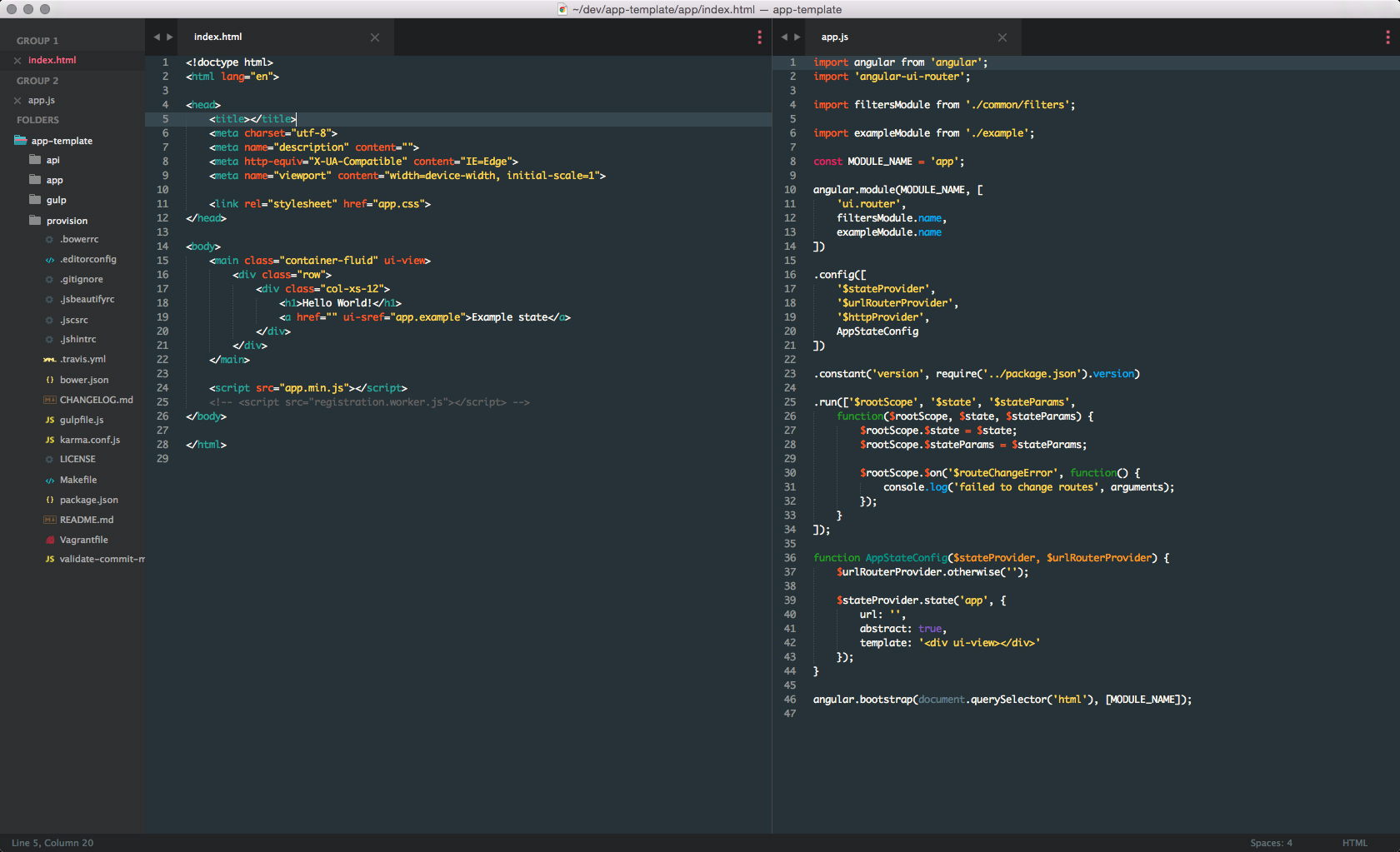
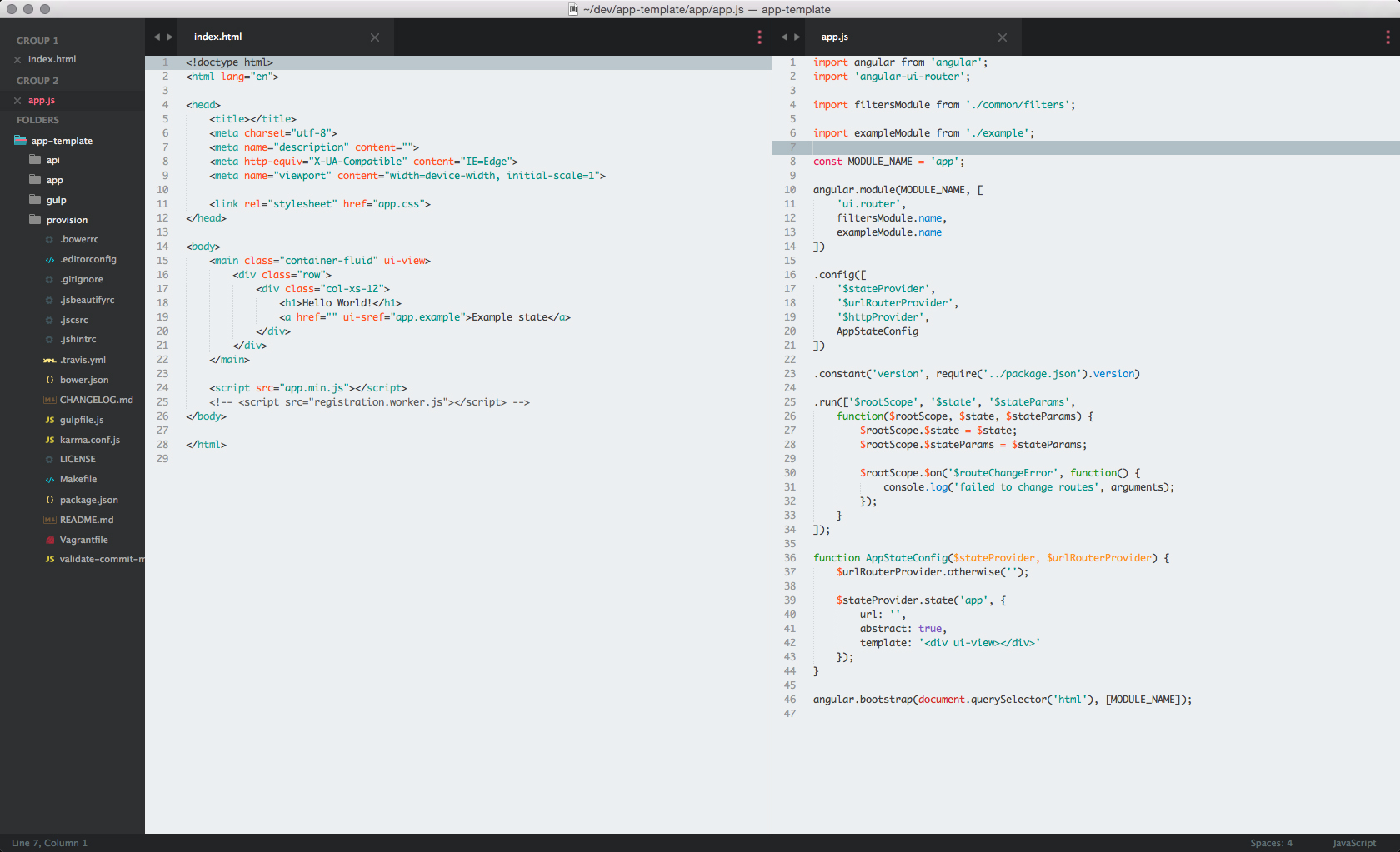
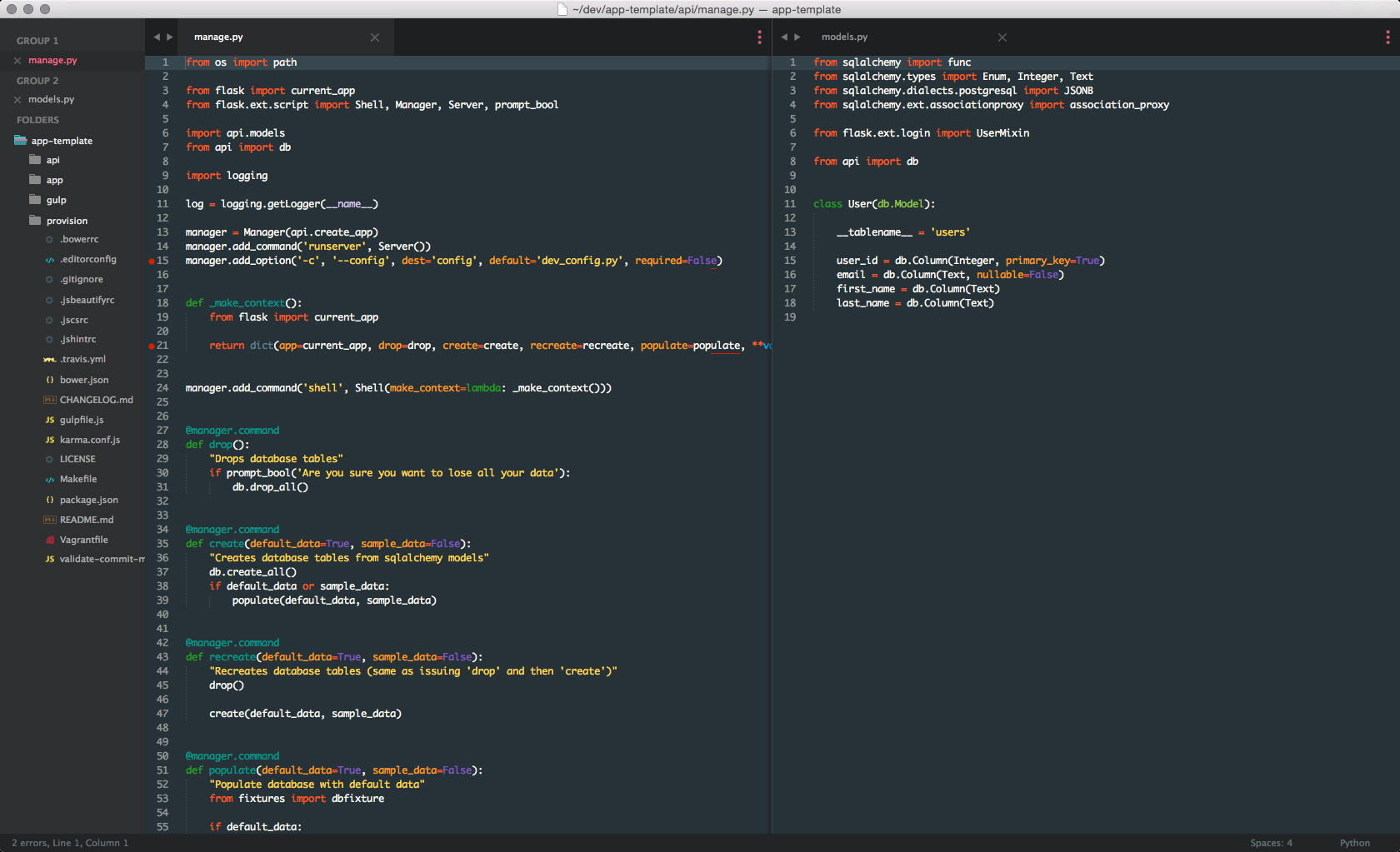
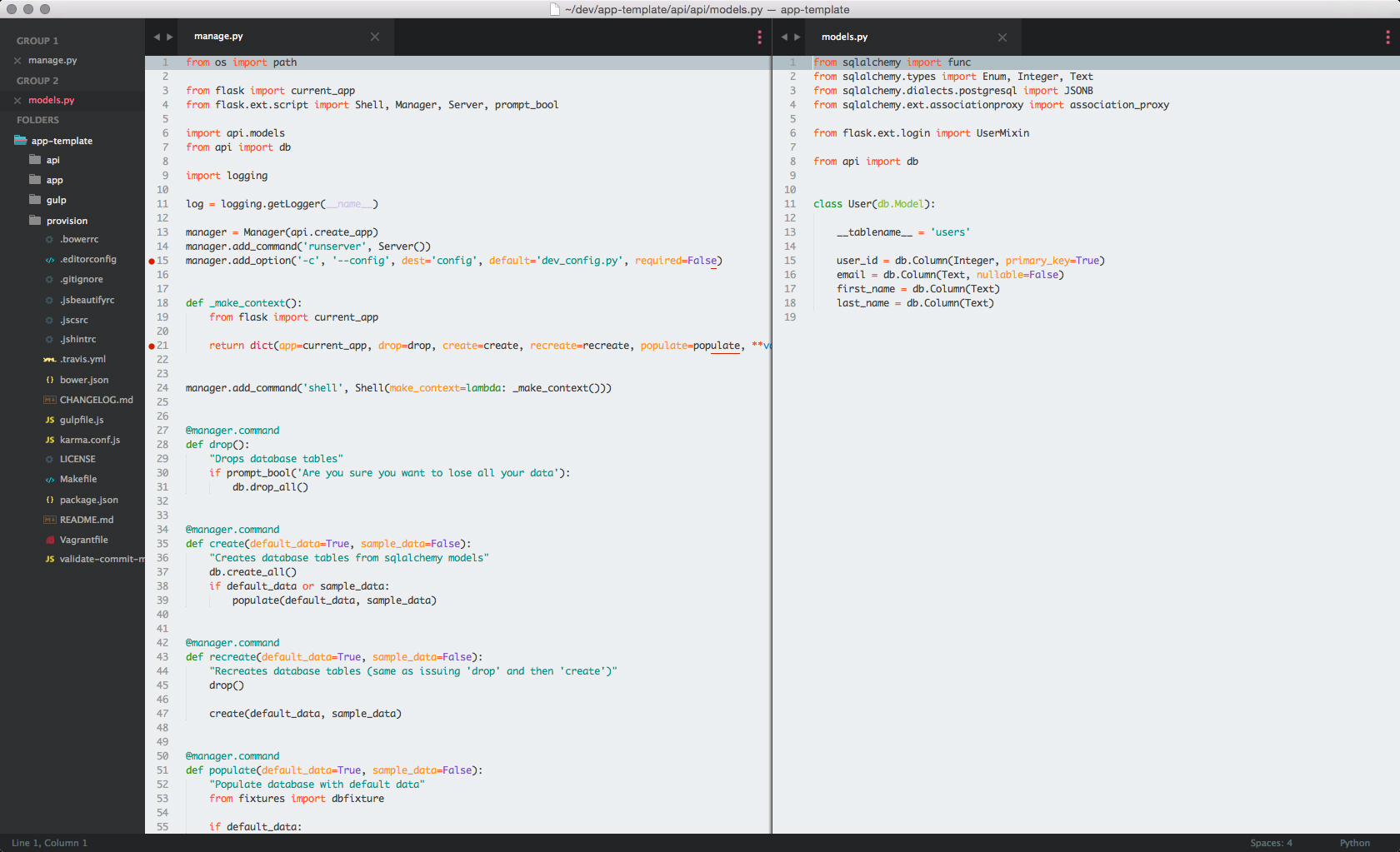
Python
Sass and Less