Ⅰ. 插件描述
:computer: Light & dark material theme for iterm2Ⅱ. 基本信息
|
Ⅲ. 安装方法
使用Vundle管理器安装
在你的.vimrc下添加:Plugin 'stoeffel/material-iterm':source %
:PluginInstall对于Vundle版本 < 0.10.2,请用上面的Bundle替换Plugin。
使用NeoBundle管理器安装
在你的.vimrc下添加:NeoBundle 'stoeffel/material-iterm':source %
:NeoBundleInstall使用VimPlug管理器安装
在你的.vimrc下添加:Plug 'stoeffel/material-iterm':source %
:PlugInstall使用Pathogen管理器安装
在终端中运行以下命令:cd ~/.vim/bundle
git clone https://github.com/stoeffel/material-itermⅣ. 文档说明
# material-iterm
Light & dark material theme for iterm2
Inspired by @NLKNguyen's papercolor-theme and materializecss
Downloads :cloud:
iterm2 nightly
iterm2 stable
Screenshots :camera:
| light | dark |
|:-:|:-:|
| 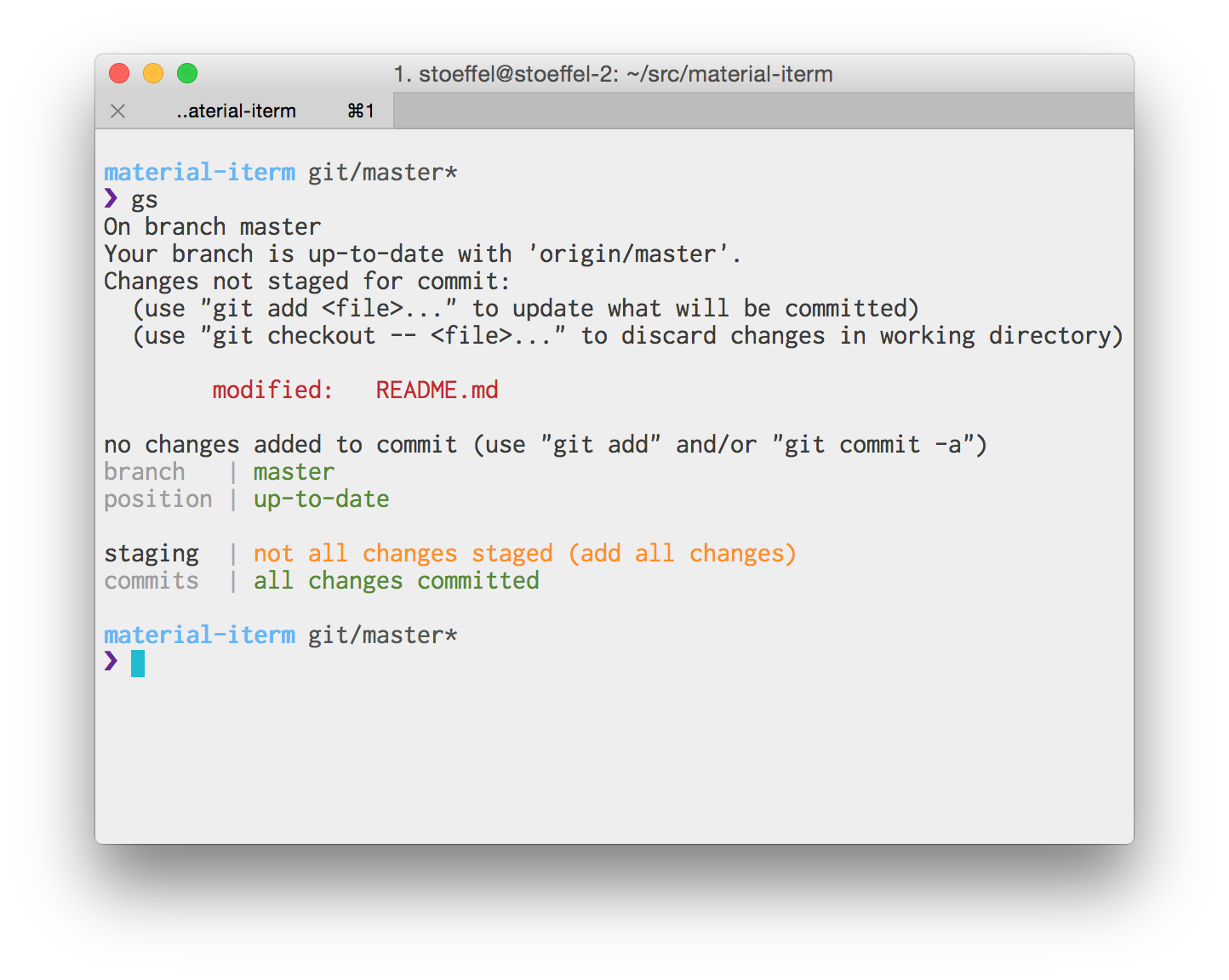 |
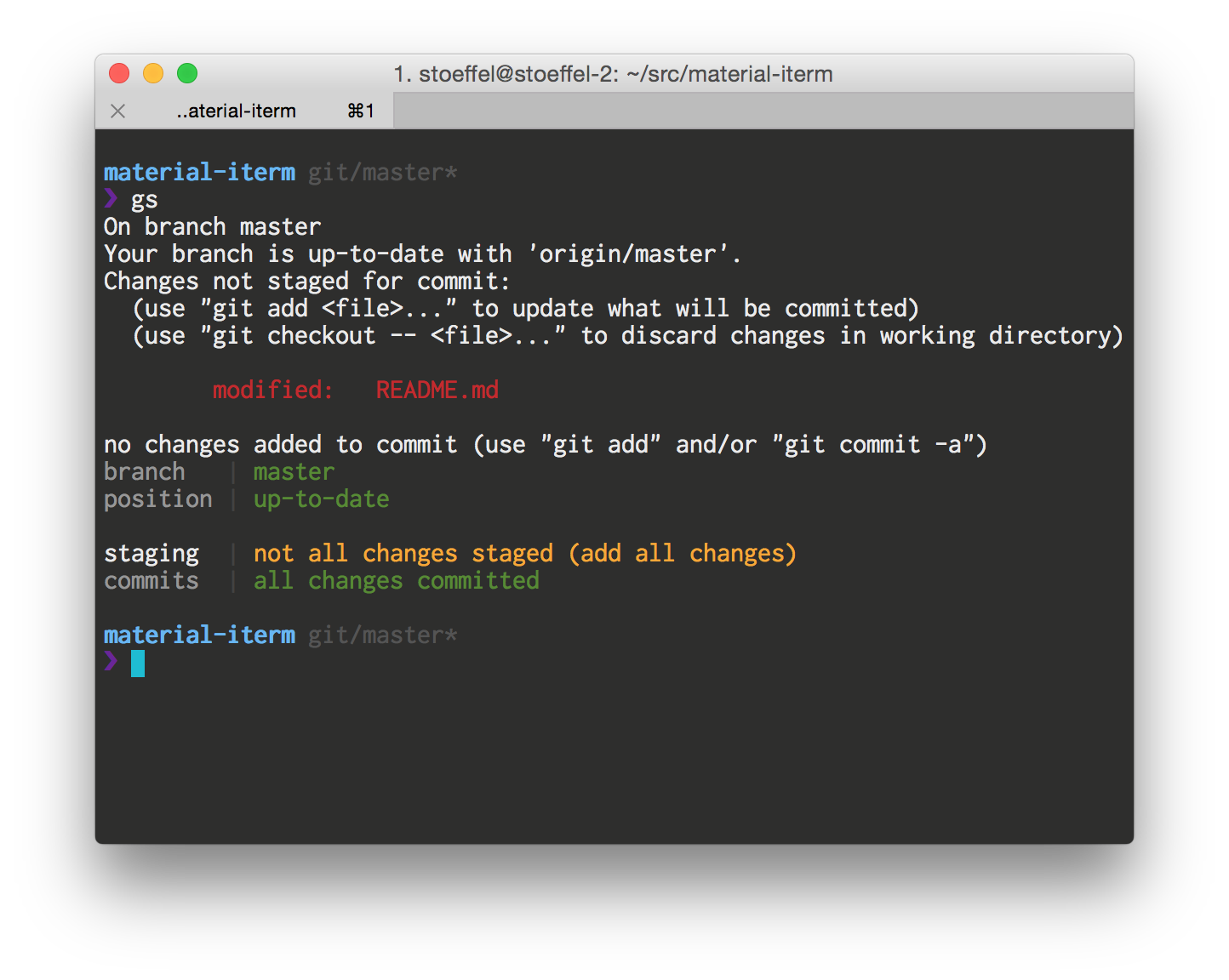 |
Color palette
| light | dark |
|:-:|:-:|
| 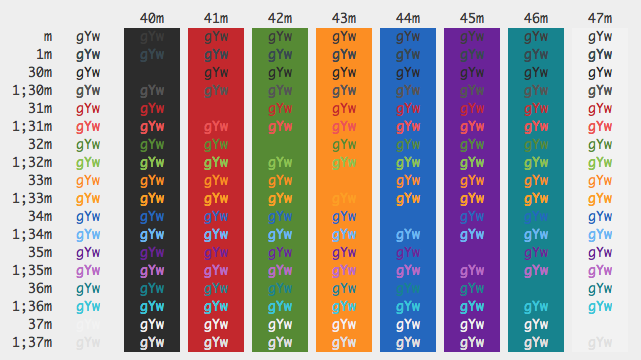 |
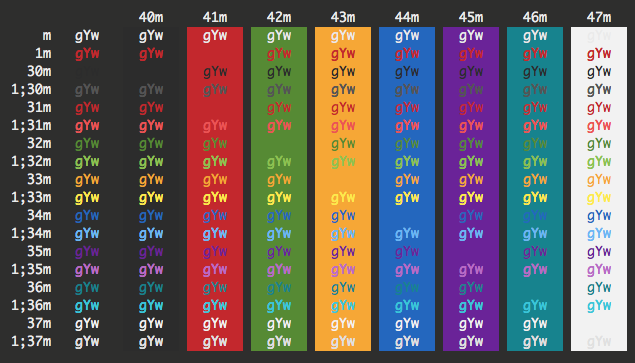 |
Contribution
:star: Suggestions and PRs are welcome! :star:
License

To the extent possible under law, Christoph Hermann has waived all copyright and related or neighboring rights to this work.