Ⅰ. 插件描述
Vim plugin for Markdown : convert to HTML & realtime previewⅡ. 基本信息
|
Ⅲ. 安装方法
使用Vundle管理器安装
在你的.vimrc下添加:Plugin 'kurocode25/mdforvim':source %
:PluginInstall对于Vundle版本 < 0.10.2,请用上面的Bundle替换Plugin。
使用NeoBundle管理器安装
在你的.vimrc下添加:NeoBundle 'kurocode25/mdforvim':source %
:NeoBundleInstall使用VimPlug管理器安装
在你的.vimrc下添加:Plug 'kurocode25/mdforvim':source %
:PlugInstall使用Pathogen管理器安装
在终端中运行以下命令:cd ~/.vim/bundle
git clone https://github.com/kurocode25/mdforvimⅣ. 文档说明
mdforvim
Overview
"mdforvim" is vim plugin for dealing Markdown langage more easily, which is independent of ex-parser.It has follow functions;
- converting instantly Markdown lang. to HTML in current buffer
- saving as HTML file without change original Markdown file
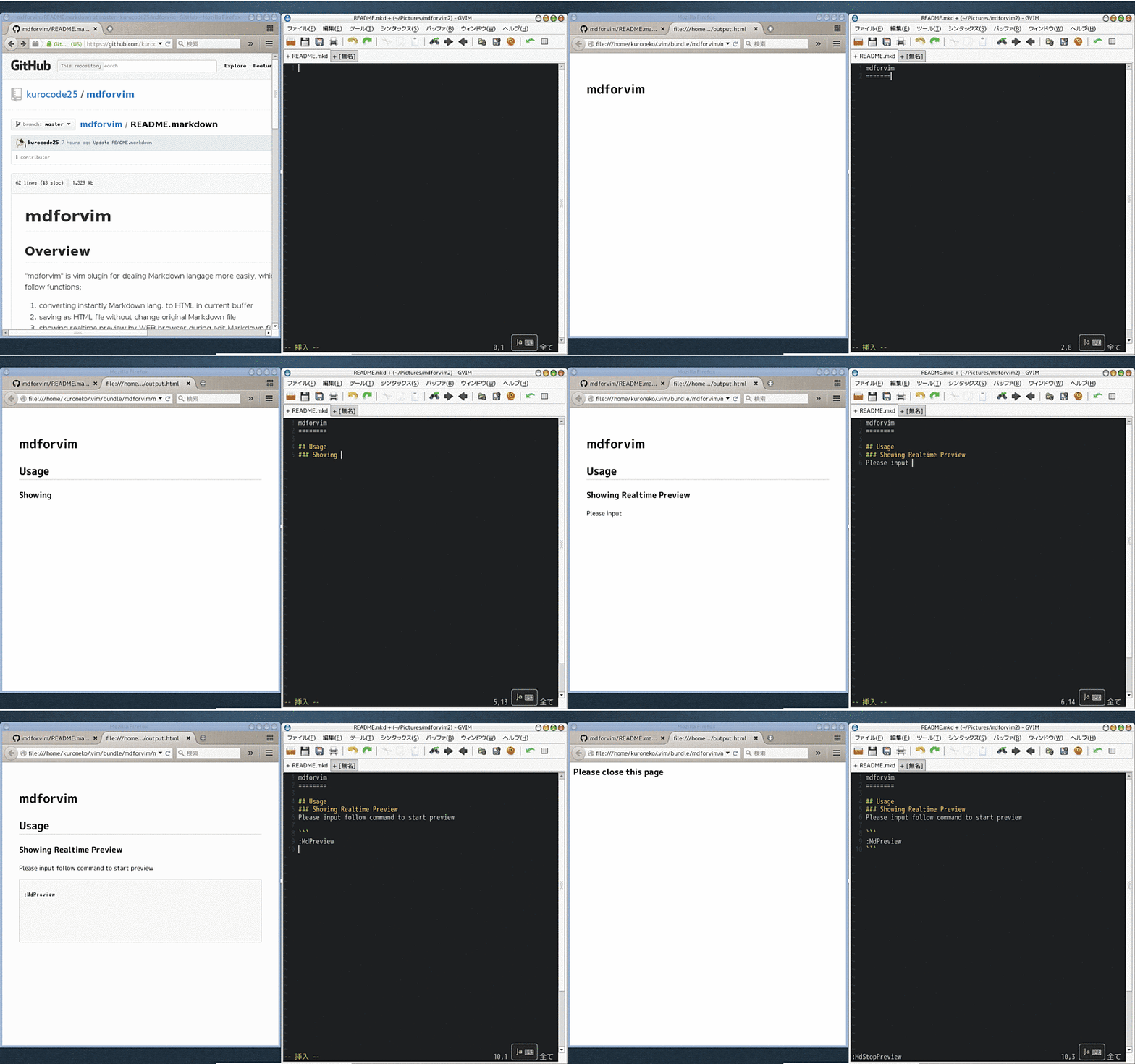
- showing live preview by WEB browser during edit Markdown file
Demo
Showing Live Preview
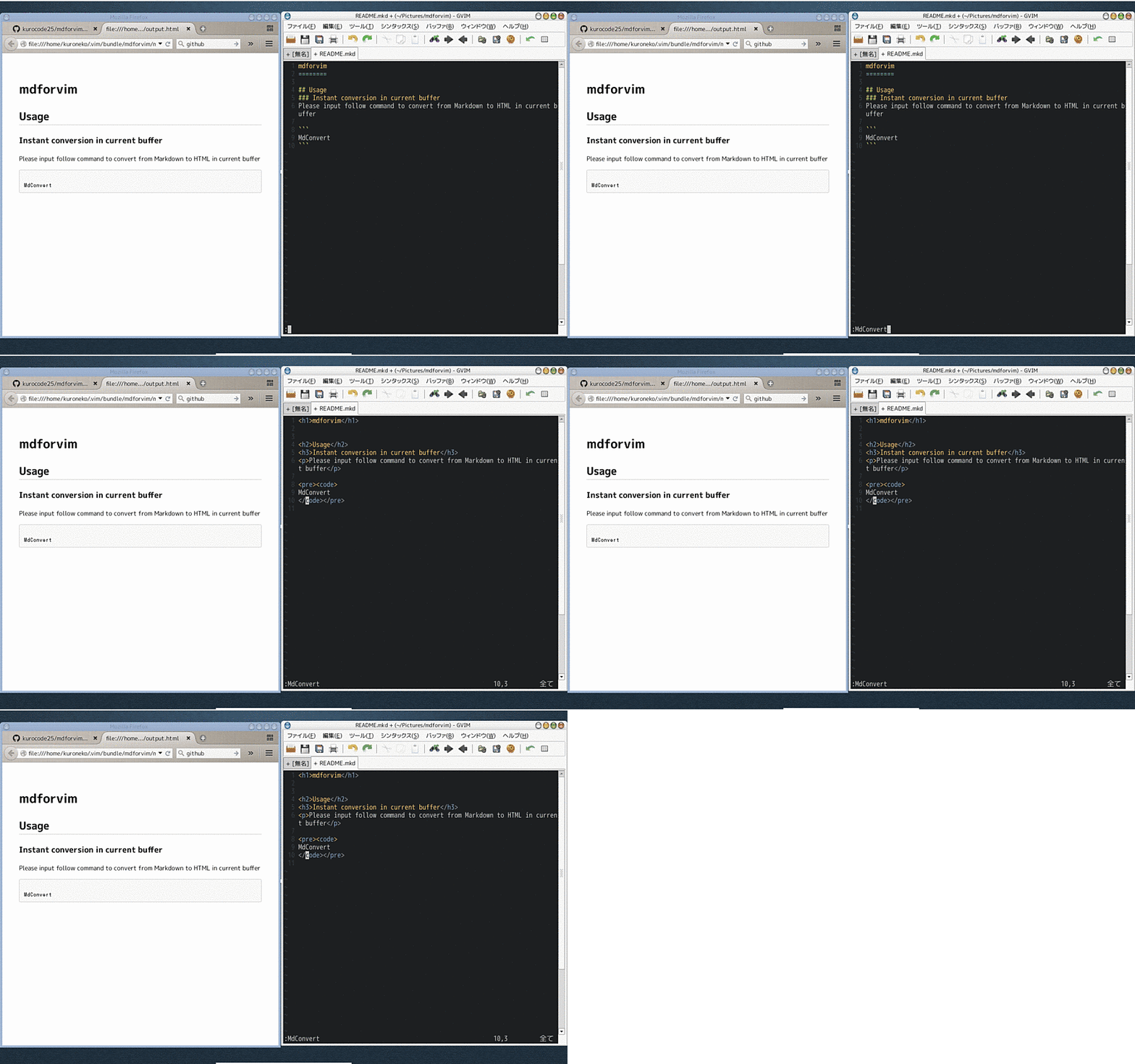
Conversion Markdown in current buffer
Usage
Instant conversion in current buffer
Please input follow command to convert from Markdown to HTML in current buffer.
:MdConvertSaving as HTML file
Please input follow command to save as HTML file.
:MdSaveAs <file name.html>Showing Live Preview
Please input follow command to start preview.
:MdPreviewIf you finish preview, we recommend run follow command before close WEB brwoser.
:MdStopPreviewInstall
Vundle
If you use vundle, please add Plugin 'kurocode25/mdforvim' your ~/.vimrc(or _vimrc) and install by Vundle
:PluginInstallNeoBundle
If you use NeoBundle, please add NeoBundle 'kurocode25/mdforvim' your ~/.vimrc(or _vimrc) and install by NeoBundle
:NeoBundleInstall