Ⅰ. 插件描述
:tv: NicoNico like comments on VimⅡ. 基本信息
|
Ⅲ. 安装方法
使用Vundle管理器安装
在你的.vimrc下添加:Plugin 'haya14busa/niconicomment-vim':source %
:PluginInstall对于Vundle版本 < 0.10.2,请用上面的Bundle替换Plugin。
使用NeoBundle管理器安装
在你的.vimrc下添加:NeoBundle 'haya14busa/niconicomment-vim':source %
:NeoBundleInstall使用VimPlug管理器安装
在你的.vimrc下添加:Plug 'haya14busa/niconicomment-vim':source %
:PlugInstall使用Pathogen管理器安装
在终端中运行以下命令:cd ~/.vim/bundle
git clone https://github.com/haya14busa/niconicomment.vimⅣ. 文档说明
:tv: Niconicomment.vim :tv:
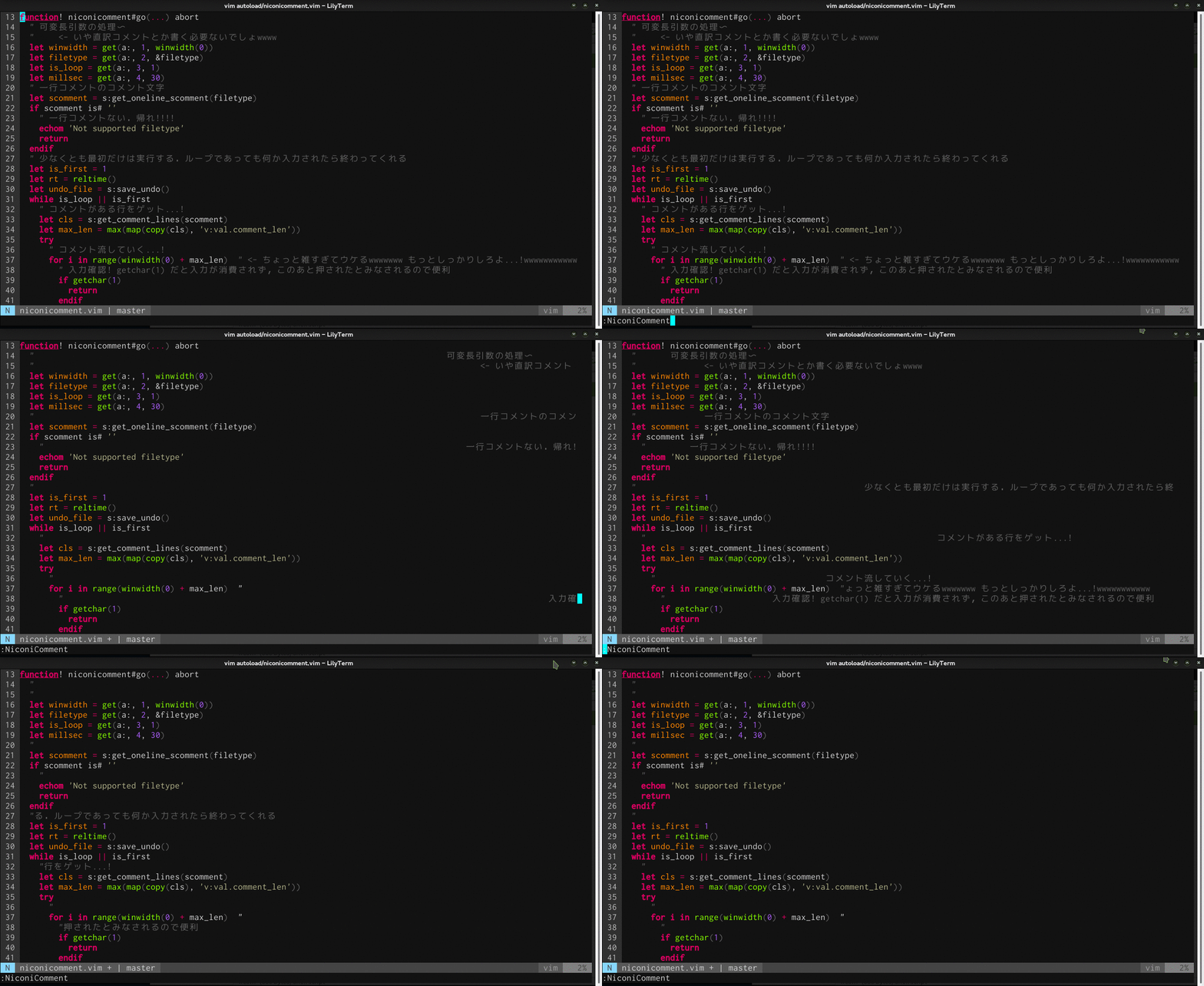
<p lang="ja" dir="ltr">ドワ社のソースコードのコメントって横に流れてくんでしょ</p>— Toshiyuki Takahashi (@tototoshi) July 1, 2015
<script async src="//platform.twitter.com/widgets.js" charset="utf-8"></script>
- inspired by ドワ社の横に流れるソースコードのコメント | プログラミング生放送
### Installation
Neobundle / Vundle / vim-plug
NeoBundle 'haya14busa/niconicomment.vim'
Plugin 'haya14busa/niconicomment.vim'
Plug 'haya14busa/niconicomment.vim'
Usage
:NiconicommentAuto-run
let g:niconicomment_auto = 1
let g:niconicomment_loop = 1