Ⅰ. 插件描述
A 24bit dark Vim colorscheme based on sdras/night-owl-vscode-themeⅡ. 基本信息
|
Ⅲ. 安装方法
使用Vundle管理器安装
在你的.vimrc下添加:Plugin 'haishanh/night-owl-vim':source %
:PluginInstall对于Vundle版本 < 0.10.2,请用上面的Bundle替换Plugin。
使用NeoBundle管理器安装
在你的.vimrc下添加:NeoBundle 'haishanh/night-owl-vim':source %
:NeoBundleInstall使用VimPlug管理器安装
在你的.vimrc下添加:Plug 'haishanh/night-owl-vim':source %
:PlugInstall使用Pathogen管理器安装
在终端中运行以下命令:cd ~/.vim/bundle
git clone https://github.com/haishanh/night-owl.vimⅣ. 文档说明
<p align="center">

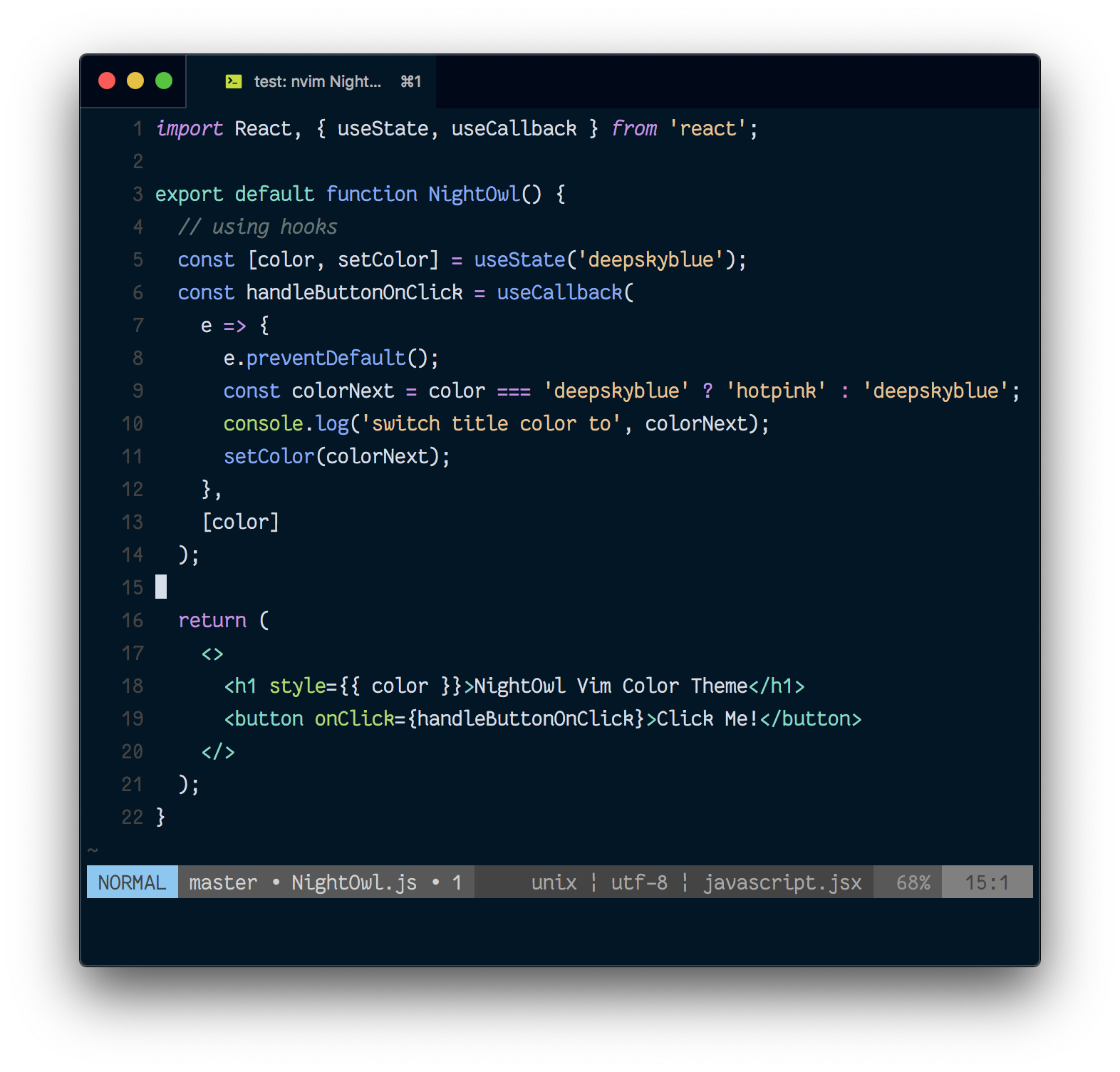
</p>
A true color Vim colorscheme based on sdras/night-owl-vscode-theme
Usage
""""" install

" install with vim-plug
Plug 'haishanh/night-owl.vim'
" or with NeoBundle
" NeoBundle 'haishanh/night-owl.vim'
" or with Vundle
" Plugin 'haishanh/night-owl.vim'

""""" enable 24bit true color

" If you have vim >=8.0 or Neovim >= 0.1.5
if (has("termguicolors"))
 set termguicolors
endif

" For Neovim 0.1.3 and 0.1.4
let $NVIM_TUI_ENABLE_TRUE_COLOR=1

""""" enable the theme

syntax enable
colorscheme night-owl

" To enable the lightline theme
let g:lightline = { 'colorscheme': 'nightowl' }
This theme is build with jacoborus/estilo. If you want to customize this theme, you will need Node.js.
# clone the repo and cd to the dir
# install deps
# you can use npm too
yarn

# checkout file estilo/palettes/night-owl.vim.yml and estilo/syntax/base.yml
# read https://github.com/jacoborus/estilo/blob/master/docs/color-palettes.md
# and https://github.com/jacoborus/estilo/blob/master/docs/colorschemes.md
# to understand how to use them

# make changes and run
yarn render