Ⅰ. 插件描述
Paste from clipboard to vim at full speed.Ⅱ. 基本信息
|
Ⅲ. 安装方法
使用Vundle管理器安装
在你的.vimrc下添加:Plugin 'enricobacis/paste-vim':source %
:PluginInstall对于Vundle版本 < 0.10.2,请用上面的Bundle替换Plugin。
使用NeoBundle管理器安装
在你的.vimrc下添加:NeoBundle 'enricobacis/paste-vim':source %
:NeoBundleInstall使用VimPlug管理器安装
在你的.vimrc下添加:Plug 'enricobacis/paste-vim':source %
:PlugInstall使用Pathogen管理器安装
在终端中运行以下命令:cd ~/.vim/bundle
git clone https://github.com/enricobacis/paste.vimⅣ. 文档说明
# paste.vim
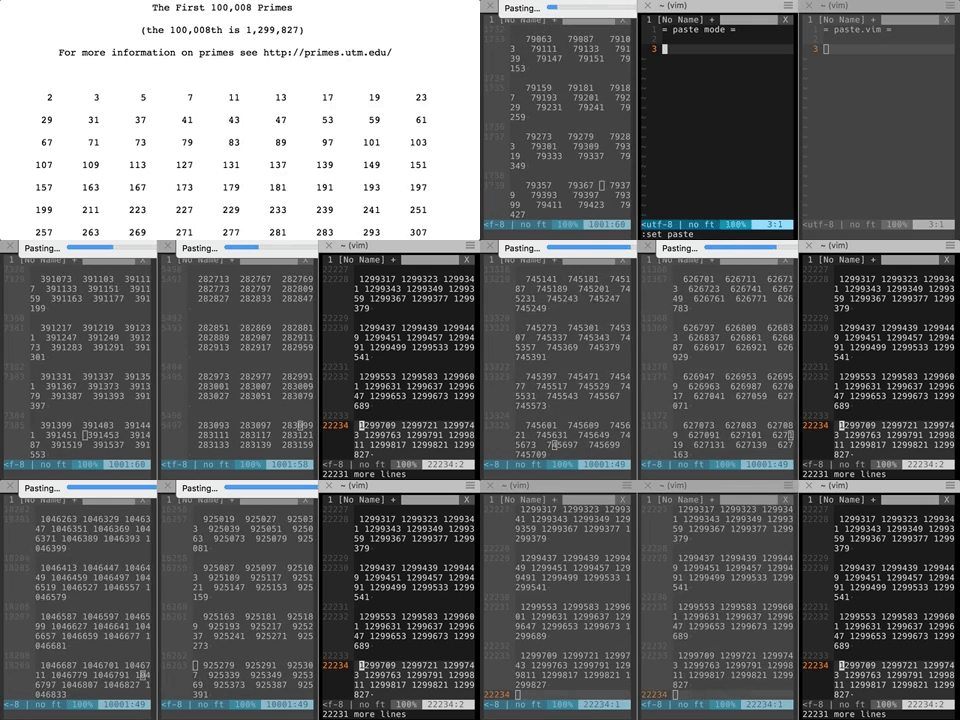
Paste (or copy) from clipboard at full speed using pbpaste, xclip or xsel.
Installation
Use your plugin manager of choice.
- Add
Bundle 'enricobacis/paste.vim'to .vimrc - Run
:BundleInstall
- Add
- Add
NeoBundle 'enricobacis/paste.vim'to .vimrc - Run
:NeoBundleInstall
- Add
- Add
Plug 'enricobacis/paste.vim'to .vimrc - Run
:PlugInstall
- Add
Usage
After you have installed the plugin you can use the default mapping
<leader>v
to paste the current content of the clipboard at cursor position.
This is way faster than pasting in normal mode and paste mode.
For symmetry, this plugin also provides the visual mode mapping
<leader>y
which copies the current selection to the system clipboard.
Configuration
You can disable the default mappings and configure your own:
let g:paste_no_mappings = 1
nnoremap <shortcut> :Paste<CR>
vnoremap <shortcut> :Copy<CR>