Ⅰ. 插件描述
phpunit plugin for Vim editorⅡ. 基本信息
|
Ⅲ. 安装方法
使用Vundle管理器安装
在你的.vimrc下添加:Plugin 'c9s/phpunit-vim-back-to-december':source %
:PluginInstall对于Vundle版本 < 0.10.2,请用上面的Bundle替换Plugin。
使用NeoBundle管理器安装
在你的.vimrc下添加:NeoBundle 'c9s/phpunit-vim-back-to-december':source %
:NeoBundleInstall使用VimPlug管理器安装
在你的.vimrc下添加:Plug 'c9s/phpunit-vim-back-to-december':source %
:PlugInstall使用Pathogen管理器安装
在终端中运行以下命令:cd ~/.vim/bundle
git clone https://github.com/c9s/phpunit.vimⅣ. 文档说明
# phpunit.vim
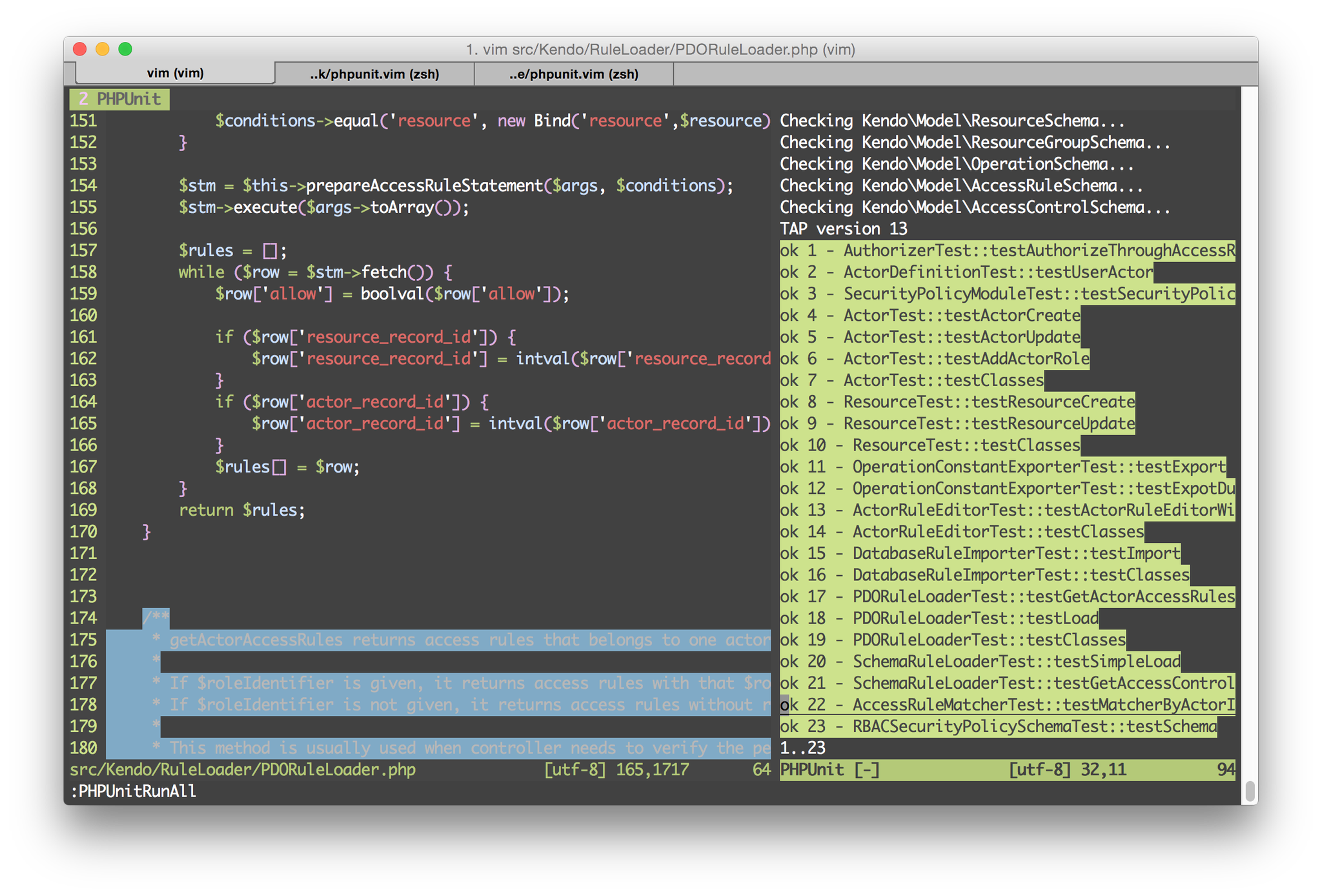
Install via Vundle
Plugin "c9s/phpunit.vim"Configurations
" the directory that contains your phpunit test cases.
let g:phpunit_testroot = 'tests'
" the directory that contains source files
let g:phpunit_srcroot = 'src'" the location of your phpunit file.
let g:phpunit_bin = 'phpunit'" php unit command line options
let g:phpunit_options = ["--stop-on-failure"]Key Mappings
<leader>ta- Run all test cases<leader>ts- Switch between source & test file<leader>tf- Run current test case class
Notice
Since vim doesn't support pipe output to a buffer, this plugin only renders the content to buffer when the command completed.
License
MIT License