Ⅰ. 插件描述
Puyo on VimⅡ. 基本信息
|
Ⅲ. 安装方法
使用Vundle管理器安装
在你的.vimrc下添加:Plugin 'rbtnn/puyo-vim':source %
:PluginInstall对于Vundle版本 < 0.10.2,请用上面的Bundle替换Plugin。
使用NeoBundle管理器安装
在你的.vimrc下添加:NeoBundle 'rbtnn/puyo-vim':source %
:NeoBundleInstall使用VimPlug管理器安装
在你的.vimrc下添加:Plug 'rbtnn/puyo-vim':source %
:PlugInstall使用Pathogen管理器安装
在终端中运行以下命令:cd ~/.vim/bundle
git clone https://github.com/rbtnn/puyo.vimⅣ. 文档说明
# Puyo on Vim
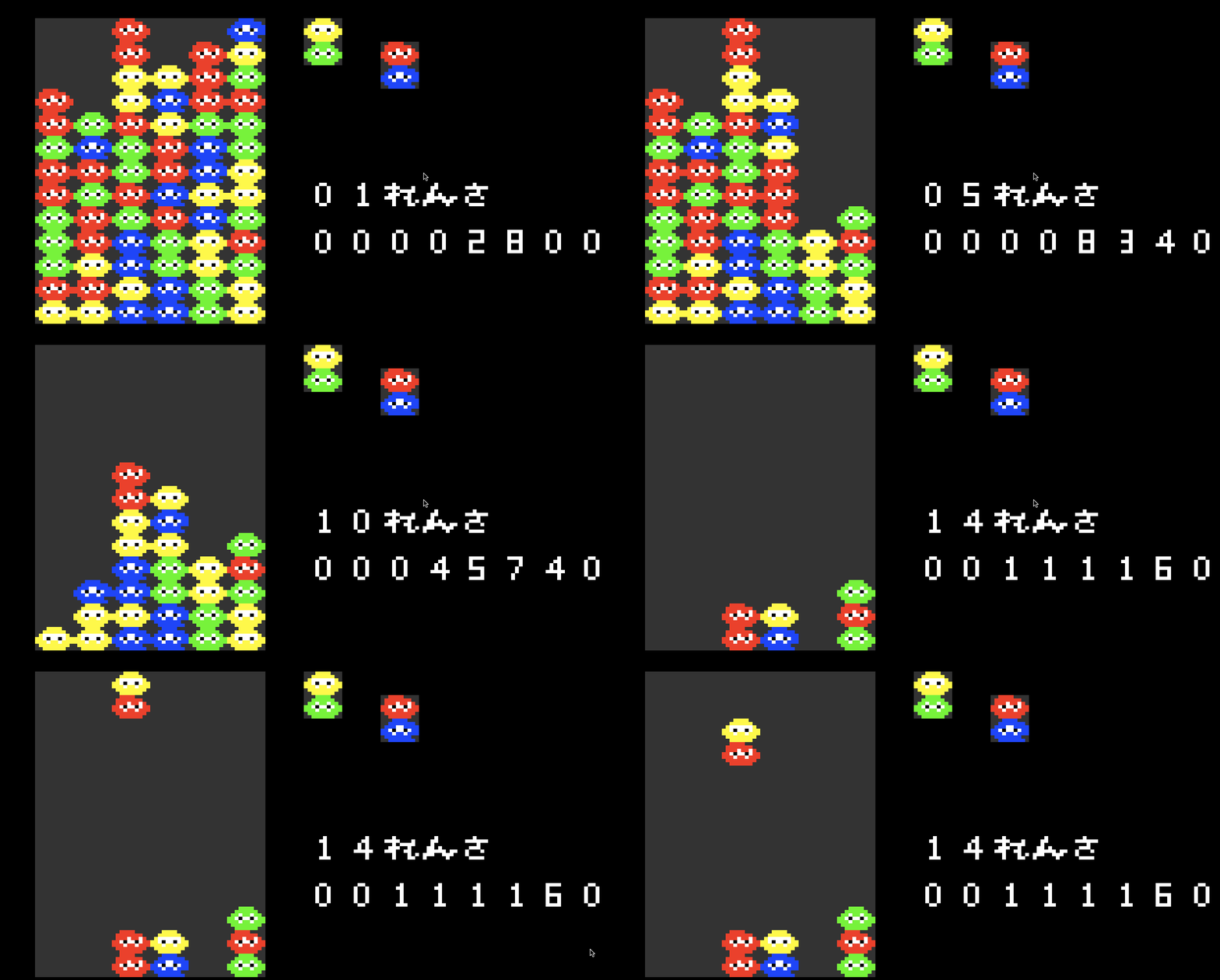
USAGE
    " Play puyo.vim
    :Puyo
How-to
- k key : Quick-Drop.
- x key : Left-Handed Rotation.
- z key : Right-Handed Rotation.
- h key : Move puyos to the left.
- l key : Move puyos to the right.
- j key : Move puyos to the down.
- q key : exit puyo.vim(same as GameOver).