Ⅰ. 插件描述
RadicalGoodSpeed.vim is a high-contrast Vim color scheme.Ⅱ. 基本信息
|
Ⅲ. 安装方法
使用Vundle管理器安装
在你的.vimrc下添加:Plugin 'svjunic/radicalgoodspeed':source %
:PluginInstall对于Vundle版本 < 0.10.2,请用上面的Bundle替换Plugin。
使用NeoBundle管理器安装
在你的.vimrc下添加:NeoBundle 'svjunic/radicalgoodspeed':source %
:NeoBundleInstall使用VimPlug管理器安装
在你的.vimrc下添加:Plug 'svjunic/radicalgoodspeed':source %
:PlugInstall使用Pathogen管理器安装
在终端中运行以下命令:cd ~/.vim/bundle
git clone https://github.com/svjunic/radicalgoodspeed.vimⅣ. 文档说明
# RadicalGoodSpeed.vim
RadicalGoodSpeed.vim is a high-contrast Vim color scheme.
Screenshot
es6
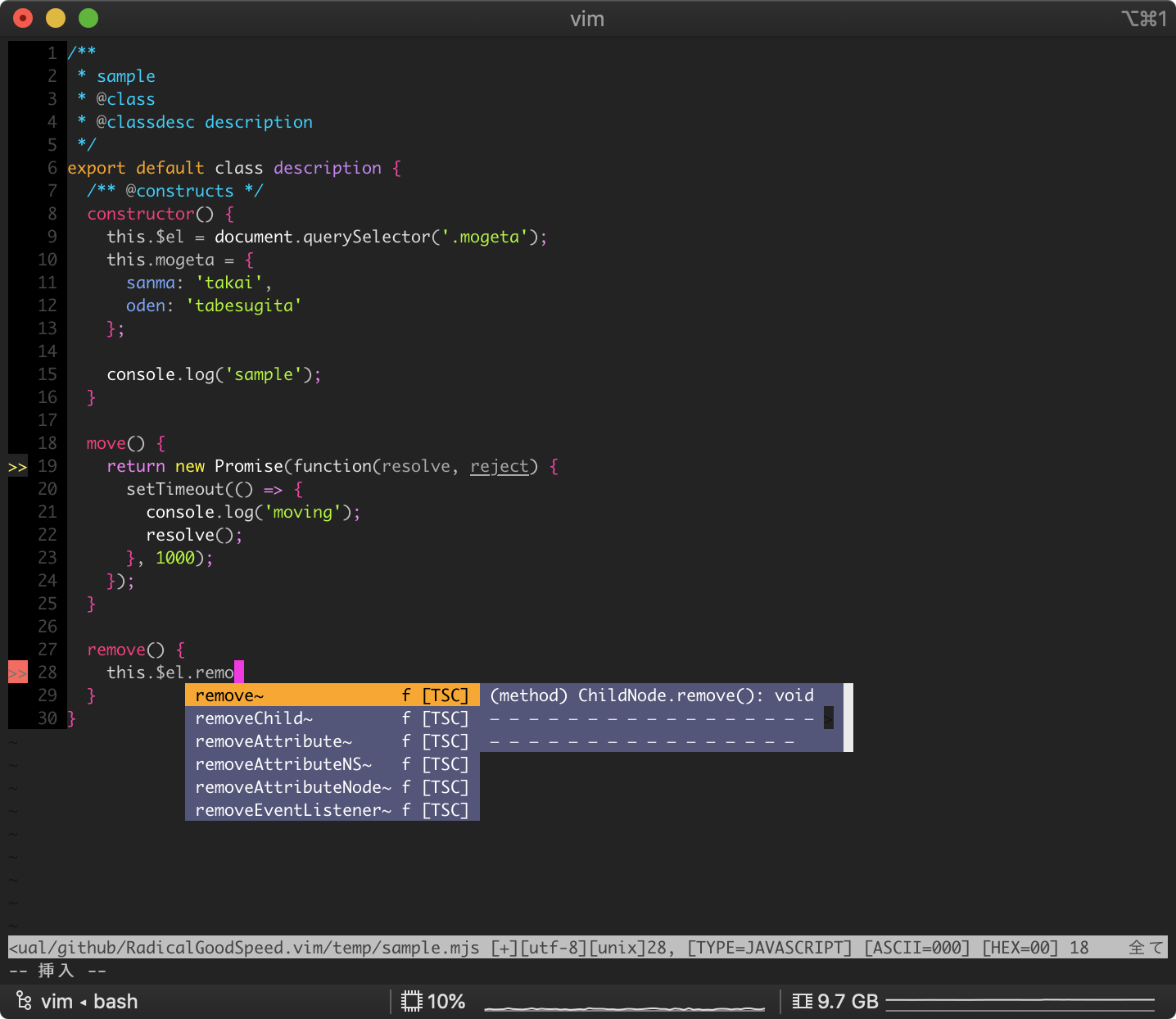
This capture uses the following Javascript syntax:
Please bundling.
html/css
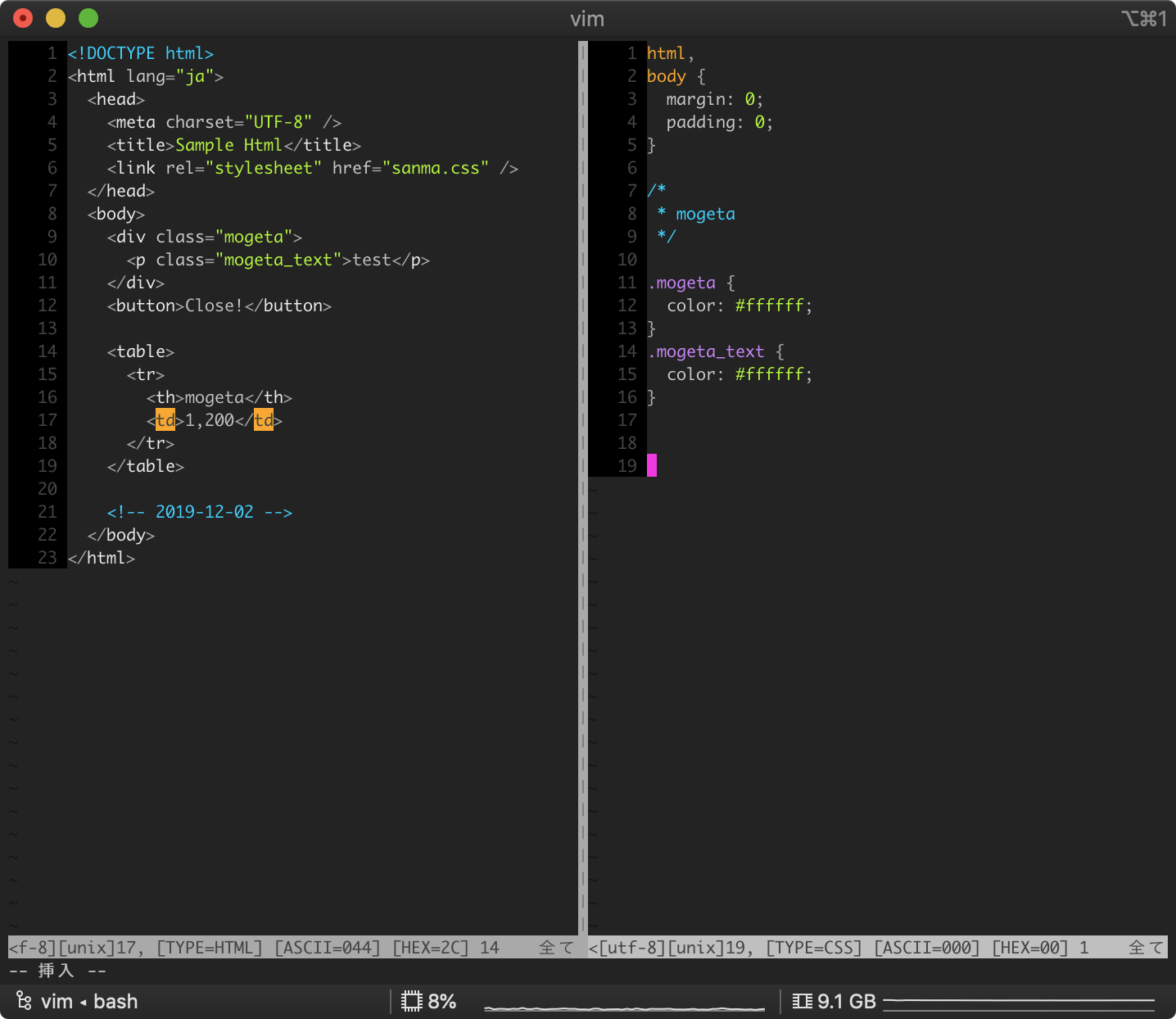
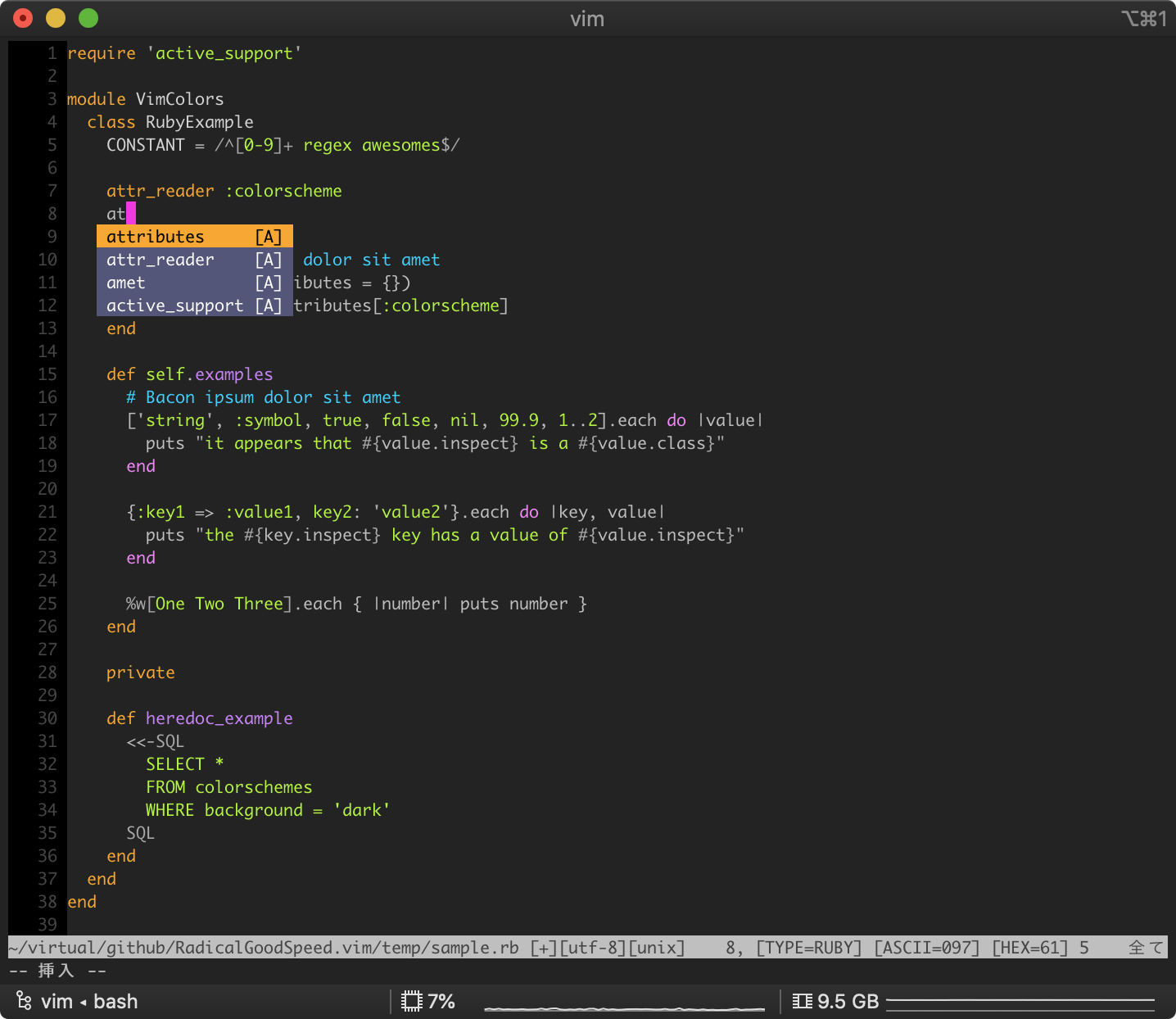
ruby
install details
Put the RadicalGoodSpeed.vim file in your ~/.vim/colors/ folder.
If you use dein, add the following:
if dein#load_state('~/.cache/dein')
  call dein#begin('~/.cache/dein')

  call dein#add('~/.cache/dein/repos/github.com/Shougo/dein.vim')

  call dein#add('svjunic/RadicalGoodSpeed')

  call dein#end()
  call dein#save_state()
endif
if using toml
[[plugins]]
repo = 'svjunic/RadicalGoodSpeed'
Next, add the following command to your ~/.vimrc:
colorscheme radicalgoodspeed