Ⅰ. 插件描述
Vim plugin for colouring the text background based on information mined from gitⅡ. 基本信息
|
Ⅲ. 安装方法
使用Vundle管理器安装
在你的.vimrc下添加:Plugin 'friedsock/smeargle':source %
:PluginInstall对于Vundle版本 < 0.10.2,请用上面的Bundle替换Plugin。
使用NeoBundle管理器安装
在你的.vimrc下添加:NeoBundle 'friedsock/smeargle':source %
:NeoBundleInstall使用VimPlug管理器安装
在你的.vimrc下添加:Plug 'friedsock/smeargle':source %
:PlugInstall使用Pathogen管理器安装
在终端中运行以下命令:cd ~/.vim/bundle
git clone https://github.com/friedsock/smeargleⅣ. 文档说明
## About


smeargle is a plugin for the vim text editor that allows
line-based choropleth mapping of the editor background, based on
statistics mined from the file's git repository.
There are 3 different colouring methods to choose from, the first 2
based on the age of a particular line, since it was checked into the git
- All have been designed to work with colour schemes that use
- dark background. First: choosing equal size groups for each of 6 time frames, a 'heat' map.

Second, changing the range of each group so that each one has the
smallest standard deviation, or maximum homogeneity. Also known as Jenks
natural breaks, (see a possible set of derived colour ranges below)

There is also a scheme that assigns a different colour for each
different author of lines in the file. The darker colour: the more
prolific the author within that file. Ie. if a file has 3 different
authors: Bob — 120 lines, Alice — 34 lines, Carlos — 2 lines. Bob's lines will
appear darkest, Alice slightly lighter, and Carlos lightest. If there
are lots of authors in a particular file, the bottom few will be
coalesced into the lightest shade of gray.
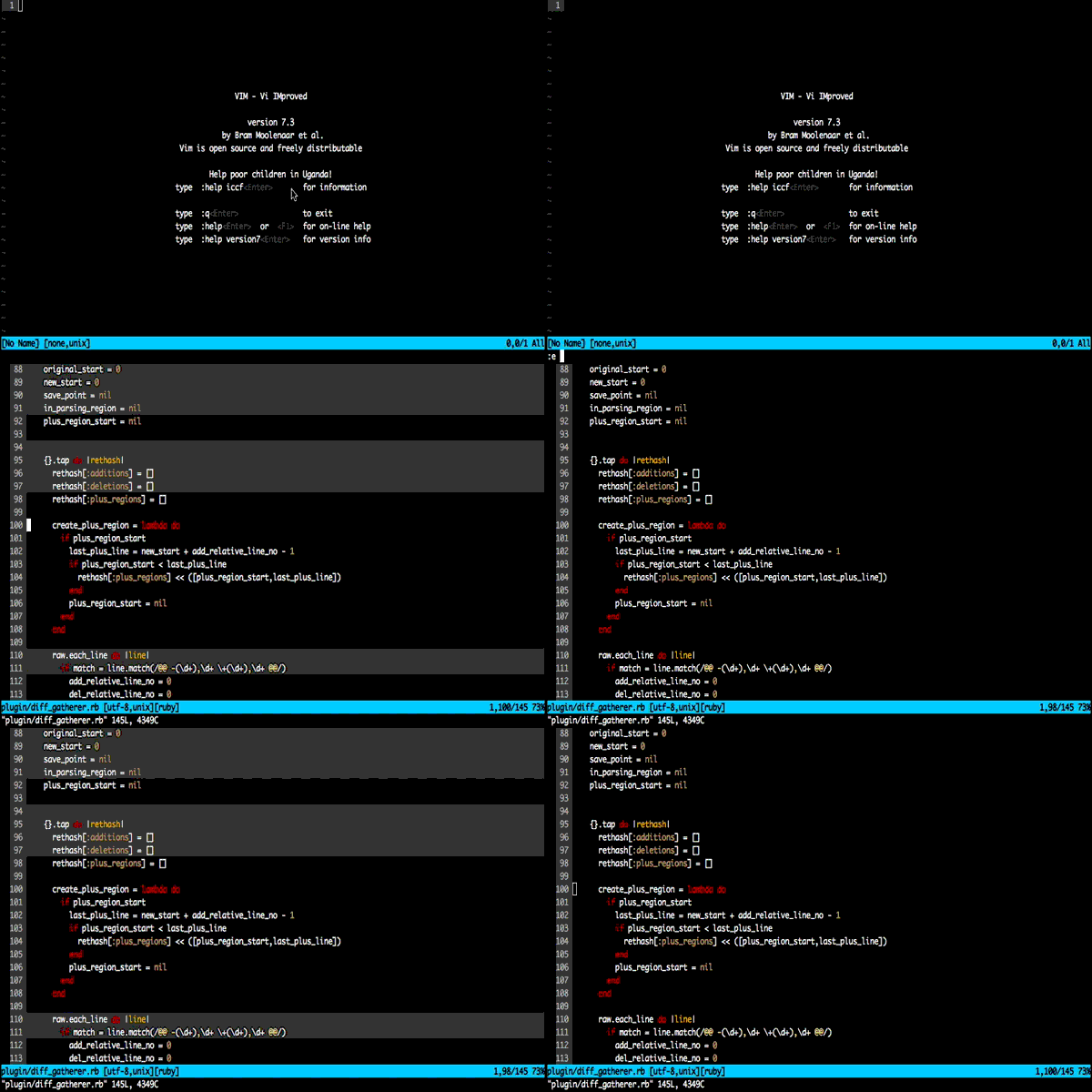
Switching between different colouring schemes
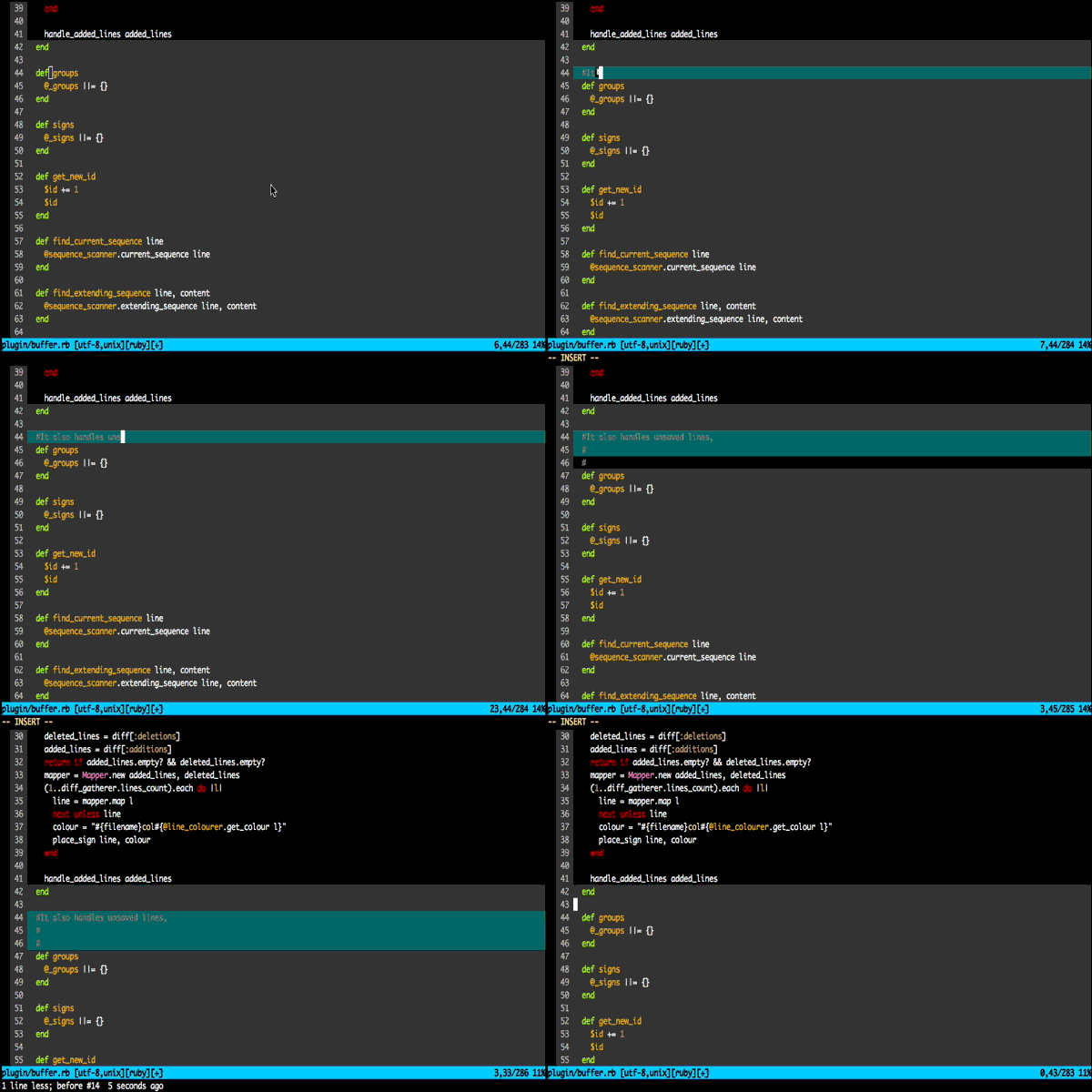
Real time highlighting of new unsaved lines (that cannot be given any other
colour)
Installation
This plugin has been designed for compatibility with
Pathogen and
Vundle package managers — it
is highly recommended you use one if you do not already.
If you don't use either of those, simply clone the repository
git clone http://github.com/FriedSock/smeargle.git ~/.vim/bundle/smeargle
And add the directory to your runtime path by adding this line to your.vimrc file
set rtp+=~/.vim/bundle/smeargle
Usage
By default — toggling of colouring schemes is mapped using the <leader> key.
To toggle the heat map use <leader>h, the jenks colouring scheme is mapped to <leader>j and colouring based on the commit author is mapped to <leader>a. Or to just clear any current colouring: hit <leader>c
Configuration
If you would like to change the default key bindings, it is easy to do so by adding a mapping to your .vimrc file. eg.
let g:smeargle_heat_map = '<c-h>'
The functions of interest for each mode are g:smeargle_heat_map, g:smeargle_jenks_map and g:smeargle_author_map for the heatmap, jenks and author schemes respectively.
Note: If you already have existing mappings for <leader>h, <leader>j then the plugin will not overwrite them, so you will need to add these mappings to your .vimrc file.
Alternatively you can add the mapping explicitly such as:
nnoremap <silent><c-h> :SmeargleHeatToggle<cr>Which will work also. The commands of interest are :SmeargleHeatToggle, :SmeargleJenksToggle and:SmeargleAuthorToggle
Colours
By default, unsaved new lines are highlighted in cyan. If you find this
clashes with your colour scheme you can configure it differently by
setting the options:
let g:smeargle_newline_term_colour = 22
Which will change to green if you are using Vim from a terminal: you can choose a number from the 256
colour palette

or you can choose a hexadecimal value if you are using a GUI version:
let g:smeargle_newline_gui_colour = '#005f5f'
Load
By default, smeargle will load up the jenks colour scheme on file open. You may change this functionality with the g:smeargle_colouring_scheme option. With 'jenks', 'heat' or 'author' as the possible options. You may also choose to not have a colour scheme load on file open, by setting the option to empty string.
let g:smeargle_colouring_scheme = ''
Timeout
Sometimes for very large files, it may take a number of seconds to generate the colouring scheme you want (This is particularly true of the jenks natural breaks). By default, smeargle will timeout the computation after 5 seconds of waiting. If you think this is too long or too short, this is configurable with the g:smeargle_colour_timeout option, which specifies the number of seconds to wait.
Requirements
Your version of Vim must be compiled with the +ruby option. The plugin depends on your system ruby version, and has been tested on 1.8.7, 1.9.3, and 2.0.0. If you find that you have a different ruby version I would be happy to look into expanding support.