Ⅰ. 插件描述
Color Scheme for Terminal.app, iTerm2, Vim, MacVim, Sublime Text2 and TextmateⅡ. 基本信息
|
Ⅲ. 安装方法
使用Vundle管理器安装
在你的.vimrc下添加:Plugin 'hukl/smyck-color-scheme':source %
:PluginInstall对于Vundle版本 < 0.10.2,请用上面的Bundle替换Plugin。
使用NeoBundle管理器安装
在你的.vimrc下添加:NeoBundle 'hukl/smyck-color-scheme':source %
:NeoBundleInstall使用VimPlug管理器安装
在你的.vimrc下添加:Plug 'hukl/smyck-color-scheme':source %
:PlugInstall使用Pathogen管理器安装
在终端中运行以下命令:cd ~/.vim/bundle
git clone https://github.com/hukl/smyck-color-schemeⅣ. 文档说明
# Smyck Color Scheme
This is a color scheme suitable for Terminal.app, iTerm2, Vim, gVim,
MacVim, Textmate and Sublime Text 2.
The colors are carefully chosen and the contrasts are tuned so that it
should not hurt the eyes even after a whole day of working.
Screenshots
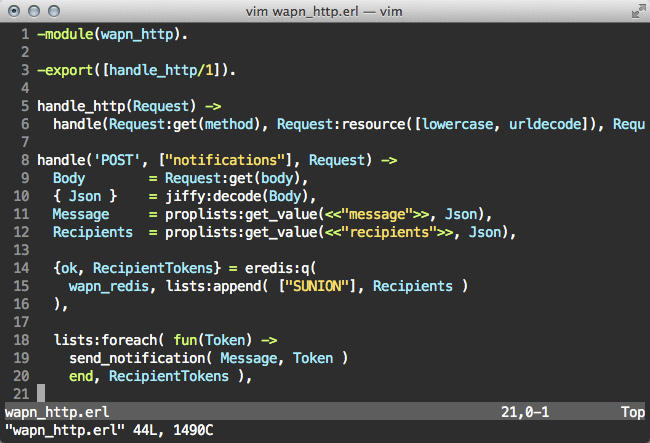
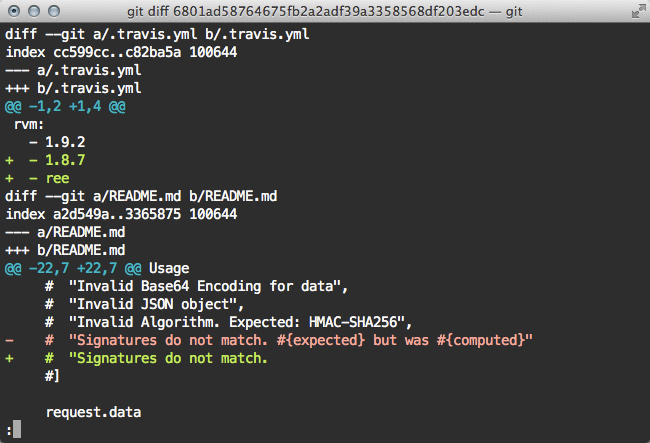
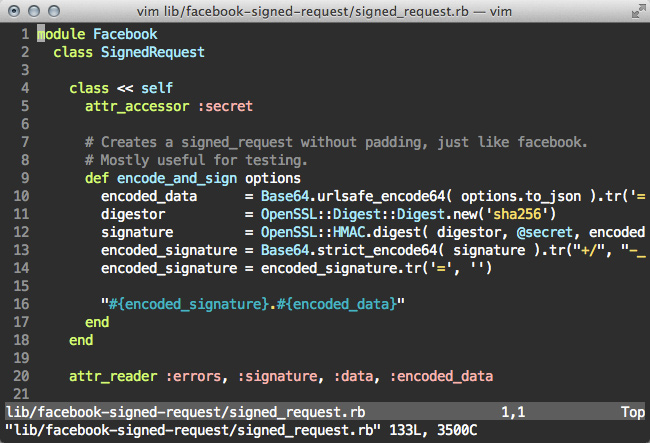
Disclaimer
Currently its still a moving target but if you want to help, please try
it out and report screenshots of weird looking things.
There is also an Eclipse adoption of this theme available at
https://github.com/m42i/Smyck-Color-Scheme.
Once the final color map is done this repository will include a proper
documentation.