Ⅰ. 插件描述
Easy and high speed coding methodⅡ. 基本信息
|
Ⅲ. 安装方法
使用Vundle管理器安装
在你的.vimrc下添加:Plugin 'mattn/sonictemplate-vim':source %
:PluginInstall对于Vundle版本 < 0.10.2,请用上面的Bundle替换Plugin。
使用NeoBundle管理器安装
在你的.vimrc下添加:NeoBundle 'mattn/sonictemplate-vim':source %
:NeoBundleInstall使用VimPlug管理器安装
在你的.vimrc下添加:Plug 'mattn/sonictemplate-vim':source %
:PlugInstall使用Pathogen管理器安装
在终端中运行以下命令:cd ~/.vim/bundle
git clone https://github.com/mattn/sonictemplate-vimⅣ. 文档说明
# sonictemplate
Easy and high speed coding method.
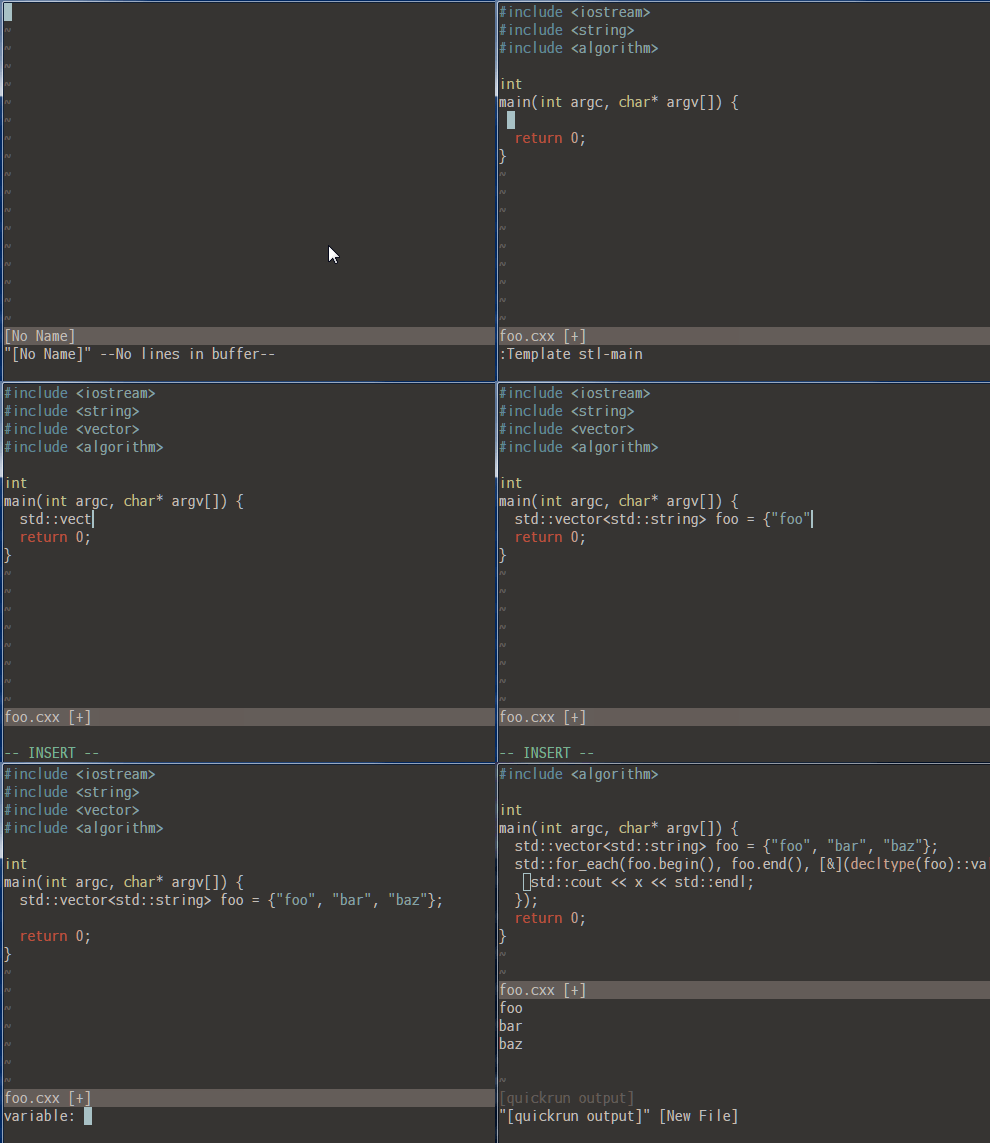
Template Completion
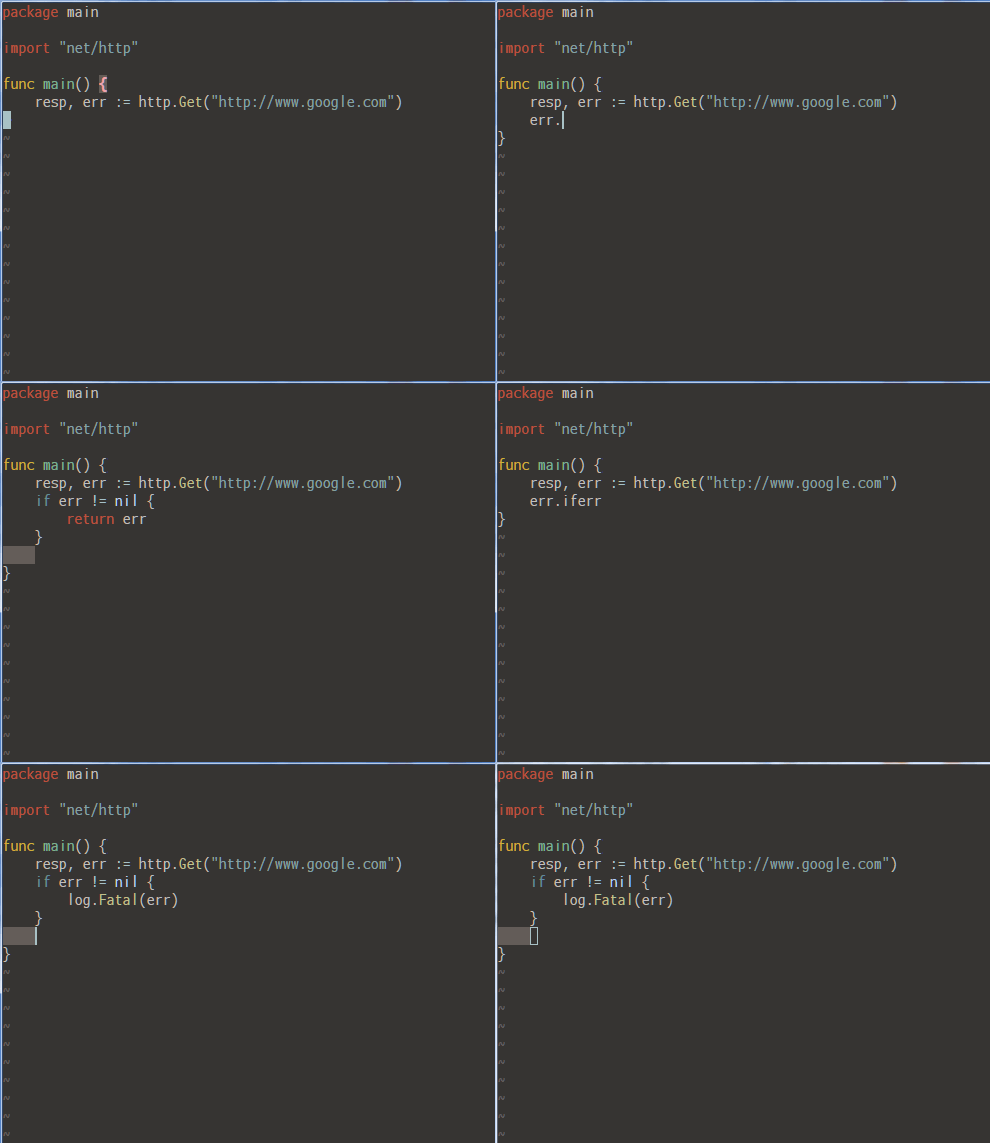
Postfix Completion
Basic Usage
Open new file
vim foo.pl:Template <tab>Then you can select package or script for perl filetype.
:Template package
:Template script
Type <enter> in script, you can see following.
use strict;
use warnings
use utf8;

_
And cursor is in _. If you open lib/Foo.pm, and type <enter> in package. You get following.
package Foo;
use strict;
use warnings
use utf8;

_

1
If you open C++ file, you can select main for C.
License
MIT
Author
Yasuhiro Matsumoto <mattn.jp@gmail.com>