Ⅰ. 插件描述
:purple_heart: A dark colorscheme for space-vim, see space-vim-theme for light background support!Ⅱ. 基本信息
|
Ⅲ. 安装方法
使用Vundle管理器安装
在你的.vimrc下添加:Plugin 'liuchengxu/space-vim-dark':source %
:PluginInstall对于Vundle版本 < 0.10.2,请用上面的Bundle替换Plugin。
使用NeoBundle管理器安装
在你的.vimrc下添加:NeoBundle 'liuchengxu/space-vim-dark':source %
:NeoBundleInstall使用VimPlug管理器安装
在你的.vimrc下添加:Plug 'liuchengxu/space-vim-dark':source %
:PlugInstall使用Pathogen管理器安装
在终端中运行以下命令:cd ~/.vim/bundle
git clone https://github.com/liuchengxu/space-vim-darkⅣ. 文档说明
space-vim-dark

Try the successor of space-vim-dark for light background support!
:tada: >> space-vim-theme
| dark | light |
|---|---|
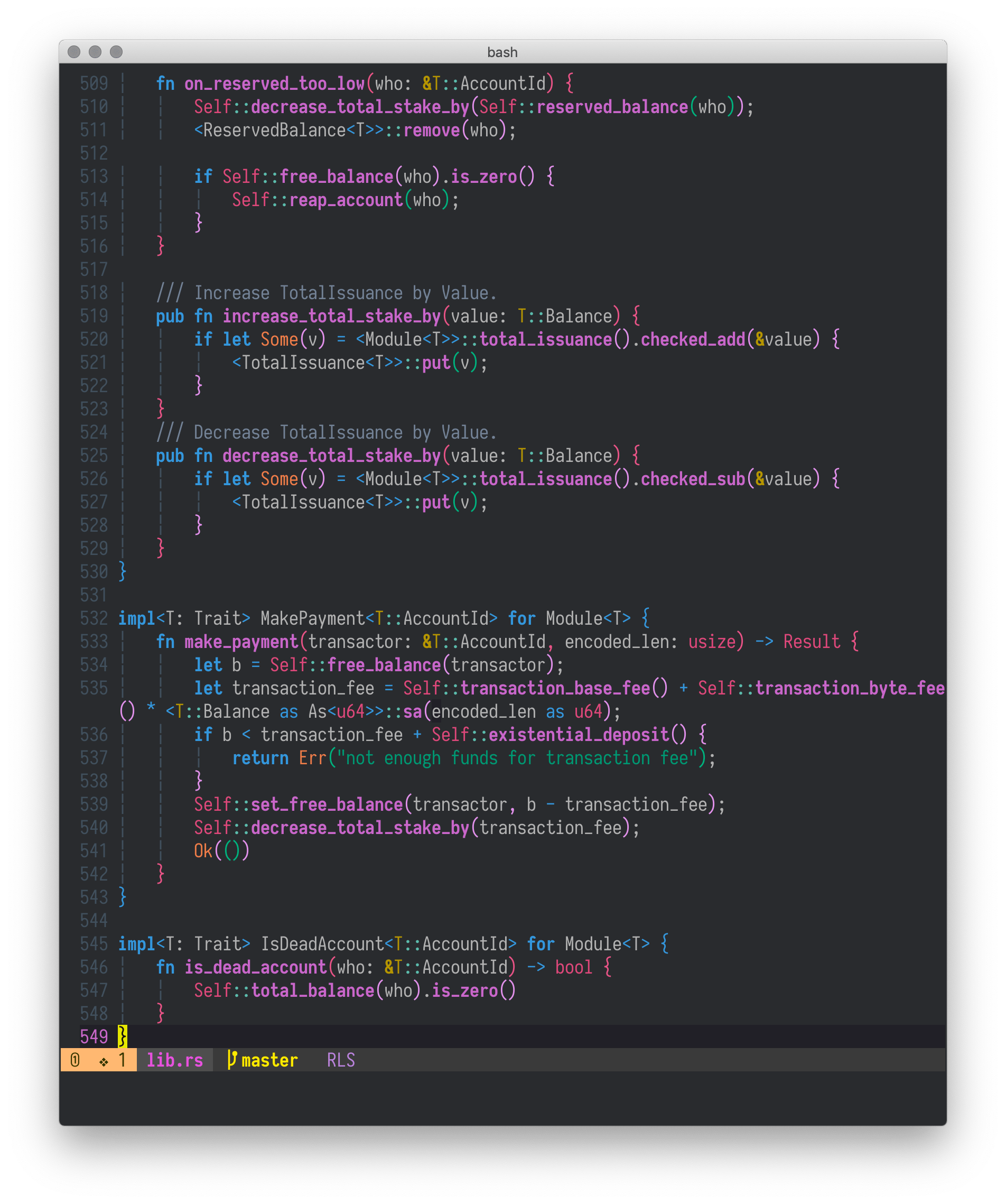 | 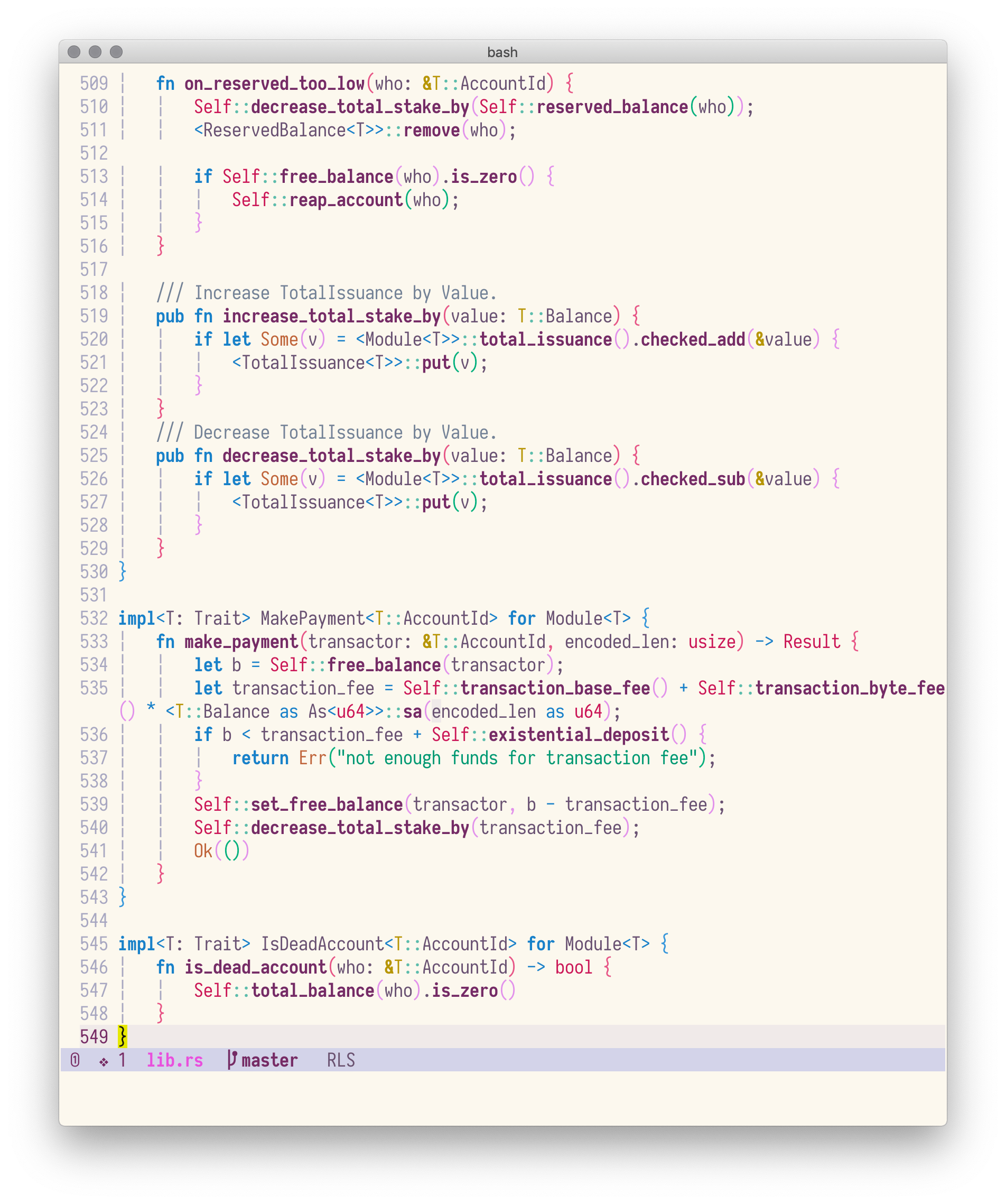 |
Space-vim-dark colorscheme is derived from spacemacs-dark-theme.
Installation
Follow your favourite plugin manager's instruction, e.g., vim-plug:
Plug 'liuchengxu/space-vim-dark'Notes:
If you want to enable italics in terminal:
- check if the current terminal is able to display italics correctly:
echo -e "\e[3mfoo\e[23m"]]", if the output isfoo, the terminal (-emulator) supports italics. If the terminal supports italics, put
hi Comment cterm=italicafter colorshcme command in your vimrc.colorscheme space-vim-dark hi Comment cterm=italic
- check if the current terminal is able to display italics correctly:
If you want to make the background transparent, override the related items in your vimrc:
colorscheme space-vim-dark
hi Normal     ctermbg=NONE guibg=NONE
hi LineNr     ctermbg=NONE guibg=NONE
hi SignColumn ctermbg=NONE guibg=NONE
<p align="center"><img width="500" alt="transparent" src="https://user-images.githubusercontent.com/8850248/36429354-75870ba6-168d-11e8-939a-34956e3c24b9.png"></p>
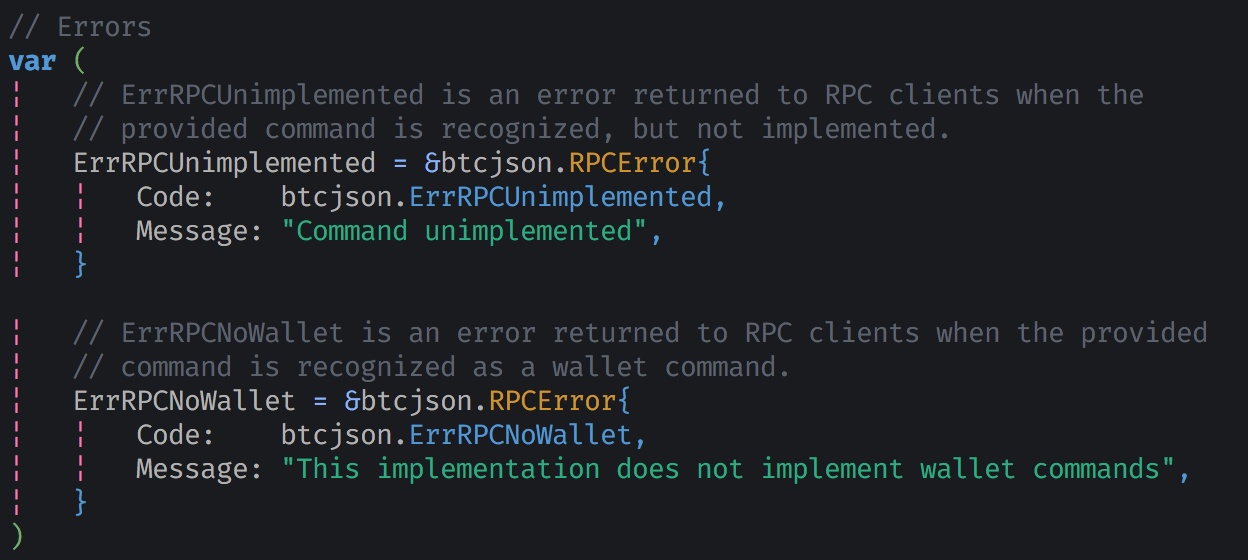
If you prefer the grey comment:
colorscheme space-vim-dark
hi Comment guifg=#5C6370 ctermfg=59
<p align="center">
 </p>
</p>
GUI or Terminal with true colors enabled
color space-vim-dark
set termguicolors
hi LineNr ctermbg=NONE guibg=NONE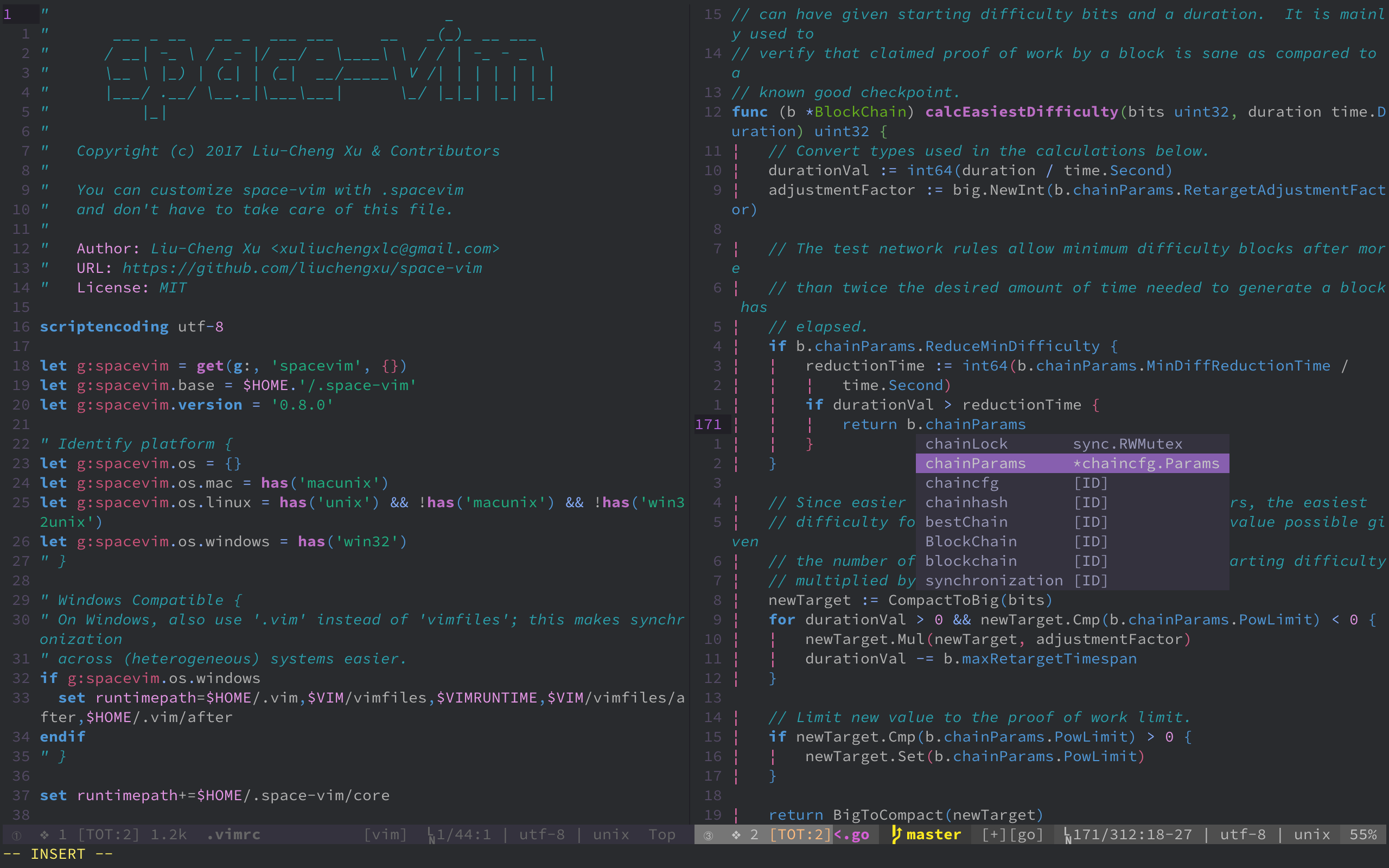
Cterm (256 colors)
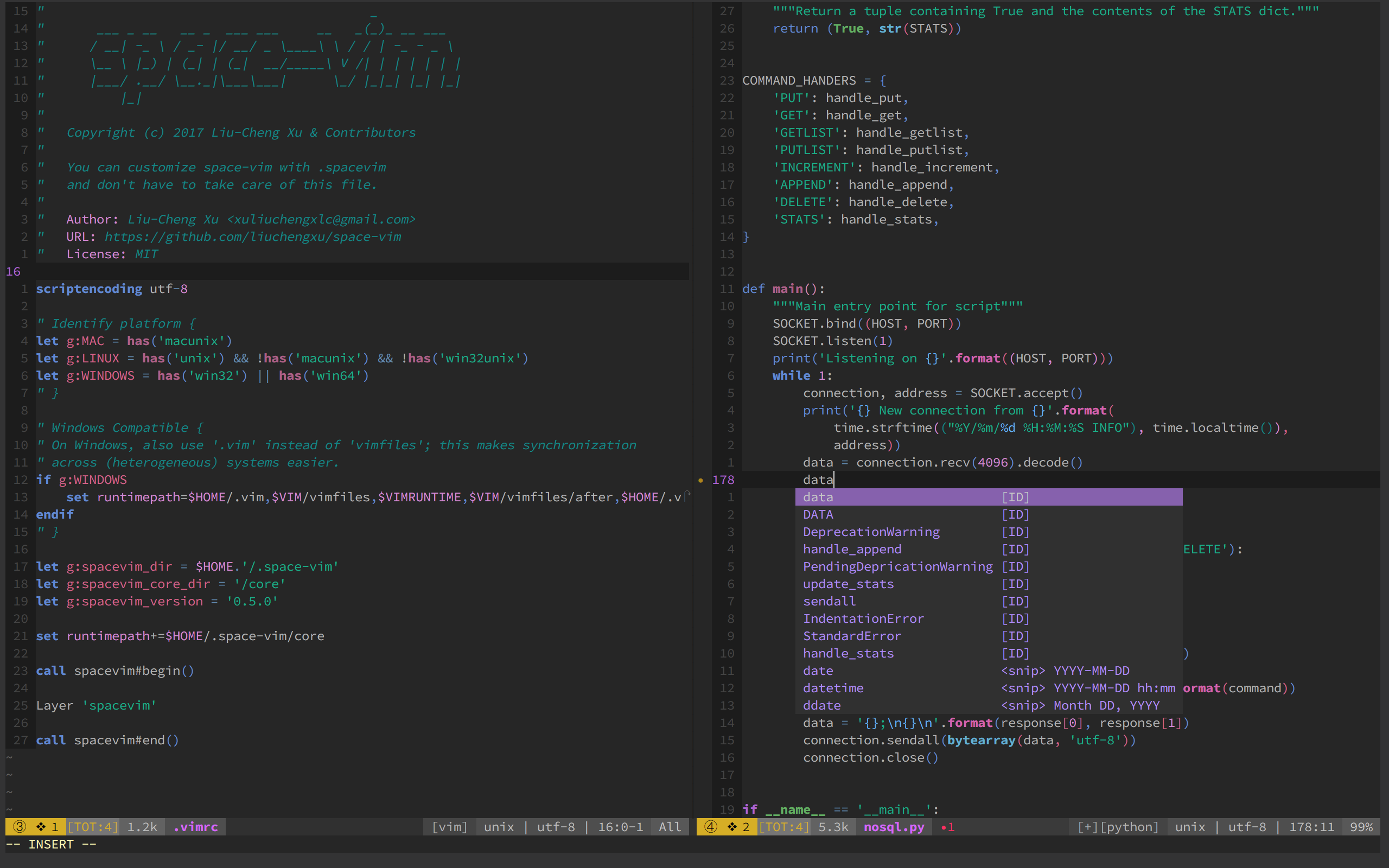
Change background color
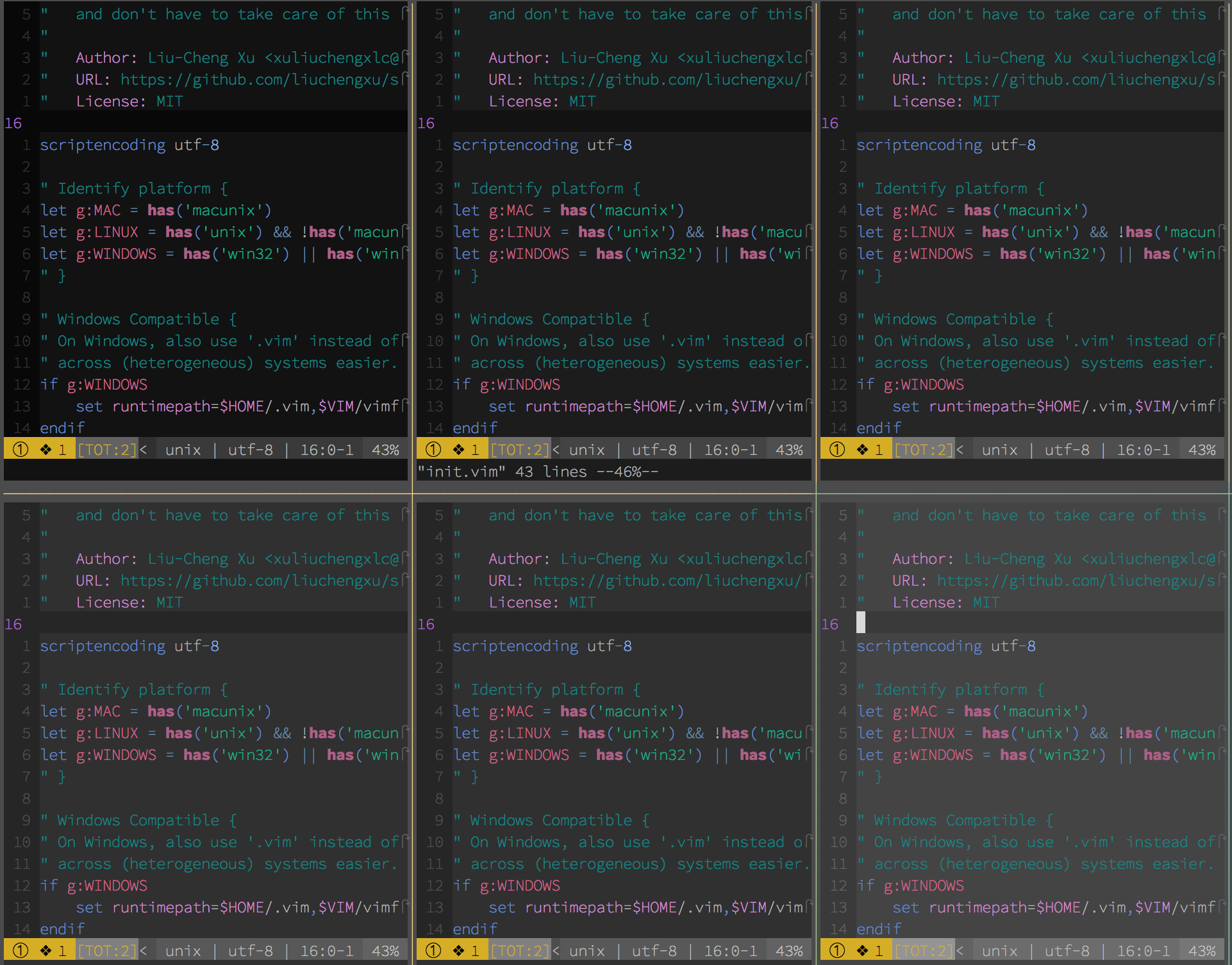
"   Range:   233 (darkest) ~ 238 (lightest)
"   Default: 235
let g:space_vim_dark_background = 234
color space-vim-dark
Credits
- Thanks to the great effort of @axvr . Now we have the Xresources port of space-vim-dark theme.
To use this colour scheme for X based applications (e.g. Xterm, URxvt, etc.):
- Copy all lines from this file which are not comments (comments are lines which begin with a
!) into your~/.Xresourcesfile.- Reload your configuration file with:
xrdb ~/.Xresources.