Ⅰ. 插件描述
Plugin to add tab bar ( derived from miniBufExplorer).Ⅱ. 基本信息
|
Ⅲ. 安装方法
使用Vundle管理器安装
在你的.vimrc下添加:Plugin '/tabbar':source %
:PluginInstall对于Vundle版本 < 0.10.2,请用上面的Bundle替换Plugin。
使用NeoBundle管理器安装
在你的.vimrc下添加:NeoBundle '/tabbar':source %
:NeoBundleInstall使用VimPlug管理器安装
在你的.vimrc下添加:Plug '/tabbar':source %
:PlugInstall使用Pathogen管理器安装
在终端中运行以下命令:cd ~/.vim/bundle
git clone https://github.com/vim-scripts/TabBarⅣ. 文档说明
The plugin is derived from miniBufExplorer.
Only the modifiable buffer are displayed, and counted.
Key-bindings for buffer switching: <Alt-bufNumber>
Colored the tabs with the same color as StatusLineNC to create the impression
of tabs.
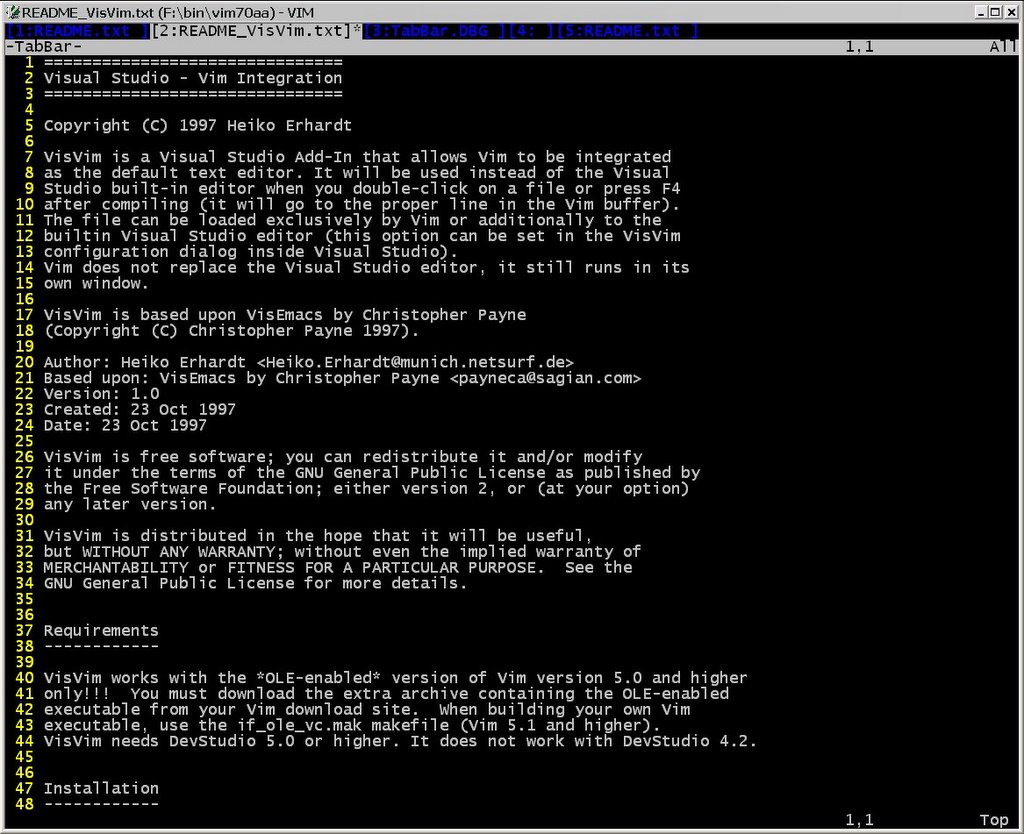
TabBar in winxp cmd:
http://photos1.blogger.com/blogger/4648/1229/1600/winxp_cmd.jpg
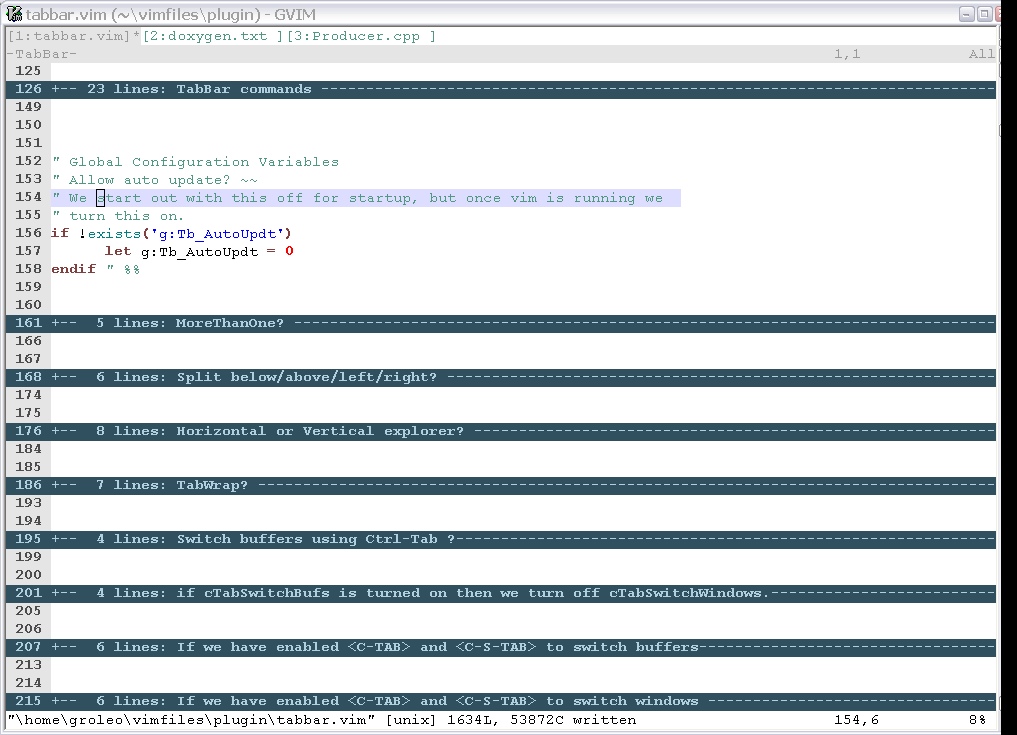
and gvim on winxp
http://photos1.blogger.com/blogger/4648/1229/1600/winxp.jpg
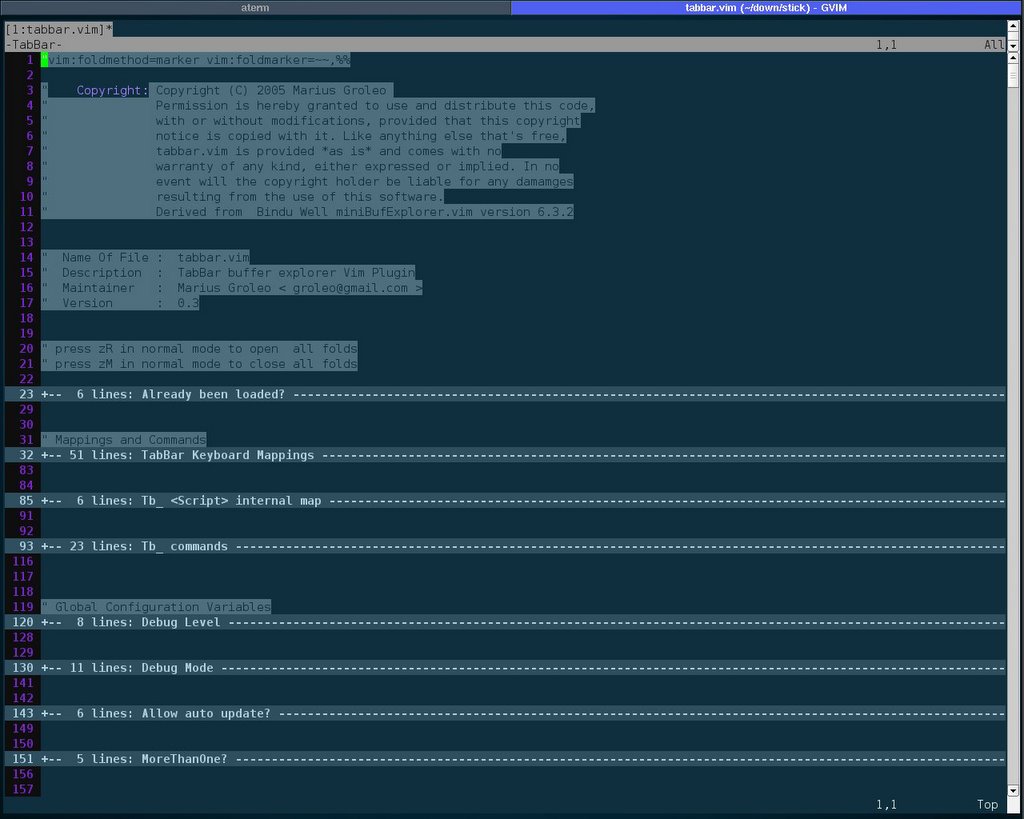
and gvim on linux+ion3
http://photos1.blogger.com/blogger/4648/1229/1600/screen.1.jpg