Ⅰ. 插件描述
Terminal debugger for vimⅡ. 基本信息
|
Ⅲ. 安装方法
使用Vundle管理器安装
在你的.vimrc下添加:Plugin 'epheien/termdbg':source %
:PluginInstall对于Vundle版本 < 0.10.2,请用上面的Bundle替换Plugin。
使用NeoBundle管理器安装
在你的.vimrc下添加:NeoBundle 'epheien/termdbg':source %
:NeoBundleInstall使用VimPlug管理器安装
在你的.vimrc下添加:Plug 'epheien/termdbg':source %
:PlugInstall使用Pathogen管理器安装
在终端中运行以下命令:cd ~/.vim/bundle
git clone https://github.com/epheien/termdbgⅣ. 文档说明
# termdbg
Termdbg is a terminal debugger plugin for vim 8.1+ and neovim 0.3.6+.
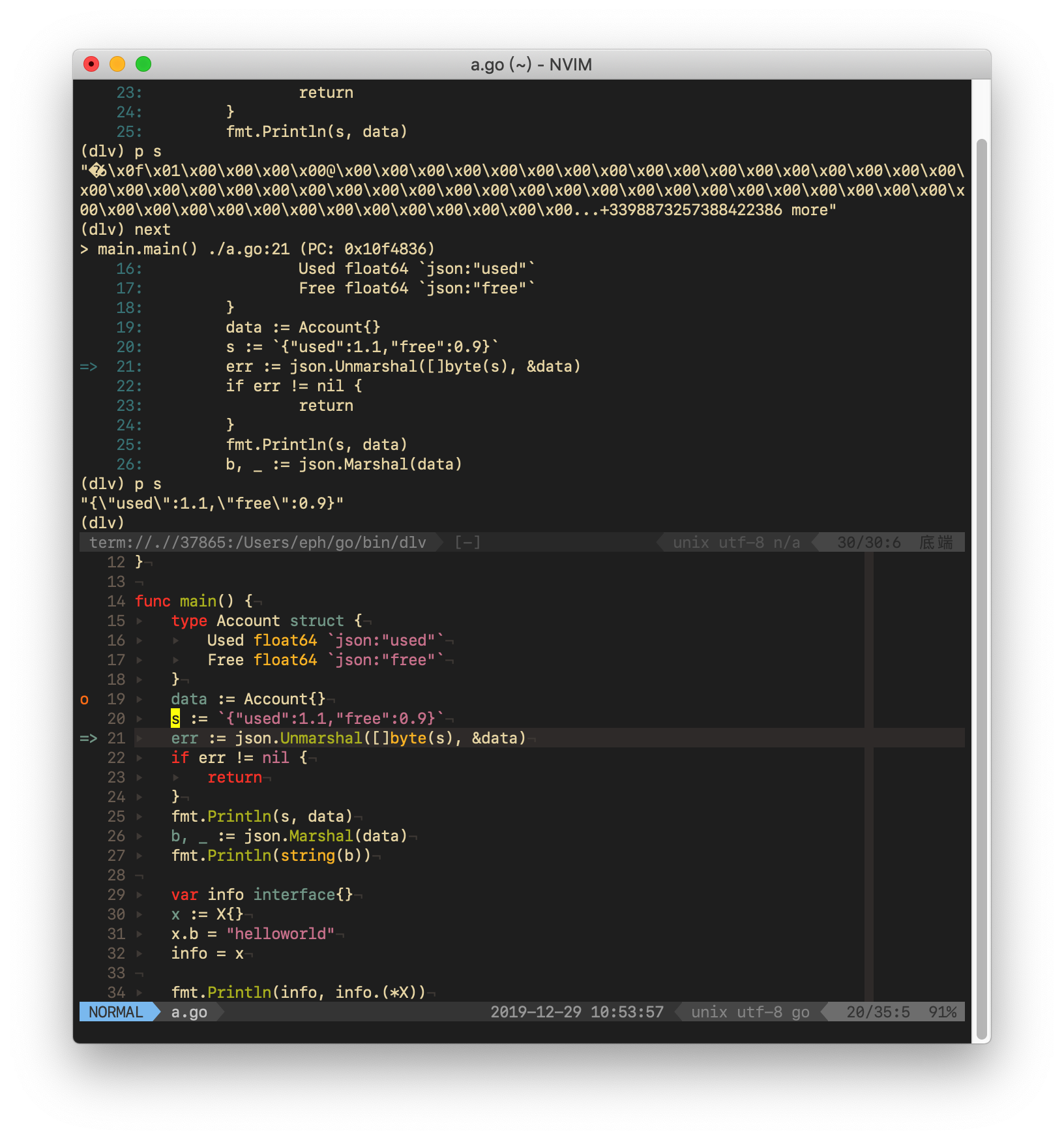
Currently, termdbg supports pdb, ipdb, lldb, dlv(go Delve).
If you need gdb support, try termdebug (:h termdebug)
Currently, termdbg just only do these things:
- locate cursor to current runing line when debugger
- simply toggle breakpoints in buffer
Install
Need vim 8.1+ (+terminal) and neovim 0.3.6+.
For vim-plug
Plug 'epheien/termdbg'For manual installation
- Extract the files and put them in your .vim directory
(usually~/.vim).
Usage
Run Termdbg {debugger} {file}
Commands
:TNextStep over:TStepStep in:TFinishReturn from current function:TContinueContinue:TLocateCursorLocate cursor to running line:TToggleBreakToggle breakpoint in current line:TSendCommandSend command to debugger
Options
None.
Screenshots