Ⅰ. 插件描述
This is vim-airline extension of simplily todo implementationⅡ. 基本信息
|
Ⅲ. 安装方法
使用Vundle管理器安装
在你的.vimrc下添加:Plugin 'zuckonit/vim-airline-todo':source %
:PluginInstall对于Vundle版本 < 0.10.2,请用上面的Bundle替换Plugin。
使用NeoBundle管理器安装
在你的.vimrc下添加:NeoBundle 'zuckonit/vim-airline-todo':source %
:NeoBundleInstall使用VimPlug管理器安装
在你的.vimrc下添加:Plug 'zuckonit/vim-airline-todo':source %
:PlugInstall使用Pathogen管理器安装
在终端中运行以下命令:cd ~/.vim/bundle
git clone https://github.com/zuckonit/vim-airline-todoⅣ. 文档说明
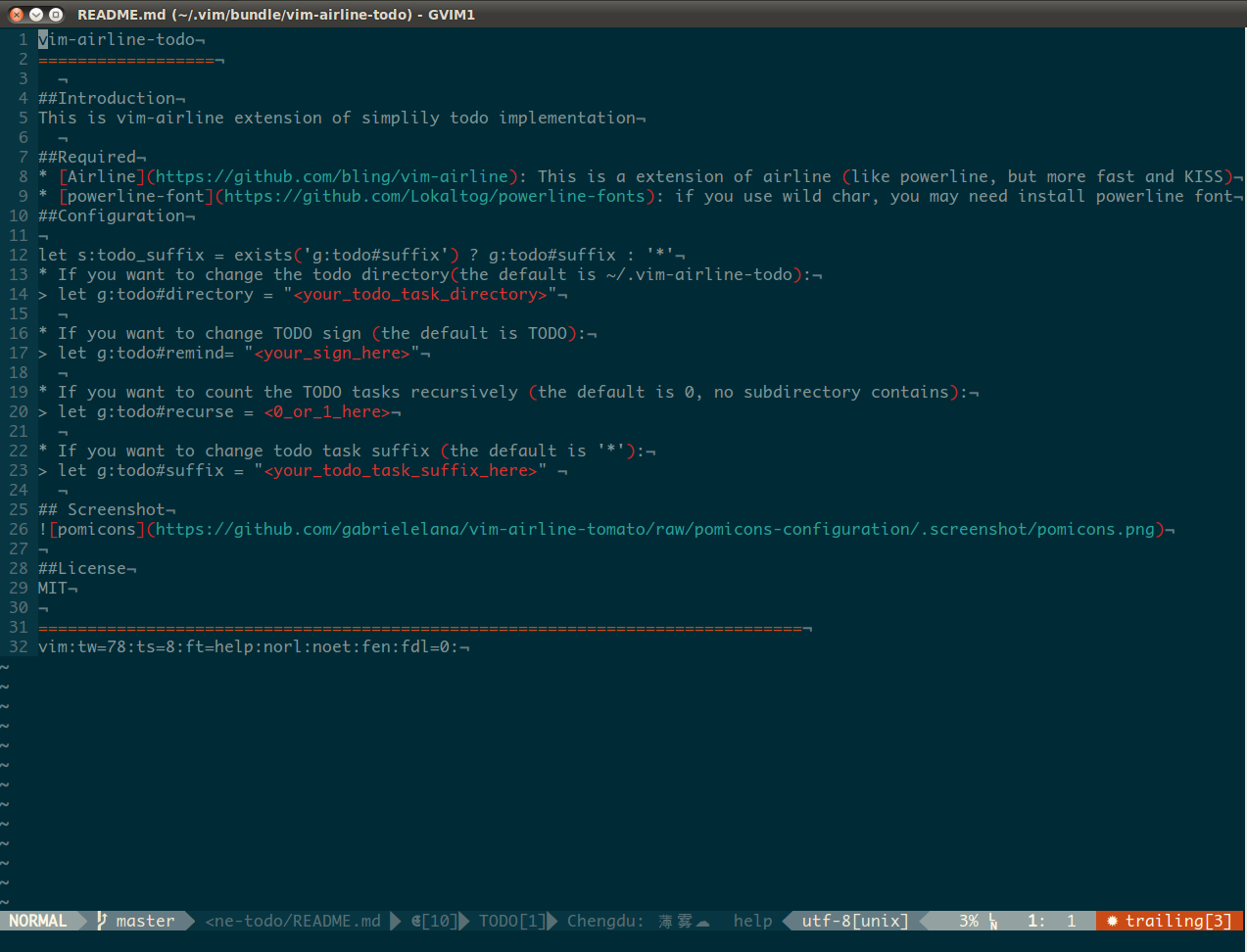
vim-airline-todo
Introduction
This is vim-airline extension of simplily todo implementation
Required
- Airline: This is a extension of airline (like powerline, but more fast and KISS)
- powerline-font: if you use wild char, you may need install powerline font
Configuration
- If you want to change the todo directory(the default is ~/.vim-airline-todo):
- g:todo#directory = "your todo task directory"
- If you want to change TODO sign (the default is TODO):
- g:todo#remind= "your sign here"
- If you want to count the TODO tasks recursively (the default is 0, no subdirectory contains):
- g:todo#recurse = 0 or 1 here
- If you want to change todo task suffix (the default is '*'):
- g:todo#suffix = "your todo task suffix here"
Usage
Create file in directory
g:todo#directory, one file one task.
Trick
- keymap
If you are using plugin NERDTree, you can set a keymap likemap <leader>t :NERDTree 'g:todo#directory here'If you are using other file browse plugin, just take above as a reference
Then you can easily browse and edit your task(s)
- sync
- can use dropbox as a sync tool, just set
let g:todo#directoryin a dropbox sync place
Screenshot
License
==============================================================================
vim:tw=78:ts=8:ft=help:norl:noet:fen:fdl=0: