Ⅰ. 插件描述
:snowflake: *-ImprovedⅡ. 基本信息
|
Ⅲ. 安装方法
使用Vundle管理器安装
在你的.vimrc下添加:Plugin 'haya14busa/vim-asterisk':source %
:PluginInstall对于Vundle版本 < 0.10.2,请用上面的Bundle替换Plugin。
使用NeoBundle管理器安装
在你的.vimrc下添加:NeoBundle 'haya14busa/vim-asterisk':source %
:NeoBundleInstall使用VimPlug管理器安装
在你的.vimrc下添加:Plug 'haya14busa/vim-asterisk':source %
:PlugInstall使用Pathogen管理器安装
在终端中运行以下命令:cd ~/.vim/bundle
git clone https://github.com/haya14busa/vim-asteriskⅣ. 文档说明
vim-asterisk: * -Improved


Introduction
asterisk.vim provides improved * motions.
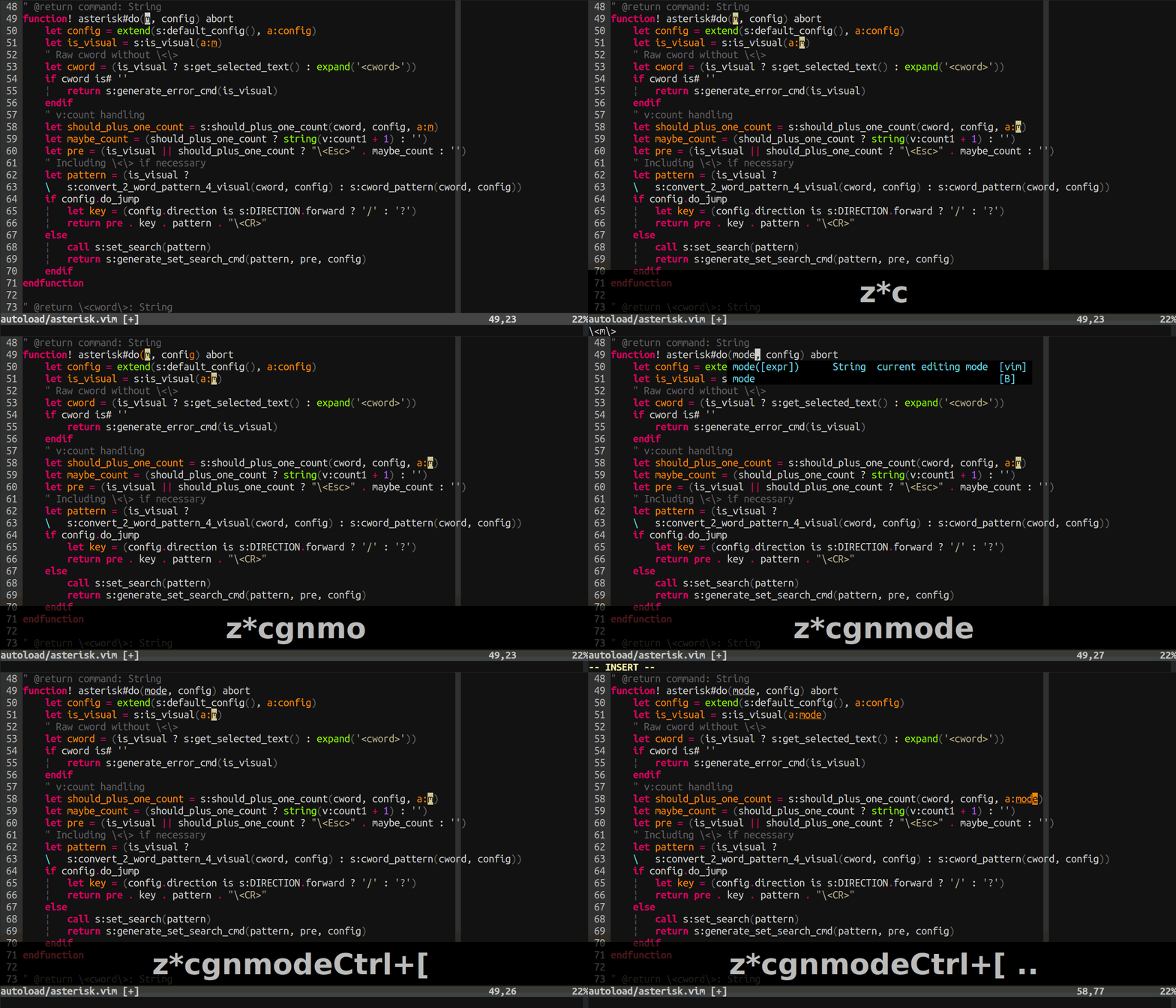
1. stay star motions (z prefixed mappings)
z star motions doesn't move your cursor.
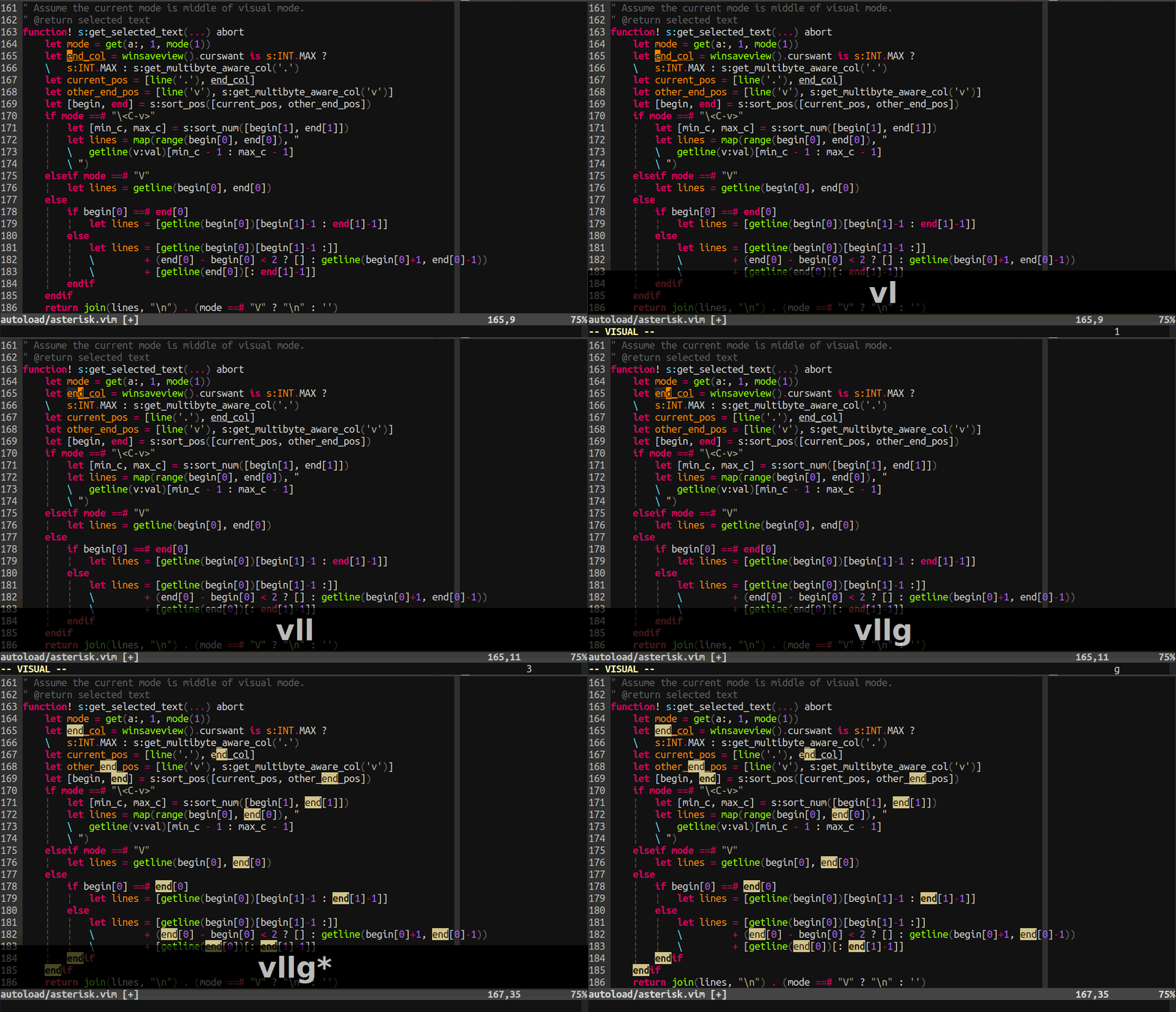
2. visual star motions
Search selected text.
3. Use smartcase unlike default one
Default behavior, which sees ignorecase and not smartcase, is not intuitive.
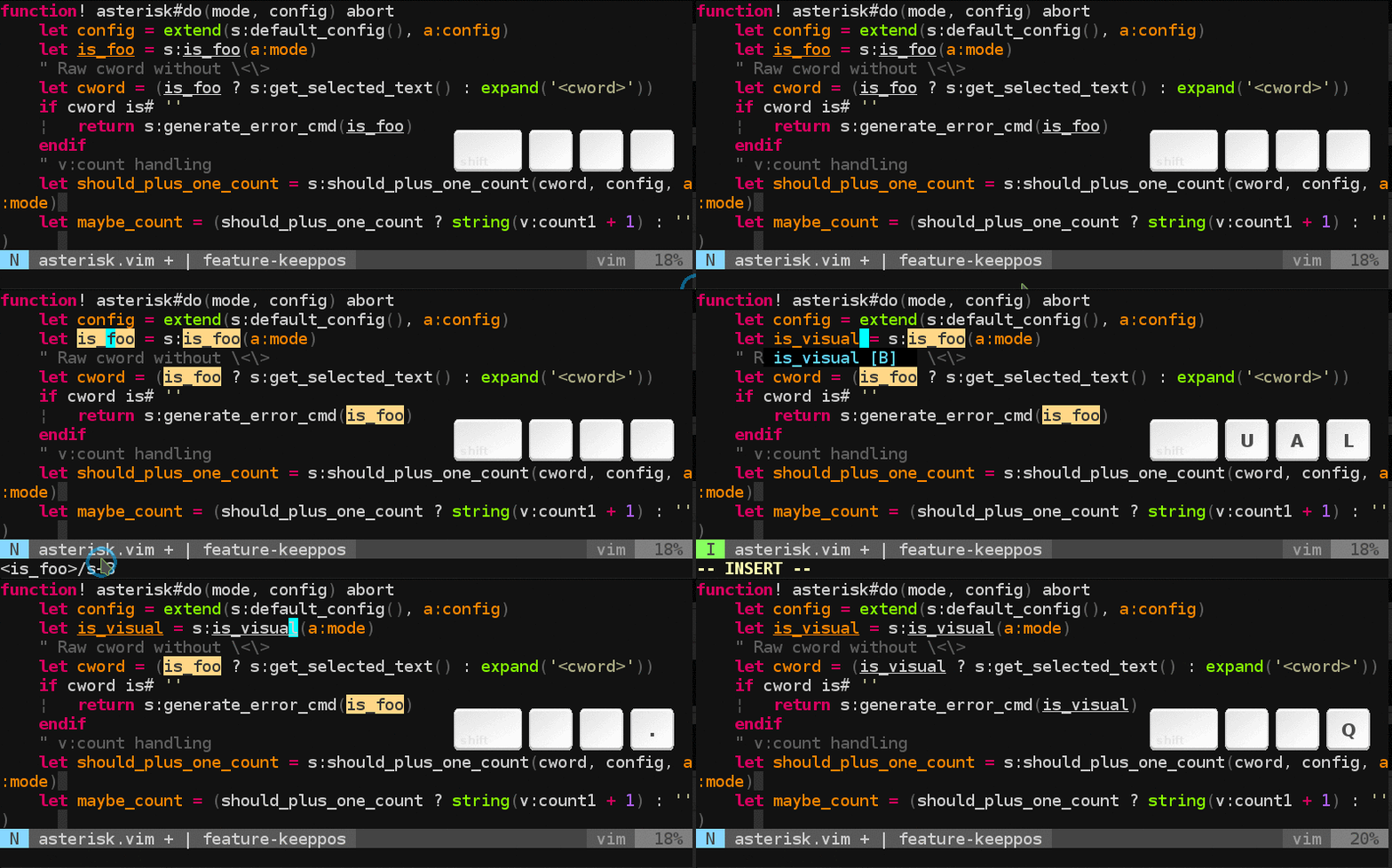
4. Keep cursor position across matches
It is handy for refactoring to keep cursor position while iterating over matches.
Add following line in your vimrc to enable this feature. let g:asterisk#keeppos = 1 Default: 0
Installation
NeoBundle 'haya14busa/vim-asterisk'
Plugin 'haya14busa/vim-asterisk'
Plug 'haya14busa/vim-asterisk'git clone https://github.com/haya14busa/vim-asterisk ~/.vim/bundle/vim-asteriskUsage
map *   <Plug>(asterisk-*)
map #   <Plug>(asterisk-#)
map g*  <Plug>(asterisk-g*)
map g#  <Plug>(asterisk-g#)
map z*  <Plug>(asterisk-z*)
map gz* <Plug>(asterisk-gz*)
map z#  <Plug>(asterisk-z#)
map gz# <Plug>(asterisk-gz#)
If you want to set "z" (stay) behavior as default
map *  <Plug>(asterisk-z*)
map #  <Plug>(asterisk-z#)
map g* <Plug>(asterisk-gz*)
map g# <Plug>(asterisk-gz#)
To enable keepCursor feature:
let g:asterisk#keeppos = 1Special thanks
|vim-asterisk| uses the code from vim-visualstar for visual star feature.
- Author: thinca (https://github.com/thinca)
- Plugin: https://github.com/thinca/vim-visualstar
Author
haya14busa (https://github.com/haya14busa)