Ⅰ. 插件描述
Provide statistical complements for git projectⅡ. 基本信息
|
Ⅲ. 安装方法
使用Vundle管理器安装
在你的.vimrc下添加:Plugin 'haya14busa/vim-auto-programming':source %
:PluginInstall对于Vundle版本 < 0.10.2,请用上面的Bundle替换Plugin。
使用NeoBundle管理器安装
在你的.vimrc下添加:NeoBundle 'haya14busa/vim-auto-programming':source %
:NeoBundleInstall使用VimPlug管理器安装
在你的.vimrc下添加:Plug 'haya14busa/vim-auto-programming':source %
:PlugInstall使用Pathogen管理器安装
在终端中运行以下命令:cd ~/.vim/bundle
git clone https://github.com/haya14busa/vim-auto-programmingⅣ. 文档说明
# vim-auto-programming
vim-auto-programming provides statistical whole lines completions for git projects.
It's inspired by hitode909/atom-auto-programming.
It's like i_CTRL-X_CTRL-L and i_CTRL-X_CTRL-K but powered by git grep.
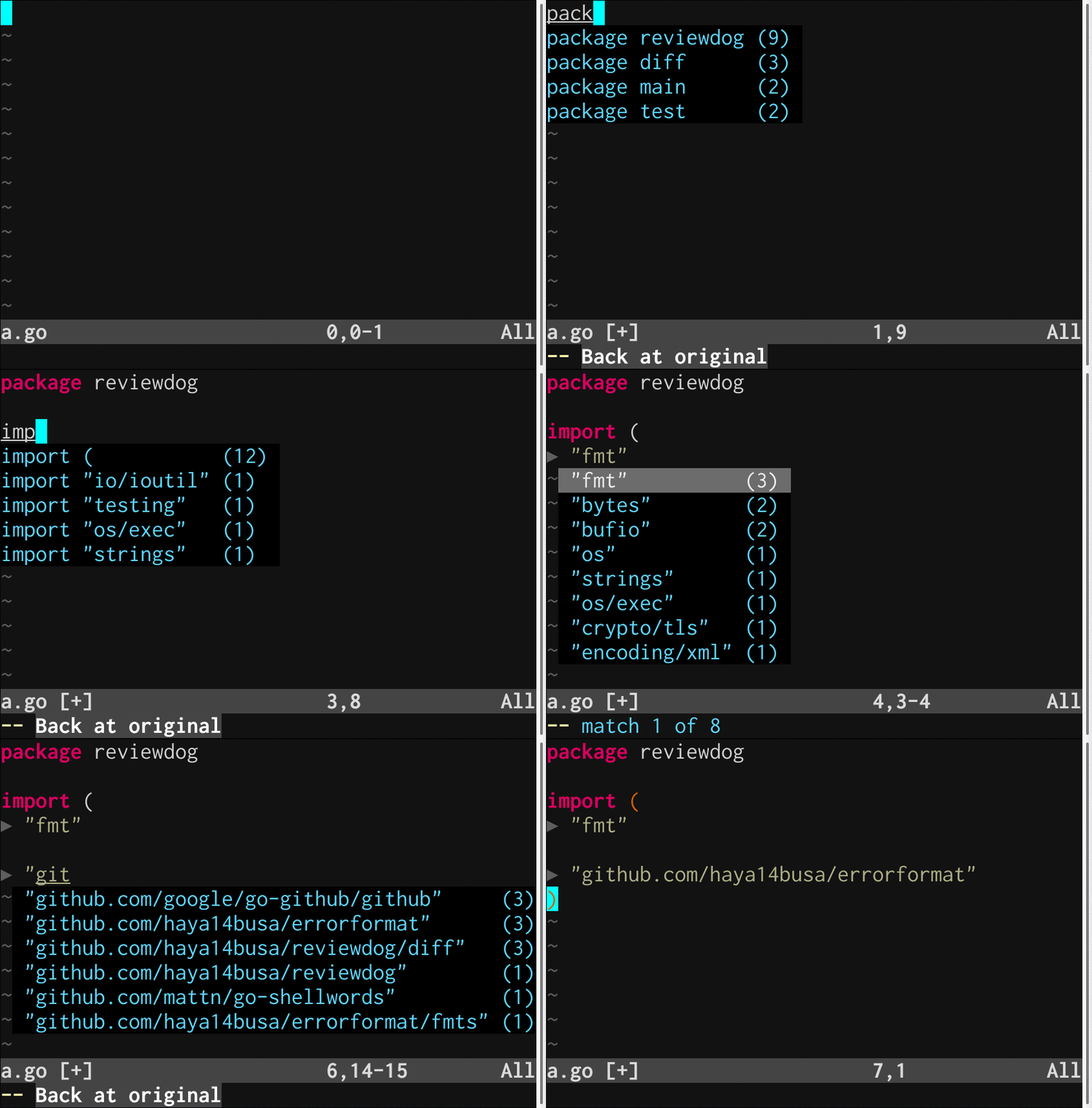
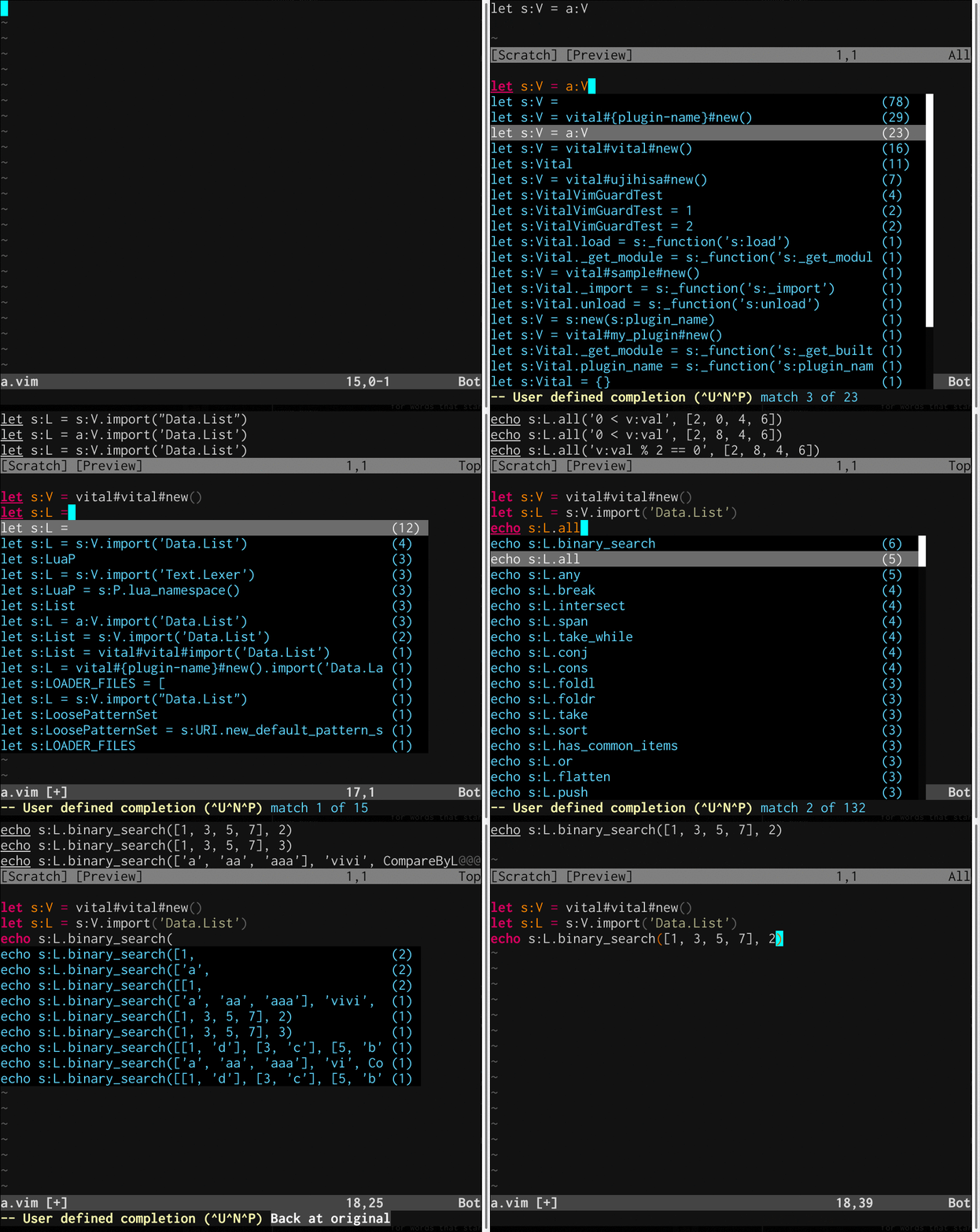
How To Use
set completefunc=autoprogramming#completeWrite some code and run <C-x><C-u> or something to invoke autoprogramming#complete manually.
You will get candidates of next line of the code.
For example, when you type impo, the code you want to get is import (, and you might want to insert next line as "fmt".
Requirements
- Only git projects are supported.