Ⅰ. 插件描述
A color scheme for VIM with vivid highlights and friendly, clear colorsⅡ. 基本信息
|
Ⅲ. 安装方法
使用Vundle管理器安装
在你的.vimrc下添加:Plugin 'cseelus/vim-colors-lucid':source %
:PluginInstall对于Vundle版本 < 0.10.2,请用上面的Bundle替换Plugin。
使用NeoBundle管理器安装
在你的.vimrc下添加:NeoBundle 'cseelus/vim-colors-lucid':source %
:NeoBundleInstall使用VimPlug管理器安装
在你的.vimrc下添加:Plug 'cseelus/vim-colors-lucid':source %
:PlugInstall使用Pathogen管理器安装
在终端中运行以下命令:cd ~/.vim/bundle
git clone https://github.com/cseelus/vim-colors-lucidⅣ. 文档说明
# Vim color scheme Lucid
A color scheme for VIM with vivid highlights and friendly, clear colors.
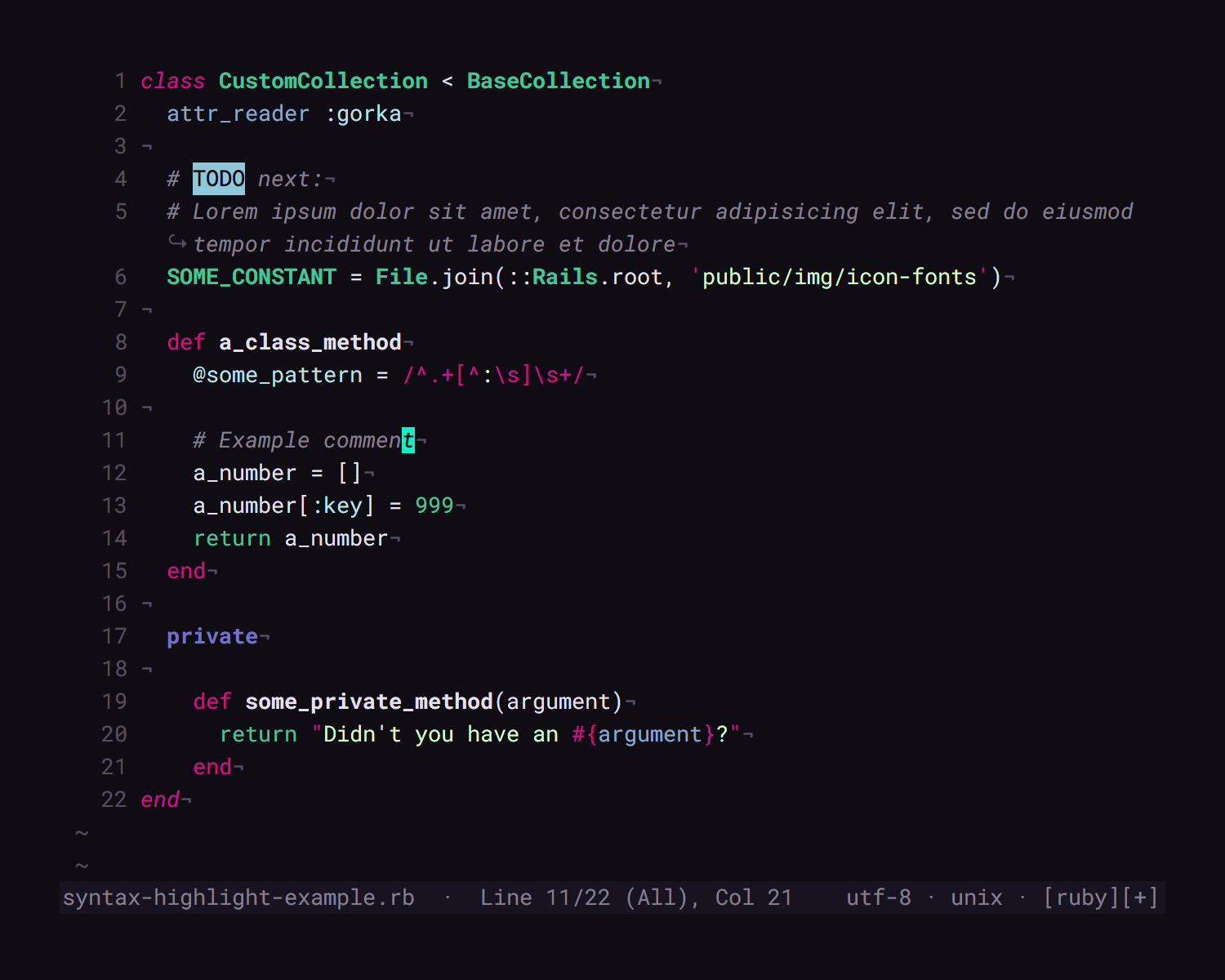
Screenshot with some Ruby sample code and the Roboto Mono Font
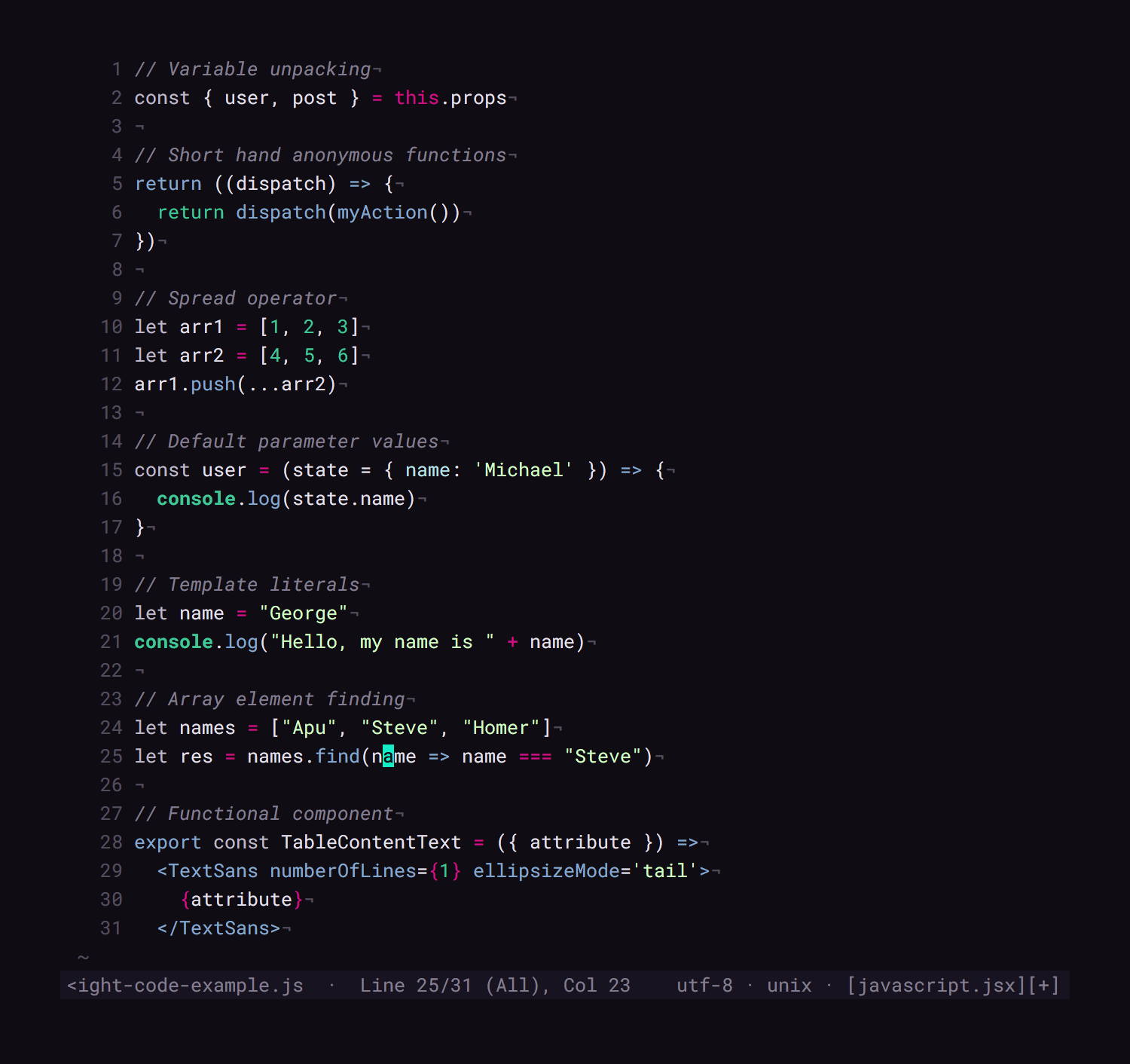
Screenshot with some JavaScript sample code and the Roboto Mono Font
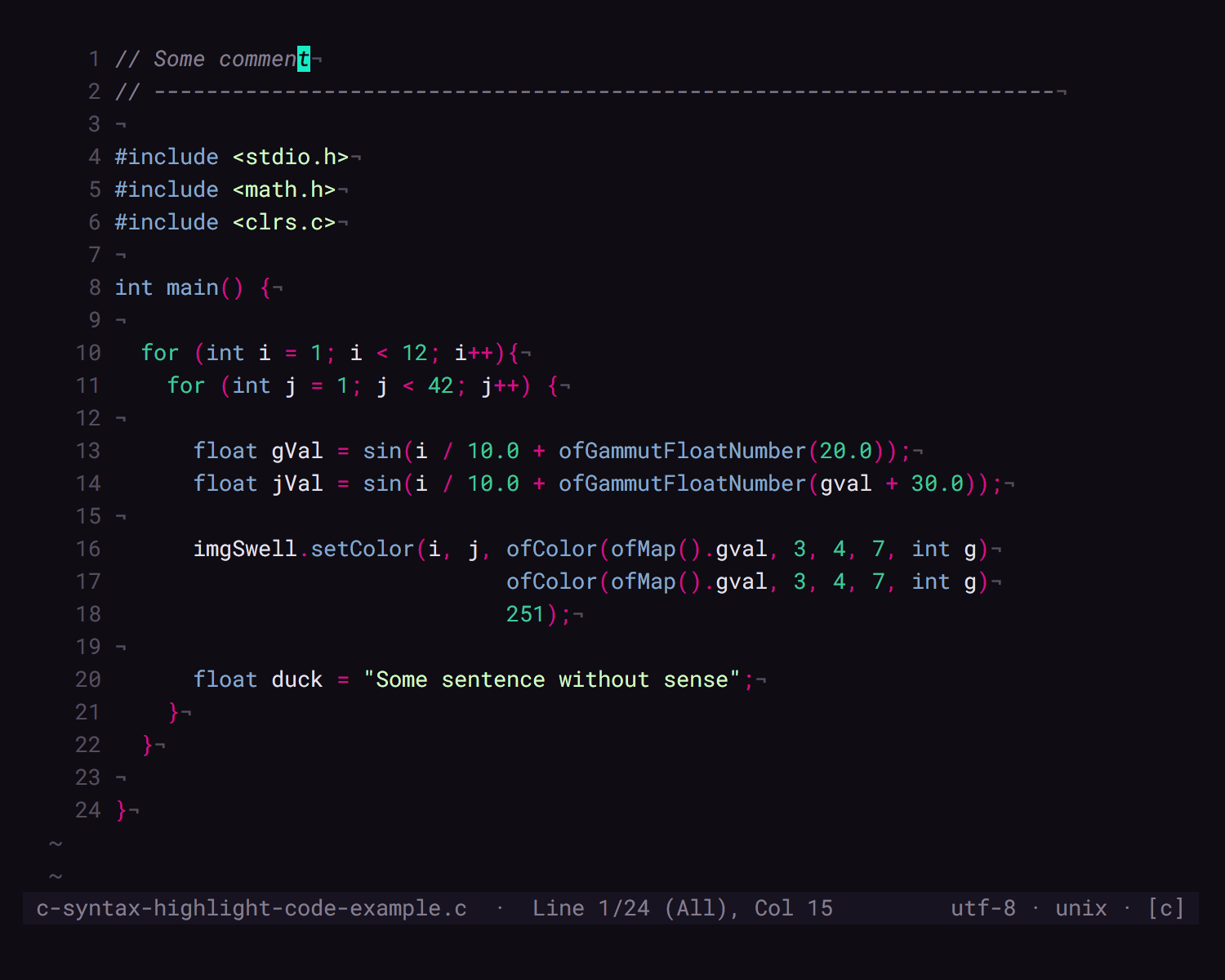
Screenshot with some C sample code and the Roboto Mono Font
Highlightings for these plugins
- Ale
- CtrlP
- GitGutter
- NERDTree
- pangloss/vim-javascript
- PlainTasks (.todo)
- Startify
- VIM-JavaScript (pangloss)
Syntax highlighting adjustments for
- Apache Config
- CoffeeScript
- CSS
- Git
- Haml
- HTML
- JavaScript w. or w/o pangloss/vim-javascript
- Json
- LaTeX
- Markdown
- PHP
- Ruby
- Sass
- Slim
- VimL
- YAML
- XML
Ancient Terminals
You can use some plugin like CSApprox to make this work smoothly in older 256 colors or even 88 colors terminals.