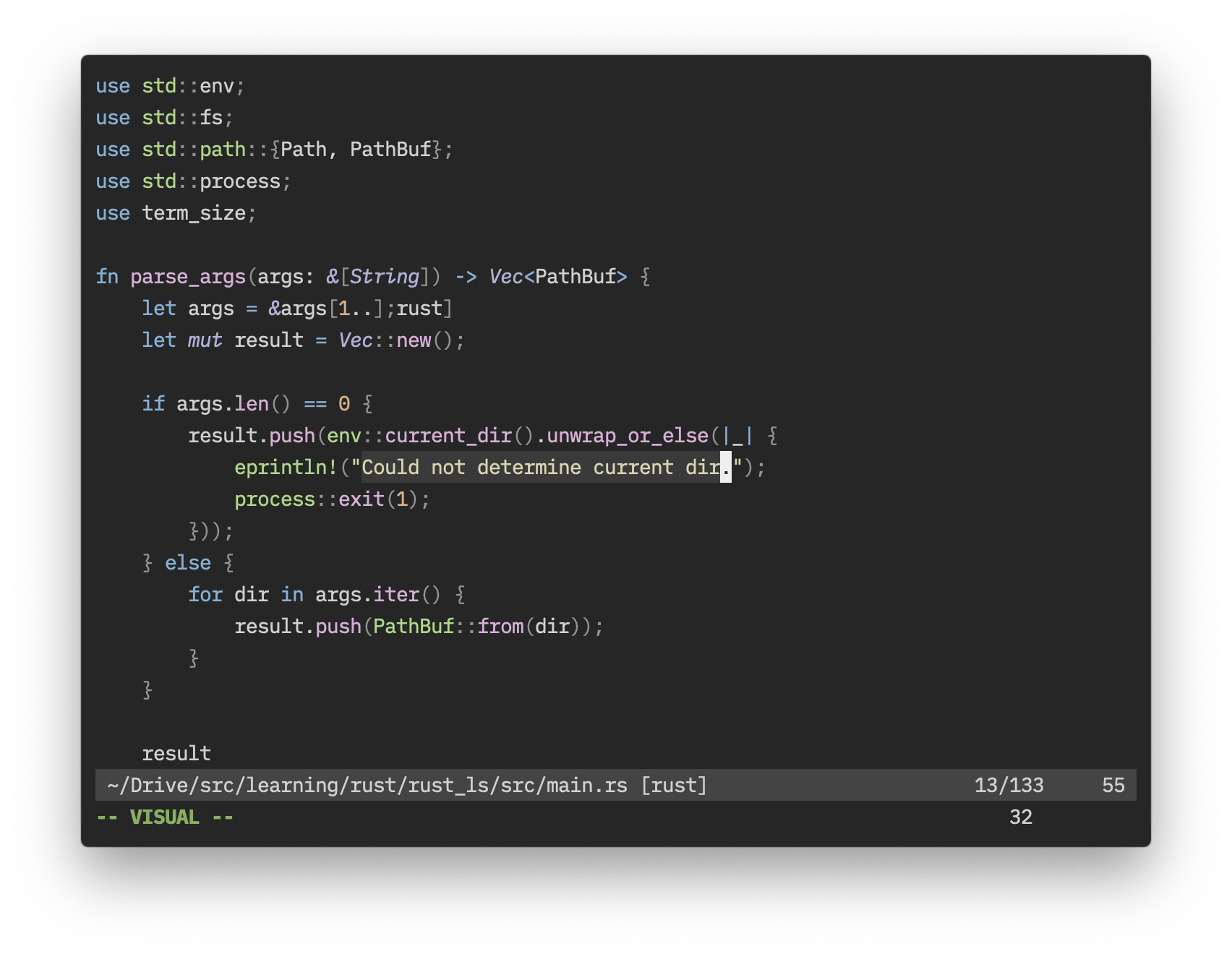
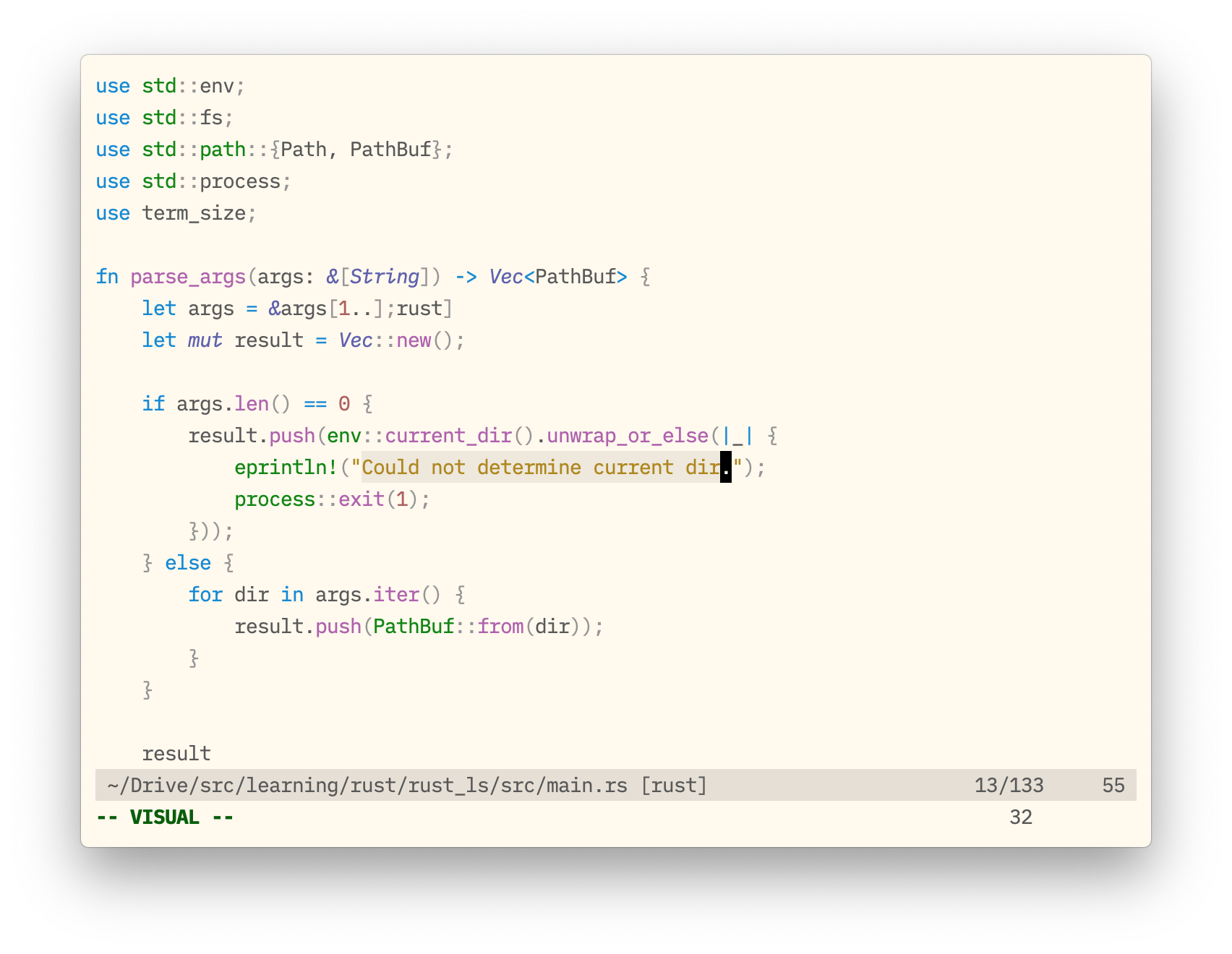
Ⅰ. 插件描述
The Raven Dark colourscheme for Vim, rebuilt and modified with ColortemplateⅡ. 基本信息
|
Ⅲ. 安装方法
使用Vundle管理器安装
在你的.vimrc下添加:Plugin 'arzg/vim-corvine':source %
:PluginInstall对于Vundle版本 < 0.10.2,请用上面的Bundle替换Plugin。
使用NeoBundle管理器安装
在你的.vimrc下添加:NeoBundle 'arzg/vim-corvine':source %
:NeoBundleInstall使用VimPlug管理器安装
在你的.vimrc下添加:Plug 'arzg/vim-corvine':source %
:PlugInstall使用Pathogen管理器安装
在终端中运行以下命令:cd ~/.vim/bundle
git clone https://github.com/arzg/vim-corvineⅣ. 文档说明
<h1>vim-corvine</h1>
<h3>the Raven colourscheme for Vim, modified and rebuilt</h3> InstallationUse your favorite runtimepath/plugin manager, or place UsageIf you’re using a GUI, then Corvine should work out of the box. However, if you’re planning to use Corvine in a terminal, the terminal must support the 256 colour palette, which most modern ones do. For Corvine Light, on the other hand, your terminal must support 24-bit colour, also known as True Colour, if you want the correct background colour (apart from this, Corvine Light does not require 24-bit colour). You can enable Vim to use this palette (if it is available) with Dark:
Light:
A preset for both of these colourschemes is included for iTerm. Only the dark variant has a preset for Terminal.app. This is because Terminal.app doesn’t support 24-bit colour, therefore leading to a situation in which a colourscheme that is impossible to match in Vim is included as a terminal preset. In the end, I simply decided against including the preset to avoid the issue. Options
|