Ⅰ. 插件描述
Vim plugin for runnning dartanalyzerⅡ. 基本信息
|
Ⅲ. 安装方法
使用Vundle管理器安装
在你的.vimrc下添加:Plugin 'miyakogi/vim-dartanalyzer':source %
:PluginInstall对于Vundle版本 < 0.10.2,请用上面的Bundle替换Plugin。
使用NeoBundle管理器安装
在你的.vimrc下添加:NeoBundle 'miyakogi/vim-dartanalyzer':source %
:NeoBundleInstall使用VimPlug管理器安装
在你的.vimrc下添加:Plug 'miyakogi/vim-dartanalyzer':source %
:PlugInstall使用Pathogen管理器安装
在终端中运行以下命令:cd ~/.vim/bundle
git clone https://github.com/miyakogi/vim-dartanalyzerⅣ. 文档说明
vim-dartanalyzer
Vim plugin for running dartanalyzer asynchronously.
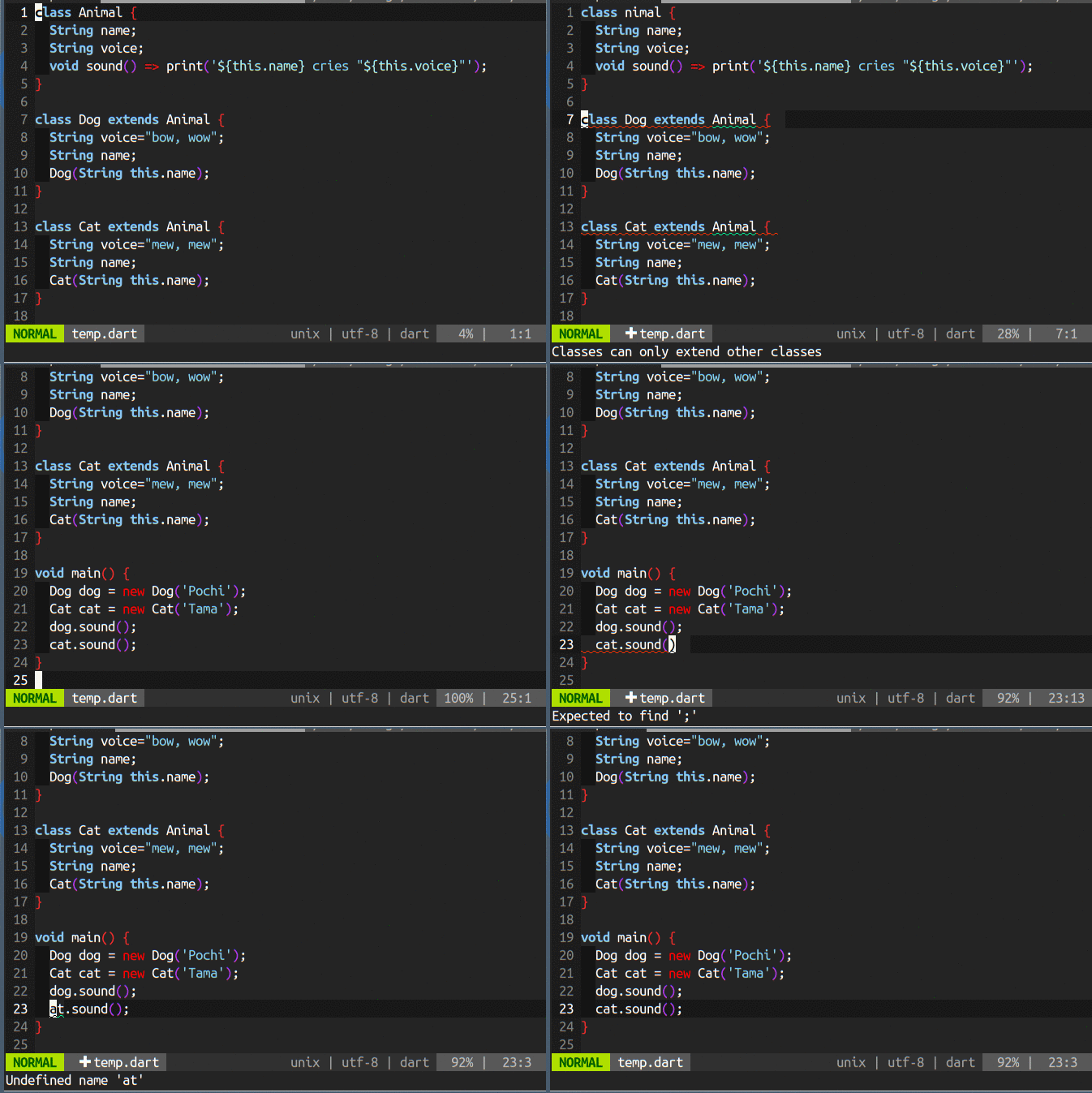
This plugin is tested on Vim (latest version) on Ubuntu 14.04 64-bit.
Requirements
dartanalyzer(included in dart-sdk)Vim plugins
- Shougo/vimproc.vim
- jceb/vim-hier [optional]
- dannyob/quickfixstatus [optional]
Usage
Install this plugin and open *.dart file in vim.
This plugin will automatically start dartanalyzer in background (at the first time, this process will take a few seconds).
Then syntax errors and warnings will be highlighted.
Errors and warnings are set in vim's quickfix list.
By using :copen command, you can see all positions of errors/warnings, and you can jump to the line.
If filetype is not set automatically, try dart-lang/dart-vim-plugin.
Otherwise, add the following line in your .vimrc.
autocmd BufNewFile,BufRead *.dart set filetype=dartConfiguration
See :help dartanalyzer.