Ⅰ. 插件描述
Move to the edge!Ⅱ. 基本信息
|
Ⅲ. 安装方法
使用Vundle管理器安装
在你的.vimrc下添加:Plugin 'haya14busa/vim-edgemotion':source %
:PluginInstall对于Vundle版本 < 0.10.2,请用上面的Bundle替换Plugin。
使用NeoBundle管理器安装
在你的.vimrc下添加:NeoBundle 'haya14busa/vim-edgemotion':source %
:NeoBundleInstall使用VimPlug管理器安装
在你的.vimrc下添加:Plug 'haya14busa/vim-edgemotion':source %
:PlugInstall使用Pathogen管理器安装
在终端中运行以下命令:cd ~/.vim/bundle
git clone https://github.com/haya14busa/vim-edgemotionⅣ. 文档说明
## EdgeMotion



<Plug>(edgemotion-j) and <Plug>(edgemotion-k) motion is like j, k, but stops at edge only.
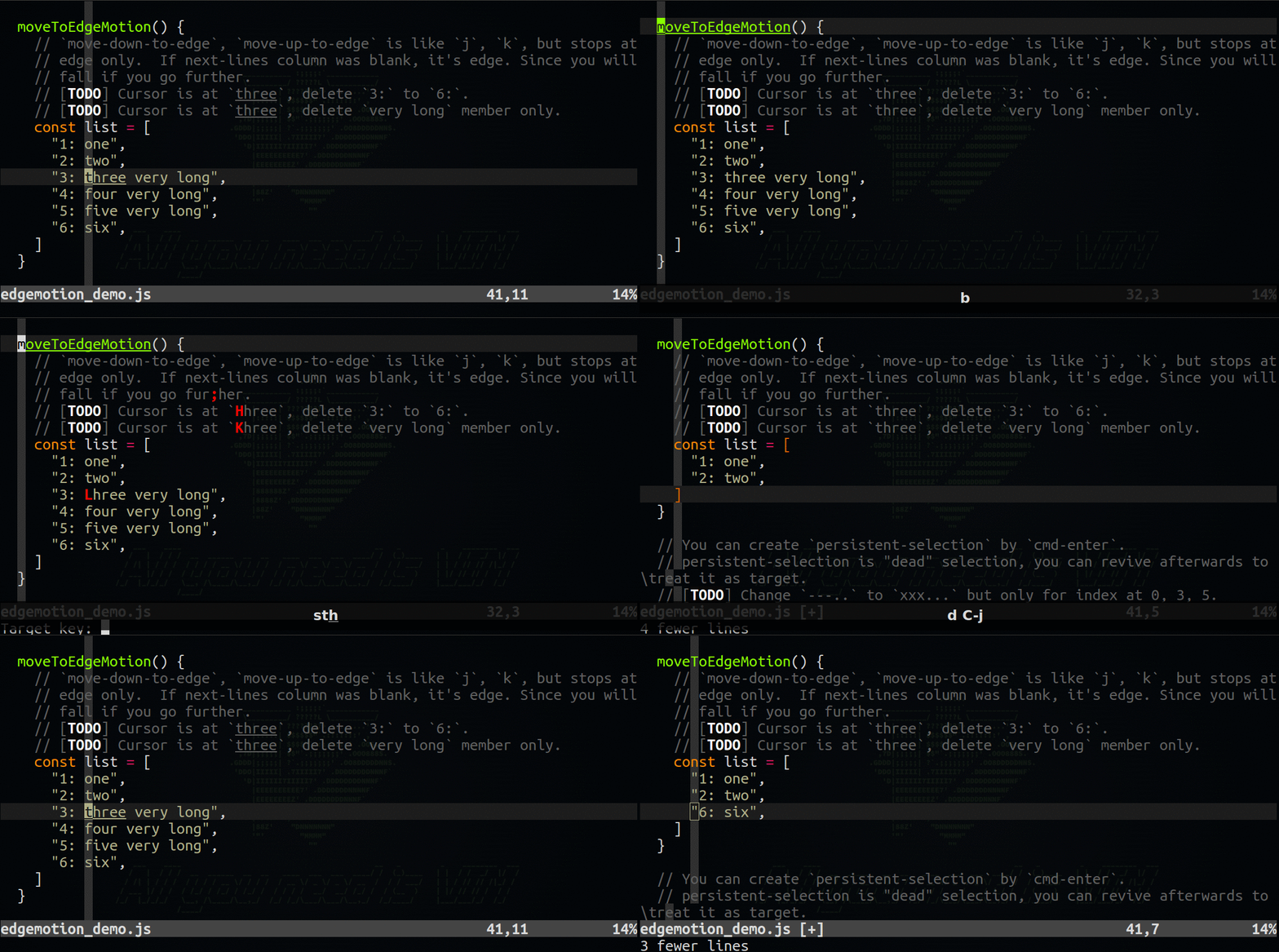
Inspired by EdgeMotion in atom-vim-mode-plus
vmp: the most ambitious vim emulator
Usage
map <C-j> <Plug>(edgemotion-j)
map <C-k> <Plug>(edgemotion-k)
Author
haya14busa (https://github.com/haya14busa)