Ⅰ. 插件描述
Dark theme for NeoVimⅡ. 基本信息
|
Ⅲ. 安装方法
使用Vundle管理器安装
在你的.vimrc下添加:Plugin 'callumhoward/vim-neodark':source %
:PluginInstall对于Vundle版本 < 0.10.2,请用上面的Bundle替换Plugin。
使用NeoBundle管理器安装
在你的.vimrc下添加:NeoBundle 'callumhoward/vim-neodark':source %
:NeoBundleInstall使用VimPlug管理器安装
在你的.vimrc下添加:Plug 'callumhoward/vim-neodark':source %
:PlugInstall使用Pathogen管理器安装
在终端中运行以下命令:cd ~/.vim/bundle
git clone https://github.com/callumhoward/vim-neodarkⅣ. 文档说明
# NeoDark
NeoDark is a very dark colorscheme based on the color pallet of vim-gotham.
This colourscheme was developed with a minimal NeoVim config in mind. Currently only terminal vim is supported.
Screenshots
C++ 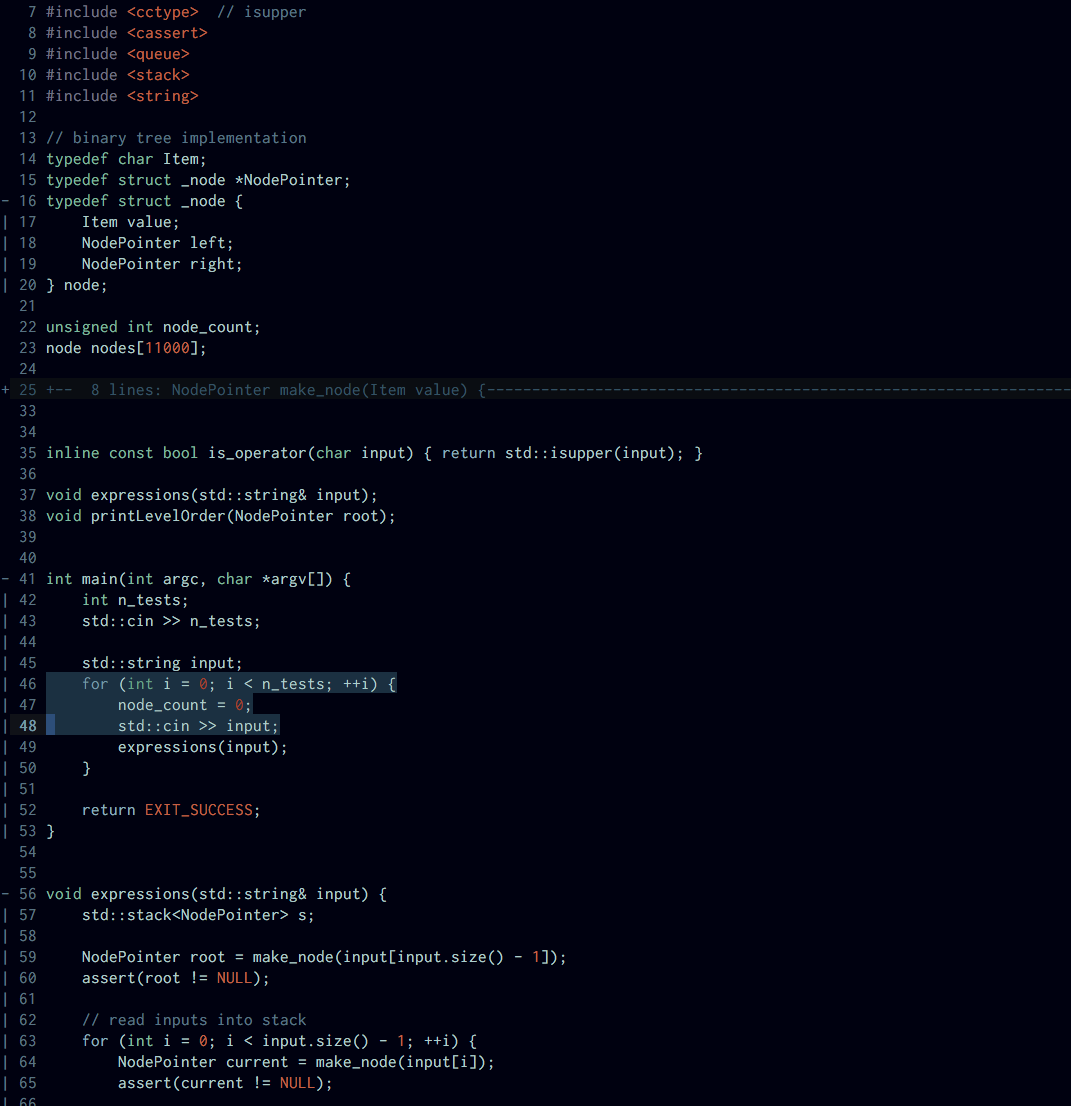
Python diff 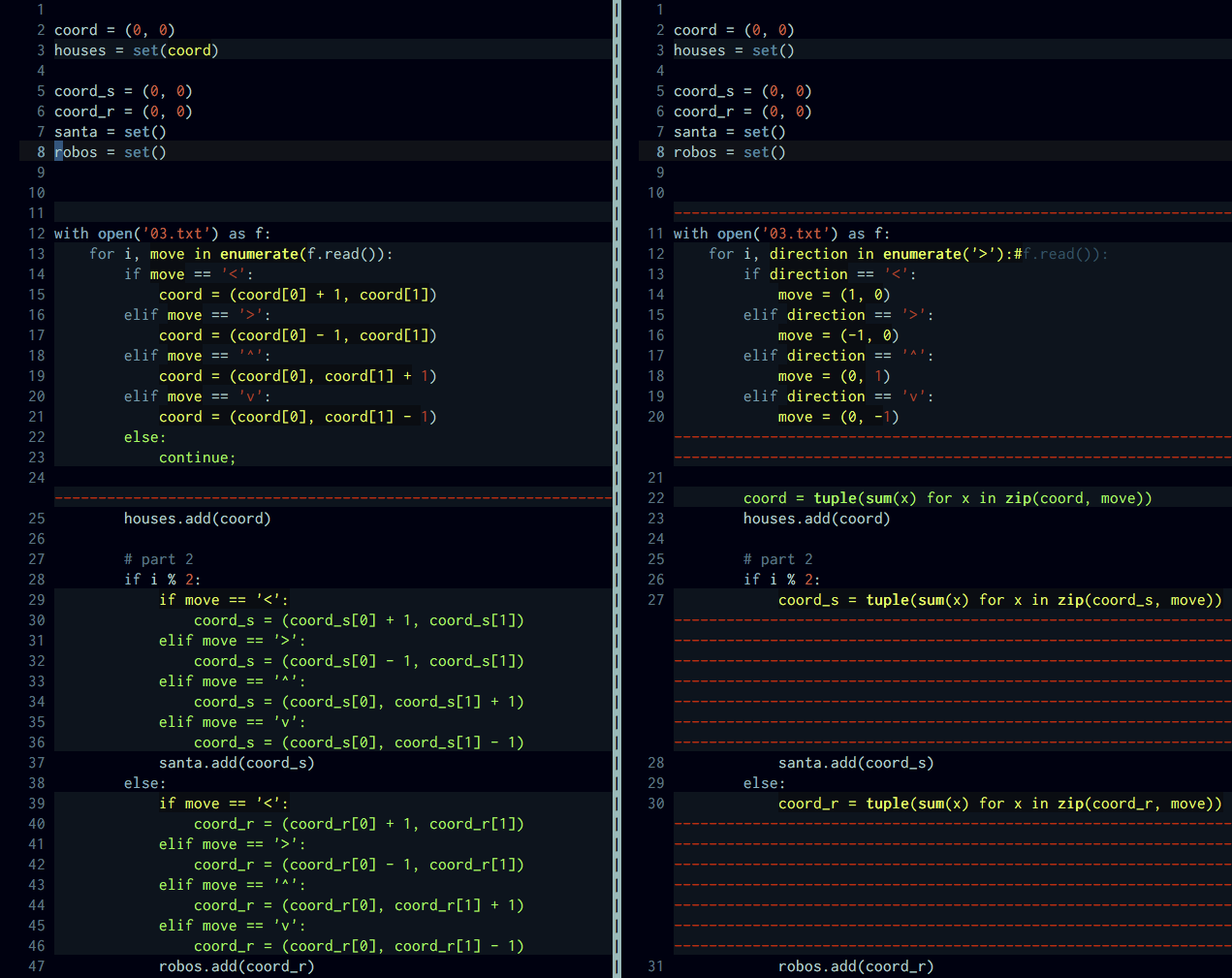
Installation
Install with your preferred plugin manager, for example:
" Vundle
Plugin 'CallumHoward/vim-neodark'
" Dein
call dein#add('CallumHoward/vim-neodark')
Next install the gotham color pallet from the gotham-contrib repository.
When you have the plugin and color pallet installed, you can set it in your .vimrc or .config/neovim/init.vim with:
colorscheme neodark