Ⅰ. 插件描述
KKPMW/oldbook-vim rebuilt in ColortemplateⅡ. 基本信息
|
Ⅲ. 安装方法
使用Vundle管理器安装
在你的.vimrc下添加:Plugin 'arzg/vim-oldbook8':source %
:PluginInstall对于Vundle版本 < 0.10.2,请用上面的Bundle替换Plugin。
使用NeoBundle管理器安装
在你的.vimrc下添加:NeoBundle 'arzg/vim-oldbook8':source %
:NeoBundleInstall使用VimPlug管理器安装
在你的.vimrc下添加:Plug 'arzg/vim-oldbook8':source %
:PlugInstall使用Pathogen管理器安装
在终端中运行以下命令:cd ~/.vim/bundle
git clone https://github.com/arzg/vim-oldbook8Ⅳ. 文档说明
<h1>Old Book 8</h1>
 <h3>the Old Book colourscheme for Vim, rebuilt from the ground up</h3>
made in Colortemplate, the Toolkit for Vim Colourscheme Designers
<h3>the Old Book colourscheme for Vim, rebuilt from the ground up</h3>
made in Colortemplate, the Toolkit for Vim Colourscheme Designers
|
Installation
Use your favorite runtimepath/plugin manager, or place oldbook8.vim into~/.vim/colors/ for Unix and %userprofile%\vimfiles\colors\ for Windows.
Usage
If you’re using a GUI, then Old Book 8 should work out of the box. However, if
you’re planning on using Old Book 8 in a terminal, then you must add
set termguicolors
to your vimrc. If your terminal does not support True Colour, then set your
terminal emulator’s colours to match the ones below:
| Colour | Normal | Bright |
|---|---|---|
| Black | #3c4855 | #445160 |
| Red | #db6c6c | #a78b78 |
| Green | #5bb899 | #a5a6a4 |
| Yellow | #d5bc02 | #ddd668 |
| Blue | #85939b | #90918f |
| Magenta | #959089 | #959089 |
| Cyan | #87d7ff | #87d7ff |
| White | #d5d4d2 | #626c77 |
A preset with these colours is included for iTerm and Terminal.app.
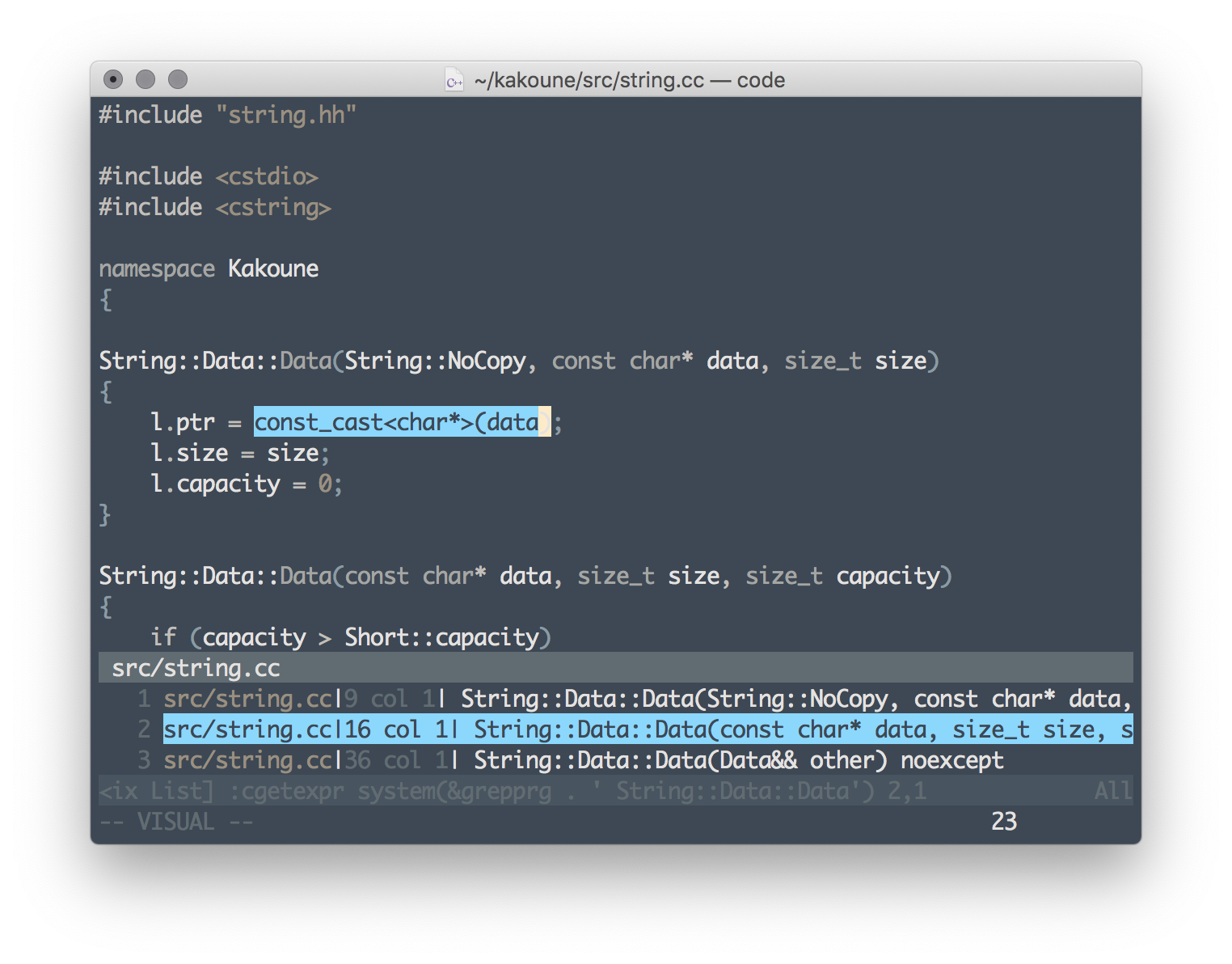
Screenshots
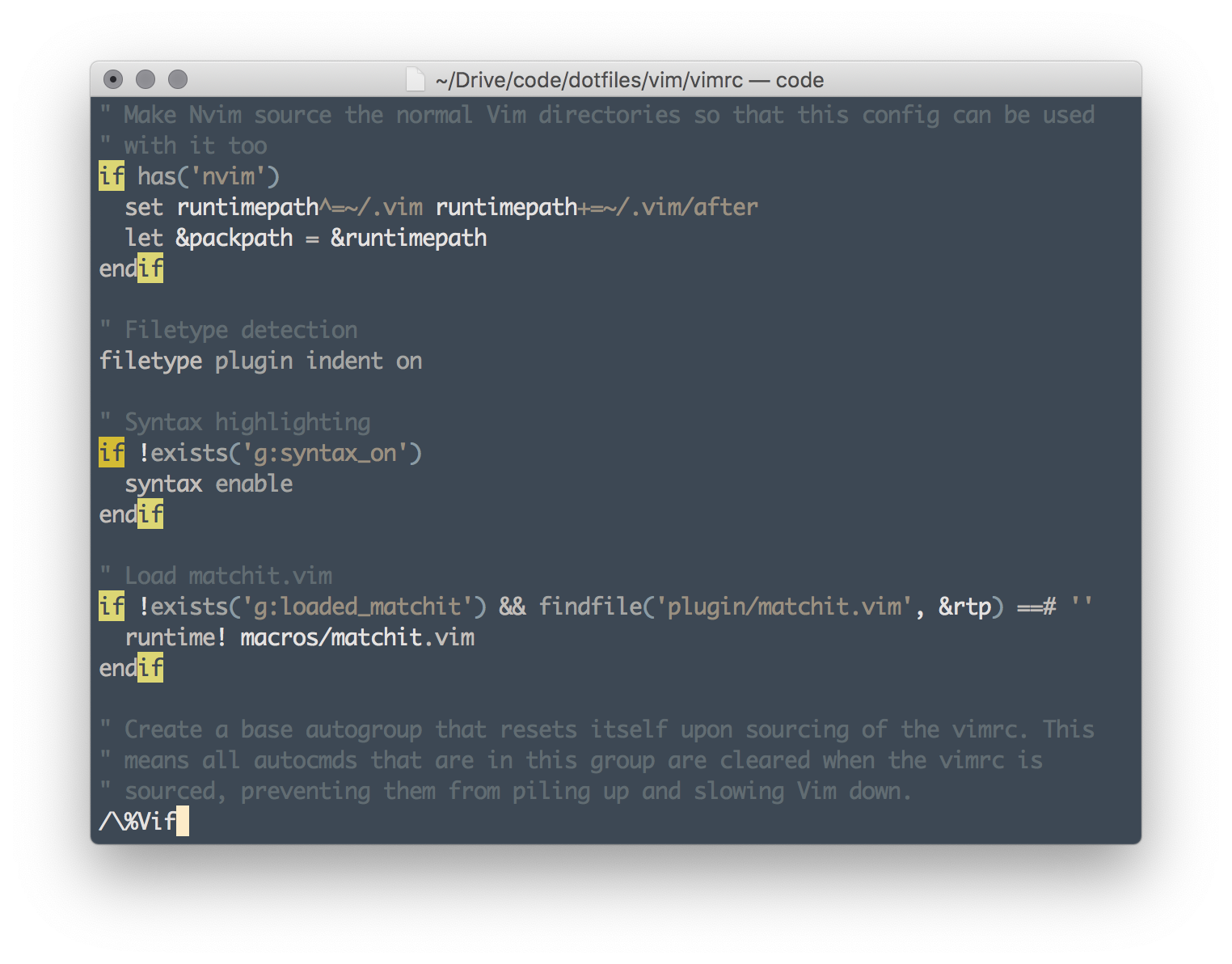
Searching
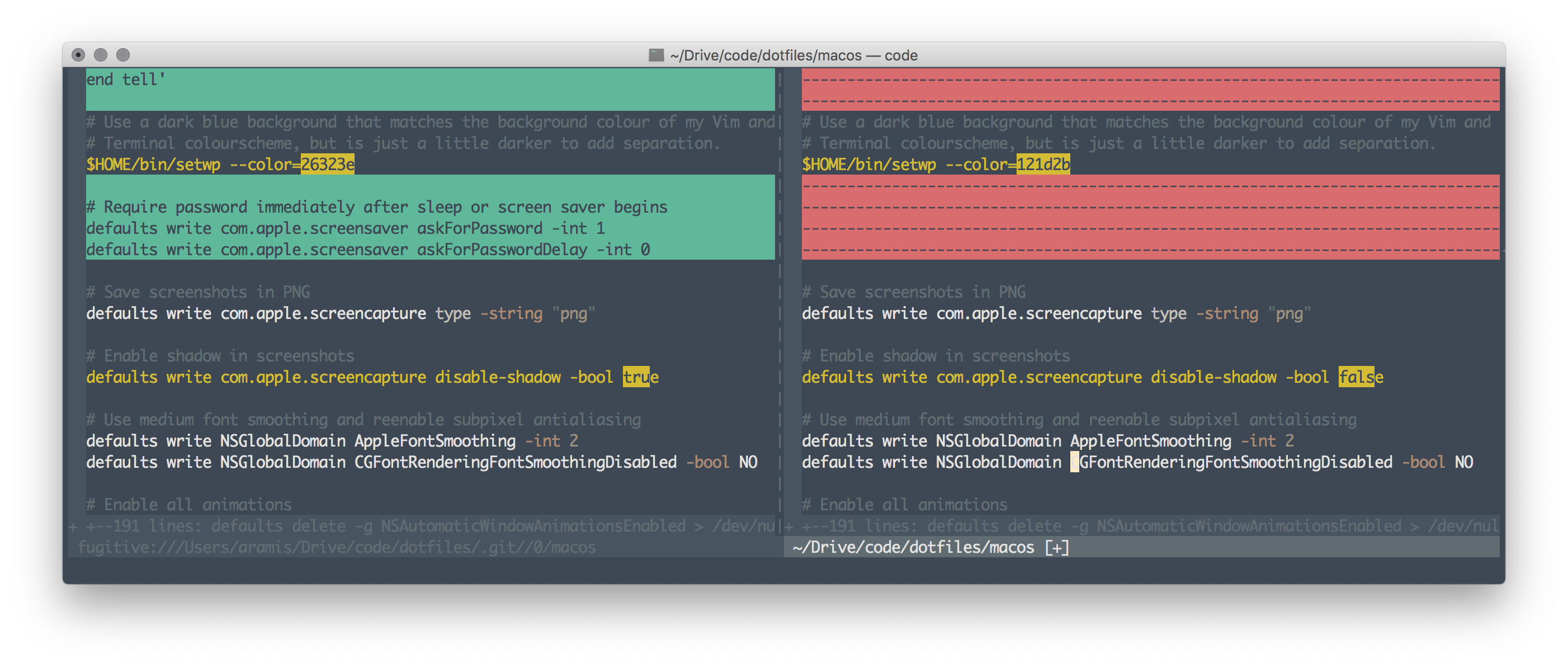
Diffing
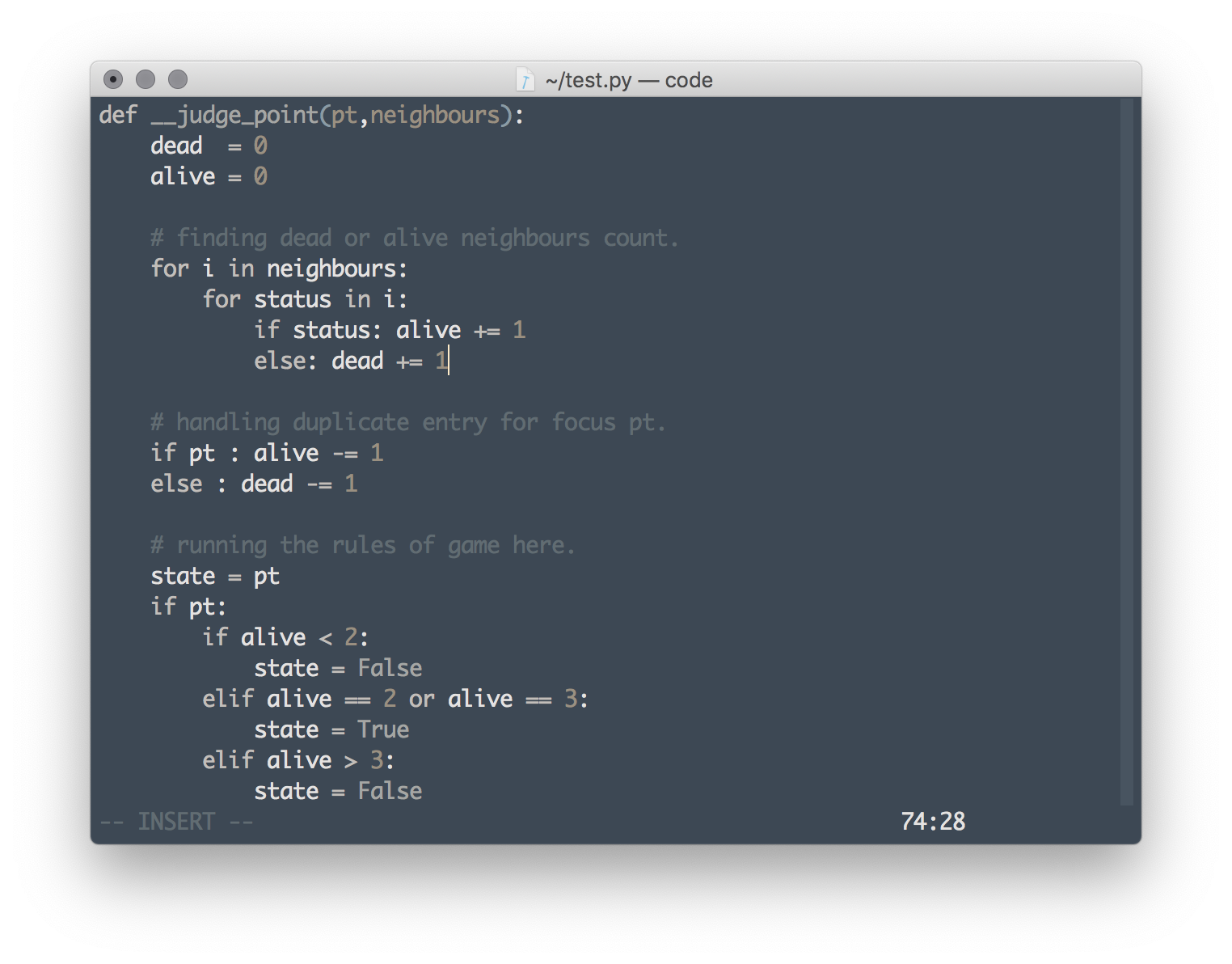
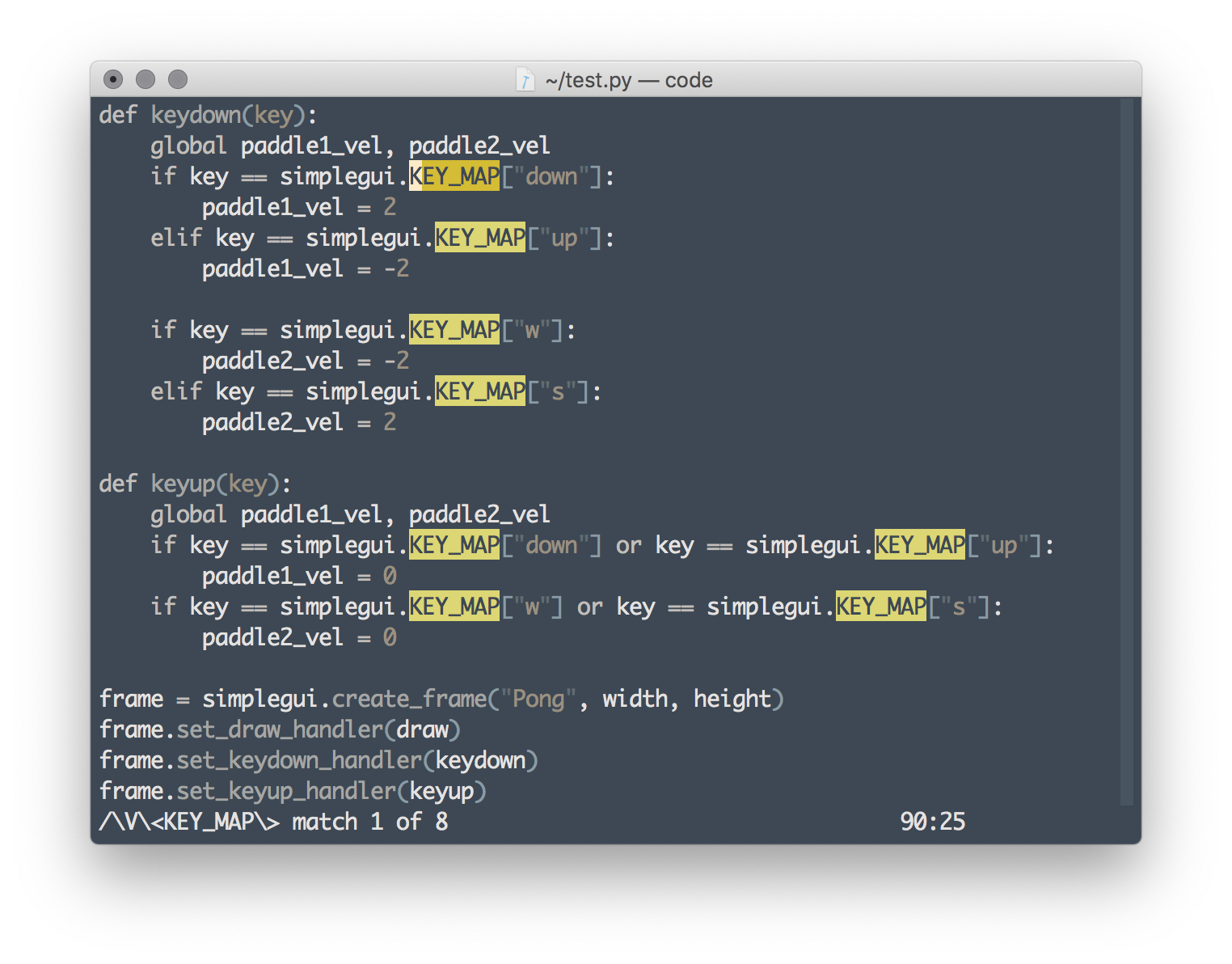
Python
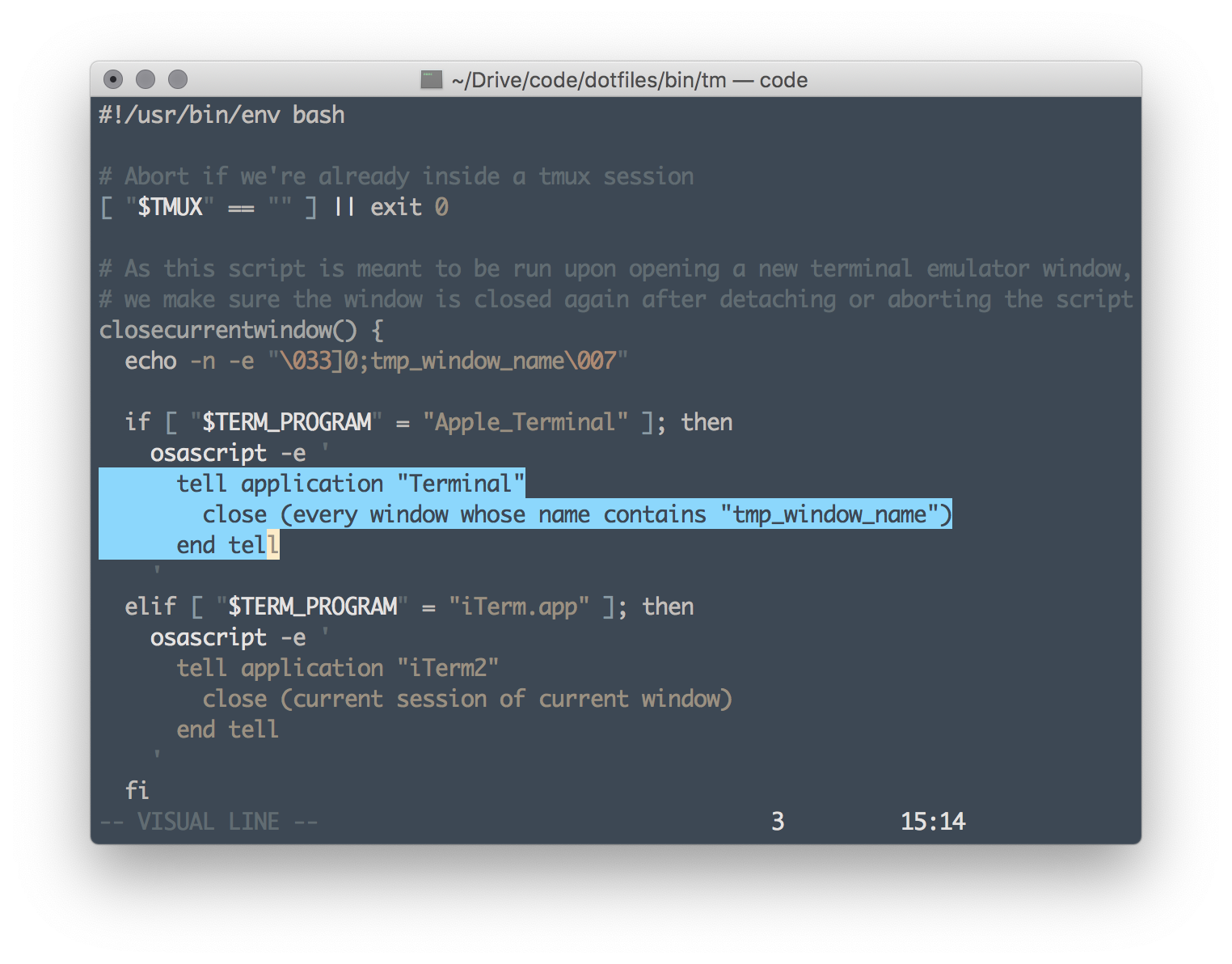
Shell
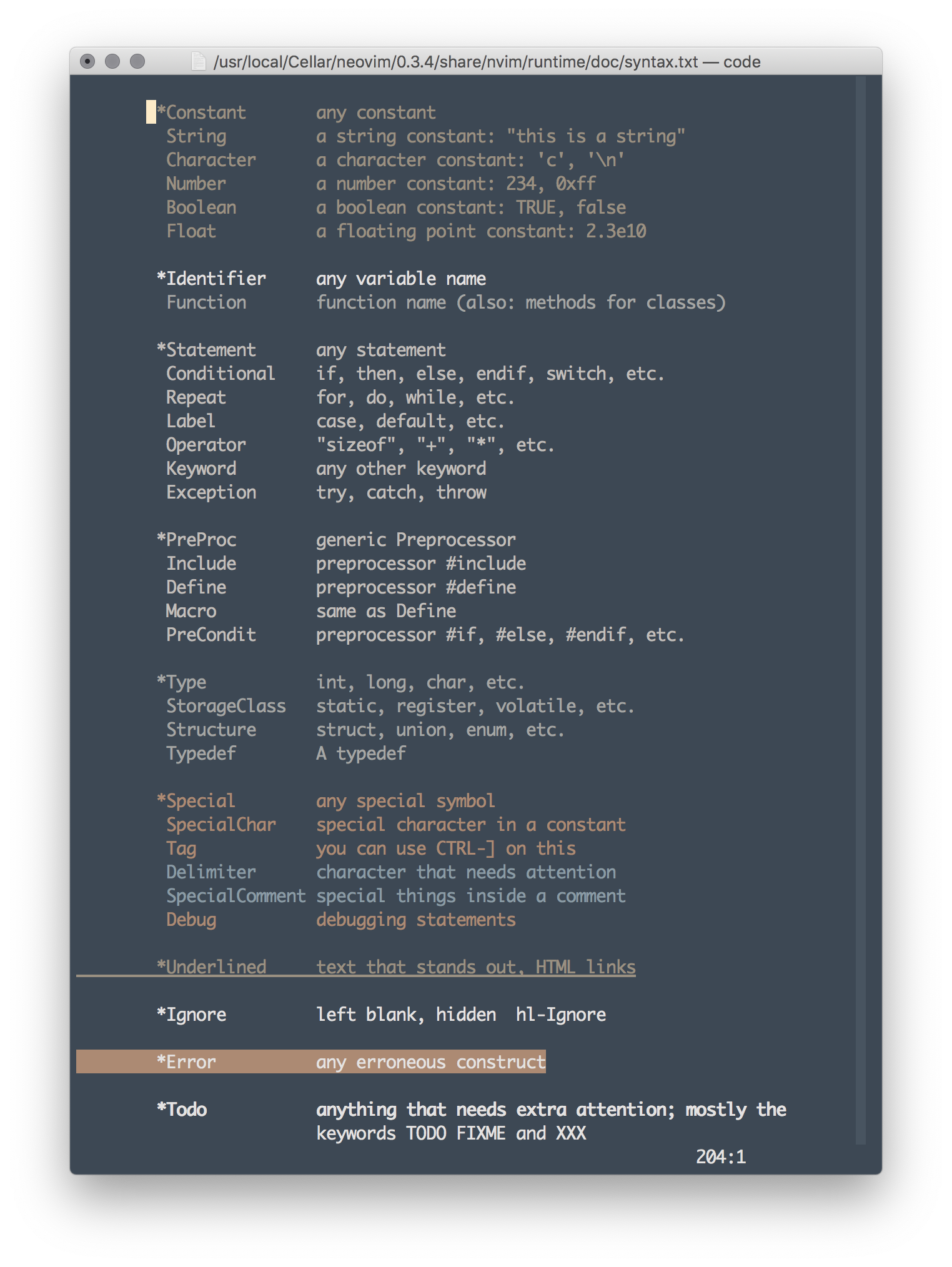
Vim highlight groups
Wallpaper!