Ⅰ. 插件描述
Open Google Translate (https://translate.google.com/) from Vim.Ⅱ. 基本信息
|
Ⅲ. 安装方法
使用Vundle管理器安装
在你的.vimrc下添加:Plugin 'haya14busa/vim-open-googletranslate':source %
:PluginInstall对于Vundle版本 < 0.10.2,请用上面的Bundle替换Plugin。
使用NeoBundle管理器安装
在你的.vimrc下添加:NeoBundle 'haya14busa/vim-open-googletranslate':source %
:NeoBundleInstall使用VimPlug管理器安装
在你的.vimrc下添加:Plug 'haya14busa/vim-open-googletranslate':source %
:PlugInstall使用Pathogen管理器安装
在终端中运行以下命令:cd ~/.vim/bundle
git clone https://github.com/haya14busa/vim-open-googletranslateⅣ. 文档说明
## vim-open-googletranslate
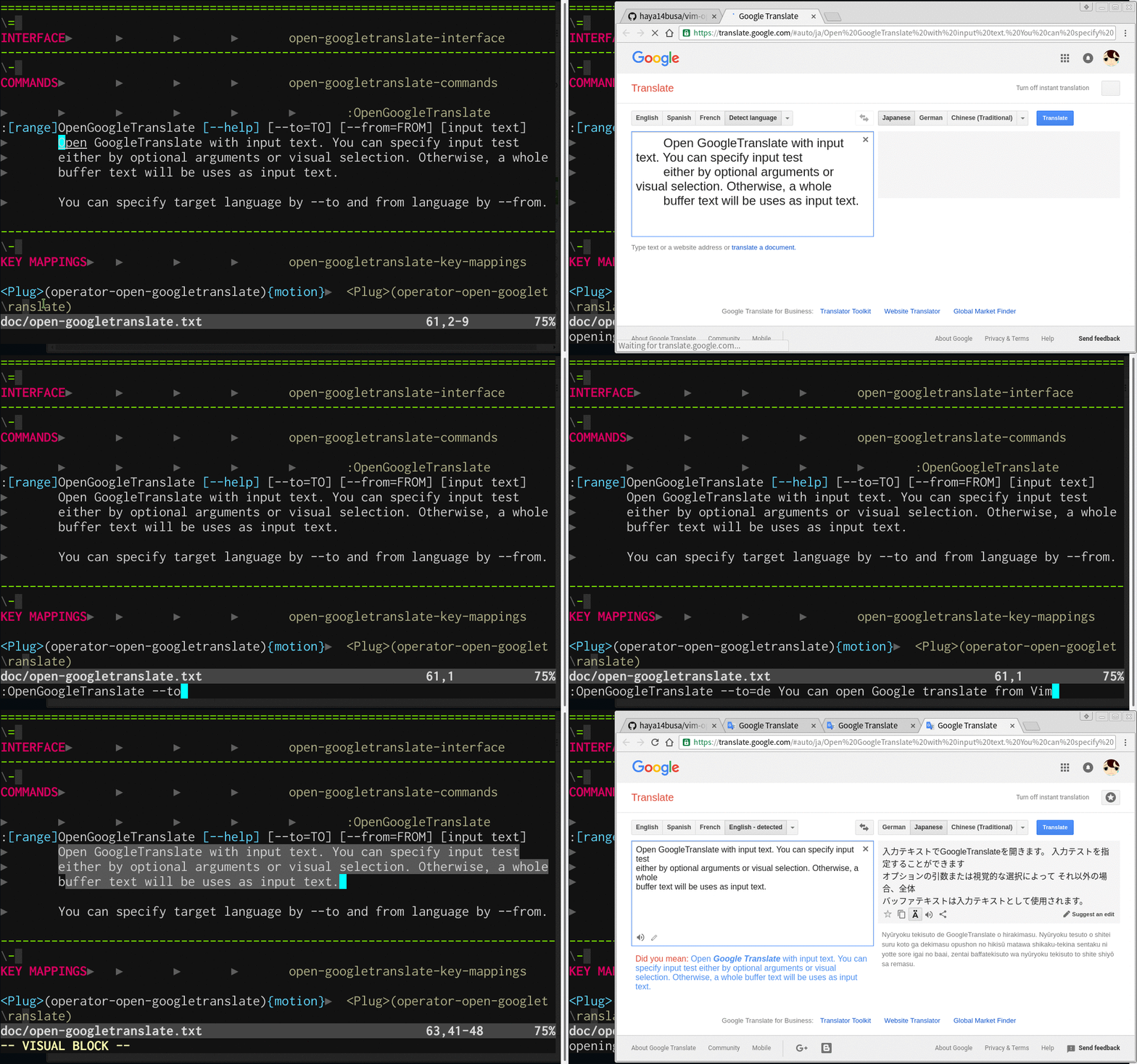
vim-open-googletranslate provides utilities which helps you open Google Translate (https://translate.google.com/) from Vim.
See 
If you find yourself opening too many tabs using vim-open-googletranslate, you
might want to use electron-open-url](https://github.com/rhysd/electron-open-url)
to reuse the same opened window.
let g:opengoogletranslate#openbrowsercmd = 'electron-open --without-focus'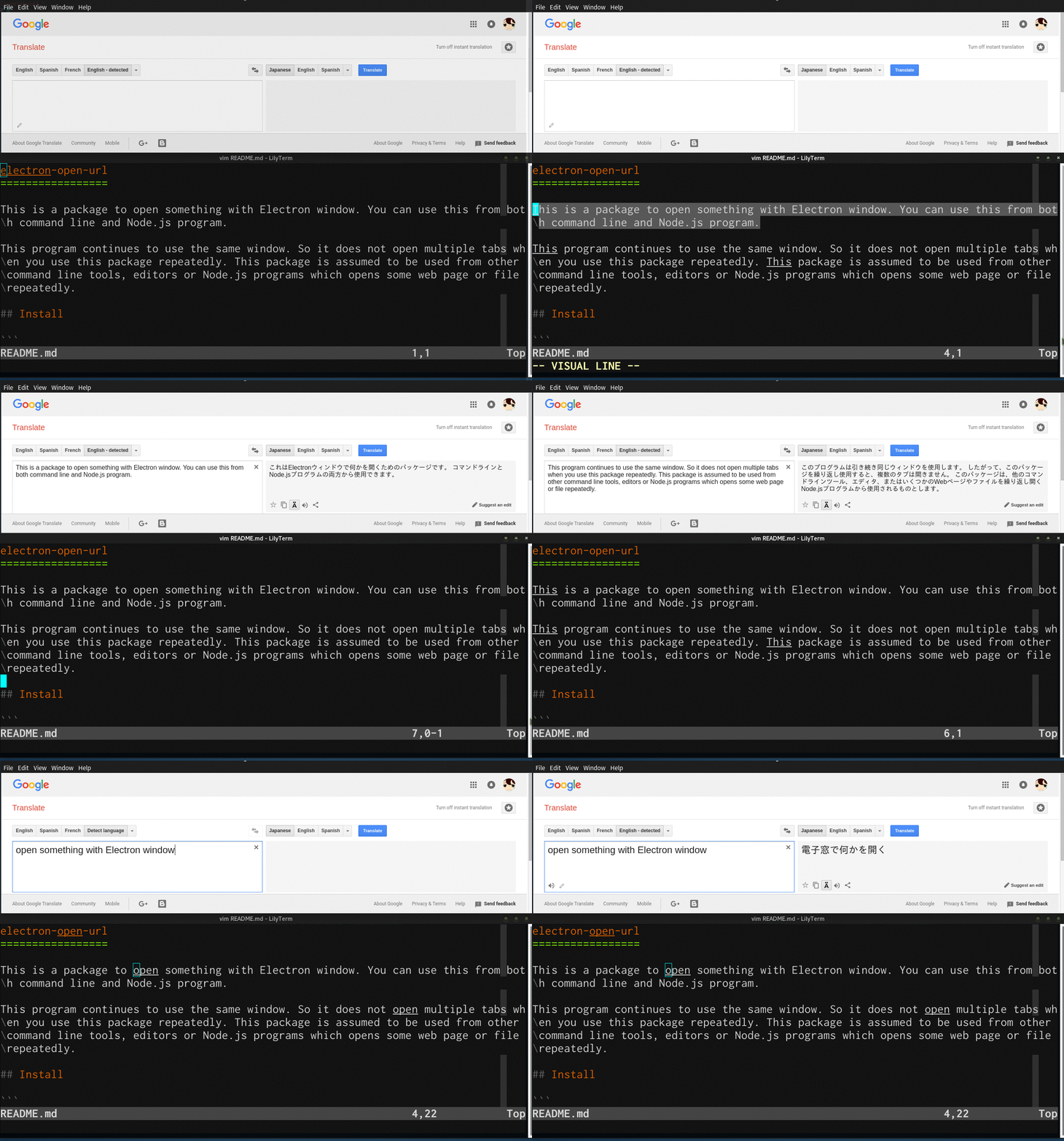
If you were looking for more streamlined Google Translation integration with Vim,
see https://github.com/haya14busa/vim-gtrans which uses Google Translation API internally.