Ⅰ. 插件描述
VIM meets QR Code.Ⅱ. 基本信息
|
Ⅲ. 安装方法
使用Vundle管理器安装
在你的.vimrc下添加:Plugin 'orgachem/vim-qrcode-looking-forward':source %
:PluginInstall对于Vundle版本 < 0.10.2,请用上面的Bundle替换Plugin。
使用NeoBundle管理器安装
在你的.vimrc下添加:NeoBundle 'orgachem/vim-qrcode-looking-forward':source %
:NeoBundleInstall使用VimPlug管理器安装
在你的.vimrc下添加:Plug 'orgachem/vim-qrcode-looking-forward':source %
:PlugInstall使用Pathogen管理器安装
在终端中运行以下命令:cd ~/.vim/bundle
git clone https://github.com/orgachem/vim-qrcodeⅣ. 文档说明
      ______     ______     ______     ______     _____     ______
     /\  __ \   /\  == \   /\  ___\   /\  __ \   /\  __'.  /\  ___\
     \ \ \/\.\  \ \  __<   \ \ \____  \ \ \/\ \  \ \ \/\ \ \ \  __\
      \ \___\_\  \ \_\ \_\  \ \_____\  \ \_____\  \ \___.+  \ \_____\
       \/___/_/   \/_/ /_/   \/_____/   \/_____/   \/___.'   \/_____/
Introduction
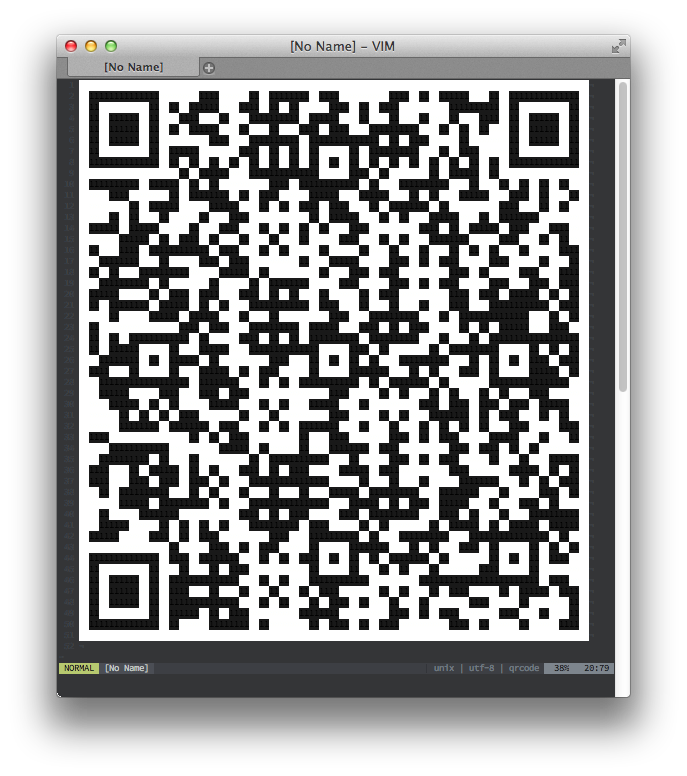
vim-QRCode provides a way to display a QR code on your vim. The QR code can have a content limited to 140 characters. You can display any content by executing a command with a seleced text or a text as an argument.
The generated QRCode will be displayed on a new tab.
Screenshot
Usage
QRCode will get a selected text by the QRCode command:
:'<,'>QRCode
Display a text by QRCode command:
:QRCode Lorem ipsum dolor sit amet.
And an URL can be displayed (many smart phones can recognize an URL style QR code, so it makes easy to open the URL by the smart phones):
:QRCode https://www.vim.org
Requirements
QRCode requires a Ruby interface (+ruby) and a rQRCode module that is a QR code generator implemented by ruby.
You can install rQRCode by the command:
gem install rqrcode
License
Credit
- QR code is trademarked by Denso Wave inc.
- rQRCode