Ⅰ. 插件描述
A Vim plugin in order to open a related test case of a given source fileⅡ. 基本信息
|
Ⅲ. 安装方法
使用Vundle管理器安装
在你的.vimrc下添加:Plugin 'vim-php/vim-relatedtest':source %
:PluginInstall对于Vundle版本 < 0.10.2,请用上面的Bundle替换Plugin。
使用NeoBundle管理器安装
在你的.vimrc下添加:NeoBundle 'vim-php/vim-relatedtest':source %
:NeoBundleInstall使用VimPlug管理器安装
在你的.vimrc下添加:Plug 'vim-php/vim-relatedtest':source %
:PlugInstall使用Pathogen管理器安装
在终端中运行以下命令:cd ~/.vim/bundle
git clone https://github.com/vim-php/vim-relatedtestⅣ. 文档说明
# Vim plugin to open test spec of a source file and viceversa
THIS PLUGIN IS NO LONGER WORKING with vim patch 7.4.260
This plugin opens a related test file of a given source file (and viceversa).
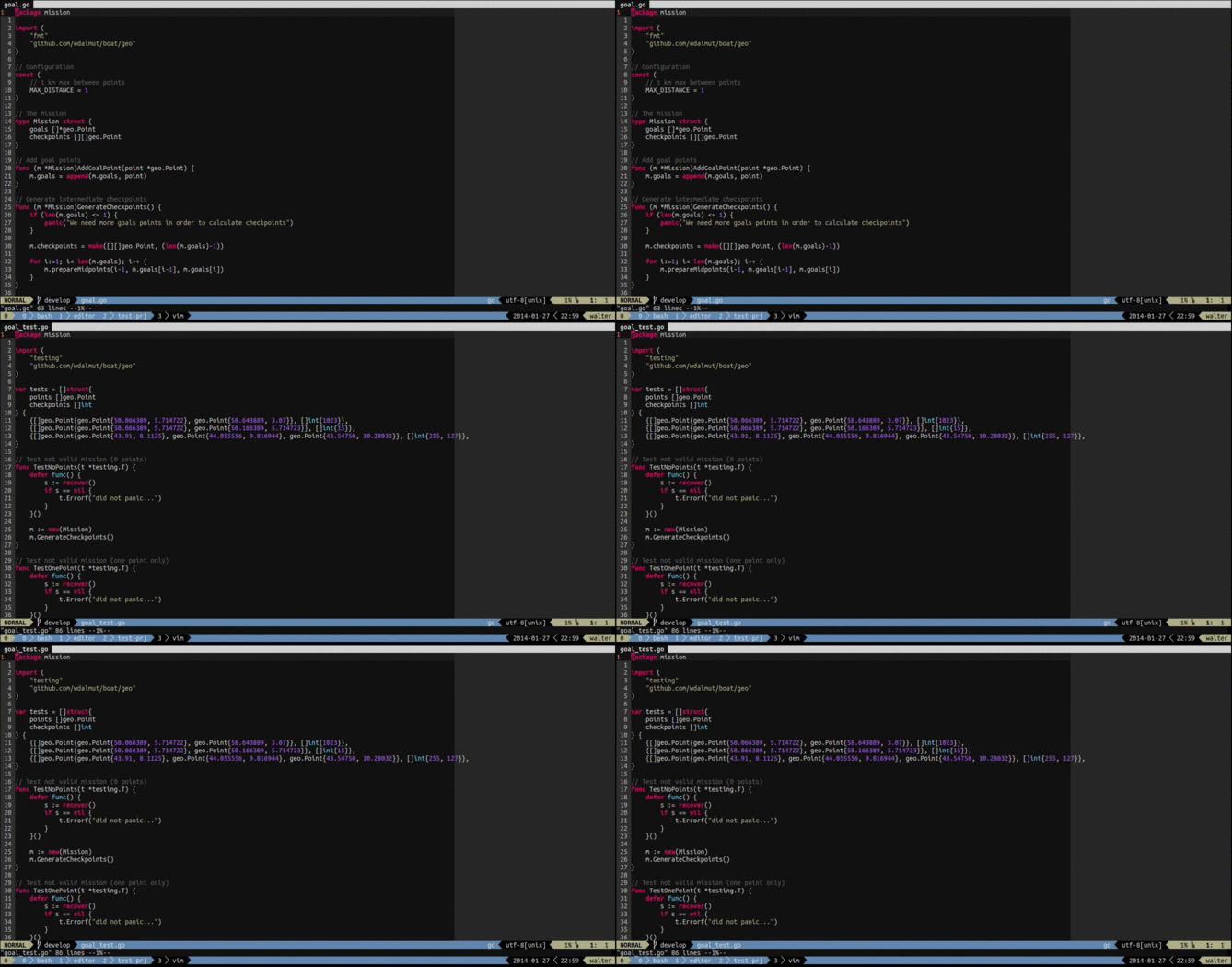
When you are editing a source file, eg: App.php and you want to open the test file
you have to issue tt and the AppTest.php will be opened from your tests folder.
If the test file is missing you can create it on the fly.
Examples
- In PHP if you open
src/Name/App.phpand issuettthe plugin tries to opentests/Name/AppTest.php - In Golang if you open
boat.goand issuettthe plugin tries to openboat_test.go
... And viceversa! ;-)
Install
You can use Vundle for install this plugin
Bundle 'wdalmut/vim-relatedtest'Your configuration
You can redefine shortcuts
let g:relatedtest_open_command = '<C-t>'PHP Filetype configuration
Sometimes you need to set up where sources and tests folders are located, for doing
that you can set in your .exrc file for your project.
For example for Symfony2 application you can limit the search operation in yoursrc folder only...
let g:relatedtest_php_src="src/"
let g:relatedtest_php_tests="src/"
In order to exclude always a particular folder like: vendor you can use
wildignore flag directly in your .vimrc configuration file.
:set wildignore+=**/vendor/**Open Strategy
The open strategy comes in help when you want to open the related test
in a new window, split, tab etc..
let g:relatedtest_open_strategy = 'vsp'You can use any vim command as open strategy, the most common are:
- vsp (open in a vertical split)
- sp (open in an horizontal split)
- tabnew (open in a tab)
- e (open in the current window)