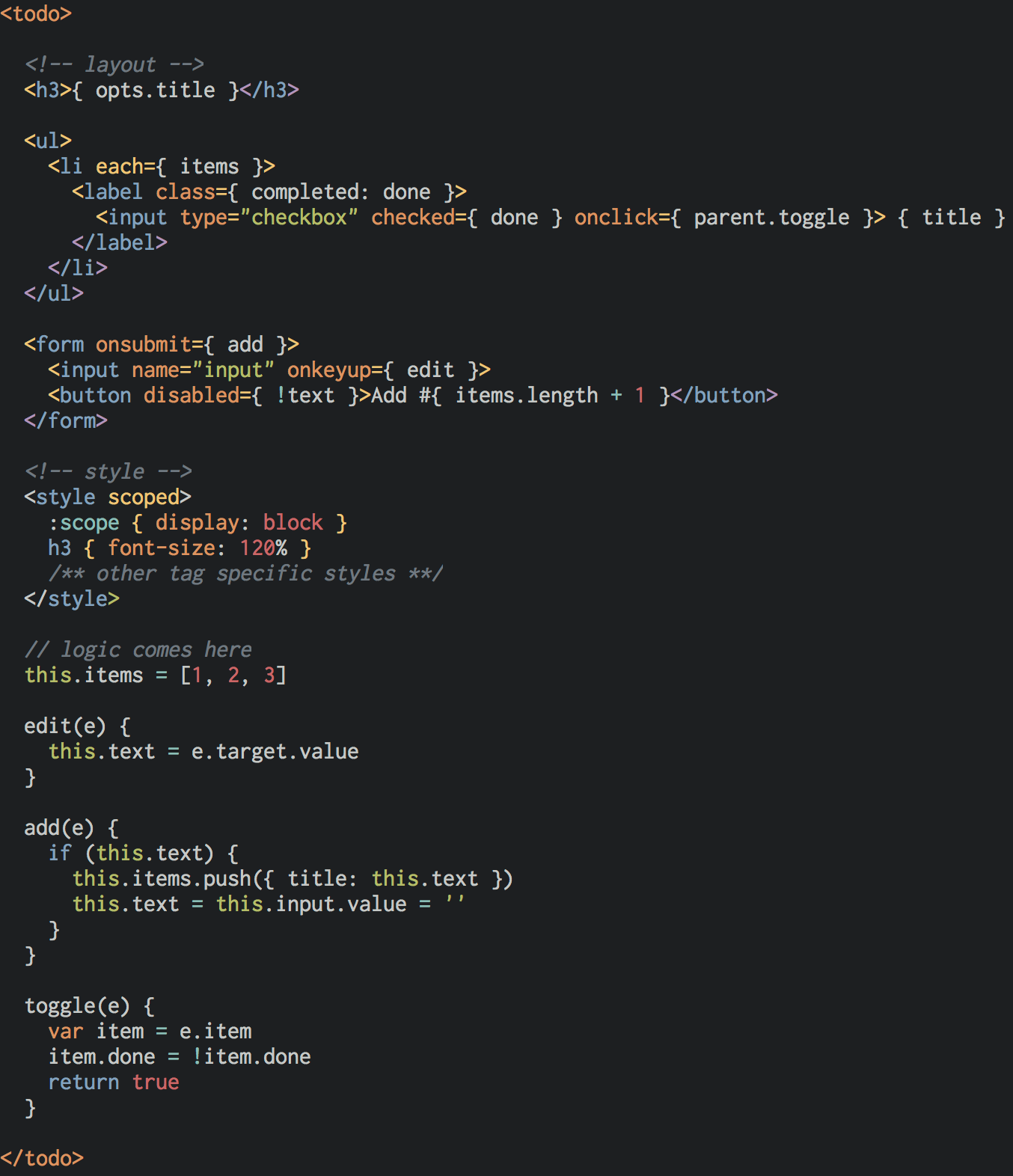
Ⅰ. 插件描述
Vim syntax plugin for Riot.jsⅡ. 基本信息
|
Ⅲ. 安装方法
使用Vundle管理器安装
在你的.vimrc下添加:Plugin 'ryym/vim-riot':source %
:PluginInstall对于Vundle版本 < 0.10.2,请用上面的Bundle替换Plugin。
使用NeoBundle管理器安装
在你的.vimrc下添加:NeoBundle 'ryym/vim-riot':source %
:NeoBundleInstall使用VimPlug管理器安装
在你的.vimrc下添加:Plug 'ryym/vim-riot':source %
:PlugInstall使用Pathogen管理器安装
在终端中运行以下命令:cd ~/.vim/bundle
git clone https://github.com/ryym/vim-riotⅣ. 文档说明
# vim-riot

This is a Vim plugin to provide syntax highlighting and indentation for
[Riot.js] custom tags. [Riot custom tag] contains HTML, CSS and JS in a single file.
The implementation of the indent file is based on [vim-jsx].
Note that [pangloss/vim-javascript] is required to use this plugin.
(This javascript syntax plugin is included in Vim by default from v7.4.2205)
Installation
NeoBundle 'ryym/vim-riot'
Plugin 'ryym/vim-riot'
Plug 'ryym/vim-riot'cd ~/.vim/bundle
git clone https://github.com/ryym/vim-riot.gitSample Image