Ⅰ. 插件描述
:shell: A simple UNIX Shell commands emulator that works within VimⅡ. 基本信息
|
Ⅲ. 安装方法
使用Vundle管理器安装
在你的.vimrc下添加:Plugin 'b4b4r07/vim-shellutils':source %
:PluginInstall对于Vundle版本 < 0.10.2,请用上面的Bundle替换Plugin。
使用NeoBundle管理器安装
在你的.vimrc下添加:NeoBundle 'b4b4r07/vim-shellutils':source %
:NeoBundleInstall使用VimPlug管理器安装
在你的.vimrc下添加:Plug 'b4b4r07/vim-shellutils':source %
:PlugInstall使用Pathogen管理器安装
在终端中运行以下命令:cd ~/.vim/bundle
git clone https://github.com/b4b4r07/vim-shellutilsⅣ. 文档说明
<p align="center">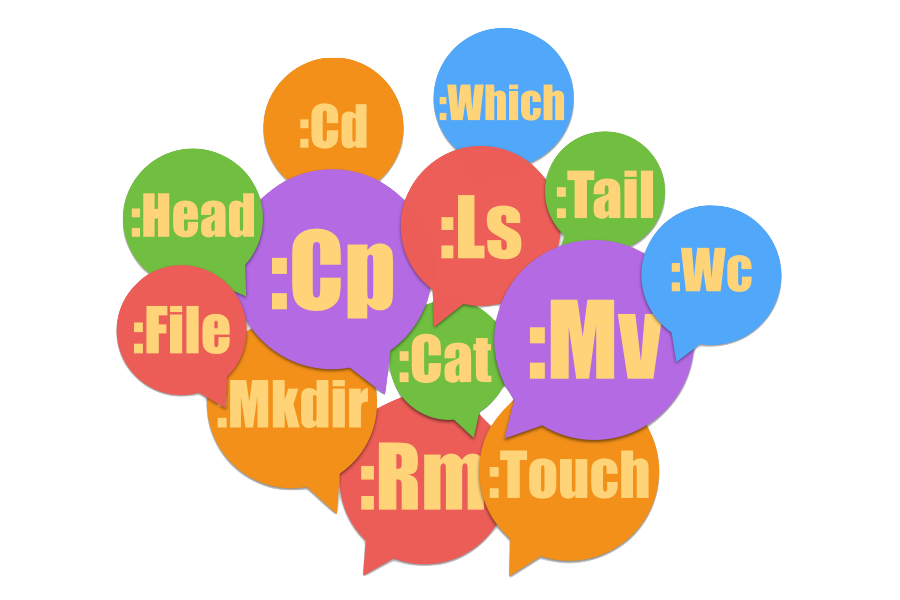
</p>
<p align="center">
About
|
Description
|
Usage
|
Installation
|
License
</p>
vim-shellutils


vim-shellutils is a simple, UNIX Shell commands (e.g., /bin/ls) emulator written in Vim script.
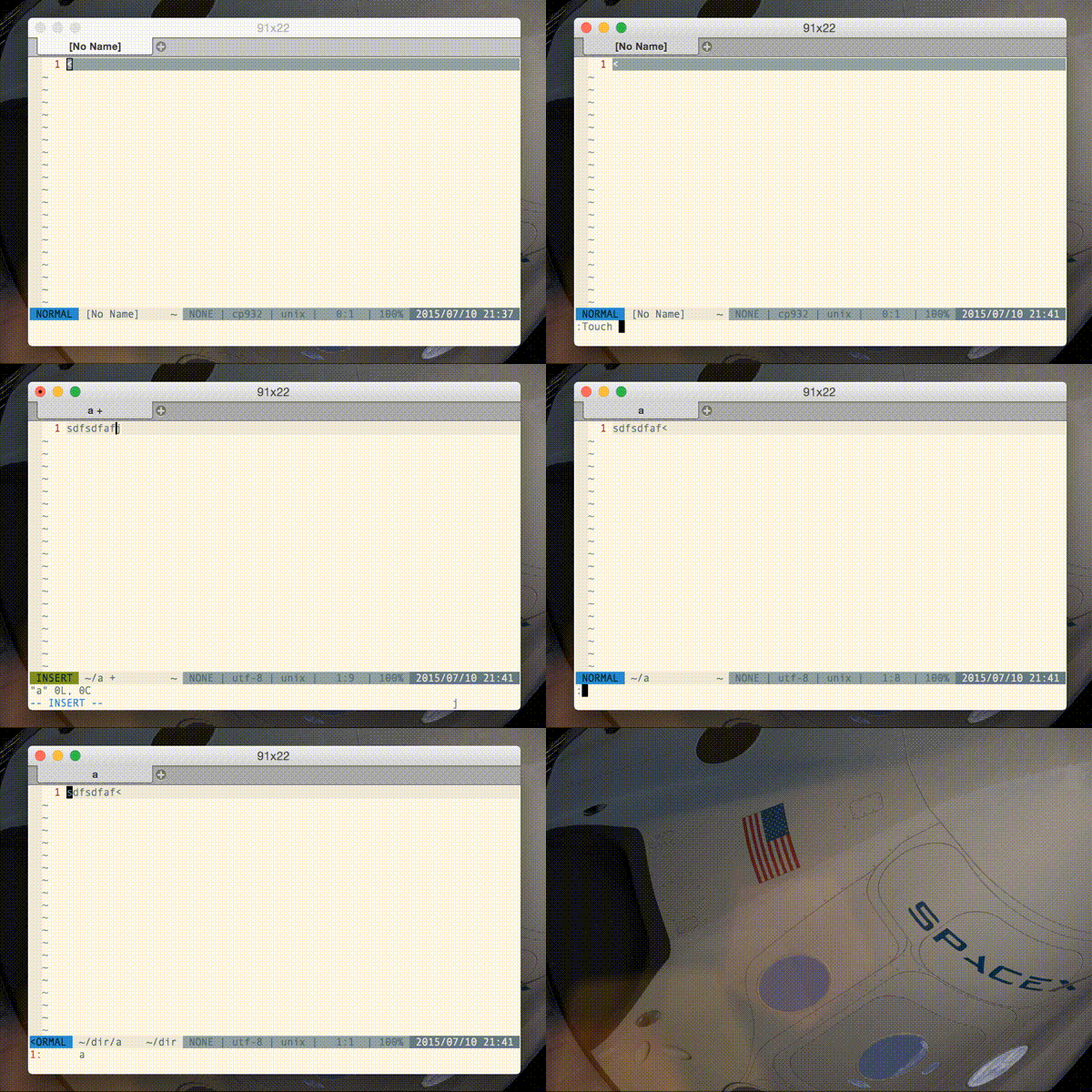
DEMO:
Description
vim-shellutils is a simple Vim plugin that provides UNIX shell-like commands such as rm, ls, and so on. The fact that written in Vim script independently of the external command or other tools will bring numerous benefits to your Vim life.
For example, when you want to run the command from the command line, it is troublesome to have to exit Vim. Thanks to this plugin, you can run the shell command without quit Vim. With further say, this fact shows that does not depend on the platform you want to run. Thus, it means that Windows is OK, too.
If only you had Vim and this plugin, you will be able to reproduce the shell command.
<p align="right">:arrow_up:</p>
Usage
- What is the command you want to use?:
ls - Capitalize:
Ls - Run from the Vim command line:
:Ls - Please
:h :Lsif you have any questions
:Ls some_directoryOther commands that are available:
| Shell | Vim |
|---|---|
ls | :Ls |
mv | :Mv |
cp | :Cp |
file | :File |
cat | :Cat |
head | :Head |
tail | :Tail |
touch | :Touch |
mkdir | :Mkdir |
For more usage and details, see docmentation.
<p align="right">:arrow_up:</p>
Advantage
Unlike a complete UNIX shell command, the command is emulated by vim-shellutils is optimized for Vim. In other words, the synopsis of the commands that are provided by this plugin band shell command is not the same at all. It is when the argument is less than the original. The emulated command interpret the current buffer as an argument in the automatic when the argument is omitted.
Example (when you're editing the
~/.vimrc):`:Cp ~/test` and `:Cp ~/.vimrc ~/test` are the same `:Rm ` and `:Rm ~/.vimrc` are the same
This means that it is possible to perform more easily shell command mock. Again, for more detailed description, please refer to the plugin's help.
<p align="right">:arrow_up:</p>
Installation
NeoBundle 'b4b4r07/vim-shellutils'
Plugin    'b4b4r07/vim-shellutils'
Plug      'b4b4r07/vim-shellutils'
<p align="right">:arrow_up:</p>
Licence
<p align="right">:arrow_up:</p>