Ⅰ. 插件描述
spot your cursor with simple searchⅡ. 基本信息
|
Ⅲ. 安装方法
使用Vundle管理器安装
在你的.vimrc下添加:Plugin 't9md/vim-smalls':source %
:PluginInstall对于Vundle版本 < 0.10.2,请用上面的Bundle替换Plugin。
使用NeoBundle管理器安装
在你的.vimrc下添加:NeoBundle 't9md/vim-smalls':source %
:NeoBundleInstall使用VimPlug管理器安装
在你的.vimrc下添加:Plug 't9md/vim-smalls':source %
:PlugInstall使用Pathogen管理器安装
在终端中运行以下命令:cd ~/.vim/bundle
git clone https://github.com/t9md/vim-smallsⅣ. 文档说明
# First of all
Specially thanks to Lokaltog who created great vim-easymotion.
Without his former work, I don't think I could create smalls from scratch.
What is this?
Yet another cursor movement plugin.
Search and jump with easymotion style.
Features
- jump directly with easymotion style.
- support all, forward, backward direction. but 'all' is always best I believe.
- skip fold.
- work for normal, operator, visual mode.
- highlight selected area in operator and visual mode, it helps you know area to be deleted or yanked.
- move around candidate with hkjl(excursion-mode)
- full customizable keybinding in excursion-mode and cli-mode
- auto-show-up easymotion style jump key at specified timeout.
- auto-show-up timeout wouldn't be triggered until it exceed specified type length.
- color customizable.
- always ignore case for jump key(easy to type).
Movie
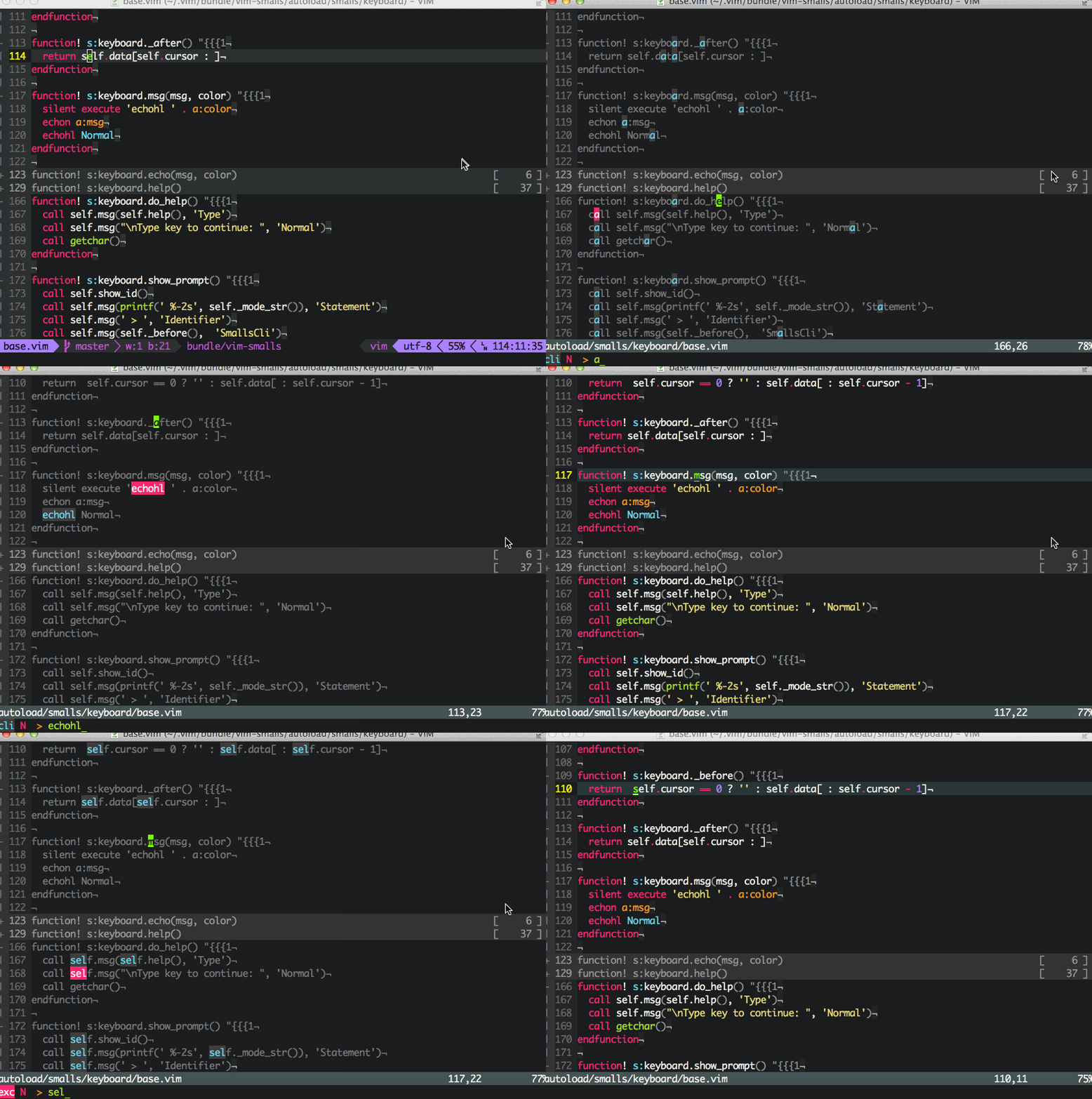
Configuration example
" map normal-mode 's' for simple search
nmap s <Plug>(smalls)
" if you want to use smalls in visual/operator or both mode.
omap s <Plug>(smalls)
xmap s <Plug>(smalls)

" [NOTE] optionally it might be comfortable if you enable 'smartcase'
" comment-in following line if you want to.
" set ignorecase smartcase
Related work
If you don't like this plugin? It's ok, there are a lot of plugins like bellow.