Ⅰ. 插件描述
A vim plugin that mimics the actions of tmux. 一个不符合人类需求的vim插件,用来模仿tmux功能Ⅱ. 基本信息
|
Ⅲ. 安装方法
使用Vundle管理器安装
在你的.vimrc下添加:Plugin 'karmenzind/vim-tmuxlike':source %
:PluginInstall对于Vundle版本 < 0.10.2,请用上面的Bundle替换Plugin。
使用NeoBundle管理器安装
在你的.vimrc下添加:NeoBundle 'karmenzind/vim-tmuxlike':source %
:NeoBundleInstall使用VimPlug管理器安装
在你的.vimrc下添加:Plug 'karmenzind/vim-tmuxlike':source %
:PlugInstall使用Pathogen管理器安装
在终端中运行以下命令:cd ~/.vim/bundle
git clone https://github.com/karmenzind/vim-tmuxlikeⅣ. 文档说明
# vim-tmuxlike
Add tmux operating habits to vim.
If you are quite addicted to tmux, you might need this plugin to make your vim work a bit like tmux.
current status: STABLE
Many new features are being developed.
TOC
<!-- vim-markdown-toc GFM -->
<!-- vim-markdown-toc -->
Installation
Intro
Prefix key
Just like <prefix>(usually CTRL-B) in tmux, there's a prefix key in vim-tmuxlike.
I use <c-a>(CTRL-A) as the default prefix key. You need to change it if you have the same keymap in tmux.
Features
original
You may be familiar with these basic operation.
Every keymap should start with <prefix>.
?open vim-tmuxlike's helppageztoggle buffer zoom mode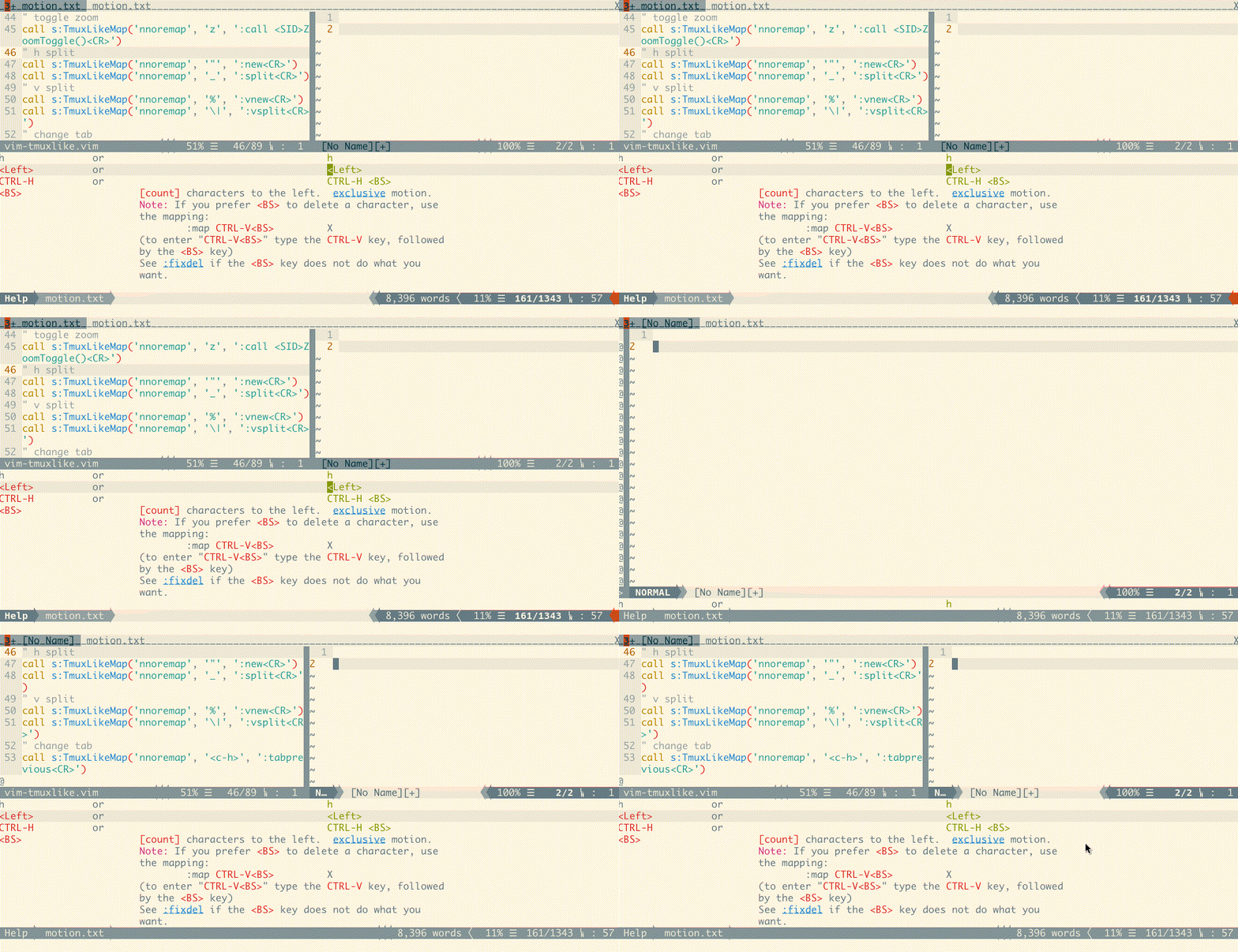%split window; open new buffer oh the right side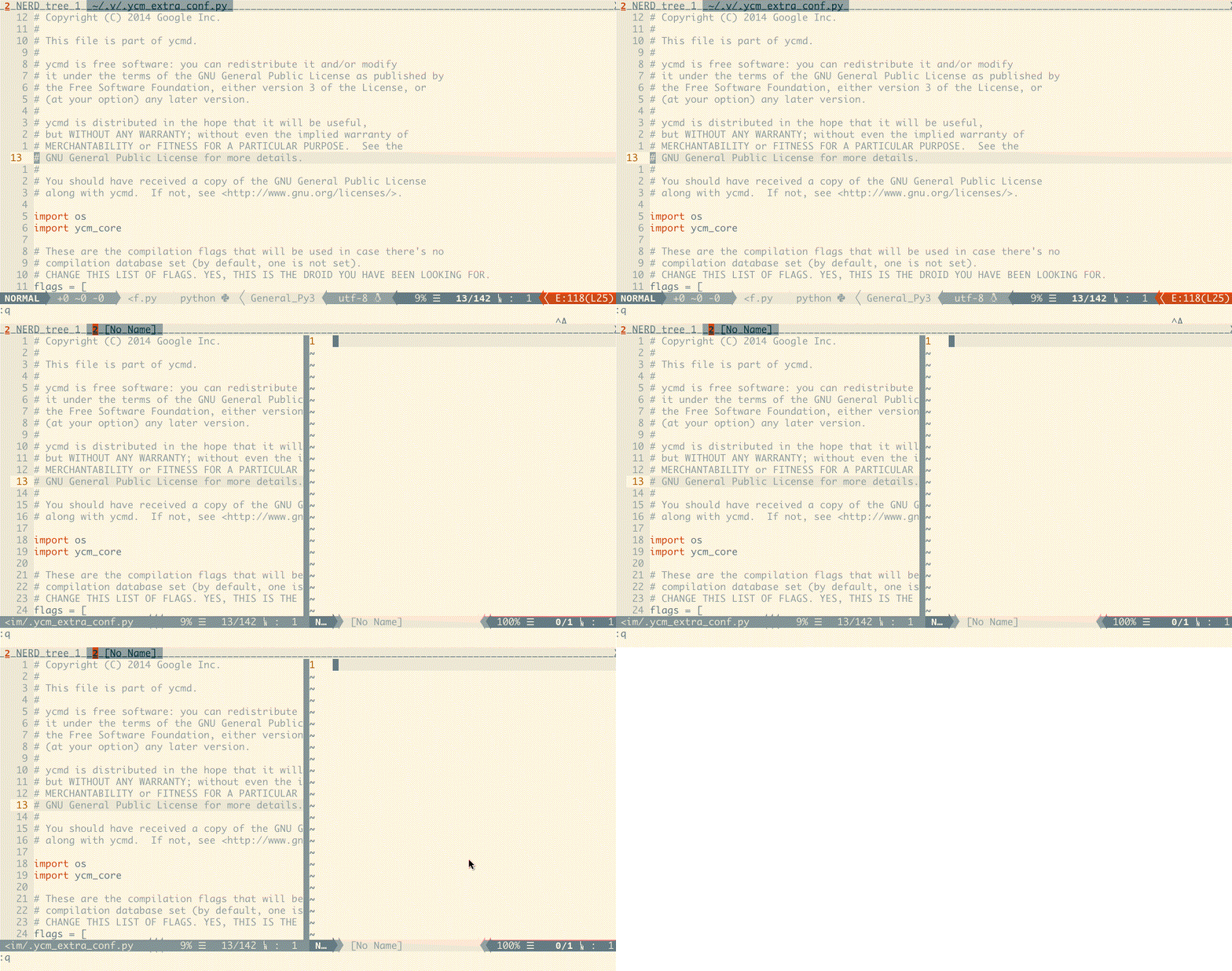|split current buffer oh the right side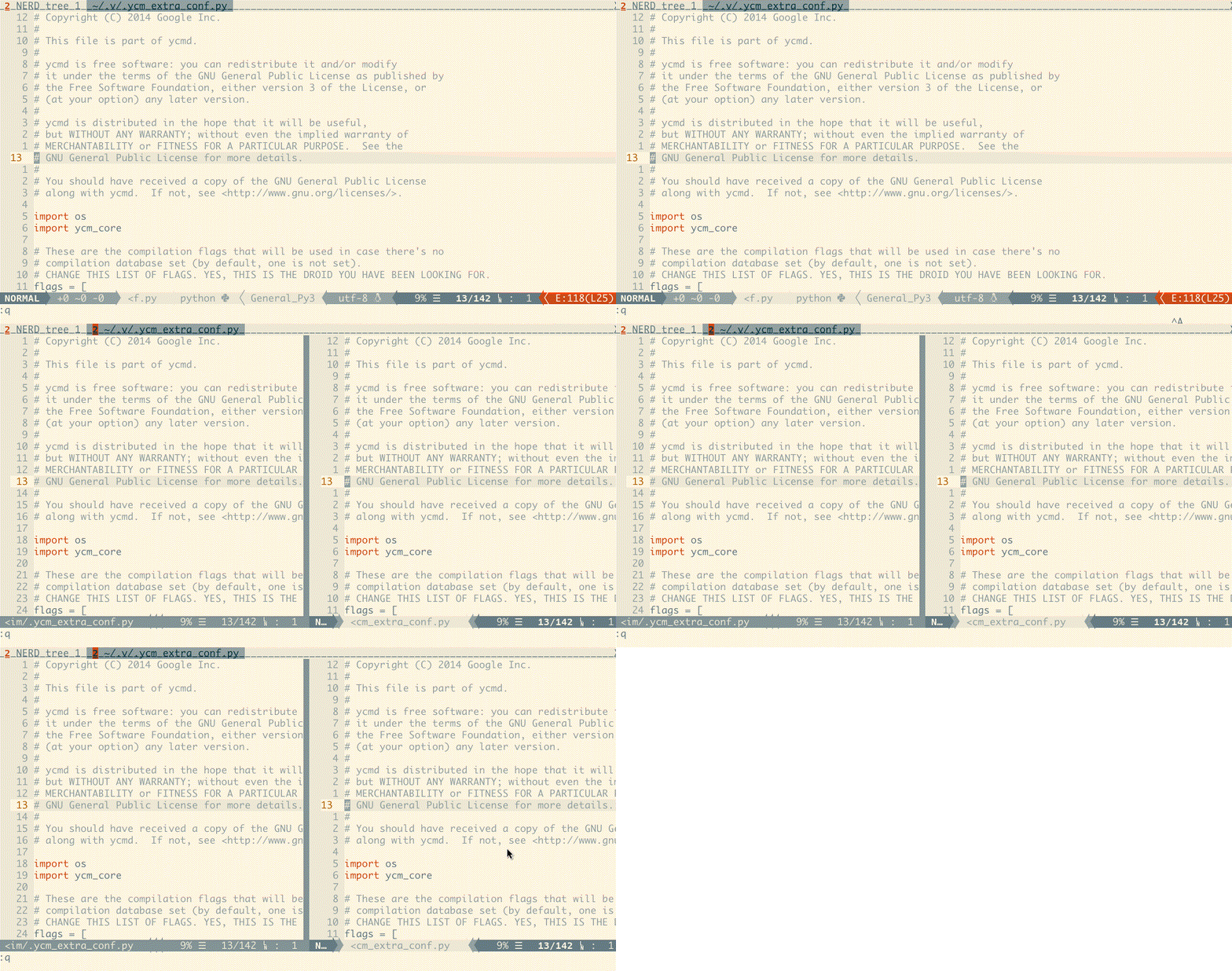"vertically split window; open new buffer downside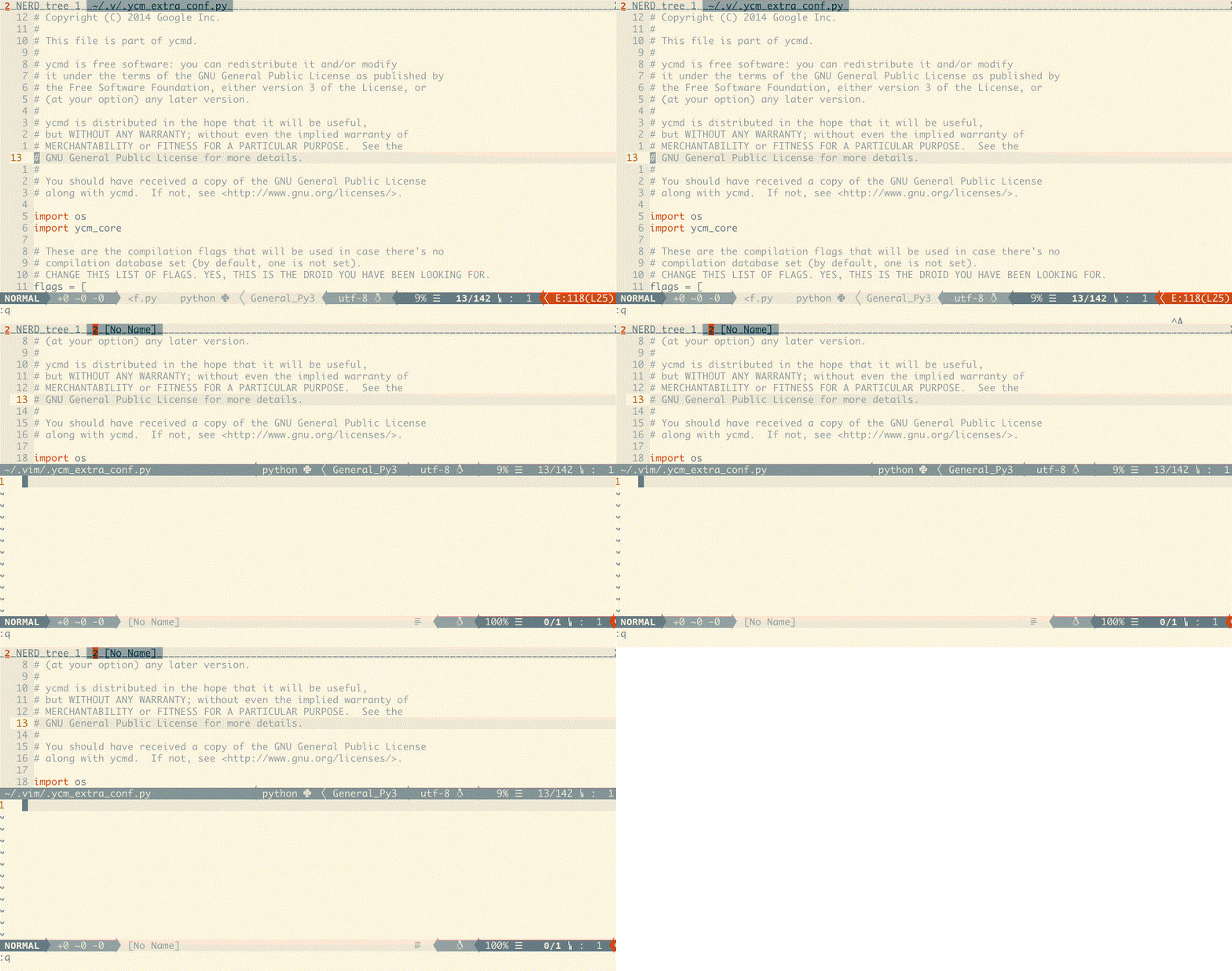_split current buffer downside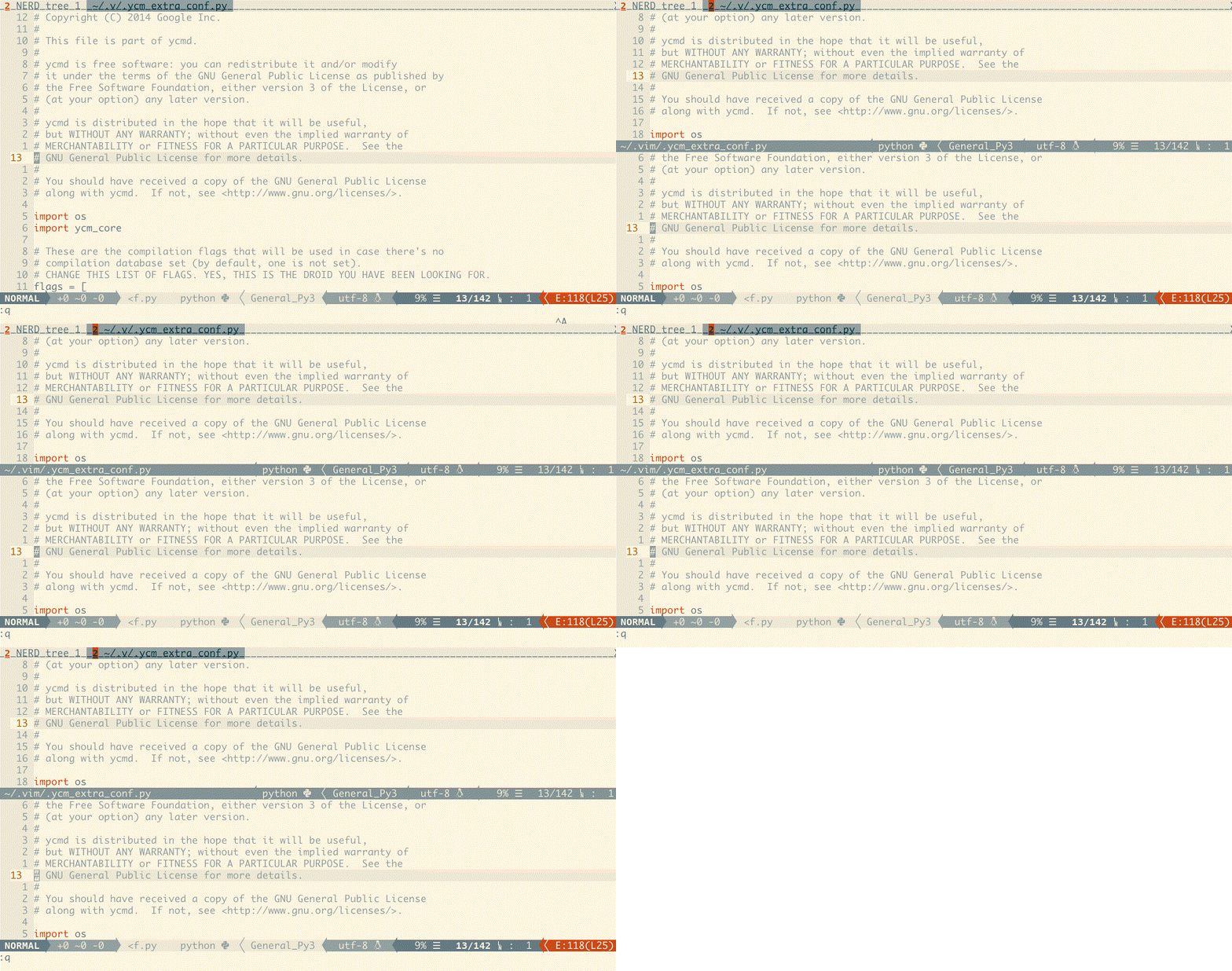copen a new tab with an empty window after the last tab<c-h><c-p>select previous tab`n` `<c-n>` `<c-l>` select next tabxclose current buffer&close current tab~show history messages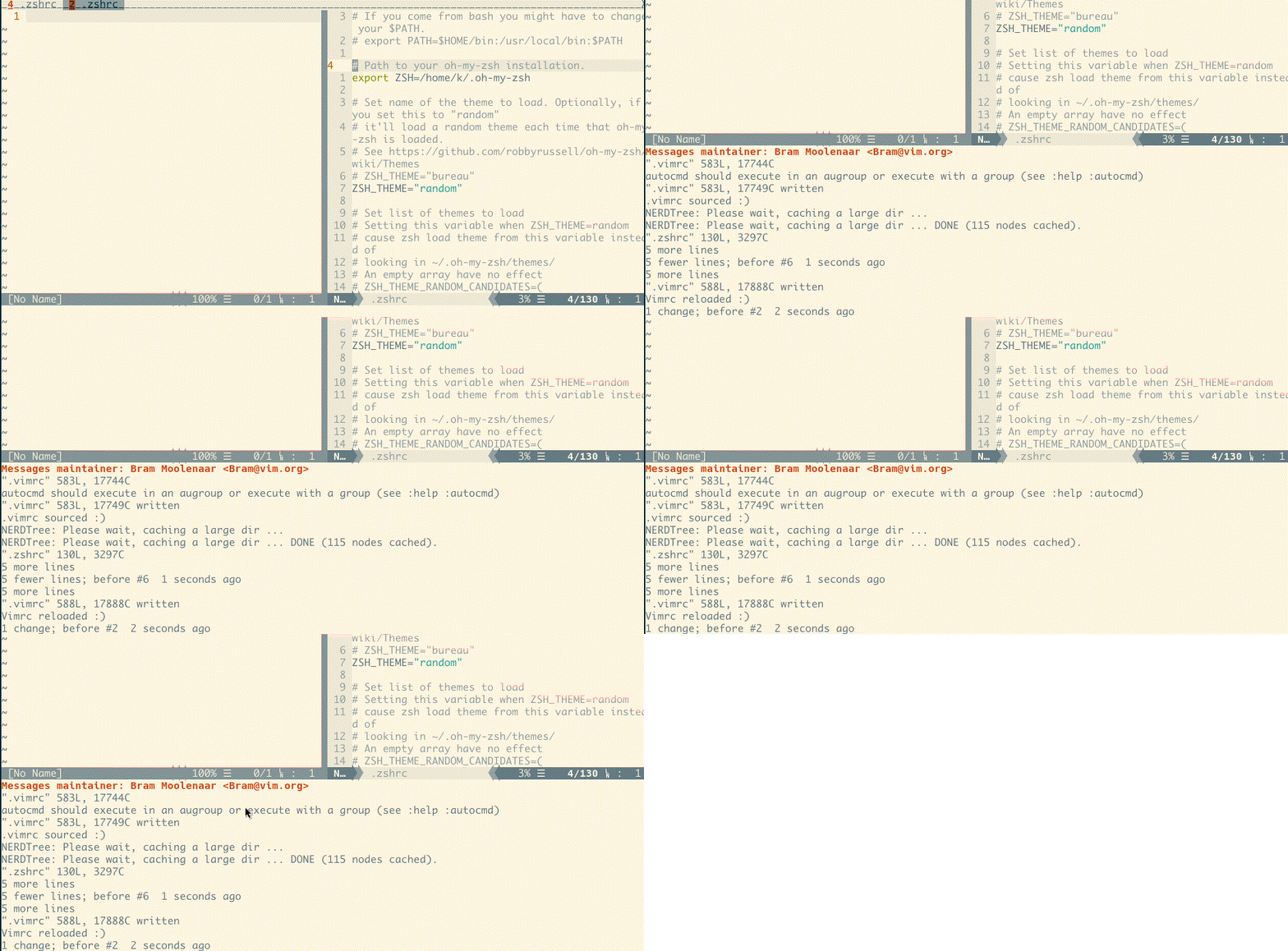!break current buffer (move current buffer to new tabpage)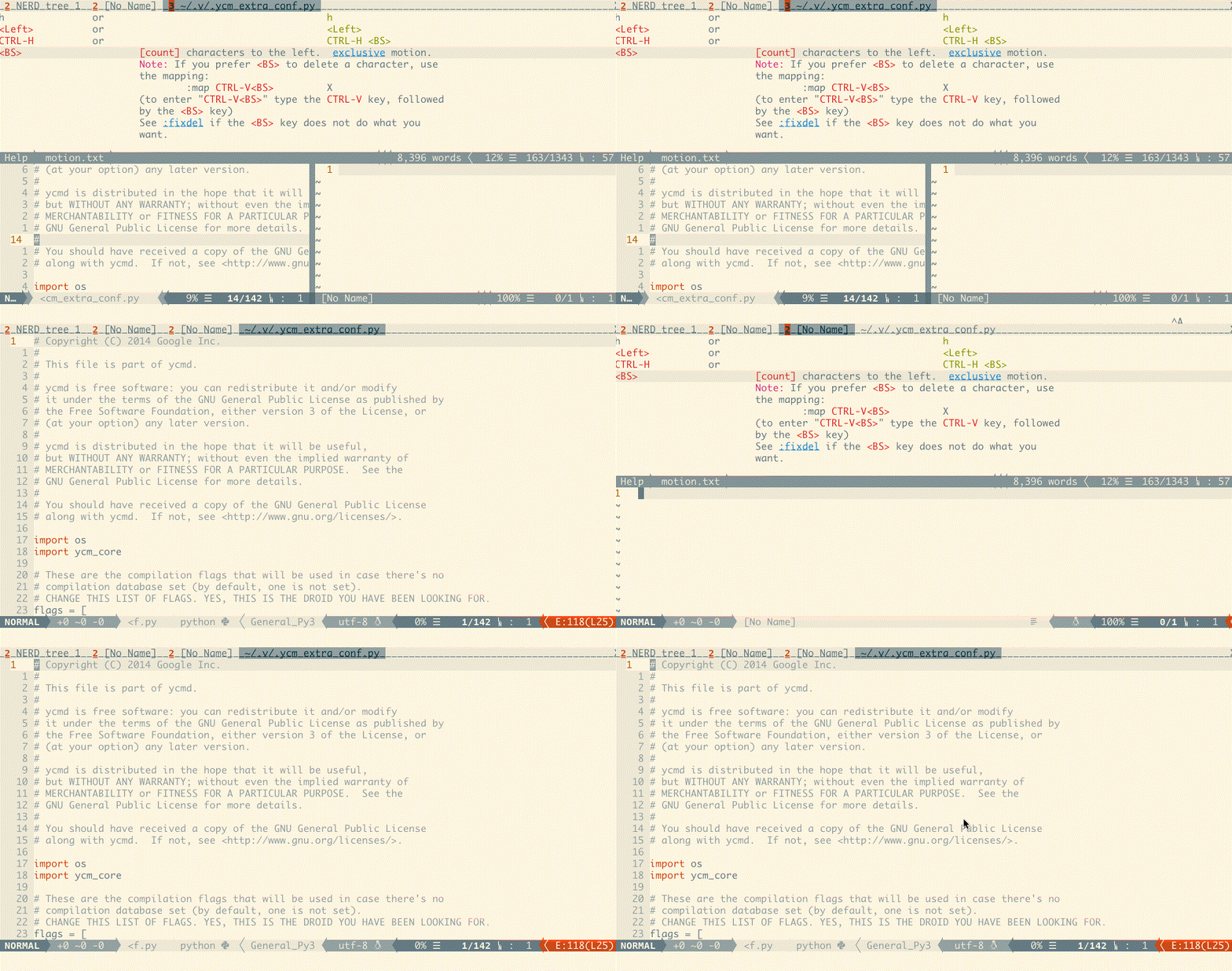ddetach/suspend vim (the same as CTRL-Z)rredraw current buffer]paste [from register *];choose last bufferhjklLeftDownUpRightchange bufferHJKLresize current window
These keymaps need t9md/vim-choosewin installed.
qs=enter choosewin mode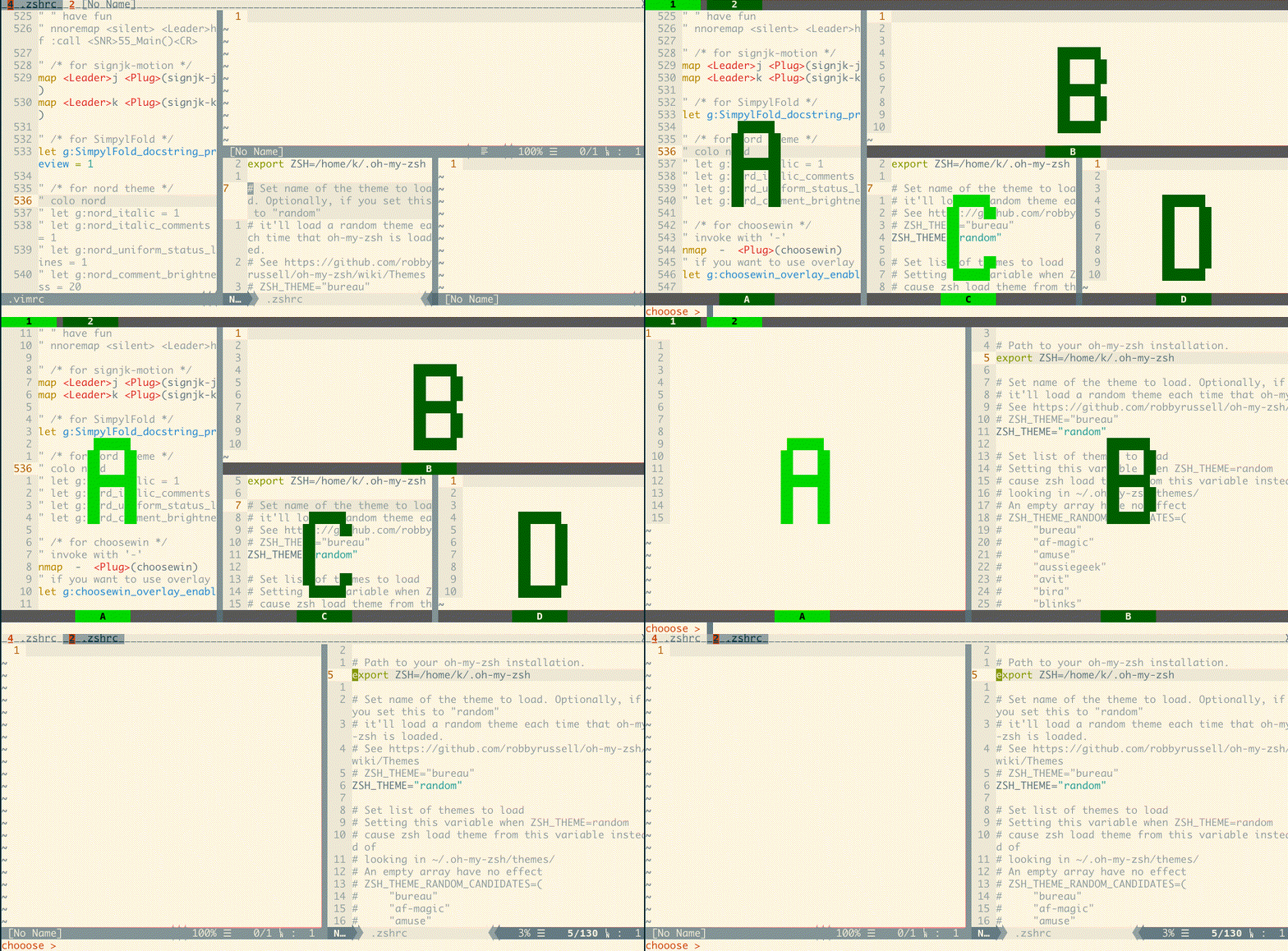
Config
Feel free to change the prefix key.
I recommend using a 'CTRL-' key combination which will be really convenient (e.g. with default prefix <c-a>, you just need to hold CTRL and type 'ah' for <prefix><c-h>).
" use CTRL-A (default)
nmap <c-a> <Plug>(tmuxlike-prefix)
" use CTRL-\
nmap <c-\> <Plug>(tmuxlike-prefix)
" use double leader (it will be `\\` if you haven't change the mapleader)
nmap <Leader><Leader> <Plug>(tmuxlike-prefix)
Problem or advice
Please create an issue and I'll fix it ASAP.