Ⅰ. 插件描述
Powerline style rendering for WintabsⅡ. 基本信息
|
Ⅲ. 安装方法
使用Vundle管理器安装
在你的.vimrc下添加:Plugin 'zefei/vim-wintabs-powerline':source %
:PluginInstall对于Vundle版本 < 0.10.2,请用上面的Bundle替换Plugin。
使用NeoBundle管理器安装
在你的.vimrc下添加:NeoBundle 'zefei/vim-wintabs-powerline':source %
:NeoBundleInstall使用VimPlug管理器安装
在你的.vimrc下添加:Plug 'zefei/vim-wintabs-powerline':source %
:PlugInstall使用Pathogen管理器安装
在终端中运行以下命令:cd ~/.vim/bundle
git clone https://github.com/zefei/vim-wintabs-powerlineⅣ. 文档说明
# vim-wintabs-powerline
Powerline fonts renderers for wintabs.
Screenshots
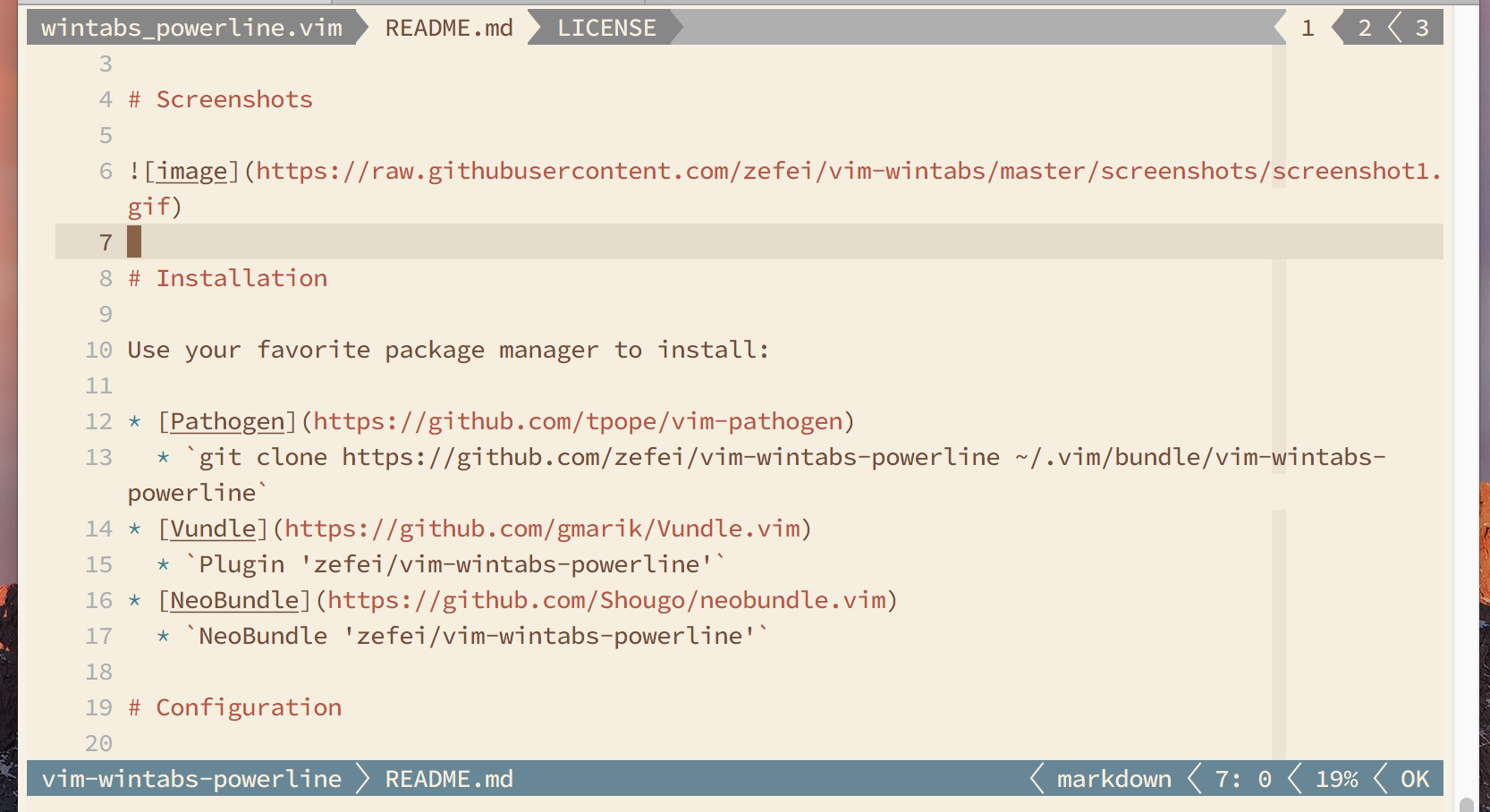
Installation
Use your favorite package manager to install:
git clone https://github.com/zefei/vim-wintabs ~/.vim/bundle/vim-wintabs
git clone https://github.com/zefei/vim-wintabs-powerline ~/.vim/bundle/vim-wintabs-powerline
plugin 'zefei/vim-wintabs'
plugin 'zefei/vim-wintabs-powerline'
plug 'zefei/vim-wintabs'
plug 'zefei/vim-wintabs-powerline'
Configuration
let g:wintabs_powerline_arrow_left = " \u25c0 "
Left pointing arrow, used as previous buffers indicator.
let g:wintabs_powerline_arrow_right = " \u25b6 "
Right pointing arrow, used as next buffers indicator.
let g:wintabs_powerline_sep_buffer_transition, "\ue0b0"
Separator between inactive and active buffers.
let g:wintabs_powerline_sep_buffer = "\ue0b1"
Separator between inactive buffers.
let g:wintabs_powerline_sep_tab_transition = "\ue0b2"
Separator between inactive and active vimtabs.
let g:wintabs_powerline_sep_tab = "\ue0b3"
Separator between inactive vimtabs.
highlight link WintabsEmpty TabLineFill
Highlight group for background.
highlight link WintabsActive TabLineSel
Highlight group for active buffer/tab.
highlight link WintabsInactive TabLine
Highlight group for inactive buffer/tab.
highlight link WintabsArrow TabLine
Highlight group for arrows.
highlight link WintabsActiveNC TabLine
Highlight group for active buffer/tab in not-current windows.
highlight link WintabsInactiveNC TabLine
Highlight group for inactive buffer/tab in not-current windows.
License
MIT License.